

Top 5 Best Wyze Camera Accessories: Wasserstein Edition
Key Takeaways:
-
Upgrade coverage + reduce blind spots with smarter mounting options (especially elevated, no-drill placements like a gutter mount).
-
Cut battery maintenance and downtime by adding continuous power solutions like a Wasserstein solar panel or rotating spares with a dual battery charging station.
-
Improve durability outdoors with protective, weather-ready housing (like the Bird Feeder Smart Camera Case) that shields your Wyze cam from rain, wind, and debris.
-
Keep indoor monitoring discreet and clean-looking using an enclosure like the Wyze Cam Alarm Clock Case, which blends into home décor without sacrificing night vision or audio.
Wyze cameras have earned a strong position in the smart home security market because they deliver reliable performance without demanding a large investment. For homeowners who want dependable cameras without spending excessive money, Wyze offers a practical balance of affordability and functionality.
However, even the best cameras benefit from the right accessories. Mounting flexibility, power reliability, weather resistance, and discreet placement can dramatically improve how your system performs. If you’re searching for the best Wyze camera accessories, these five Wasserstein options let you upgrade your setup with smarter, more advanced accessories to build a smarter, more reliable security plan.
Why Accessories Matter for Wyze Cameras
A Wyze cam works well straight out of the box, but real-world installations often reveal limitations. Outdoor placement may expose cameras to rain and heat. Battery-powered units require routine charging. Some angles leave blind spots, especially around key areas like the front porch.
Accessories solve these problems. They allow you to elevate cameras for wider coverage, keep batteries charged longer, protect devices from harsh weather, and blend indoor cameras into your décor. Instead of replacing your cameras, upgrading strategically is often the smarter move.
1. Wasserstein Bird Feeder Smart Camera Case

Price: $50.99
The Wasserstein Bird Feeder Smart Camera Case turns a standard Wyze cam into a dual-purpose outdoor device. While it’s designed for bird watching, its value goes beyond hobby use. The durable housing protects your camera from wind, rain, and debris while positioning it at the perfect viewing angle for close-up footage.
With a 26.4 oz seed capacity, it attracts birds directly into frame, making it ideal for backyard monitoring. The weatherproof construction extends your camera's lifespan, especially in exposed outdoor environments. It is also compatible with solar panels, which helps reduce maintenance over the long term. If you need help getting started, follow this step-by-step guide to mounting the Wasserstein Bird Feeder Camera Case.
If your security plan includes yard coverage but you also want something more engaging than a standard mount, this solution delivers both protection and purpose.
Best for: Backyard monitoring and wildlife viewing with added outdoor protection.
2. Wasserstein 2-in-1 Universal Gutter Mount

Price: $17.99
The Wasserstein 2-in-1 Universal Gutter Mount addresses one of the biggest weaknesses in many security setups: poor elevation. Cameras mounted too low often miss important angles or create blind spots.
This clamp-style mount attaches directly to your home’s gutter, eliminating the need for drilling. The elevated position improves visibility across driveways, entry points, and the front porch. Its adjustable design allows precise positioning so you can fine-tune your coverage area without reinstalling the camera.
The 2-in-1 functionality lets you mount both a camera and a solar panel together, streamlining installation and maximizing sun exposure for consistent charging.
Best for: Homeowners who want elevated outdoor security coverage without permanent installation.
3. Wasserstein Solar Panel for Wyze Battery Cam Pro

Price: $23.99
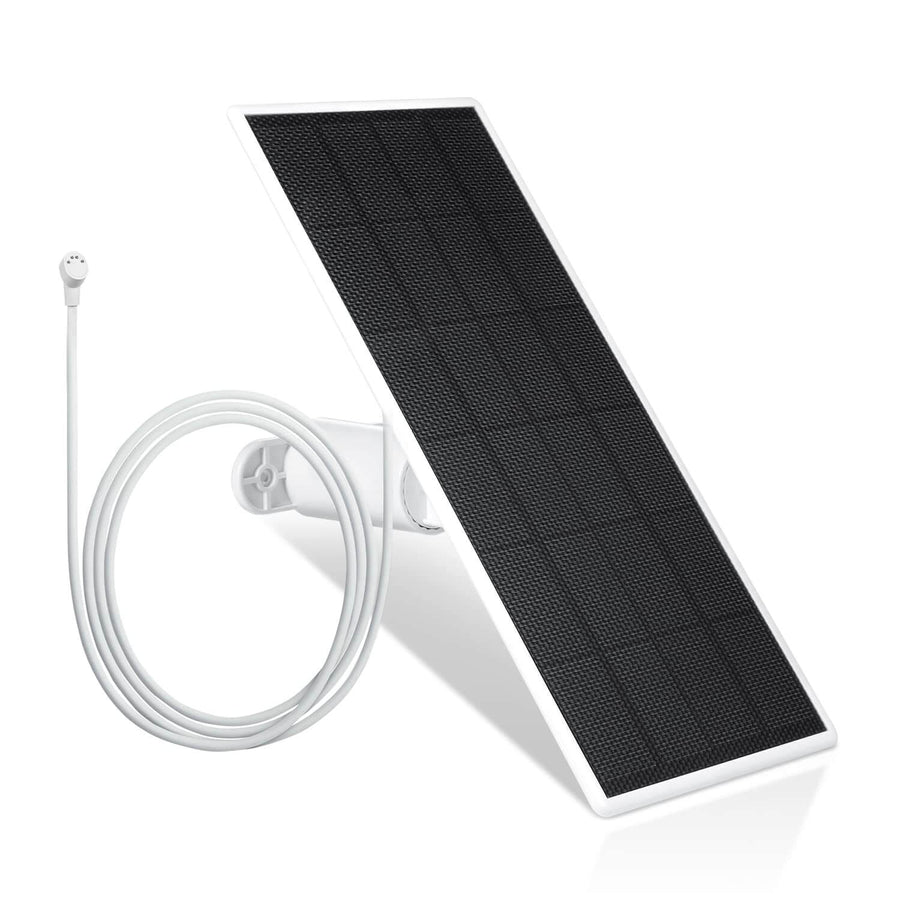
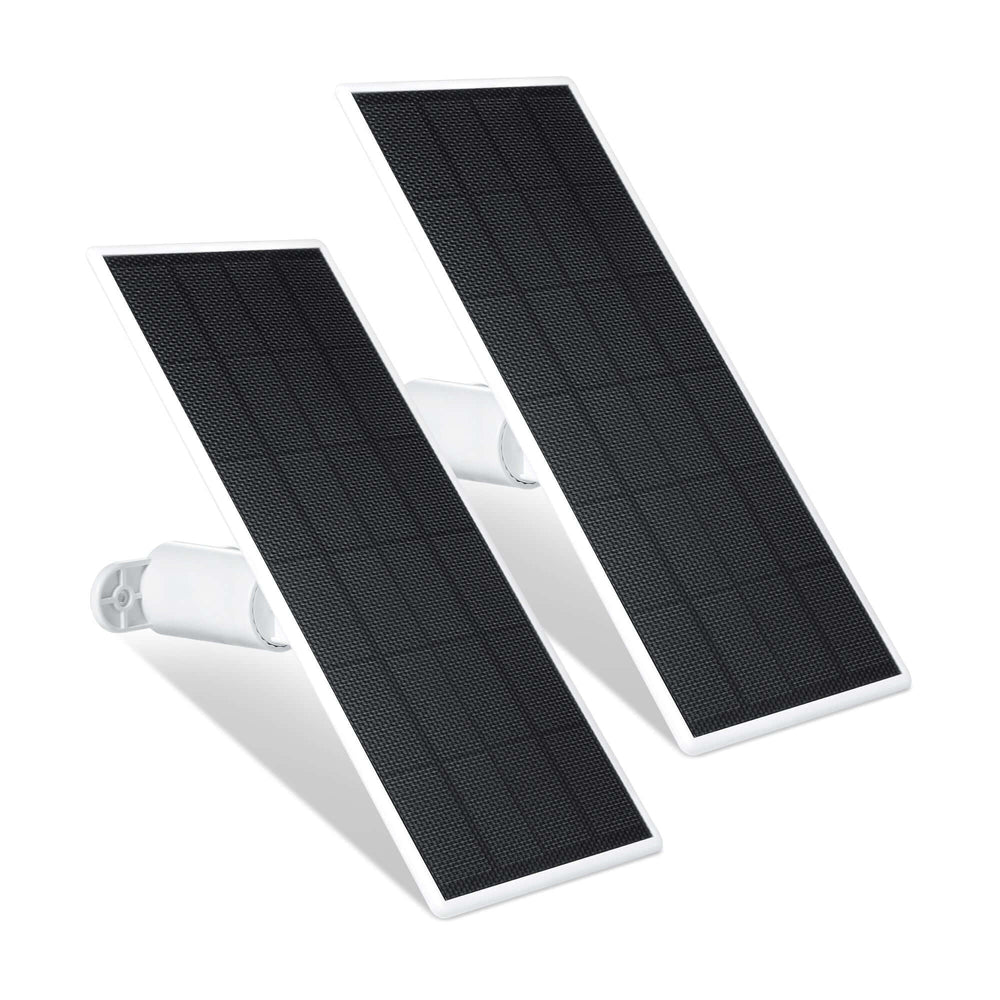
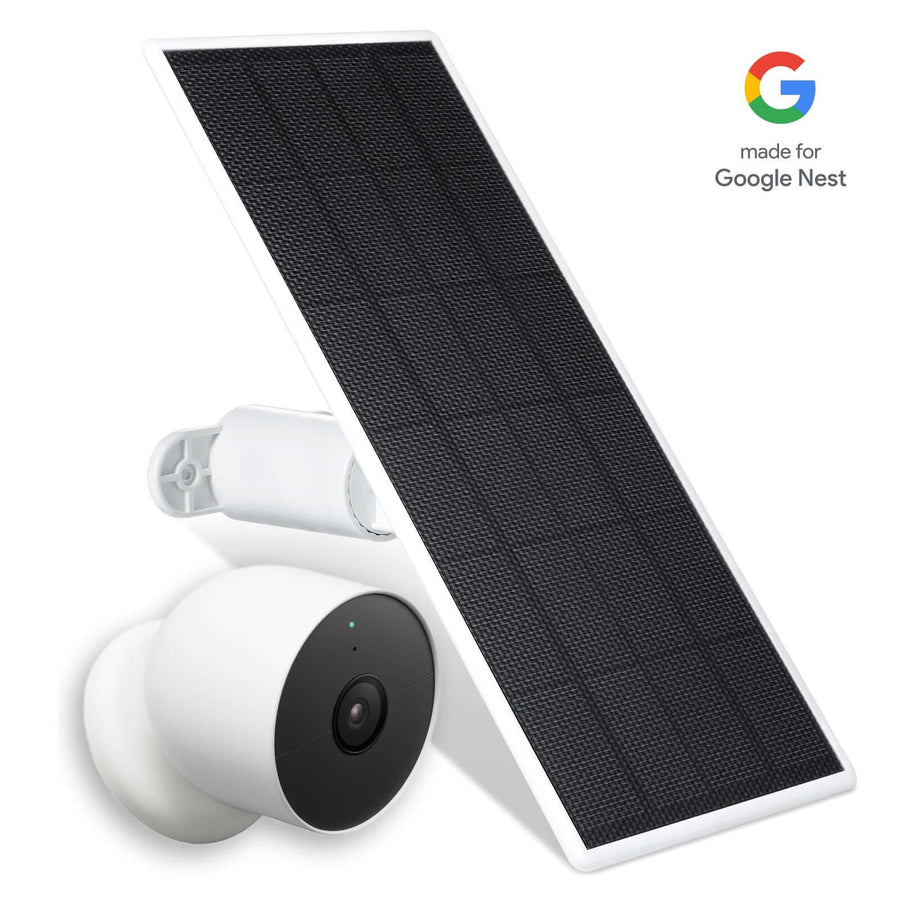
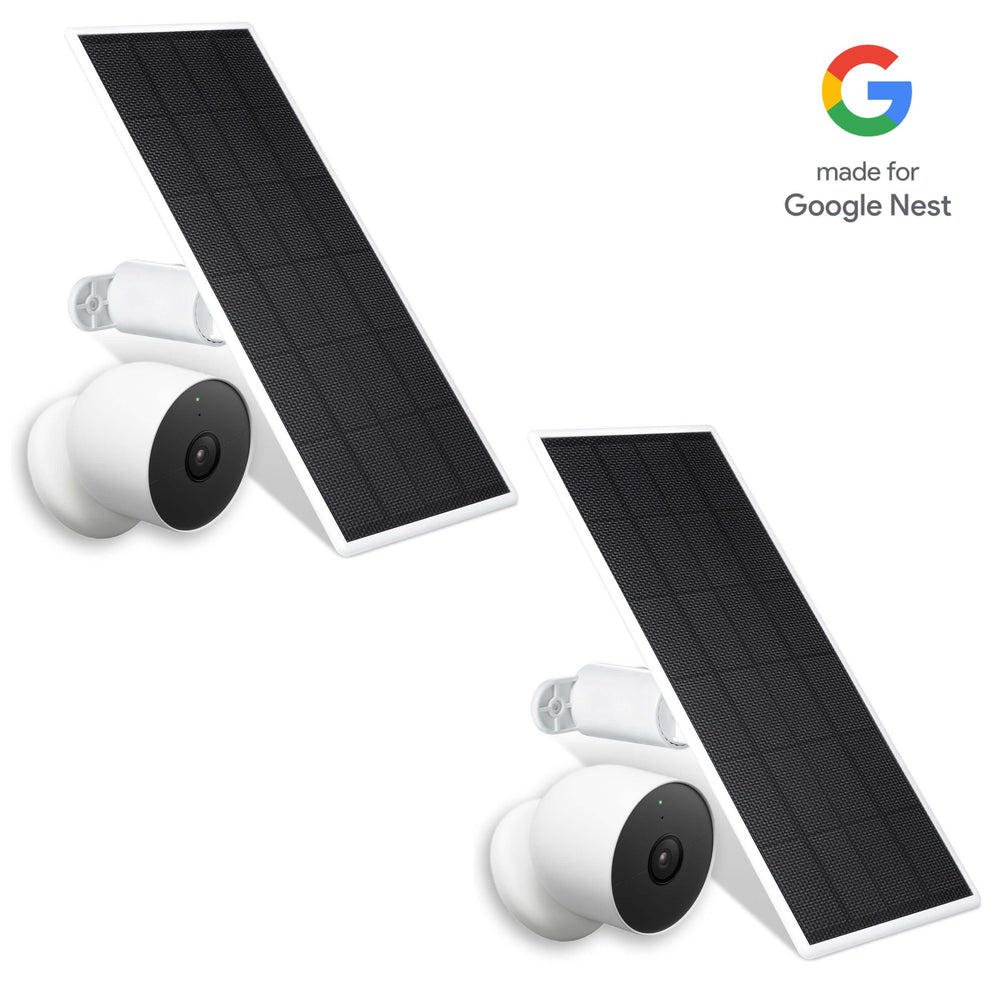
The Wasserstein Solar Panel for Wyze Battery Cam Pro reduces one of the most common frustrations with battery-powered cameras: frequent charging. If you're using Wyze Cam Outdoor, you can follow a dedicated installation guide for the Wasserstein Solar Panel to ensure optimal placement and performance.
A solar panel powers your Wyze camera using energy from the sun, making it ideal for a wireless setup. When properly positioned, it significantly reduces downtime and the need to remove your camera for charging.
The 360-degree adjustable bracket allows you to optimize sun exposure, while the 13-foot cable provides flexibility in placement. The weather-sealed connector protects against moisture and outdoor wear.
For homeowners building a long-term outdoor security plan, integrating Wyze-compatible solar panels for continuous outdoor power is one of the most practical upgrades available in today’s smart home market.
Best for: Continuous outdoor power with minimal battery maintenance.
4. Wasserstein Battery Charging Station

Price: $16.99
The Wasserstein Battery Charging Station simplifies battery management for households running multiple cameras.
Instead of charging one battery at a time, this station powers two simultaneously. A full charge typically takes eight to ten hours, making overnight rotation easy and predictable. Keeping spare batteries ready ensures that high-priority areas like the front porch remain monitored at all times.
The compact design fits neatly on a desk or shelf, reducing clutter while supporting a more organized security setup.
Best for: Efficient battery rotation and preventing surveillance gaps.
5. Wasserstein Wyze Cam Alarm Clock Case

Price: $27.99
The Wasserstein Wyze Cam Alarm Clock Case offers discreet indoor placement without sacrificing performance.
Instead of appearing as a visible camera, your Wyze Cam is fully enclosed within a clock-style housing that blends naturally into bedroom or office environments. This makes it ideal for users who want subtle monitoring.
The enclosure maintains video and audio quality and supports infrared functionality for low-light conditions. It also adds physical protection from dust and accidental bumps.
Best for: Subtle indoor security that blends seamlessly with home décor.
Other Useful Wyze Accessories to Consider
While Wasserstein accessories address mounting, power, and placement upgrades, there are additional tools within the Wyze ecosystem that strengthen your overall smart home setup.
-
MicroSD cards allow local storage directly on your Wyze cameras. This enables continuous or event-based recording without depending entirely on cloud services. For users concerned about subscription costs, this can save money over time.
-
USB extension cables expand placement flexibility. Sometimes the ideal viewing angle is just a few feet beyond the standard cable length. Extensions allow you to reposition cameras without relocating power outlets.
-
PoE adapters transmit power through an Ethernet cable. This can simplify certain outdoor installs by combining data and power into one line. For homeowners planning a more structured security network, PoE can provide stable connectivity.
-
Wall plates for doorbell upgrades help cover gaps left behind when replacing traditional doorbells with smart units. A clean finish enhances curb appeal, especially on a visible front porch.
-
Protective silicone skins add an extra layer of weather resistance for outdoor cameras. While many cameras are already weather-rated, additional shielding can prolong lifespan in harsh environments.
-
Lamp Sockets can convert existing light fixtures into powered mounts for Wyze cameras, enabling motion detection functionality.
-
The Wyze Cam v3 Spotlight Kit adds bright LED lights for color night vision and can deter intruders.
-
The Wyze Wi-Fi Chime alerts users to motion or person detection with customizable sounds.
-
The Wyze Cam OG can be stacked to provide dual focal lengths in one installation, and you can use several methods to view Wyze camera footage on a PC for easier monitoring.
These accessories complement Wasserstein upgrades. Exploring a broader range of Wyze camera accessories from Wasserstein can help you mix and match solutions for your specific layout. Together, they create a more complete and reliable security system.
Buying Guide – What to Look for Before Purchasing
Before investing in accessories, step back and evaluate your full security plan. If you're just getting started, a clear Wyze camera setup step-by-step guide can help you understand your system before adding accessories. A thoughtful purchase prevents wasted money and installation frustration.
Compatibility Checklist
Start by confirming your exact camera model. Wyze offers multiple versions, including wired and battery-powered options. If you use the Wyze Cam v3, reviewing its features and compatible high-quality accessories can help you choose the right add-ons. Not every accessory fits every device.
Also, determine whether your camera uses battery power or wired power. This influences whether you need solar support, charging stations, or cable extensions.
Mounting Surface
Your mounting location plays a major role in accessory selection.
-
If installing on a wall, you may need adjustable brackets for optimal angles. Window Mounts allow secure indoor placement of Wyze cameras looking out through a window, minimizing glare and reflections.
-
If attaching to a gutter, clamp-style mounts eliminate drilling, and weatherproof gutter mounts like Wasserstein’s adjustable gutter mount for outdoor cameras can provide stable, elevated positioning.
-
If placed near a tree, strap-based systems provide flexibility.
-
For an indoor surface, decorative or hidden enclosures maintain aesthetic appeal.
Understanding where your cameras will sit ensures you choose the right mounting style from the start.
Power Needs
Power strategy determines long-term maintenance effort.
-
If you want minimal intervention, continuous solar charging is ideal for outdoor cameras.
-
If you prefer rotating batteries, a charging station improves efficiency.
-
If a wired outlet is available, stable direct power may be the simplest solution. Outdoor Power Adapters convert outdoor power sources for reliable use with Wyze cameras.
Your goal should be to reduce downtime while maintaining consistent security coverage.
Weather Resistance
Outdoor cameras face rain, heat, wind, and debris. Look for accessories with proper sealing and durable materials. When planning for outside coverage, consider how a dedicated Wyze Cam Outdoor wireless surveillance setup will perform in your climate. Solar panels must also be positioned for adequate sun exposure. Even the best panel will underperform if installed in heavy shade. Proper weather planning protects both your cameras and your investment.
Long-Term Value
A good accessory should reduce maintenance, prevent blind spots, and extend device lifespan. Solar panels minimize battery removal. Elevated mounts reduce repositioning. Protective housings guard against environmental wear. Charging stations eliminate overlapping downtime.
When evaluating upgrades, think beyond initial cost. Consider time savings, durability, and installation flexibility. In a competitive security market, smart upgrades can deliver better performance without replacing your entire system.
Frequently Asked Questions
Do Wasserstein accessories work with all Wyze cameras?
Compatibility depends on the camera model. Always verify whether your Wyze Cam is V3, V4, OG, or Battery Cam Pro before purchasing. Checking specifications ensures proper fit and prevents installation issues.
Is solar power reliable for outdoor Wyze cameras?
Yes. When positioned correctly with sufficient sunlight exposure, solar panels significantly reduce battery drain and minimize charging interruptions for outdoor cameras.
What is the best mount for front porch monitoring?
An elevated adjustable mount, such as a gutter clamp system, typically provides the widest and most effective viewing angle for front porch security coverage.
How can I reduce camera downtime?
Use a solar panel to maintain battery levels or rotate spare batteries with a dual charging station. Planning power management prevents surveillance gaps.
Are these accessories renter-friendly?
Many mounting options require no drilling and can be removed without structural damage, making them suitable for rental properties.
Do I still need a MicroSD card?
Yes. A MicroSD card allows local recording and backup storage, reducing reliance on cloud subscriptions.
Are Wyze accessories worth the money?
Yes. Strategic upgrades improve placement, power reliability, and protection, enhancing overall security without replacing existing cameras.
Leave a comment