

Ring Solar Panel vs. Blink Solar Panel: Which is More Efficient
Quick summary:
-
Neither Ring nor Blink solar panels are interchangeable — each is brand-specific, uses different connectors (USB-C for Ring, micro USB for Blink), and only works with a defined list of compatible camera models.
-
The biggest functional difference is the internal battery — the Wasserstein Blink solar panel stores energy for cloudy days and low-light conditions, while the Ring panel works best in locations that receive 3–4 hours of direct sunlight daily.
-
Both panels use a 360° adjustable mount and a 13.1 ft cable — placement flexibility is equal, but positioning matters more for the Ring panel since it has no backup energy storage when sunlight is limited.
-
Cloud storage plans differ between brands — Blink starts at $3/month per camera (up to 60 days), Ring offers a free tier plus paid plans from $3/month, with optional professional monitoring from $10/month for added coverage.
-
Both panels are priced the same — the right choice comes down to your camera brand, how much direct sunlight your install location gets, and whether you need a built-in energy buffer for overcast conditions.
Battery-powered home security cameras are convenient but require regular recharging, which can be a hassle for outdoor cameras. Solar panels provide a renewable, hassle-free solution by keeping battery cameras charged using solar power.
Choosing the right security products is essential for building an effective smart home system. Both Ring and Blink are leading security products in the market, offering reliable options for home safety and convenience.
Both Ring and Blink solar-powered security cameras rely on a stable Wi-Fi connection for setup and operation. Additionally, using solar-powered security cameras can help lower energy bills and reduce your carbon footprint, making them an environmentally friendly choice.
This guide compares Ring solar panel vs Blink solar panel, focusing on Wasserstein solar panels, so you can choose the best solar setup for your wireless cameras and home security system.
Quick Verdict: Best Solar Panel by Use Case
Choosing the right camera solar panel depends on your location, budget, and the type of cameras you use. Each option has strengths for specific scenarios:
-
Best for Shady Locations: Wasserstein Solar Panel for Blink cameras, featuring an internal battery for days with limited sunlight.
-
Best for Budget-Friendly Setups: Blink panels provide solar-powered security at lower cost and rely on local storage, avoiding monthly fees.
Comparison Table: Wasserstein Solar Panel for Ring vs Blink
Before diving into details, it’s useful to see a side-by-side comparison to evaluate features, compatibility, and mounting options.
|
Feature |
Wasserstein Solar Panel for Ring |
Wasserstein Solar Panel for Blink |
|---|---|---|
|
Compatible Cameras |
Ring Spotlight Cam/Plus/Pro, Stick Up Cam/Pro, Outdoor Cam Plus |
Blink Outdoor 4, 3, XT2, XT |
|
Power System |
Direct solar charging |
Solar charging with internal battery |
|
Internal Battery |
❌ No |
✅ Yes |
|
Cable Length |
13.1 ft (4m) |
13.1 ft (4m) |
|
Mount Type |
360° adjustable mount |
360° adjustable mount |
|
Connector Type |
DC connector + USB-C adapter |
Micro USB + USB-C adapter |
|
Installation |
Plug-and-play, no complex setup |
Plug-and-play, simple setup |
|
Best For |
Full sun environments |
Partial sun / low-light environments |
Wasserstein Solar Panel for Ring Cameras

Compatible Camera Models
The Ring solar panel is designed for Ring Spotlight Cam, Ring Stick Up Cam, and Cam Pro, including newer USB-C models. This ensures compatibility with cameras that support all the features like color night vision, motion sensors, and two-way audio. Using the right panel guarantees reliable performance for battery powered outdoor cameras and a smooth smart home integration.
Power Output and Charging Expectations
Ring solar panels deliver consistent solar power when exposed to at least 3–4 hours of direct sunlight per day. This is enough to maintain battery life and run wireless cameras continuously. Panels support spotlight cam features, night vision, and video footage recording, making them ideal for a comprehensive security system.
Installation and Cable Considerations
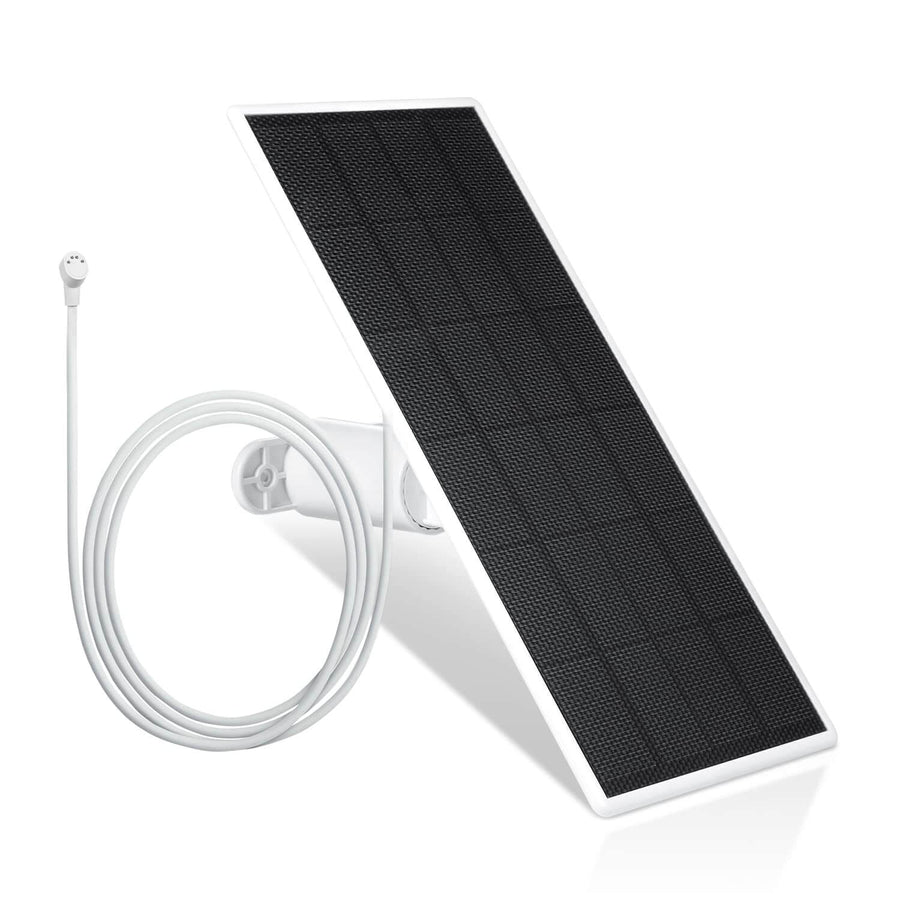
The included 13.1 ft cable allows flexible placement for maximum exposure. The panel uses a USB-C port for connection. Users should secure cables and position the panel to avoid shadows, ensuring consistent charging for battery cameras with shorter battery life.
Wasserstein Solar Panel for Blink Cameras

Compatible Camera Models
Designed for Blink Outdoor 4 & 3, XT2, and XT, the Blink camera solar panel keeps Blink’s cameras powered continuously. It is especially useful for battery-powered outdoor cameras that rely on two AA batteries, maintaining operation without frequent manual recharging.
Internal Battery Advantage
The internal battery stores solar power, allowing cameras to operate even during cloudy days or low-light conditions, especially when connecting a Blink Outdoor to a Wasserstein solar panel following proper setup steps. This helps reduce downtime and ensures consistent solar-powered security for wireless cameras installed in shaded areas.
Mounting and Connection
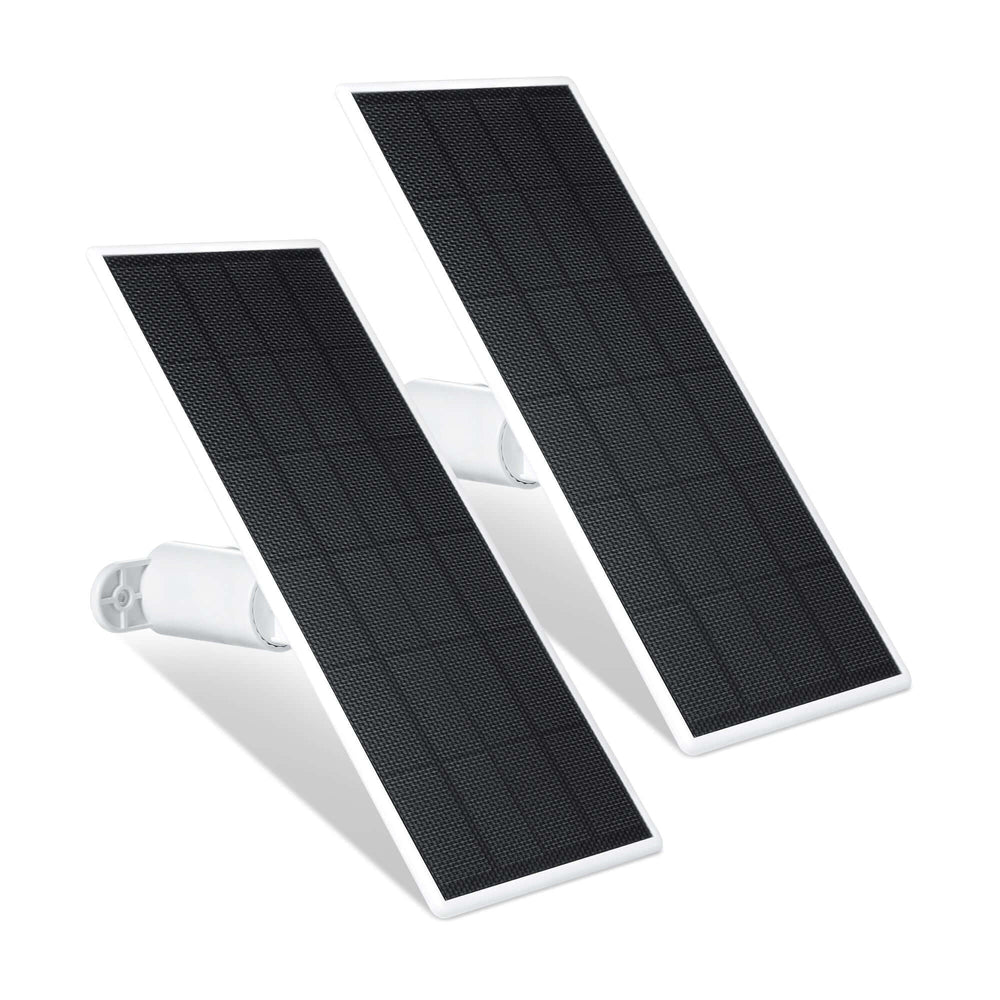
The 360° adjustable mount allows for optimal positioning for maximum exposure. The 13.1 ft cable connects via micro USB, with a USB-C adapter for newer Blink models. Correct positioning is crucial to achieve enough sunlight and reliable charging, especially for cameras with shorter battery life.
How Solar Panels Work with Battery Cameras
Solar panels for your camera and doorbell convert sunlight into energy to charge battery cameras during the day, while cameras use stored energy at night. This solar power reduces the frequency of manual charging and supports security camera features like motion detection, video footage, and two-way audio. Proper use of camera solar panels extends battery life and ensures wireless cameras function continuously, even in remote outdoor locations.
Sunlight Requirements and Environmental Factors
Most solar powered security cameras need 3–4 hours of direct sunlight daily for optimal operation. Placement, latitude, seasonal changes, and cloudy days affect performance. Using a 360° adjustable mount ensures maximum exposure, and checking that panels receive enough sunlight helps maintain battery life for multiple cameras in your home security system.
Battery Performance and Charging Behavior
Camera solar panels help extend battery life by reducing manual recharging. Blink panels with internal batteries provide continuous operation in low sunlight, while Ring panels perform best in full sun; if you encounter issues with charging, you may need to troubleshoot a Ring solar panel that’s not charging. Cold weather may reduce charging efficiency, so positioning and sunlight availability remain important. Panels support all security camera features, including color night vision, motion sensors, and two-way audio.
Compatibility Limitations
Brand-Specific Charging
Each panel is designed for specific cameras:
-
Ring solar panel → Ring cameras only
-
Blink solar panel → Blink cameras only
Connector Types
-
Ring: USB-C
-
Blink: micro USB + USB-C adapter
Other Ecosystems
-
Panels are not compatible with Google Nest cameras
-
Always verify your camera model before purchasing a solar panel
Installation, Mounting, and Placement Tips
Proper installation ensures reliable solar power:
-
Mount where sunlight is unobstructed, similar to the steps for installing the Wasserstein Solar Charger and Mount for Blink Video Doorbell
-
Use 360° adjustable mounts for best angle
-
Route cables safely to prevent damage
-
Separate panel from camera if needed for maximum exposure, and consider additional charging options for your Blink XT and XT2 camera if sunlight is limited
Durability, Weather Resistance, and Outdoor Reliability
Both panels are weatherproof, handling rain, heat, and dust. Regular cleaning ensures high efficiency, keeping battery cameras powered continuously. Panels maintain solar power for several weeks of use even in challenging outdoor conditions.
Real-World Performance Comparison
-
Ring panels: Excellent in full sun, supports all security camera features
-
Blink panels: Works better in partial shade, internal battery provides continuous operation
-
Efficiency vs Price: Both panels are priced at around $30
Cloud Storage and Monitoring
Cloud storage plays a key role in any solar-powered security camera setup. While solar panels keep your cameras powered, cloud storage ensures your video footage is securely saved and accessible anytime, even if your outdoor cameras are installed in hard-to-reach areas. This combination is essential for maintaining reliable home security without constant manual checks.
Cloud Storage Options: Blink vs Ring
Both Blink and Ring offer cloud storage solutions designed for their security cameras, but their approaches differ in flexibility and cost.
-
Blink Cloud Storage
-
Starts at $3 per month per camera
-
Stores video footage for up to 60 days
-
Ideal for reviewing past activity and maintaining longer video history
-
-
Ring Cloud Storage
-
Offers a free plan with limited storage (up to 30 days)
-
Paid plans start at $3 per month per camera
-
Optional professional monitoring starts at $10 per month for added security support
-
These options allow users to choose between basic storage and more advanced monitoring, depending on their home security needs.
Why Cloud Storage Matters for Solar-Powered Security
When using solar-powered security cameras, consistent recording depends not just on power, but also on how footage is stored and accessed. Solar panels help maintain battery life, but cloud storage ensures your recordings are preserved even during power interruptions or poor weather conditions.
For a more reliable system, look for features such as:
-
Seamless integration with your camera solar panel setup
-
Real-time alerts through motion detection
-
Clear footage with color night vision
-
Easy access via mobile apps over Wi-Fi
Local Storage as a Backup Option
In addition to cloud storage, local storage can provide extra flexibility and cost savings. Some systems support storing footage directly on a device, reducing reliance on subscriptions.
-
Use a microSD card or USB storage for backups
-
Avoid ongoing monthly fees
-
Access recordings even without internet connectivity
This is especially useful for users who prefer a more self-contained security system.
Additional Monitoring Features to Consider
Beyond storage, modern security cameras offer features that improve monitoring and response.
-
Two-way audio allows communication with visitors or intruders
-
Motion sensors trigger alerts and recordings automatically
-
Mobile apps (like the Ring app) provide real-time access to footage
These features enhance the effectiveness of your solar-powered security setup.
What to Check Before Choosing a Plan
Before committing to a cloud storage or monitoring plan, review the details carefully to ensure compatibility and value.
-
Confirm support for your camera model (e.g., Ring Stick Up Cam or Blink Outdoor)
-
Check storage limits and retention period
-
Compare monthly fees and included features
-
Verify compatibility with your solar panels and setup
Pros, Cons, and Best Use Cases
Ring – Pros
-
Powers multiple Ring cameras (Spotlight Cam/Plus/Pro, Stick Up Cam/Pro, Outdoor Cam Plus)
-
360° adjustable mount for optimal sun exposure
-
High-efficiency solar cells ensure continuous charging
-
Hassle-free installation with USB-C / DC adapter
Ring – Cons
-
Requires 3–4 hours of direct sunlight to fully charge
-
Not ideal for shaded areas
Blink – Pros
-
Internal battery stores solar power for low-sun conditions
-
360° adjustable mount and long cable allow flexible placement
-
Easy installation using micro USB / USB-C adapter
-
Affordable solution for Blink cameras, same price as Ring panel
Blink – Cons
-
Placement sensitive; low sunlight reduces efficiency
-
Still relies on two AA batteries for continuous operation
Best Use Cases
-
Ring panel: Sunny locations with multiple Ring cameras needing high-efficiency solar charging.
-
Blink panel: Areas with partial sun or for users who prefer backup power via internal battery.
Buying Checklist: How to Choose the Right Solar Panel
When selecting a camera solar panel, ensure:
-
✅ Camera model compatibility
-
✅ Correct connector type (USB-C or micro USB)
-
✅ Sunlight availability at installation site
-
✅ Cable length fits mounting distance
-
✅ Panel can be positioned for best angle
-
✅ Power options meet your battery camera usage
Final Recommendation: Best Wasserstein Solar Panel
Choosing the best Wasserstein solar panel depends on your camera brand, sunlight availability, and installation needs.
-
Ring Solar Panel: Best for users with multiple Ring cameras (Spotlight Cam/Plus/Pro, Stick Up Cam/Pro, Outdoor Cam Plus) in sunny locations. It offers high-efficiency solar cells, 360° adjustable mounting, and continuous power under full sun, making it ideal for a comprehensive security system.
-
Blink Solar Panel: Best for Blink Outdoor cameras in locations with partial sun or shade. The internal battery provides backup power when sunlight is limited, and the panel includes a 360° adjustable mount and long cable for flexible placement.
FAQs
Which solar panel is better: Ring or Blink?
It depends on your camera brand and sunlight. The Ring solar panel is ideal for multiple Ring cameras in sunny locations, while the Blink solar panel is better for shaded areas thanks to its internal battery. Both are the same price.
Are Wasserstein solar panels compatible with all Ring and Blink cameras?
No. The Ring solar panel works with Spotlight Cam/Plus/Pro, Stick Up Cam/Pro, and Outdoor Cam Plus. The Blink solar panel works with Blink Outdoor 4 & 3, XT2, and XT. Each panel is brand-specific.
How much sunlight do these panels need to keep cameras charged?
Ring panels require 3–4 hours of direct sunlight daily for optimal charging. Blink panels store extra energy in the internal battery, so they can operate with less sunlight.
Do the panels require AA batteries or other backup power?
Blink panels still rely on two AA batteries in the camera for full operation. Ring panels use the camera’s built-in battery and don’t require extra batteries.
What types of connectors do these panels use?
-
Ring solar panel: USB-C or DC adapter
-
Blink solar panel: micro USB with included USB-C adapter for newer cameras
Can one panel be used for multiple camera brands?
No. Ring panels are not compatible with Blink cameras, and Blink panels do not work with Ring cameras. Always verify your camera model before purchasing.
Are there differences in price between the Ring and Blink Wasserstein panels?
No. Both panels are priced the same, so the choice depends on camera compatibility and sunlight conditions, not cost.
Leave a comment