

Ring Doorbell Keeps Going Offline? Causes & Fixes Guide
Quick summary
-
Critical Impact: When a Ring Doorbell goes offline, it completely stops recording video, sending motion alerts, and providing Live View, leaving your home unmonitored.
-
Primary Culprits: Connection failures are almost always caused by a weak Wi-Fi signal (RSSI below -70), a dead battery, or a wired transformer providing less than 16V.
-
Priority Fixes: Start by checking Device Health in the app; usually, a router restart or switching to the 2.4 GHz band resolves the issue before a factory reset is ever needed.
If your Ring Doorbell keeps going offline, it means your front door isn’t being fully monitored. When your device is offline, you can’t view live video, receive alerts, or access recorded videos from your camera. That can be frustrating, especially when your smart home security depends on it.
The good news? Most cases of a Ring Doorbell going offline are caused by a weak Wi-Fi network, a low battery, or an insufficient power source. Below, you’ll learn exactly how to check, troubleshoot, and fix the problem step by step with fast solutions.
Why Your Ring Doorbell Going Offline Matters

*Screengrabs courtesy of Ring
When a Ring video doorbell goes offline, it:
-
Stops sending motion alerts
-
Cannot record or save videos
-
Won’t let you view Live View
-
Leaves your door unmonitored
If your ring devices are disconnecting frequently, the issue is usually related to Wi-Fi, power, or your home network setup.
Common Reasons Your Ring Doorbell Keeps Going Offline
Here are the most common causes of a Ring Doorbell that keeps going offline:
1. Weak Wi-Fi Signal

A weak Wi-Fi signal is the #1 reason a ring device struggles to stay connected. Distance from the Wi-Fi router, thick walls, brick, metal, and interference from electronics can weaken your signal. If your device’s RSSI reading in the device health section is lower than -70, the connection is considered weak and may cause frequent disconnects.
2. Low Battery (Battery Models)

If your battery is too low, your Ring Doorbell may go offline. Charging typically takes 6–8 hours. Cold weather can also cause battery-powered ring devices to struggle to hold a charge.
Always:
-
Check battery percentage in the Ring app.
-
Clean charging contacts
-
Fully charge before troubleshooting further.
3. Insufficient Power From Wiring
Wired models rely on a proper doorbell transformer. If your Ring doorbell is not receiving enough voltage, it may require a professional to upgrade the transformer. A weak doorbell transformer can cause your Ring doorbell to go offline. Ring Video Doorbells typically require between 8 and 24 volts to operate properly.
If the voltage is below 16 volts, your device may not be receiving enough power to stay online. Upgrading your doorbell transformer can improve the performance of your Ring doorbell. A local technician can assist with upgrading your transformer and optimizing your Wi-Fi network for better performance.
4. Loose or Broken Wires
If your wired doorbell was recently installed or adjusted, loose or broken wires can cause it to go offline. Always turn off the breaker before inspecting wiring.
How to Confirm Your Ring Doorbell Is Offline
Open the Ring app on your phone.
Follow these steps:
-
Open the dashboard.
-
Look for an offline icon over the camera tile.
-
Tap the device.
-
Tap Device Health.
-
Review:
-
Network status
-
RSSI signal strength
-
Battery level
-
Voltage (for wired models)
-
If you see error codes, note them before you restart or reset.
Quick Wi-Fi Fixes to Try First
If your Ring Doorbell keeps going offline, start with your Wi-Fi network for fast fixes; if your Ring is offline but WiFi is working, there are additional troubleshooting steps you can take.
Tip: To refresh the network connection for Ring doorbells, reboot your router by unplugging it for 30 seconds before plugging it back in.
Step 1: Check Other Devices
Make sure other devices inside your home can connect to the internet. If nothing is connected, the issue may be your router or service provider.
Step 2: Restart Your Router and Modem
-
Unplug your modem and Wi-Fi router.
-
Wait 30 seconds.
-
Plug them back in and wait for the network to come back online.
This simple restart often resolves temporary disconnections.
Step 3: Move the Doorbell or Router

If your device keeps disconnecting from the internet, try moving the device closer to your WiFi router. Physical barriers, such as brick or metal inside walls, can weaken Wi-Fi signals.
If repositioning works, you may need a Wi-Fi extender to maintain a strong connection.
2.4 GHz vs 5 GHz: Which Should You Use?

Some Ring devices prefer 2.4 GHz because it has a better range than 5 GHz.
If your device keeps disconnecting, try:
-
Switching to a 2.4 GHz Wi-Fi network
-
Setting up again in the ring app
-
Testing signal strength in device health
2.4 GHz travels farther and penetrates walls better, which can help your Ring doorbell stay connected.
Power and Battery Troubleshooting
If Wi-Fi isn’t the problem, check your power source.
For Battery Models
-
Check battery level in the Ring app.
-
Fully charge for 6–8 hours.
-
In cold weather, bring the battery inside to warm up.
-
Clean contacts to ensure proper power, and follow a clear process to charge your Ring camera battery
If your device won’t turn on after draining completely, make sure you know how to properly change the Ring Doorbell battery:
-
Plug into a wall charger.
-
Leave plugged in for at least 30 minutes.
-
If needed, perform a reset by holding the setup button for 20–30 seconds.
For Wired Models
Your Ring Video Doorbell requires between 8 and 24 volts.
To test:
-
Locate the transformer (usually near your chime or breaker panel).
-
Turn off the breaker.
-
Use a multimeter to measure voltage.
-
If below 16V, your device may not receive enough power.
If the transformer is weak, upgrading to a 16–24V, 30VA unit can significantly improve performance, and targeted guides on why a wired Ring Doorbell is not working can help you troubleshoot further.
If you're uncomfortable testing electrical components, contact a licensed electrician.
Restart, Reconnect, or Reset?
If your ring device remains offline:
Some users may have trouble restarting or resetting their device. If you experience any trouble, follow the troubleshooting steps below to help resolve the issue.
Reconnect in the Ring App
-
Go to Device Health
-
Tap Reconnect to Wi-Fi
-
Follow prompts
Power Cycle the Device
-
Remove the battery or disconnect power.
-
Wait 30 seconds
-
Restore power
Factory Reset (Last Resort)
Before performing a full reset, make sure to download and save important videos.
To factory reset:
-
Press and hold the reset button
-
Continue holding
-
After 20 seconds, release by releasing the button
-
Set up again in the app
Only use this if other methods fail.
Advanced Network Fixes
If your Ring Doorbell keeps going offline every week, your home network may need optimization.
Consider:
-
Removing extra routers
-
Using bridge mode
-
Lowering firewall restrictions
-
Reserving a static IP for your device
-
Enabling QoS to prioritize video traffic
Multiple routers can confuse your ring devices, causing repeated disconnect issues.
Accessories That Help Solve Offline Issues
Sometimes the best way to fix persistent offline problems is to improve power or signal reliability.
Boost Wi-Fi Signal
For many homeowners using the 2nd-generation model, curated Ring Video Doorbell bundles and accessories can also improve placement and connectivity.
Ring Chime Pro boosts the Wi-Fi signal specifically for Ring devices, helping them stay connected even at longer distances.
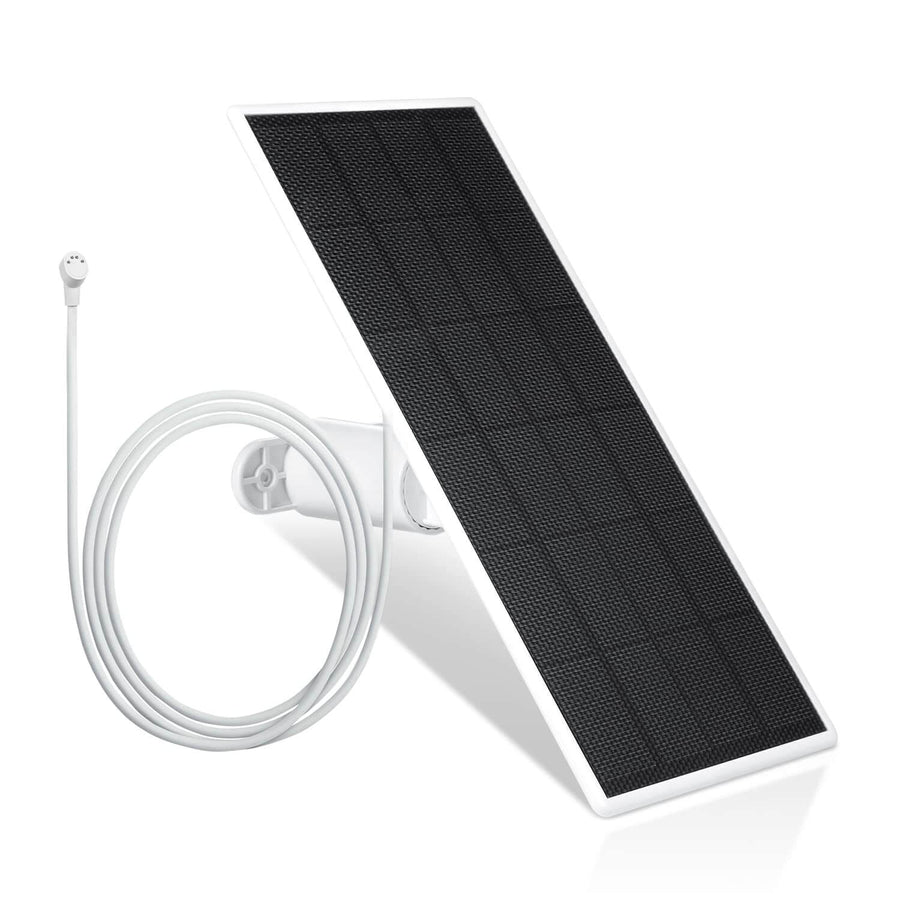
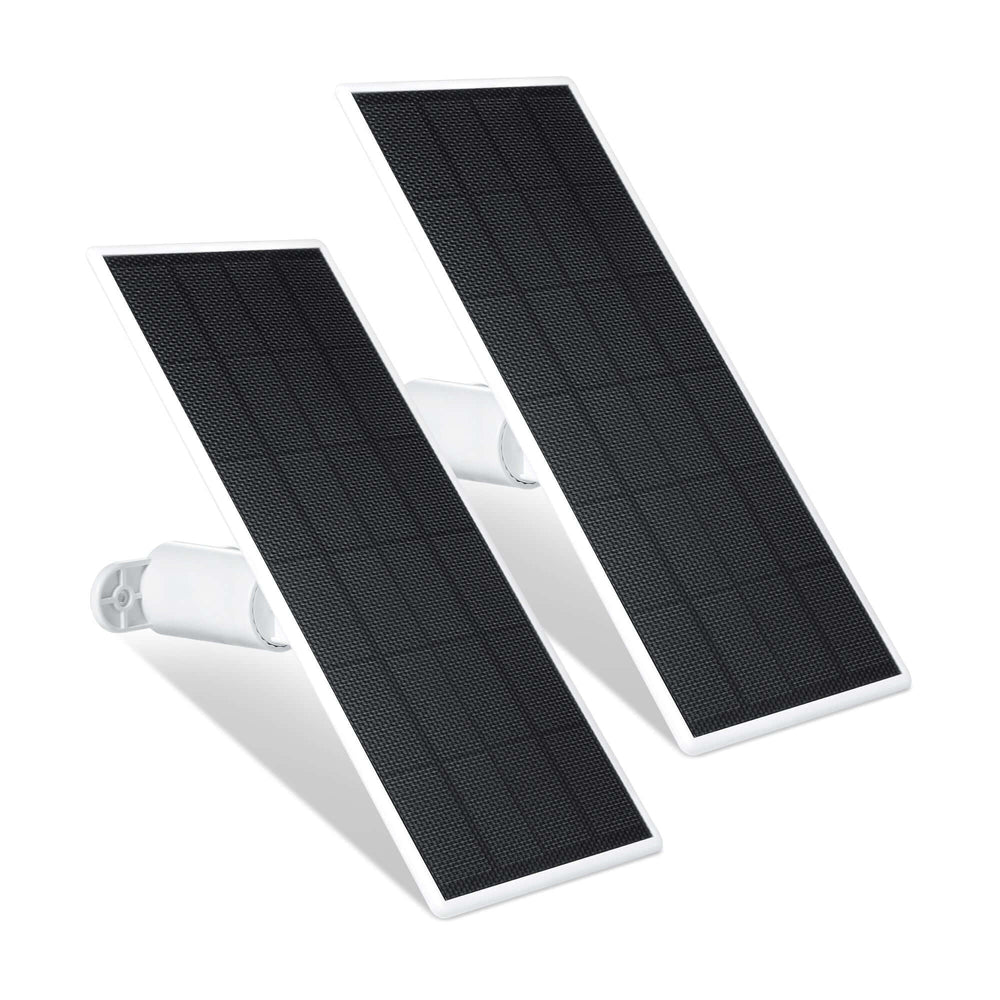
Prevent Battery Downtime with Solar Charging
If you choose solar power, follow a dedicated guide on installing a Solar Charger for Ring Video Doorbell to mount it correctly and maximize sunlight exposure.
For battery-powered models, continuous charging reduces the risk of going offline.

-
Wasserstein Solar Charger for Ring Video Doorbell 3 / 3 Plus / 4 & Ring Battery Doorbell Pro/Plus
-
Wasserstein Solar Charger for Ring Video Doorbell 2nd Gen (2020 Release)
These provide continuous charging with direct sunlight, and a universal solar charger upgrade for battery doorbells can further reduce battery-related offline interruptions.
Keep Spare Batteries Ready

Wasserstein Battery Charging Station for Ring Camera/Ring Doorbell and Wyze Battery Cam Pro Batteries allows you to charge two batteries in about 8–10 hours, so your video doorbell never loses power.
Improve Viewing Angle and Placement
If you use a Blink Video Doorbell in addition to Ring, you can also install a Wasserstein Solar Charger and Mount for Blink Video to keep that device powered and properly positioned.
Wasserstein Adjustable Mount & Wall Plate for Ring Video Doorbell Wiredhelps reposition your wired doorbell for a better angle and possibly improved signal strength, and there are also dedicated Ring Video Doorbell 3 and 4 accessories for fine-tuning placement and power.
When to Call a Professional
Contact Ring support if:
-
Error codes persist
-
The device won’t reconnect
-
Firmware won’t update
Call an electrician if:
-
Voltage is below 16V
-
The transformer needs upgrading.
-
Wiring appears loose or damaged
A local technician can also optimize your Wi-Fi network if signal problems continue. For better stability, reserve a static IP address for the Ring doorbell in the router settings to prevent connection drops, and non-Ring users may benefit from dedicated mounting options like an Arlo Video Doorbell horizontal wedge wall mount to improve angle and detection.
Final Thoughts
If your Ring Doorbell keeps going offline, the cause is usually one of three things:
-
Weak Wi-Fi signal
-
Low battery
-
Insufficient power
By checking your device health, restarting your router, testing voltage, and ensuring your Ring Doorbell has a strong connection and reliable power source, you can quickly solve most issues without hassle.
Follow the steps, stay systematic, and your Ring Video Doorbell should remain securely online, protecting your home and front door with confidence.
FAQs
Why does my Ring Doorbell keep going offline?
If your Ring Doorbell keeps going offline, the most common causes are a weak Wi-Fi signal, low battery, or insufficient power from the doorbell transformer. Check the Device Health section in the Ring app to determine whether the issue is network-related or power-related.
How do I know if my Ring Doorbell is offline?
Open the Ring app on your phone and look for an offline icon over your camera tile. Tap the device, then open Device Health to review network status, RSSI signal strength, battery level, and voltage readings for wired models.
What voltage does a Ring Video Doorbell need?
A wired Ring Video Doorbell requires between 8 and 24 volts to operate properly. If the voltage drops below 16V, the device may not receive enough power and can start going offline. In that case, you may need to upgrade your doorbell transformer.
Should I use 2.4 GHz or 5 GHz Wi-Fi?
Most Ring devices perform more reliably on a 2.4 GHz Wi-Fi network because it offers better range and better wall penetration. If your device keeps disconnecting, try switching to 2.4 GHz in the Ring app and test the connection strength in Device Health.
How do I fix weak Wi-Fi signal issues?
Restart your modem and Wi-Fi router, move the doorbell closer to the router, and remove physical obstructions like brick or metal. If problems persist, consider using a Wi-Fi extender such as the Ring Chime Pro to help your device stay connected.
When should I reset my Ring Doorbell?
Only perform a full reset if reconnecting through the Ring app and restarting your router does not solve the problem. Before pressing and holding the reset button, make sure to download and save important videos to avoid losing footage.
Can battery issues cause my Ring Doorbell to go offline?
Yes. If the battery is too low, your Ring Doorbell may go offline. Charging typically takes 6–8 hours. Cold weather can also reduce battery performance. Keeping a backup battery or using a compatible solar charger can help your device stay online consistently.
Leave a comment