

Top 3 Wasserstein Accessories for Blink Doorbells
Quick Summary:
-
Power management is the #1 pain point — While the Blink Doorbell is wireless, it relies heavily on AA lithium batteries. The Solar Charger (2nd Gen) provides a "set-and-forget" solution by using a triple-panel design to keep the unit powered continuously.
-
Renter-friendly installs are simplified — The No-Drill Wall Mount uses high-strength adhesive to secure the doorbell without damaging siding or doorframes, making it the ideal choice for those who cannot use power tools or drill holes.
-
App alerts aren't always enough — To ensure you never miss a visitor when your phone is silent or in another room, the Wireless Doorbell Chime acts as a plug-and-play internal speaker with customizable tones and adjustable volume.
-
Angles dictate motion accuracy — Using wedge or corner mounts to tilt the camera between 15° and 45° is the most effective way to eliminate false alerts from street traffic while improving the visibility of visitors' faces.
-
Weatherproofing extends device lifespan — Adding silicone skins or dedicated hoods protects the doorbell's hardware from UV degradation and prevents rain or snow buildup from obscuring the lens during extreme weather.
If you want to get the most out of your Blink Video Doorbell, choosing the best Blink doorbell accessories can make a huge difference. Whether you're upgrading your camera, improving your system setup, or adding smarter alerts, the right accessories help your doorbell work better over time.
This guide is built for homeowners and renters who want an easy, reliable way to improve their Blink system, from mounting and power to chime alerts and connectivity.
Quick Picks for Blink Doorbell Accessories
If you want fast recommendations, here are the top picks:
-
Best Budget Pick: No-drill mount – easy to install, renter-friendly, no tools needed
-
Best Premium Pick: Solar charger – keeps your video doorbell powered longer without frequent battery swaps
-
Best Upgrade Pick: Wireless chime – never miss a visitor anywhere in your house
Each product helps improve your Blink system without complicated setup.
Wasserstein Solutions
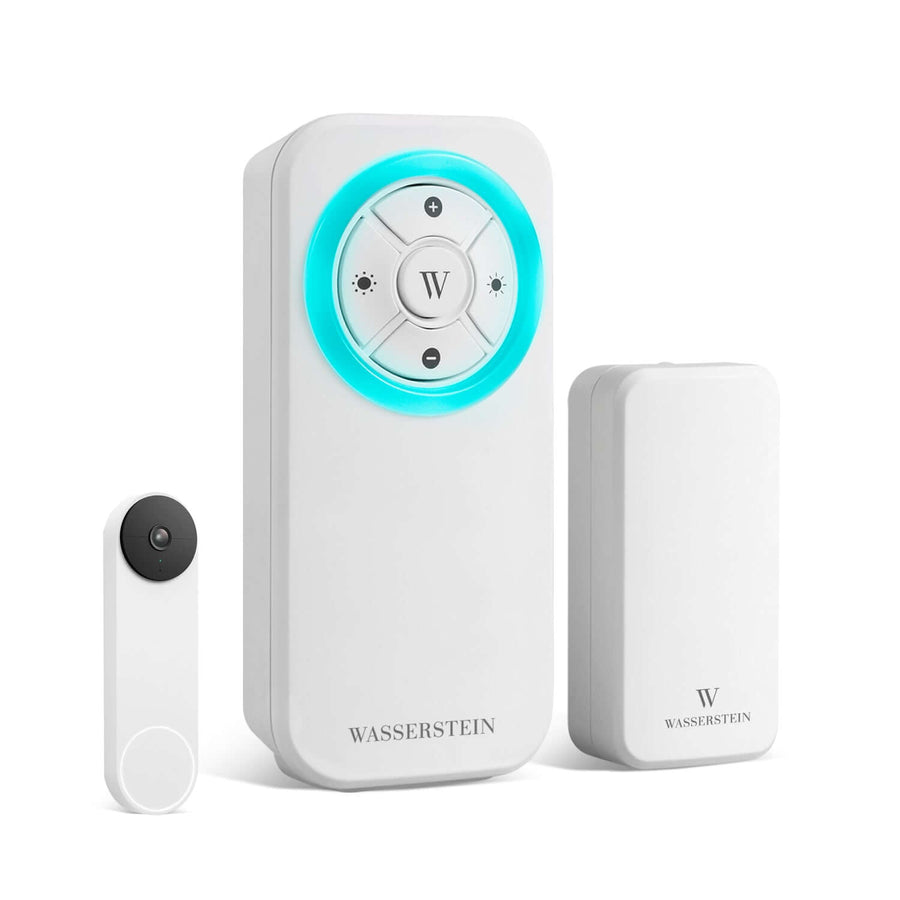
Wasserstein Wireless Doorbell Chime

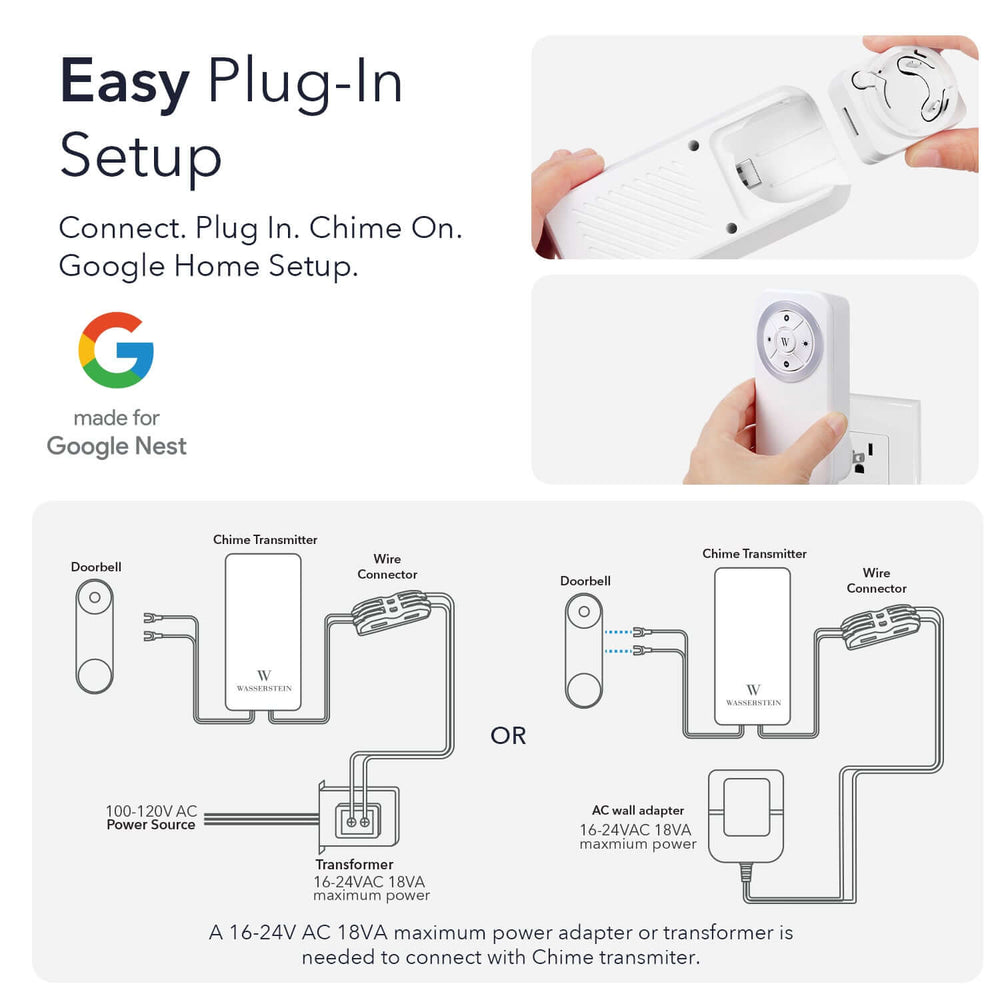
The Wasserstein Wireless Chime is a simple way to upgrade your Blink doorbell alerts. It delivers strong, reliable notifications across your home, so you don’t have to rely only on the app, and the Wasserstein Blink Doorbell Chime offers customizable tones and LED alerts to ensure you never miss a visitor.
-
Custom tones, LED alerts, and adjustable volume
-
Long-range signal to cover your entire house
-
Easy plug-and-play setup
Perfect if you want consistent alerts without checking your phone every time.
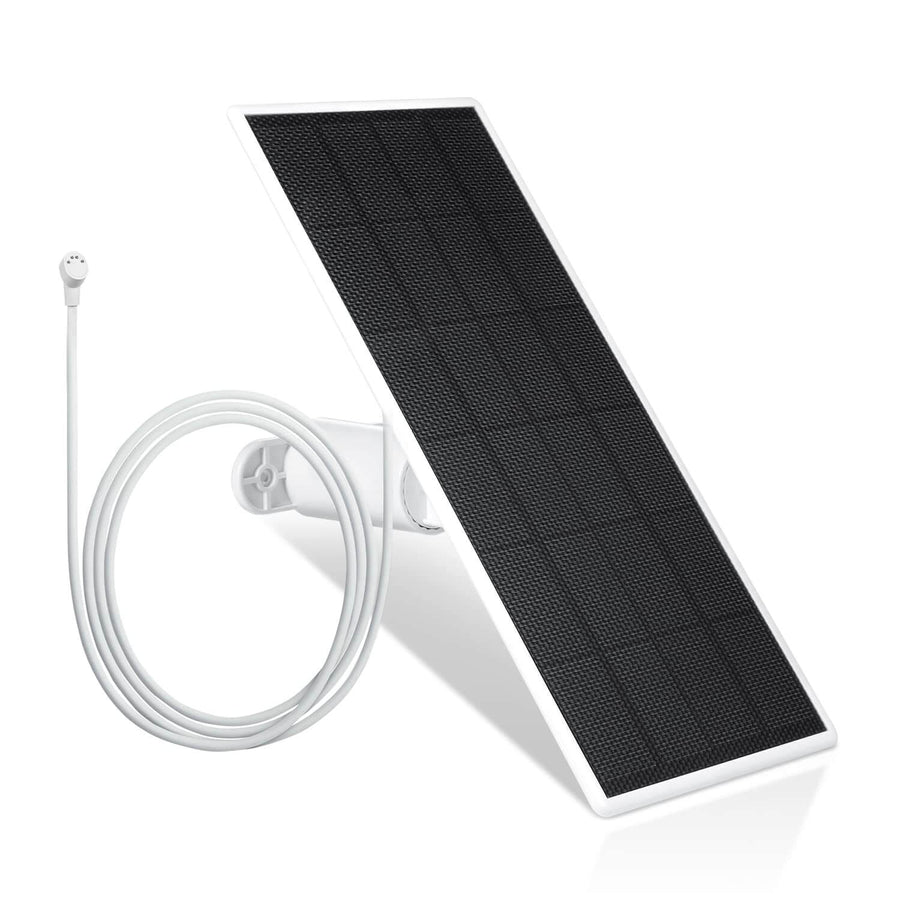
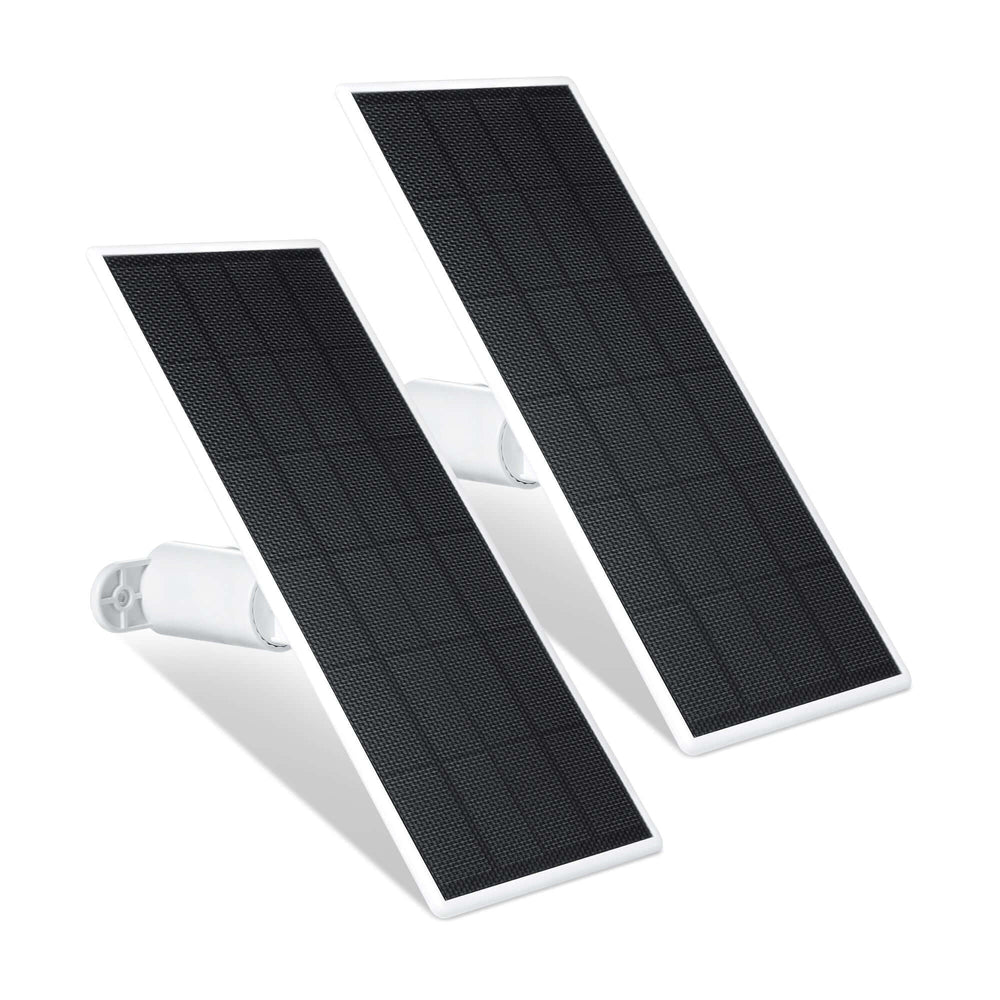
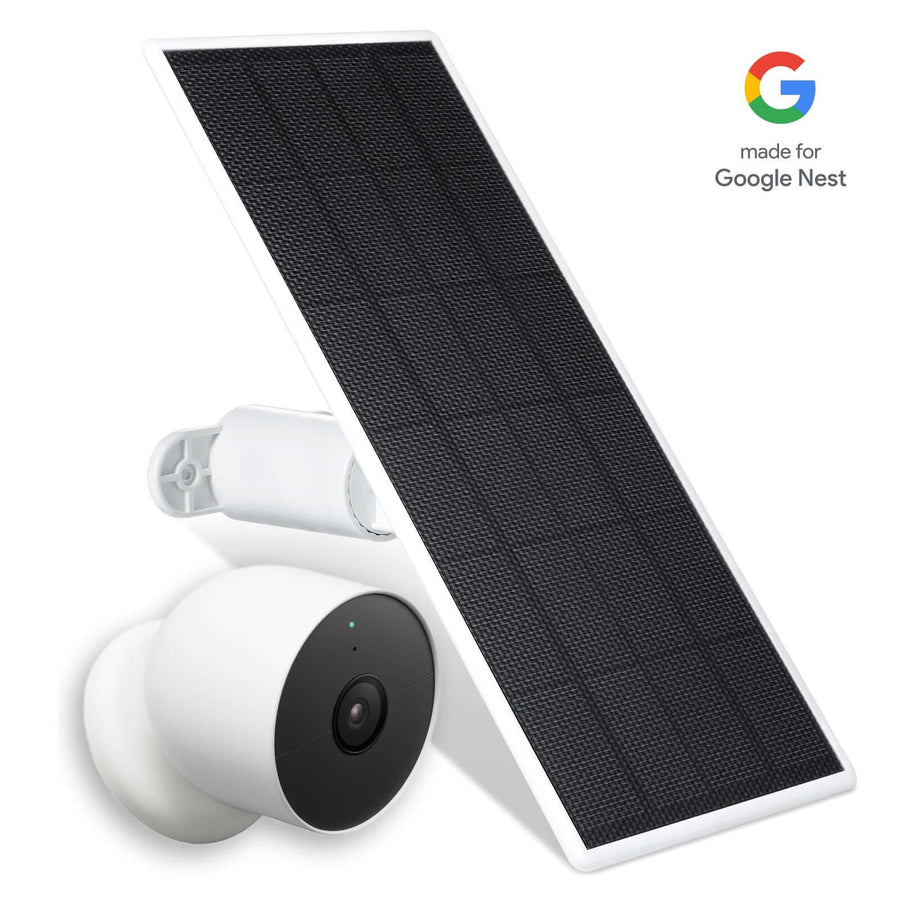
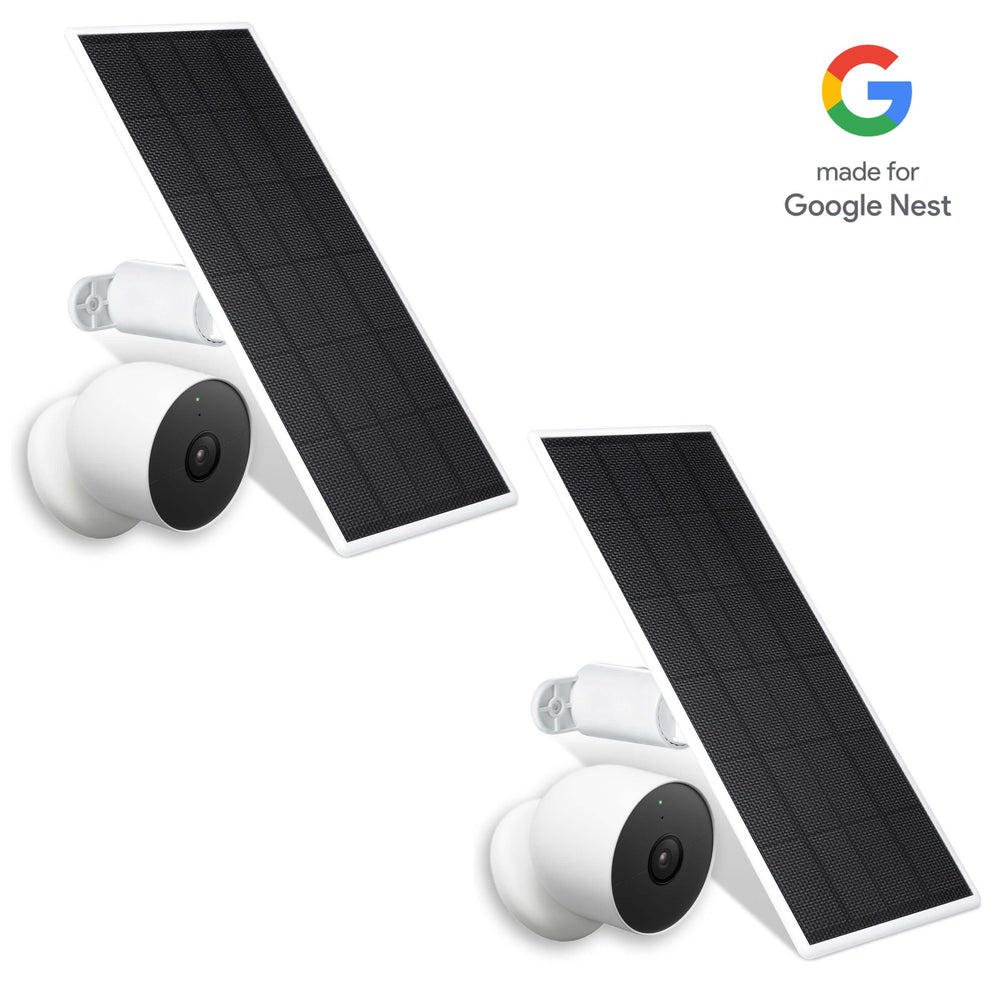
Wasserstein Solar Charger (2nd Gen)

If changing batteries often is a hassle, the Wasserstein Solar Charger is a smart upgrade.
-
Triple-panel design captures more sunlight
-
Built-in battery keeps your camera powered day and night
-
Durable for outdoor use
Solar charger panels keep the Blink Doorbell powered continuously, reducing battery replacements. This is ideal for users who want a low-maintenance system that runs longer, and a dedicated guide shows you how to install the Wasserstein Solar Charger and Mount for Blink Video Doorbell step by step.
Wasserstein No-Drill Wall Mount

For renters or anyone who wants an easy install, the Wasserstein No-Drill Wall Mount is one of the best options.
-
Strong adhesive—no drilling required
-
Clean, minimal look
-
Built for outdoor durability
This mount uses a strong adhesive for renters, securing the doorbell on smooth surfaces.
Mounting, Positioning, and Protection
Where and how you mount your Blink Video Doorbell affects how well it performs.
-
Wall, wedge, and corner mounts help adjust your camera view
-
Angle mounts between 15° and 45° enhance the Blink Doorbell’s visibility
-
Brick extension mounts allow optimized camera placement for homes with narrow trim
-
The Wasserstein Horizontal Adjustable Angle Mount allows for a 35° to 55° horizontal adjustment for better viewing
No-drill anti-theft mounts secure the Blink Doorbell without damaging walls. These mounts provide a secure and portable installation solution and allow for easy installation without drilling into walls or doors, especially when using a Wasserstein anti-theft mount for Blink Video Doorbell.
Using a no-drill mount can help avoid damage during installation, while durable materials ensure the mount can withstand outdoor conditions.
For added protection:
-
Silicone skins protect the Blink Doorbell from extreme weather and UV rays
-
Dedicated hoods, such as the HighPeak Doorbell Rain Shield, prevent snow and rain accumulation on the device
Mounts don’t just hold your device. They help your camera perform better.
Power and Charging Solutions
Power is one of the biggest factors in keeping your Blink system running smoothly.
You can choose between:
-
Battery-powered operation
-
Wired connection
-
Solar charging
Even when connected to wiring, the Blink Video Doorbell still relies on AA 1.5-volt lithium non-rechargeable batteries as its primary power source.
Long weatherproof power adapters connect directly to a power outlet, eliminating the need for battery usage. Meanwhile, solar options help your device run longer with less maintenance.
Accessories like Solar panel for Blink doorbell and cameras can provide sustainable power solutions for smart home devices.
Sync Module and Connectivity
The sync module acts as the hub of your Blink system.
-
Connects your devices
-
Improves performance
-
Enables local storage
A Blink Sync Module enables local storage and extends battery life through efficient system management. You can also add your video doorbell to a Sync Module system to unlock features like Live View and faster access in the app.
For larger homes:
-
Wi-Fi extenders improve video streaming and responsiveness
A strong connection ensures your camera loads faster and works reliably every time.
Chimes, Alerts, and Smart Home Integration

Getting alerts your way is key to a good Blink setup. Wasserstein Wireless Doorbell Chime enables customizable melodies and LED alerts for the Blink Doorbell.
When someone presses the button, the Blink Video Doorbell can trigger alerts through multiple sources, including the Blink app, the device itself, a connected in-home chime, a Mini camera, or compatible Alexa-enabled devices.
It can also be wired to mechanical or digital chime systems that supply 8–24 VAC at 50–60Hz with a maximum of 40VA. Once properly connected, your existing indoor chime will sound whenever the doorbell is pressed.
The Mini camera can chime sound for doorbell presses if it shares the same system as the Video Doorbell. You can enable the Blink Alexa Skill in the Alexa app to have doorbell presses play alerts through your smart speaker. You can also adjust the chime volume during or after setup.
Setup, Motion Optimization, and Performance Tips
A good setup helps your camera act smarter, not harder.
-
Adjust motion sensitivity to reduce unnecessary alerts
-
Set motion zones in the app
-
Position your doorbell to avoid busy streets or trees
Optimizing the physical placement of the doorbell can significantly reduce false motion alerts. Small adjustments can improve how your system responds in real time.
Compatibility and System Requirements
Before you buy any accessory, always check if it’s compatible with your device. Understanding these requirements helps you avoid setup issues and ensures your system works properly.
The Blink Video Doorbell works with doorbell transformers that supply 8–24 VAC and up to 40VA. Even when connected to a wired setup, it still runs on three Energizer AA 1.5-volt lithium non-rechargeable batteries for power.
Weatherproofing and Outdoor Durability
Outdoor devices need protection to last longer.
-
Weatherproof accessories protect against rain, heat, and dust
-
Silicone skins add an extra layer of durability
-
Protective covers prevent damage over time
Weatherproof outdoor device accessories are essential for protecting smart home devices from the elements.
Bundles, Pricing, and Value
Buying accessories in bundles can save money and simplify your setup.
For example:
-
Mount + solar charger = better placement + longer power
-
Chime + sync module = improved alerts and connectivity
Bundles are especially useful if you’re building a full Blink system from scratch, especially when choosing from Blink Video Doorbell bundles and accessories.
FAQs
How can I choose the best Blink doorbell accessories?
Start by understanding your needs: power, placement, or alerts. Choose compatible accessories that improve your system, such as mounts for better view, solar panels for longer runtime, or a chime for reliable notifications. The right combination helps your Blink doorbell act more efficiently over time.
What are the best power solutions for continuous operation?
Solar panels and wired adapters are the best options. Solar chargers reduce the need to replace batteries, while wired setups provide steady power. Many users combine both to keep their video doorbell running longer without interruption.
How does the sync module improve performance?
The sync module connects your devices and improves system efficiency. It enables local storage, faster app access, and better battery management. Adding one helps your Blink system run more smoothly and respond faster.
What accessories improve motion detection?
Mounts and proper placement make the biggest difference. Adjusting angles and motion zones helps your camera focus on important activity. This reduces false alerts and improves detection accuracy.
Can I use traditional door chimes?
Yes, if your wiring is compatible. The Blink Video Doorbell supports mechanical and digital chimes within specific voltage ranges. You can also use a Mini camera, Alexa devices, or a wireless chime for flexible alerts.
How can I extend Wi-Fi range?
Use Wi-Fi extenders to strengthen your connection. This helps your camera load faster, improves Live View, and reduces lag. A stable connection is essential for a reliable Blink system.
What mounting options prevent theft?
Anti-theft mounts, secure brackets, and no-drill options help protect your device. These keep your doorbell firmly in place while avoiding damage to your walls or door.
Leave a comment