

Ring Camera Blue Light - What Does it Mean And How To Fix It
Quick Summary
-
The light is a dual-purpose indicator — A blue LED acts as both a status signal (showing updates or connectivity) and a privacy feature that alerts people when the camera is actively recording or in Live View.
-
Solid blue usually means "All Systems Go" — A steady blue light typically confirms a successful Wi-Fi connection, a completed setup, or an active stream. If it stays on indefinitely without use, it may indicate a firmware update or a temporary software glitch.
-
Flashing patterns identify specific hurdles — A slow flash means the device is in setup mode; a pulsing light indicates Two-Way Talk is active; and a quick burst between slow flashes usually signals a failed Wi-Fi handshake.
-
Charging status is visual — On battery-powered Ring doorbells, a blue light filling clockwise acts as a progress bar, showing the current battery percentage while the device is plugged in.
-
Stability prevents "Light Anxiety" — Most persistent blue light errors are caused by power fluctuations or weak Wi-Fi. Using a dedicated charging station or a solar panel ensures the camera has the consistent power required to complete updates and maintain a steady connection.
If you’ve noticed a Ring camera blue light on your device, you’re not alone. This blue LED light is a built-in status indicator designed to help you quickly understand what your security camera is doing, whether it’s recording, updating, or trying to connect.
In this guide, you’ll learn what each blue light pattern signifies, why it appears, and how to resolve any issue so your Ring camera stays properly connected and running smoothly.
Ring Camera Blue Light Indicators Explained
Every Ring camera uses a blue LED light to display its current status. These light patterns are not random. They are meant to be helpful signals that show what the device is doing at any given time.
-
The blue light acts as both a status indicator and a privacy indicator
-
Different patterns (solid, flashing, pulsing) represent different functions
-
Blue light patterns can indicate when motion detection is triggered
-
The light behavior may vary slightly depending on the camera model and power source
-
The camera may display different patterns if it’s offline or having trouble connecting to a Wi-Fi network
Understanding these signals helps you avoid confusion and quickly fix any issue.
What a Solid Blue Light on a Ring Camera Means
A solid blue light is one of the most common indicators on a Ring camera, and it usually points to normal operation.

A solid blue light on a Ring camera indicates that the camera has established a strong connection with the Wi-Fi network and is ready for use. It also means the device is successfully set up and properly connected, confirming that the camera is functioning correctly after configuration.
In most cases, this light appears when the camera is actively in use, such as during Live View, recording, or while completing startup or updates. While it may stay on for a short time, this typically signals that the device is working as expected.
In addition, a solid blue light may appear when:
-
The camera is recording or someone is accessing Live View
-
The Ring app is actively streaming video
-
The device is booting up or restarting
-
The camera is receiving firmware updates
-
The system is running normally and everything is working as expected
A solid blue light may appear during firmware updates to indicate that the camera is receiving necessary software upgrades. During a firmware update, a Ring camera may display a solid blue light to indicate that it is receiving updates.
When accessing the live view feature of a Ring camera, a solid blue light may appear temporarily to confirm that the feed is actively streaming.
👉 If the light stays on longer than expected, don’t panic. It may still be normal depending on usage.
Flashing, Pulsing, and Other Blue Light Patterns
Not all blue lights mean the same thing. The pattern is key to understanding what your Ring security system is doing.
For example, a quick burst of blue light can occur when motion detection is triggered and the camera starts recording.
Common Blue Light Patterns
|
Blue Light Pattern |
What It Means |
|
|---|---|---|
|
Flashing blue (slow) |
When a Ring camera is in setup mode, it displays a blue light flashing slowly. Flashing blue indicates that the camera is in setup mode, has failed to connect to Wi-Fi, or the alarm is activated. A flashing blue light usually signifies the camera is connecting to Wi-Fi, updating firmware, or in setup mode. |
|
|
Fast or constant flashing blue |
Constantly flashing blue can indicate a firmware issue or difficulty in connecting to the network. |
|
|
One quick flash between two slow flashes. |
The camera could not connect to the home Wi-Fi network. |
|
|
Pulsing blue light |
A pulsing blue light indicates two-way talk being enabled. |
|
|
Quick burst of blue light |
Siren activation. |
|
|
Alternating red and blue |
Failed setup. |
|


👉 Ring cameras display different light patterns to indicate various statuses and functionalities.
Ring Doorbell Blue Light Patterns (Charging & Motion)
For battery-powered doorbells, the blue light can also show charging progress and activity, and different Ring doorbell blue light patterns can indicate charging, setup, or connectivity issues.
-
A blue light filling clockwise indicates that a battery-powered doorbell is currently charging, with the filled portion indicating the charge percentage.
-
This helps you verify your power source and ensure your device is ready
This is especially helpful when you want to avoid downtime and keep your camera powered at all times.
Why Your Ring Camera Blue Light Stays On
If your solid blue light stays on longer than expected, there are several possible reasons, many of which relate to the specific blue light behavior on Ring cameras. If the blue light stays on constantly, it may indicate a temporary glitch or a firmware update.
Common causes include:
-
Active Live View in the Ring app
-
Ongoing firmware updates
-
A temporary system glitch
-
Another user accessing the camera
If the blue light is on but the user is not accessing the app, someone else with shared access may be viewing the live feed.
If the solid blue light persists, it may indicate a malfunction that requires troubleshooting.
Troubleshooting Ring Camera Blue Light Issues
If you’re trying to resolve a persistent blue light issue, follow these troubleshooting steps, starting with ensuring your device has a properly charged Ring camera battery:
1. Restart the Camera
Restarting the camera by performing a power cycle can resolve many minor issues related to the solid blue light.
-
Turn the device off
-
Wait a few seconds
-
Turn it back on
2. Check Your Internet Connection
Checking the internet connection is essential, as a solid blue light can indicate connectivity problems.
-
Verify your Wi-Fi network is stable
-
Move the camera closer to the router if needed
-
Check your network settings and Wi-Fi signal if connectivity issues persist
-
Reconnect the device to Wi-Fi if the connection drops
3. Update Firmware
Updating the firmware can fix bugs that may trigger the solid blue light on a Ring camera.
-
Open the Ring app
-
Check for pending updates
4. Verify Setup Status
-
Make sure the camera is in setup only when expected
-
Confirm the device is properly connected
5. Reset the Device (If Needed)
-
Perform a factory reset using the reset button if issues persist
-
Then go through setup again
6. Contact Support
If troubleshooting steps do not resolve the issue, contacting Ring’s support team is recommended for further assistance. You can also reach out to customer support or technical support for help with unresolved issues. If the problem is due to a hardware issue, contacting support or checking your device warranty may be necessary.
Power & Connectivity Solutions to Avoid Blue Light Issues
Many blue light issues come down to inconsistent power or connectivity. Keeping your camera powered and stable helps avoid interruptions.
Reliable Charging Solution
The Wasserstein Battery Charging Station for Ring Camera/Ring Doorbell and Wyze Battery Cam Pro Batteries helps ensure your device is always ready.

-
Dual charging docks for efficiency
-
Compatible with multiple Ring devices
-
Fully charges in about 8–10 hours
-
Compact and easy to use
This helps avoid downtime and keeps your camera running without interruption.
Continuous Power with Solar
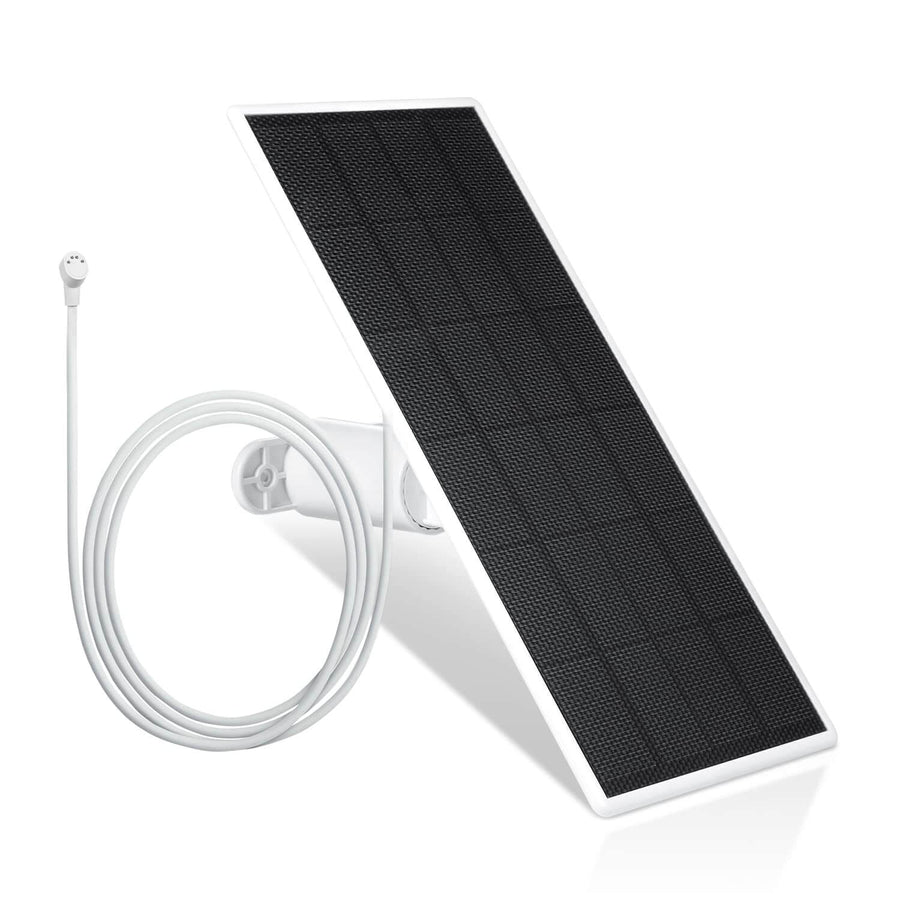
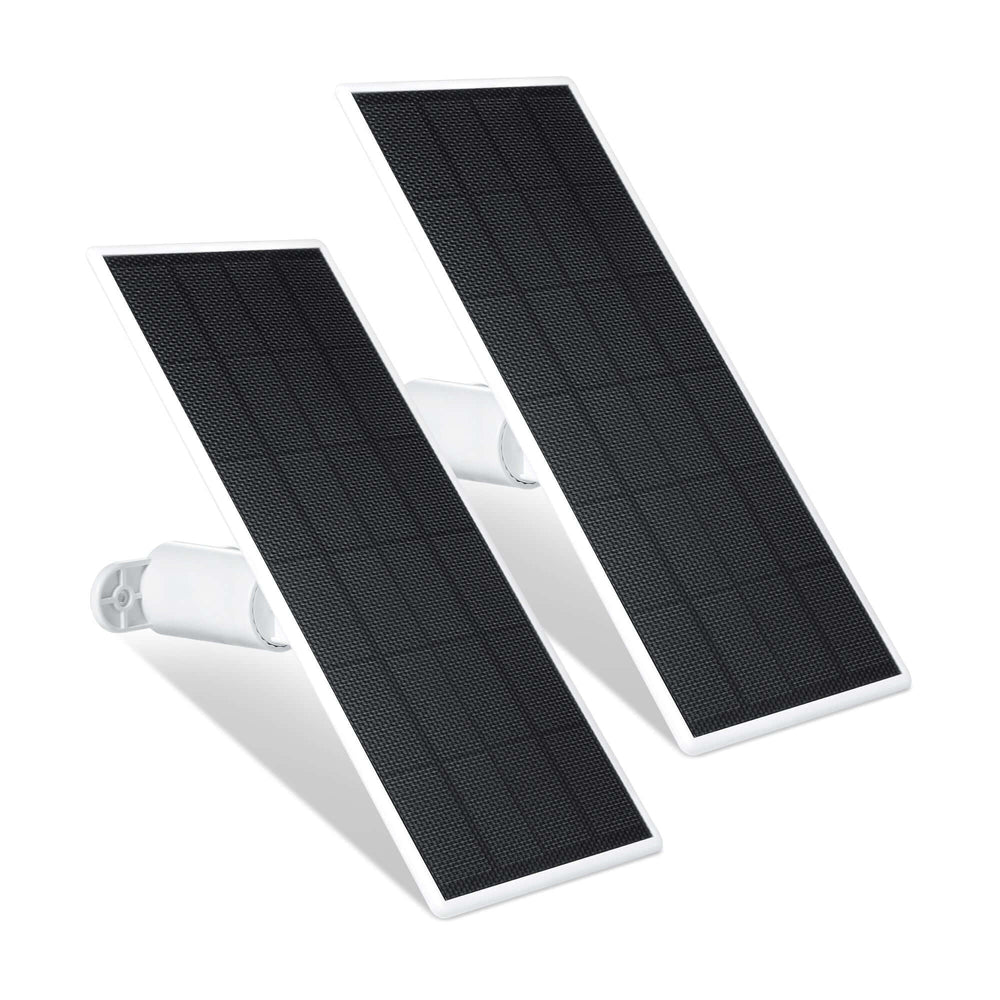
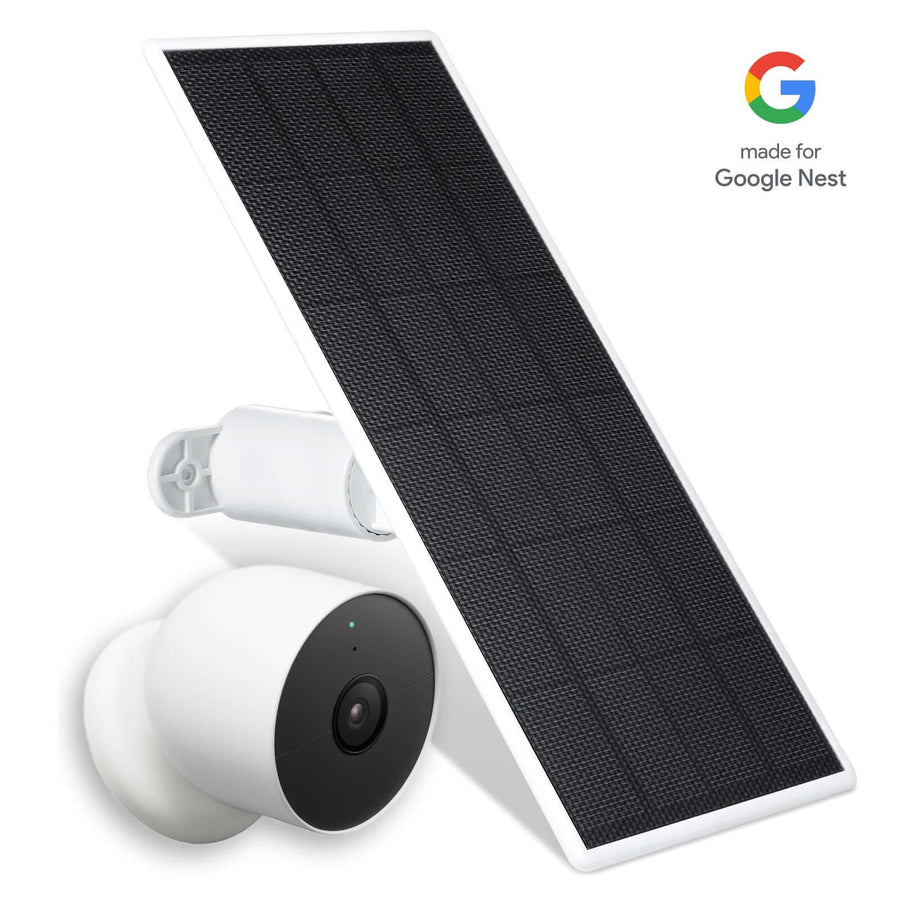
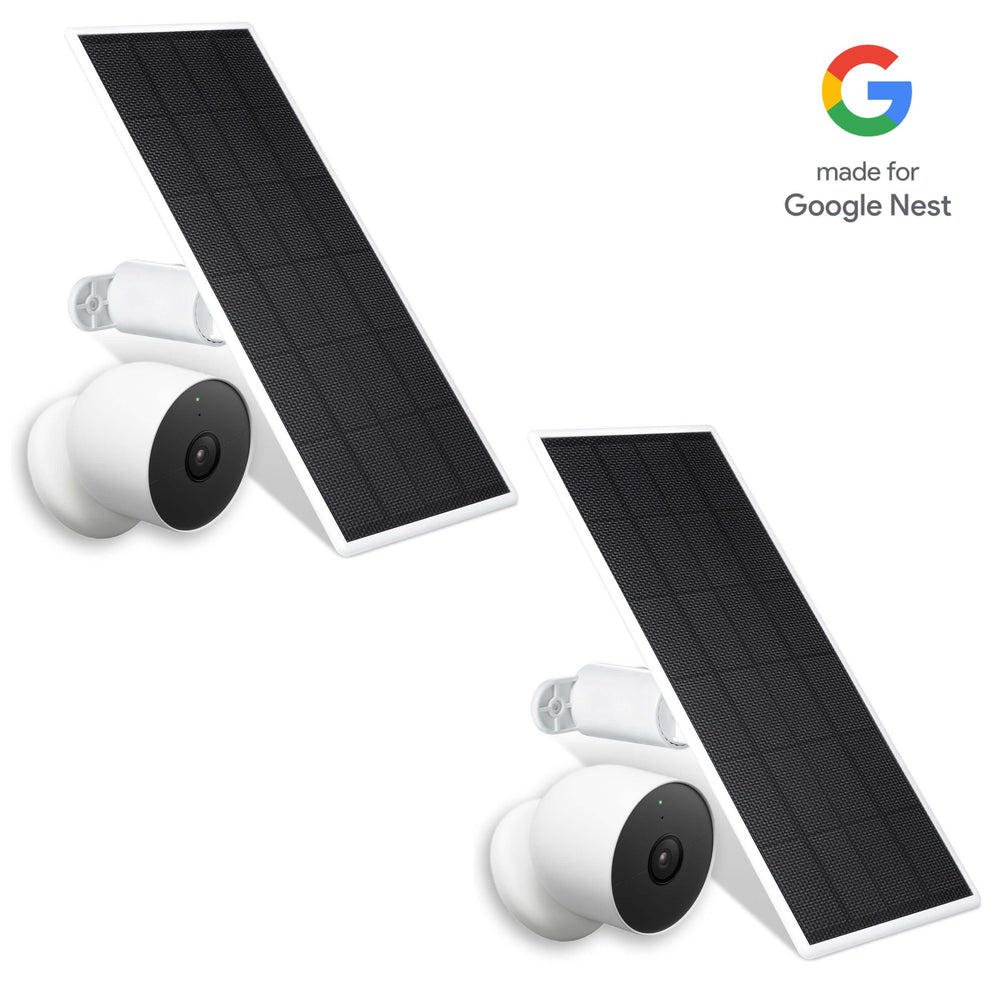
The Wasserstein Solar Panel for Ring Spotlight Cam/Plus/Pro, Battery, Stick Up Cam/Pro, Battery & Outdoor Cam Plus, Battery is ideal for long-term use, offering a Ring solar panel power solution for Spotlight Cam and Stick Up Cam.

-
Provides continuous power using solar energy
-
360° adjustable mount for better positioning
-
Easy installation with included cables
-
Helps maintain consistent performance
A stable power source ensures your camera stays connected and avoids unnecessary light alerts, and using a Ring Spotlight Cam Battery or Stick Up Cam with reliable accessories can further reduce interruptions.
Privacy and Security: What the Blue Light Really Means
The blue LED light is more than just a status signal. It’s also a privacy feature. The blue light on Ring cameras acts as a privacy indicator and status indicator, informing users that recording is active.
This means:
-
You always know when the camera is recording
-
Visitors can see when monitoring is happening
-
The system promotes transparency and trust
For newer models, users can toggle off the status light in the Ring app under Device Settings > Video Settings.
FAQs
Why is my Ring camera flashing blue after setup?
A flashing blue light usually means the camera is still in setup mode or trying to connect to a Wi-Fi network. It can also indicate a failed connection or ongoing firmware update. Check your internet connection and complete the setup process in the ring app to resolve it.
What does the blue light mean compared to other lights?
The blue light typically signifies active states like recording, setup, or updates. Other colors (like red) usually indicate errors or alarms. The blue LED light is the primary status indicator that helps users understand what the device is doing at any given time.
How long should the blue light stay on?
The duration depends on the activity. During live view or recording, it may stay on continuously. During firmware updates, it may stay on for several seconds or longer. If it stays on too long without activity, it may indicate a glitch or connectivity issue.
Why is my Ring camera blue light always on?
If the blue light is always on, it could mean the camera is recording, being accessed through the app, or updating firmware. It may also indicate a temporary issue. Restarting the device and checking the app can help resolve the problem.
Can I turn off the blue light?
For newer models, you may be able to turn off the LED light in the ring app settings. However, this feature depends on the device model. The light is designed as a privacy indicator, so disabling it may not always be recommended.
Leave a comment