

Why Is My Ring Doorbell Not Charging? Troubleshooting Guide
A Ring doorbell is designed to provide continuous security, but charging problems can leave your Ring device offline when you need it most. If your Ring doorbell is not charging, the problem is usually caused by one of these six common issues:
-
Software or app sync glitches
-
Weak Wi-Fi connectivity
-
Extreme environmental temperatures
-
Faulty charging cables or low-power outlets
-
Dirty or damaged physical contacts
-
Insufficient voltage from a hardwired transformer
Whether you own a battery doorbell or a hardwired Ring doorbell, a battery that won't charge—or a battery percentage that never seems to increase—can be frustrating. Fortunately, most charging issues have straightforward solutions. In this guide, you'll learn how to diagnose the problem step by step, determine whether your Ring doorbell's battery is charging properly, and know when it's time to replace the battery or seek professional help.
Quick Checks in the Ring App Before Deeper Troubleshooting
You can fix many Ring doorbell charging issues in just a few minutes by clearing software glitches and refreshing the device status directly within the Ring app. Sometimes the app displays outdated battery information even though the battery is actually charging correctly.
To perform these quick app checks:

-
Open the Ring app on your phone.
-
Select your Ring device and tap Device Health.
-
Check the current battery level and battery percentage.
-
Close the app completely, then reopen it to refresh the information.
-
Wait about 10 minutes before checking again, as the battery reading may not update immediately after charging.
-
If the battery still appears stuck, press and hold the setup button on the doorbell for 20 seconds to reset the device.
-
Allow the device to restart, reconnect it to Wi-Fi, and check Device Health once more.
If the battery percentage still doesn't increase after resetting the device, you will need to continue with deeper troubleshooting steps.
Check Your Wi-Fi Connection
A weak Wi-Fi connection doesn't just affect video quality or reliable Ring notifications—it can also cause a Ring doorbell battery to drain faster than it can recharge because the device must use extra power to constantly maintain its network connection. On a hardwired Ring model, this heavy power consumption can easily outpace the slow trickle charge provided by the wires. Poor connectivity also delays the device from sending updated battery status reports to your app.
To optimize your network connection, open Device Health in the Ring app and review your network status. If the signal is poor, try the following steps:
-
Restart your home router by unplugging it for about 30 seconds.
-
Wait for the network to come back online.
-
Reconnect your Ring to Wi-Fi if needed.
-
Check whether the battery level updates afterward.
Additionally, consider whether your Ring video doorbell is recording excessive motion events or frequently using Live View, as heavy daily usage will drain the battery faster than it can recharge.
Recharge the Battery Properly
To ensure your Ring doorbell charges successfully, you must use a high-quality charging cable plugged into a standard wall outlet and allow the battery enough time to reach 100%. Using low-power USB ports like those on a computer or attempting to charge a battery in freezing weather will prevent the device from charging efficiently.
Follow these guidelines to recharge your battery properly:

-
For models with a removable battery: Remove the battery from the doorbell and bring it indoors if it has been exposed to extreme weather. Lithium-ion batteries charge much more slowly below 40°F (4°C) and may temporarily stop charging altogether during freezing weather. Allow it to reach room temperature before plugging it in.
-
Use the right charging equipment: Use the supplied micro USB cable or a high-quality replacement, and plug it into a standard wall outlet. Avoid charging through a computer, as computer USB ports deliver less power and significantly increase charging time. If the battery won't charge, try another cable, USB power adapter, and wall outlet to rule out faulty accessories.
-
Allow enough charging time: Most Ring batteries require approximately 5 to 10 hours to become fully charged, depending on the model and the starting battery level. Avoid removing the battery too early just because the percentage hasn't increased after an hour. Once charging is complete, reinstall the battery securely and confirm that it clicks firmly into place before testing the Ring doorbell again.
Inspect Battery Contacts, Charging Port, and Mounting
If charging still doesn't start, inspect the physical components of your Ring device. Dirt, corrosion, or loose connections can prevent the battery from charging properly.
Check the charging contacts
Remove the doorbell from its mount and examine the metal contacts on both the battery and the device.
Look for:
-
Dust or debris
-
Corrosion
-
Finger oils or residue
-
Bent or damaged contacts
If necessary, gently clean the contacts using a lint-free cloth lightly dampened with isopropyl alcohol. Allow everything to dry completely before reinstalling the battery.
Inspect the charging port and cable

Next, inspect the charging port on the Ring doorbell.
Check for:
-
Dirt blocking the port.
-
A loose micro USB cable connection
-
Visible damage to the port
-
Frayed or damaged charging cable
If you notice any problems, try another cable before assuming the battery has failed. A faulty cable is one of the most common reasons a Ring battery won't charge.
Make sure the battery is seated correctly
Before reinstalling the removable battery, verify that it sits firmly inside the compartment. Then mount the doorbell back onto its bracket until it clicks securely into place. A loose battery or improperly mounted device can interrupt the charging process.
Inspect Hardwired Power Supply and Transformer
If you own a hardwired Ring doorbell, don't assume the wiring alone will keep the battery full. Most hardwired Ring models receive only a slow trickle charge. If the doorbell's battery is draining faster than the system can recharge it, you'll eventually notice the battery percentage dropping.
Check the doorbell circuit safely

Before inspecting any wiring:
-
Turn off the doorbell circuit at your home's breaker panel.
-
Confirm that power has been disconnected.
-
Inspect the visible wires for loose or damaged connections.
If you're uncomfortable working around electrical wiring, skip this step and contact an electrician or refer to a detailed guide on installing a Ring Wired Doorbell safely.
Test the transformer voltage
Your transformer should supply between 8 and 24 VAC for most compatible Ring doorbells.
To test it:
-
Restore power to the circuit.
-
Set your multimeter to AC voltage.
-
Measure the transformer's output.
-
Compare the reading with your Ring model's requirements.
If the reading is below the supported range, the transformer may not provide enough power to keep the battery charged.
Know when to call an electrician
If you discover:
-
Low transformer voltage
-
Loose wiring inside the wall
-
Damaged wiring
-
An aging transformer
it's best to contact a qualified electrician. Replacing electrical components yourself can be unsafe if you're unfamiliar with household wiring.
Check Ring Doorbell Model Differences
Not every Ring video doorbell charges the same way. The troubleshooting process depends on your specific model.
For example:
-
Battery Doorbell models use a removable battery that can be charged separately.
-
Some models have a built-in battery that charges through the device.
-
A hardwired Ring doorbell may still rely on its internal battery even when connected to household power.
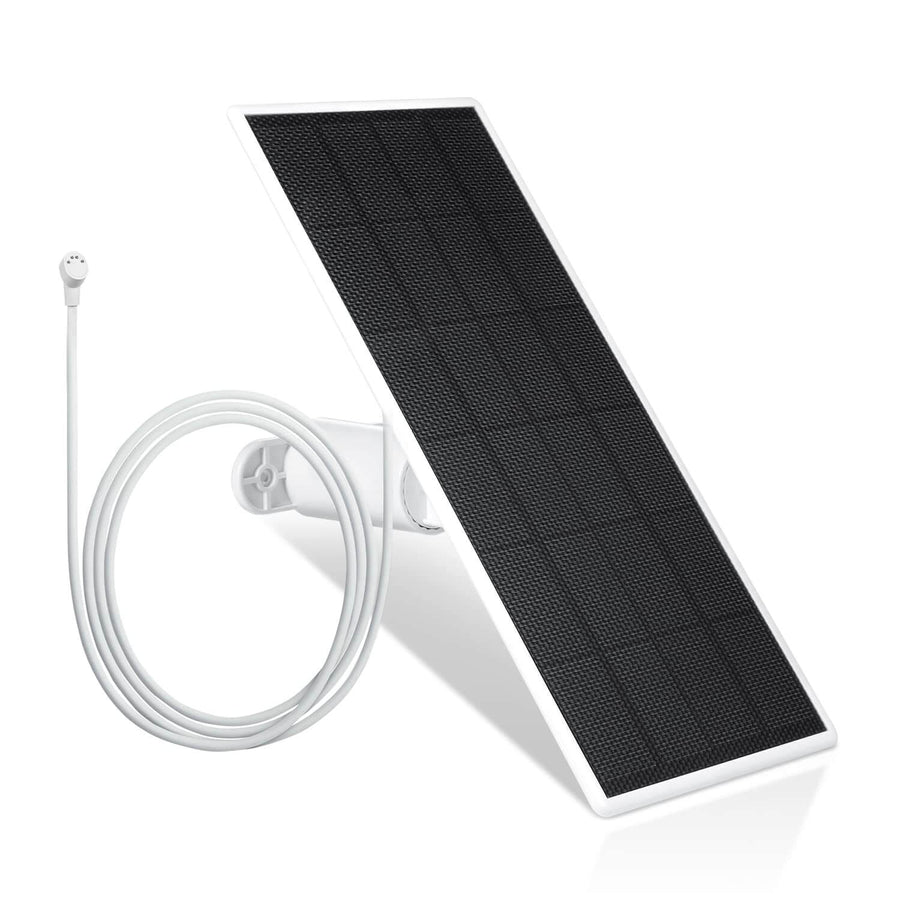
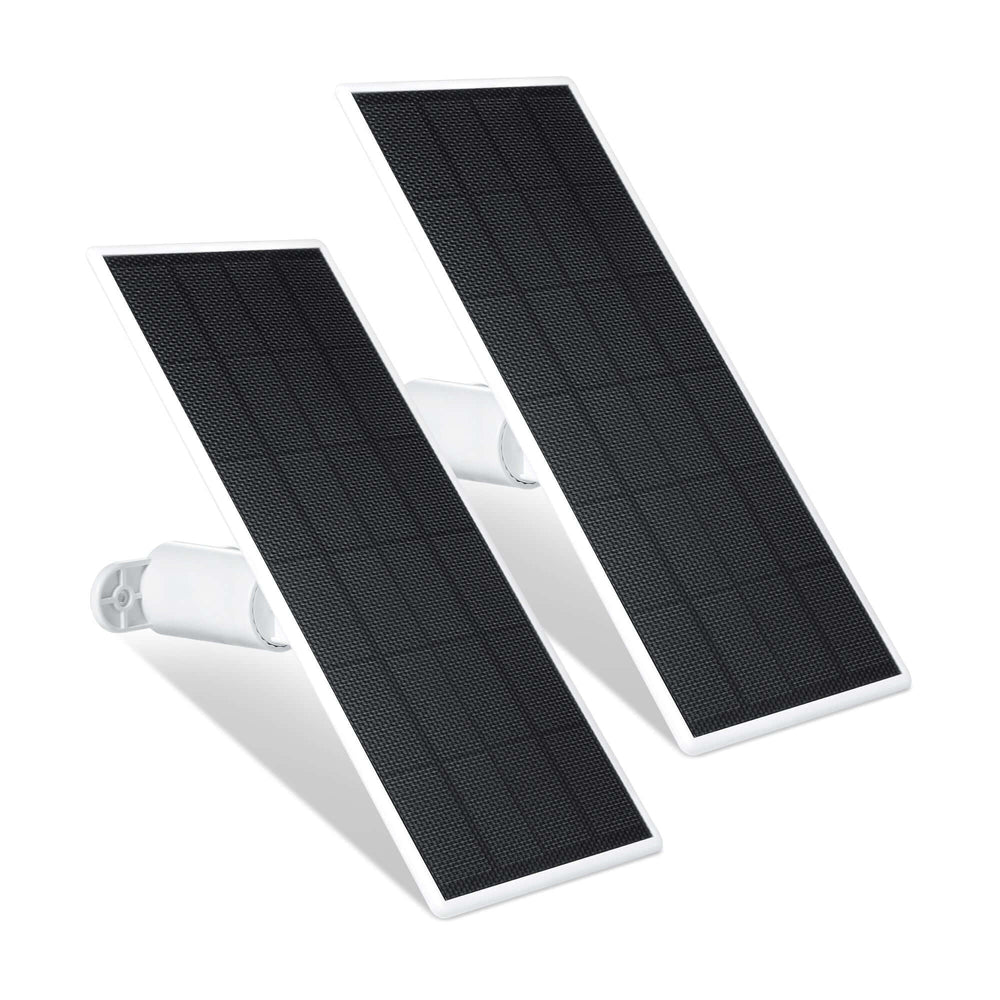
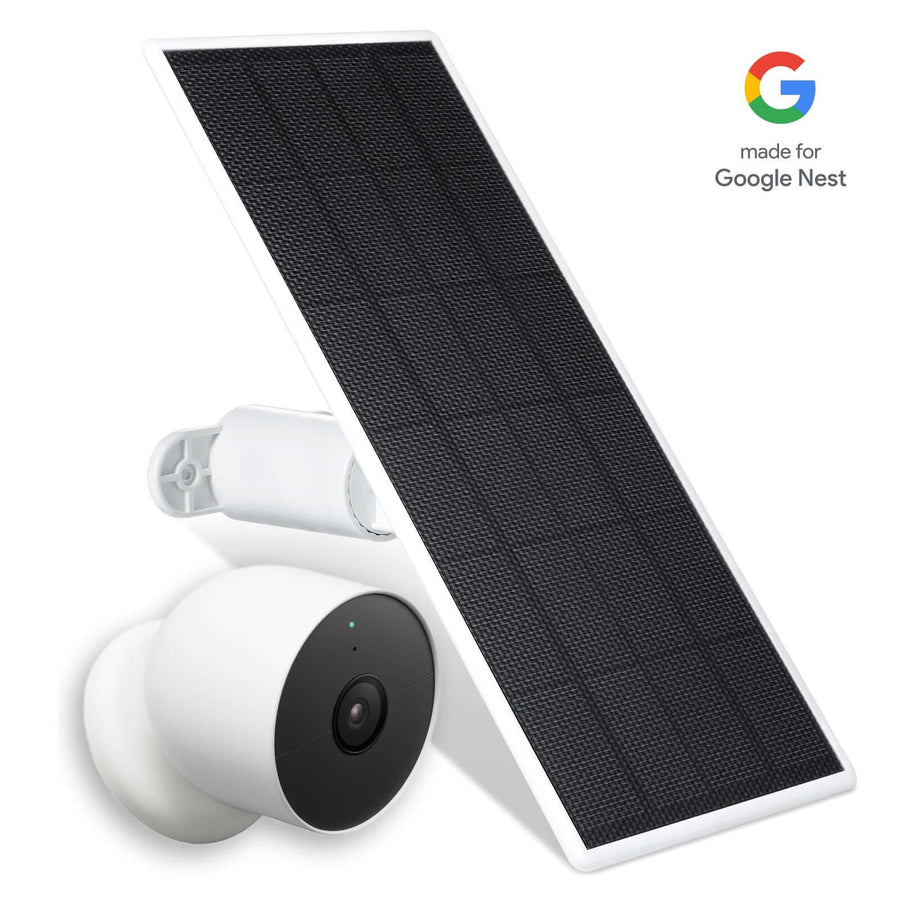
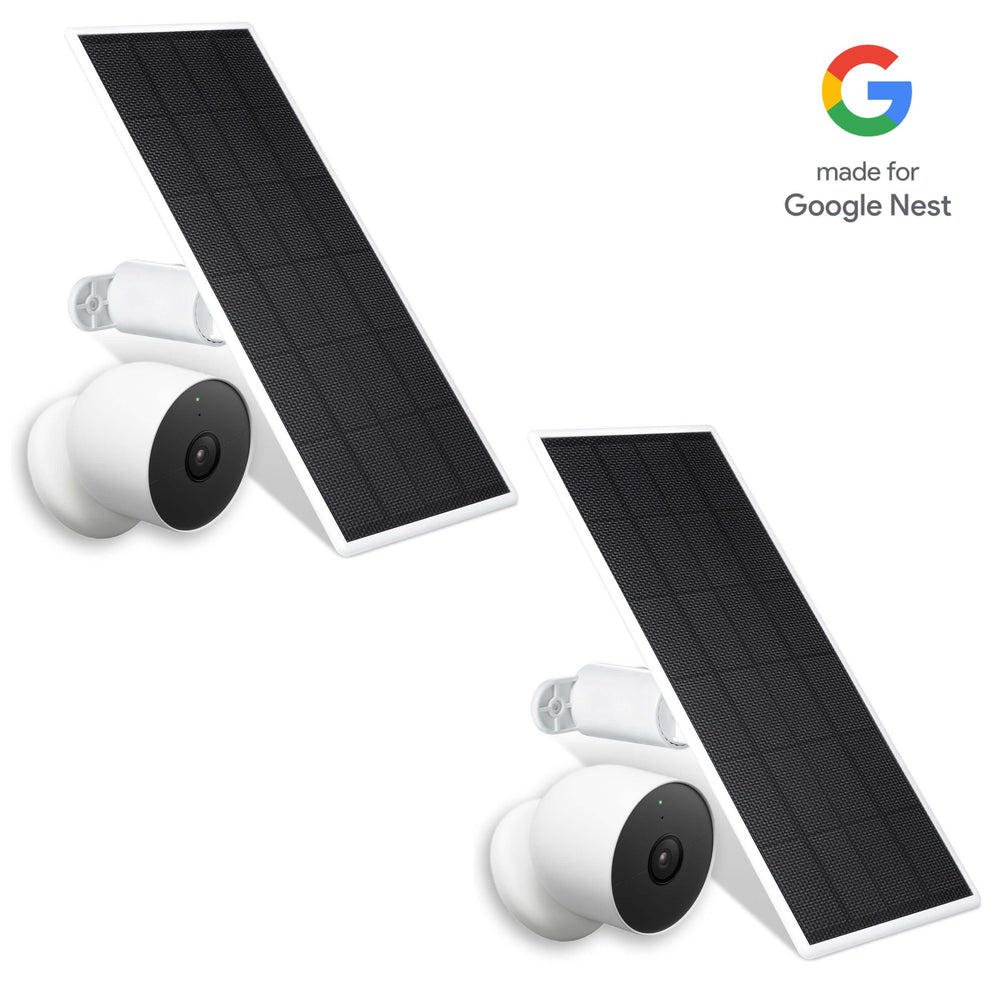
Always verify your exact model before purchasing replacement accessories or troubleshooting charging issues. If you'd like to reduce manual charging, installing a Wasserstein Solar Charger for Ring Video Doorbell and other compatible solar accessories can help maintain the battery during normal daily use.

Examples include dedicated Ring models and broader solutions like a universal solar charger upgrade for battery doorbells:
-
Wasserstein Solar Charger for Ring Video Doorbell 3 / 3 Plus / 4 & Ring Battery Doorbell Pro/Plus
-
Wasserstein Solar Charger for Ring Video Doorbell 2nd Gen (2020 Release)
-
Wasserstein Universal Solar Charger for compatible Ring Battery Doorbell, Pro, Plus, Ring 4, Ring 3/3 Plus, and other supported models
These accessories provide supplemental charging during daylight hours, helping reduce how often you need to remove and recharge the battery manually, especially when paired with Ring Video Doorbell bundles and accessories designed for extended power options.
Replace the Battery or Replace the Ring Doorbell
If your Ring doorbell still refuses to charge after exhaustive troubleshooting, it means either the battery cells have permanently degraded or the internal charging circuitry of the doorbell itself has failed. Like all lithium-ion components, Ring hardware has a finite lifespan and will eventually need to be replaced.
Common signs of a failing battery include:
-
The battery percentage never increases.
-
The battery won't become fully charged even after 10 hours.
-
The battery drains unusually quickly after charging.
-
The battery repeatedly stops charging at the exact same percentage.
If your model features a removable battery and shows these symptoms, purchasing a replacement battery is usually the simplest and most cost-effective solution. However, if a brand-new battery also fails to charge inside the device, the fault lies within the doorbell hardware itself. In that situation, you will need to replace the entire doorbell unit or contact Ring Support for hardware service.
Prevent Charging Problems and Extend Battery Life In The Future
You can prevent future Ring doorbell charging problems by reducing the mechanical workload on the device and keeping its physical components clean. Lowering power consumption ensures that the battery charges faster and maintains its health over a longer period.
Implement these best practices to optimize performance:
-
Keep the Ring app and device firmware up to date.
-
Reduce motion sensitivity in the app settings if you receive excessive motion alerts.
-
Limit unnecessary Live View sessions to conserve power.
-
Improve your home's Wi-Fi coverage so the device doesn't constantly struggle to stay connected.
-
Clean the charging contacts periodically to prevent grime buildup.
-
Avoid leaving the battery in prolonged extreme heat or cold whenever possible.
-
Recharge the battery before it drops all the way down to 0%.
If you want to reduce manual charging altogether, consider a compatible solar charger and dedicated Ring Video Doorbell 3 & 4 accessories that optimize power and performance. Products such as the Wasserstein Universal Solar Charger or the Wasserstein Solar Charging Bracket can help maintain battery levels with several hours of direct sunlight each day.
If you're already reinstalling your Ring doorbell, accessories like the Wasserstein Adjustable Mount & Wall Plate for Ring Video Doorbell Wired can also improve the viewing angle while providing a cleaner installation.
FAQs
Does a Ring Doorbell continue charging while Live View is being used?
Yes, but Live View consumes significant power. On a hardwired Ring, the trickle charge may not keep up if Live View is used frequently or motion events occur throughout the day. As a result, the battery level may continue to drop even while the device is connected to power.
Is it better to choose a battery-powered or a hardwired Ring model to avoid long-term charging issues?
It depends on your installation. A hardwired Ring doorbell reduces manual charging by providing continuous supplemental power, but it still relies on its internal battery. Battery-powered models offer more flexible installation but require periodic recharging.
Can a solar charger keep my Ring Doorbell battery fully charged year-round?
A compatible solar charger can significantly reduce manual charging, but performance depends on sunlight, weather, motion activity, and the amount of daily Live View usage; similar principles apply to products like a solar charger and mount for Blink Video Doorbells. It should be viewed as a way to help maintain battery levels rather than a guarantee that the battery will always stay at 100%.
I am a renter and cannot access the transformer or breaker box. What non-invasive fixes can I try if my Ring Doorbell won't charge?
Renters who cannot access electrical systems can fix most charging issues non-invasively by refreshing the Ring app, resetting the doorbell using its physical setup button, cleaning the metal battery contacts, or trying a different high-quality USB cable and wall outlet indoors. Bringing a cold battery inside to warm up to room temperature before charging will also fix weather-related power failures.
How can a small business with heavy visitor traffic keep a Ring Doorbell charged for reliable 24/7 monitoring?
Businesses often experience more motion events and Live View usage than homes, resulting in higher battery consumption and, in the case of wired setups, potential issues similar to a wired Ring Doorbell not working. A hardwired installation with the proper transformer, reliable Wi-Fi coverage, optimized motion settings, and compatible solar charging accessories can all help maintain more consistent battery performance.
Can a Ring Doorbell battery be "jump-started" after being left completely discharged for a long time?
Not usually. If the battery is completely depleted, connect it to a wall charger with a working micro USB cable and allow it to charge uninterrupted for several hours. If it still fails to accept a charge or won't hold one afterward, it's likely time to replace the battery.
Leave a comment