

Top 5 Wasserstein Accessories for Arlo Cameras
Quick summary:
- Building an effective Arlo security system is not just about the camera. Accessories like solar panels, charging cables, and mounts are essential for reliable power, better coverage, and long-term durability.
- Key upgrades include solar panel chargers for continuous power, magnetic or USB-C cables for consistent wired charging, and adjustable or gutter mounts for optimal positioning and expanded visibility.
- A complete setup combines power, placement, and protection, ensuring compatibility, using the right mounting solutions, and adding protective cases to maximize performance and reduce maintenance.
Building a reliable home security system with Arlo cameras goes beyond the device itself. The right accessories improve power reliability, expand coverage, and help protect your Arlo setup in real-world conditions, whether indoors or outdoors.
From solar panel charger solutions to flexible mounting options, today’s ecosystem of Arlo products allows you to customize your setup for maximum performance. Whether you’re using a Pro 3, Pro 4 XL, Ultra 2, or even older 2nd-gen and 3rd-gen models like the Essential 3rd gen, this guide covers the best Arlo accessories to upgrade your system.
Top 5 Wasserstein Accessories
1. Solar Panel Charger (Best for Continuous Power)
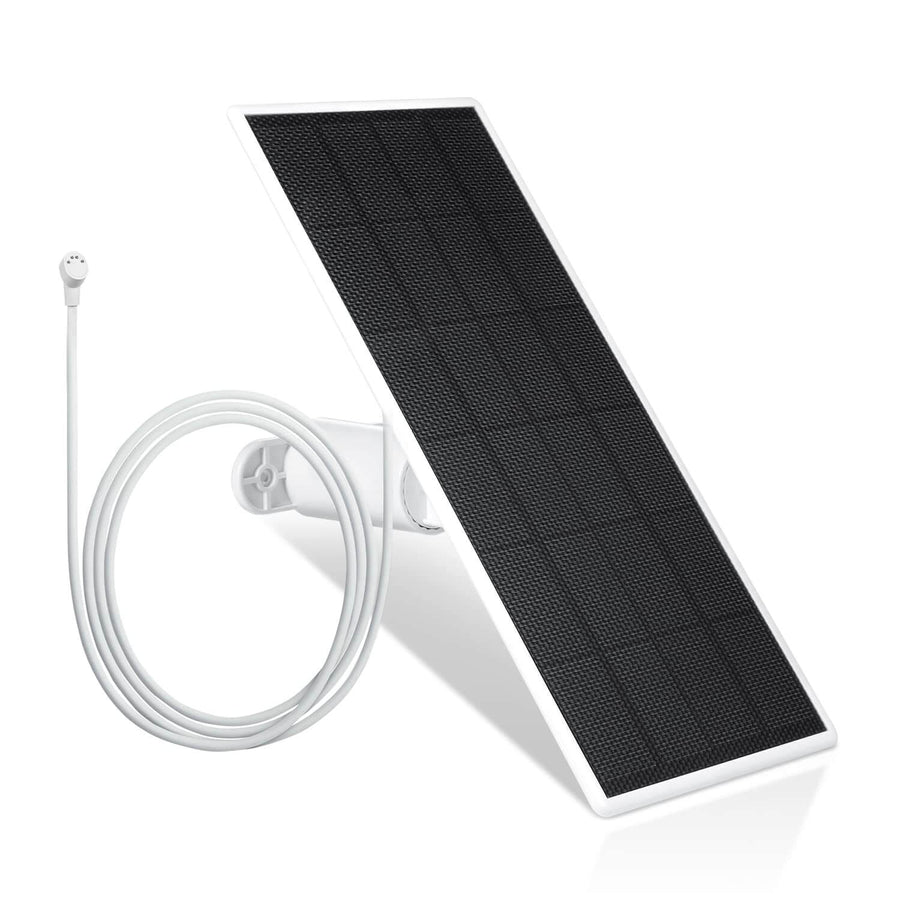
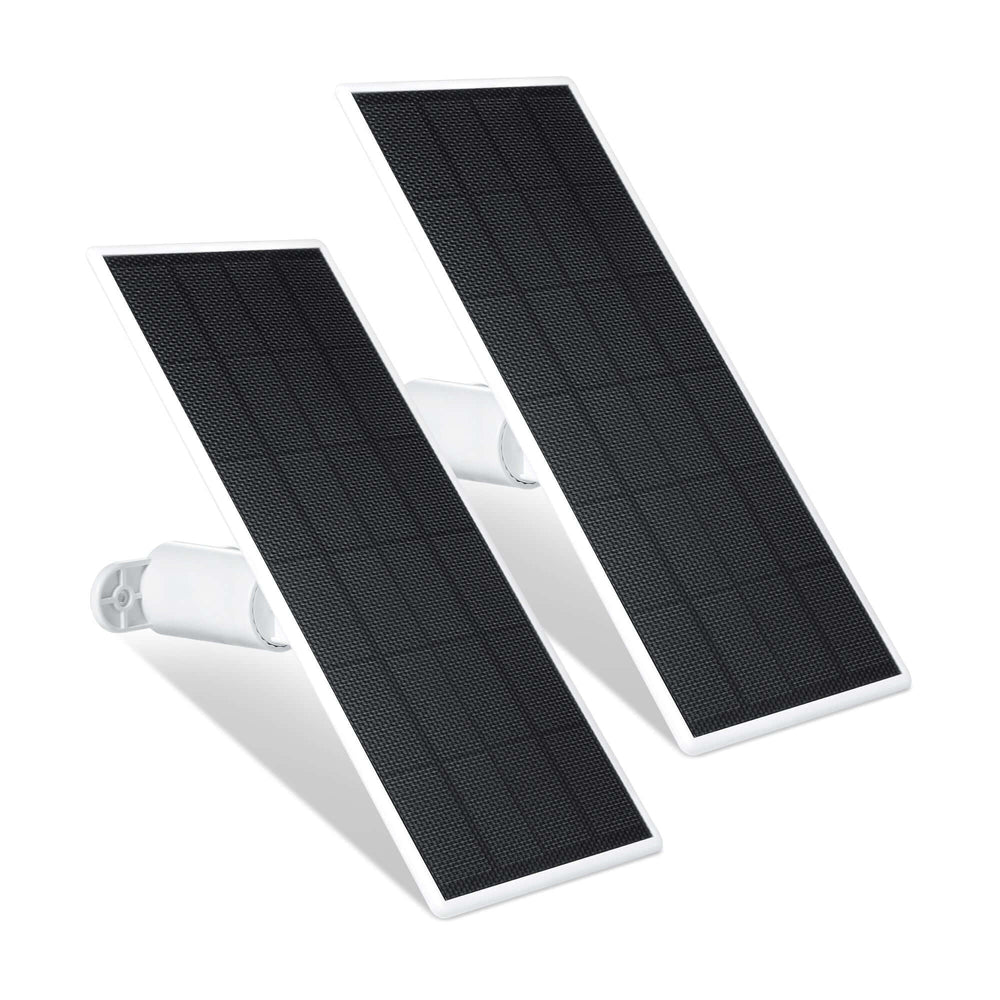
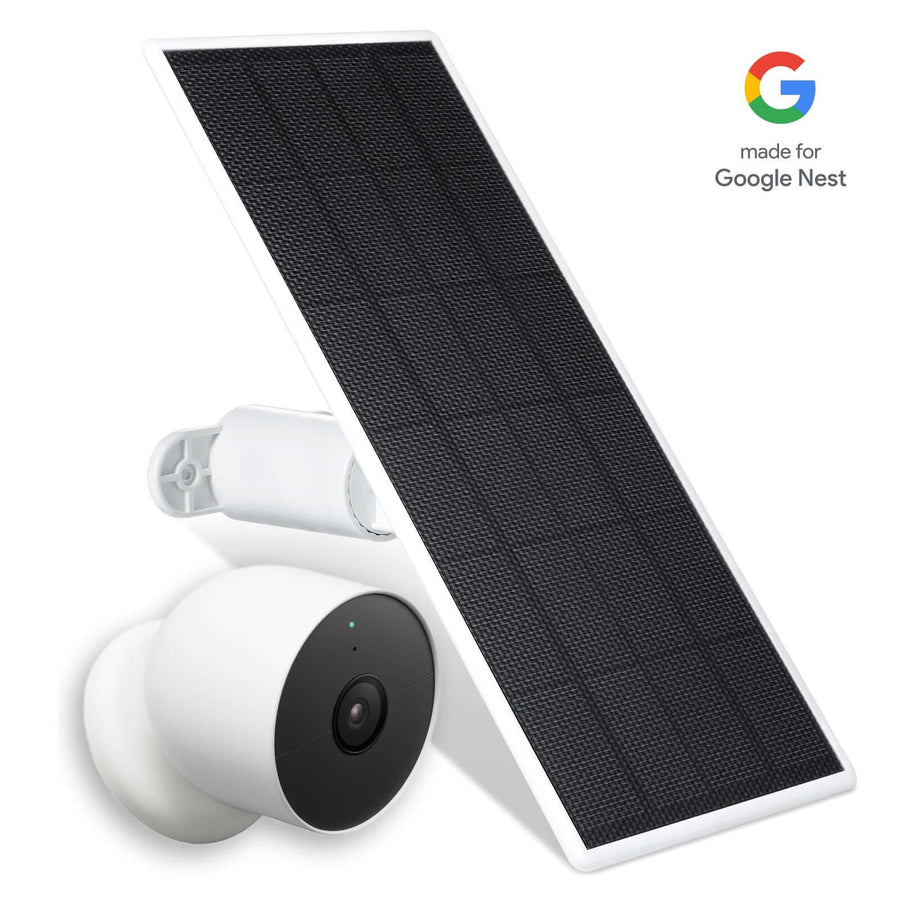
An Arlo solar panel charger is one of the most efficient ways to power your camera continuously. Instead of manually swapping a battery, the panel harvests energy from the sun, reducing maintenance and long-term costs.

Key benefits:
-
Eco-friendly and cost-effective power solution
-
Reduces the need for frequent rechargeable battery changes
-
Includes an outdoor magnetic charging cable for seamless use
-
Flexible placement with a 13 ft (4 m) cable
Compatibility:
-
Works with Ultra 2, Pro 3, Pro 4, and floodlight models
-
Not compatible with Pro 2
This is ideal for outdoor cameras where constant uptime matters. With just a few hours of sunlight, your system stays powered, making it one of the most practical upgrades available.
2. Magnetic Charging Cable (Best Wired Charging Solution)
An Arlo magnetic charging cable provides a reliable alternative when solar isn’t practical. These outdoor USB-C charging and magnetic options deliver constant power without removing the battery.

Why it works:
-
Secure magnetic connection for uninterrupted charging
-
Available in long lengths (8 ft indoor, 25 ft outdoor)
-
Supports higher video quality settings due to constant power
-
Includes a fast power adapter for efficient charging
The Wasserstein weatherproof outdoor magnetic charging cable is specifically designed for outdoor use, making it a dependable solution for both indoor and exterior installations.
3. Adjustable Metal Wall Mount (Best All-Around Mount)
A high-quality metal wall mount is essential for maximizing your camera’s field of view. Adjustable mounts allow you to fine-tune positioning for better coverage.

Features:
-
360-degree swivel and 90-degree tilt
-
Durable for long-term outdoor use
-
Simple installation
Why mounts matter:
-
Provide flexible placement options.
-
Improve motion detection accuracy.
-
Help secure your device in optimal positions
Wall mounts are especially effective for exterior installations, while ceiling mounts work well indoors for monitoring entryways or hallways, and following best practices for mounting your Arlo camera outside helps you get the best angles and coverage.
4. Gutter Mount (Best for Elevated Outdoor Coverage)
A gutter mount gives your camera a higher vantage point, improving visibility and reducing tampering risk.

Advantages:
-
No drilling required
-
Easy repositioning
-
Ideal for gutters, pipes, and elevated surfaces
Third-party mounting solutions like this allow for creative placement without permanent installation. This flexibility is key when optimizing your home security coverage.
5. 2-in-1 Universal Gutter Mount (Best for Camera + Solar Setup)

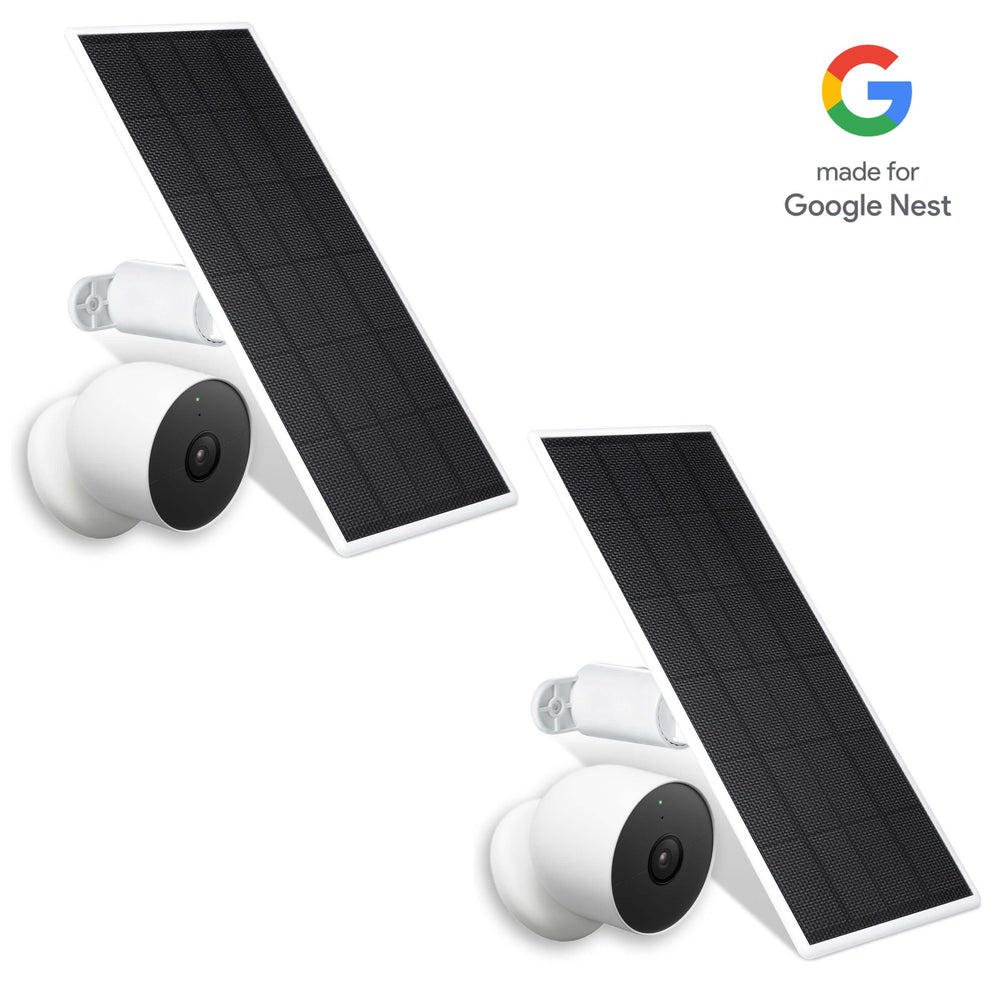
This 2-in-1 universal gutter mount for security camera goes beyond basic placement by supporting both your camera and solar panel in one setup. It’s one of the most efficient ways to build a clean, elevated, and fully powered outdoor installation.
Best for:
-
Users combining solar panel + camera setups
-
Homes that need flexible, non-permanent installation
-
Maximizing both power efficiency and camera coverage
Power & Charging Solutions Explained
Wasserstein offers a full ecosystem of Arlo camera accessories - solar panels, chargers, and mounts that work together to keep your system powered and positioned correctly.
Power is the backbone of any Arlo system. Choosing the right option ensures your cameras stay active when you need them most.
Solar Power
-
Eco-friendly and low maintenance
-
Reduces manual charging
-
Best for outdoor use
Magnetic & USB-C Charging
-
Constant power via an outdoor charging cable
-
Supports higher performance settings
-
Works in shaded or indoor environments
Rechargeable & XL Batteries
-
High-capacity options like Essential XL and Pro 4 XL provide extended use.
-
Can last months on a single charge, though actual Arlo battery life and performance will depend on your specific model, settings, and environment.
-
Ideal as backup power
Charging Stations
-
Allow charging of multiple batteries simultaneously.
-
Dual battery charging station setups reduce downtime.
-
Fast charging technology minimizes waiting time
While a charging station is useful, many users prefer continuous power solutions like solar or wired cables to avoid battery swaps entirely.
Mounting Solutions for Every Setup
Choosing the right mount directly impacts your camera’s performance.
Common Mount Types:
-
Wall mounts – best for exterior walls
-
Ceiling mounts – ideal for indoor monitoring
-
Magnetic mounts – quick repositioning
-
Gutter mounts – elevated outdoor views
Advanced Options:
-
Outdoor magnetic/security mounts for durability
-
Anti-theft mounts with locking mechanisms for added protection
Modern mounts offer full adjustability, typically with a 360° swivel and 90° tilt, ensuring optimal positioning for any environment.
Protective Cases & Skins
Beyond power and placement, protection is another key factor.
Silicone Cases & Skins
-
Protect against dust, moisture, and impacts.
-
Add a layer of defense against scratches and rain.
-
Maintain full functionality and field of view
Some users also choose Arlo skins to camouflage their cameras, helping them blend into their surroundings for discreet monitoring. If you’re using Essential models, dedicated Arlo Essential camera accessories can further boost durability, power options, and overall home security. These accessories are especially useful in harsh outdoor environments where exposure can affect long-term performance.
Expanding Your Arlo System
The right accessories don’t just support your cameras. They expand your system’s capabilities.
SmartHub & Base Stations
-
Improve Wi-Fi range
-
Reduce camera power consumption.
-
Enable local storage via USB
In outdoor setups, pairing these with a dedicated Arlo solar panel for Ultra, Pro, and Essential can keep remote cameras powered without relying on frequent battery swaps.
Integrated Solutions
Some advanced accessories combine multiple functions. For example, a floodlight product can integrate lighting, charging, and mounting into one system, enhancing both visibility and security. Overall, Arlo accessories expand your Arlo products to cover every angle of your home or business, making your system more complete and effective, especially when you pair them with specialized Arlo Ultra security camera accessories for 4K setups.
Compatibility Guide
Before buying any Arlo accessories, always check compatibility. Different models use different connectors, power requirements, and mounting systems, so choosing the right product ensures everything works smoothly.
Ultra / Ultra 2
-
Fully compatible with most modern accessories
-
Works seamlessly with:
-
Solar panel charger setups
-
Magnetic charging cable and outdoor USB-C charging options
-
-
Supports higher-performance features like enhanced video quality and continuous power
👉 Best setup: solar + wired backup for reliable outdoor home security
Pro Series (Pro 2, Pro 3, Pro 4)
-
Pro 3 / Pro 4
-
Full compatibility with most accessories
-
Supports solar panel, outdoor charging cable, and advanced mounts
-
Works well with continuous power solutions
-
-
Pro 2
-
Limited compatibility
-
Does not support most modern solar panel charger options
-
Better suited for rechargeable battery swaps or wired cable solutions
-
👉 Tip: If you’re using Pro 2, prioritize mounts and charging cables over solar.
Essential & 3rd Gen Models
-
Includes Essential 3rd gen and other 3rd gen cameras and works well alongside Arlo Essential wired video doorbell accessories when you want a consistent experience at your main entry.
-
Compatible with select accessories depending on the connector type
-
May require specific cable types or adapters for charging
👉 Always verify whether your model supports:
-
Magnetic charging cable or standard USB-C charging cable
-
Direct-wired power vs battery-only operation
Older Models (2nd Gen and Legacy Devices)
-
Includes older 2nd-gen cameras and discontinued units
-
Some accessories may not be compatible due to:
-
Different charging ports
-
Lower power support
-
-
A certain product is no longer updated or supported
👉 Recommendation: Double-check specs before buying, especially for power accessories like chargers or solar solutions.
Important Tip
If your product is no longer actively supported or you’re using an older 2nd-gen model, always verify compatibility before purchasing. This is especially important for:
-
Solar panel systems
-
Magnetic charging cable connections
-
Mounting hardware
A quick compatibility check ensures your camera, battery, and accessories work together, saving time, money, and setup frustration while keeping your home security system running reliably.
Best Accessory Bundles
For a complete setup, combining accessories is the most effective approach.
Outdoor Security Bundle
-
Solar panel charger + mount
-
Continuous power + stable positioning
Wired Power Bundle
-
Magnetic charging cable + mount
-
Ideal for homes with easy outlet access
High-Protection Setup
-
Gutter mount + protective case
-
Elevated placement + environmental protection
Buying & Installation Checklist
Before setting up your Arlo system, take a few minutes to plan your accessories and installation. A well-prepared setup ensures better video quality, fewer power issues, and more reliable home security.
Pre-Purchase Checklist
-
Confirm your Arlo model.
Identify whether you’re using Pro 3, Pro 4, Ultra 2, Pro 2, or 3rd gen / Essential 3rd gen cameras. Compatibility matters, especially for accessories like a solar panel charger or magnetic charging cable. -
Choose your preferred charge method.
-
Solar panel → best for low-maintenance outdoor setups
-
Magnetic charging cable / outdoor USB-C charging → best for consistent wired power
-
Rechargeable battery / Essential XL / Pro 4 XL → best for flexible, cable-free setups
-
-
Select the right mount type.
-
Wall mount → stable, permanent placement
-
Gutter mount → elevated outdoor coverage
-
Magnetic mount → easy repositioning
-
-
Check accessory compatibility
Make sure your camera, cable, and power setup are fully compatible, especially if you’re using older 2nd-gen devices or if a product is no longer supported. -
Consider your environment
-
Outdoor: prioritize weatherproof mounts and outdoor charging cable options
-
Indoors: focus on discreet placement and easy access to power
-
-
Review Arlo Secure features.
If you’re using Arlo Secure, ensure your setup supports stable connectivity for recording, alerts, and cloud video storage.
Installation Tips
-
Test camera angle before mounting: Turn on the live video feed and adjust positioning to cover key areas like doors, driveways, or entry points.
-
Ensure a strong Wi-Fi signal: A weak connection can affect performance. Consider repositioning your router or adding a hub if needed.
-
Use proper tools and anchors: For wall installations, secure your mount with the correct screws and anchors to prevent movement over time.
-
Plan cable routing in advance: If using a magnetic charging cable or outdoor USB-C charging, route the cable through protected areas to avoid damage and maintain a clean look.
-
Position for security and durability: Install cameras high enough to deter tampering, but still within range for clear video capture.
A little planning goes a long way. With the right accessories, proper mount, and reliable power setup, your Arlo system will be easier to maintain and far more effective at protecting your home.
Conclusion
The best Arlo accessories focus on three essentials: power, placement, and protection.
-
Solar panel charger – for continuous, low-maintenance power
-
Magnetic charging cable – for reliable wired charging
-
Adjustable mount – for optimal positioning
Add protective cases and mounting solutions, and you’ll have a complete home security setup that’s built to last.
FAQ
What are the essential Arlo accessories?
Start with a solar panel, a magnetic charging cable, and a durable mount. These cover power and positioning.
Do solar panels really help?
Yes, a solar panel charger reduces battery swaps and provides consistent power with minimal sunlight.
Are silicone cases worth it?
Yes, they protect your camera from dust, moisture, and damage without affecting performance.
Should I get a charging station?
A charging station is useful for spare batteries, but continuous power solutions are more convenient.
How do I protect my Arlo cameras outdoors?
Use weatherproof cables, secure mounts, and protective cases to secure your setup.
Leave a comment