

Do Security Cameras Need WiFi? What You Need to Know
Quick summary:
-
Most Wi-Fi cameras rely on your internet connection — without it, remote viewing, cloud storage, and push alerts stop working, even if the camera itself is still powered on.
-
Cameras don't need Wi-Fi to record — wired systems (PoE, coax), cameras with microSD cards, and NVR/DVR setups capture footage locally without any internet connection.
-
Cellular cameras are the true off-grid option — using a 4G LTE SIM card, they send alerts and stream footage remotely without a router or broadband connection.
-
Motion detection runs on the camera, not the cloud — detection and local recording continue offline, but smart notifications require an active internet connection to reach your phone.
-
Choosing the right camera type matters — matching your camera to your connectivity situation (reliable Wi-Fi, wired, cellular, or local-only) is the key decision that determines what you can and can't do remotely. With the right setup, a dropped internet connection doesn't have to mean a gap in your security coverage.
Do security cameras need WiFi? The short answer is no, but the better answer is that it depends on how you want your system to function.
Today’s security cameras are designed to work in a variety of environments. While many Wi-Fi cameras rely on an internet connection to unlock features like remote access, cloud storage, and smart alerts, they are not limited to Wi-Fi-only operation. In fact, many home security cameras can still capture and store video using local storage, even without internet. Many models of wireless cameras can operate without internet by using local storage options like microSD cards or NVRs, allowing continued recording during outages. Others can connect through a cellular network using 4G LTE, making them ideal for off-grid locations.
Understanding how security cameras work and what they actually need to operate will help you choose the right setup for your home, business, or remote property.
Quick Answer: Do Security Cameras Need Wi-Fi?

No, security cameras do not require Wi-Fi to record footage or perform basic monitoring. They can still capture video, store footage, and provide reliable recording through local storage methods such as a microSD card, memory card, or a network video recorder.
However, Wi-Fi or another form of internet access becomes necessary if you want to unlock modern features. Without it, you won’t be able to stream live video, use remote viewing, or receive push notifications on your phone. Features like advanced AI detection, two-way audio, and smart alerts also depend on a stable internet connection.
This creates a clear divide between systems built for convenience and those built for reliability. Wi-Fi-connected systems prioritize accessibility, while offline systems focus on consistent performance.
How Security Cameras Work With and Without Wi-Fi
At a fundamental level, all security cameras work in the same way. A camera captures video, processes the data, and saves it somewhere for later access. The main difference between systems lies in where that data is stored and how it can be accessed.
When connected to Wi-Fi, cameras can send video across a network to cloud servers. This allows you to access footage remotely, stream live video, and manage your system through an app on your phone. It also enables advanced features like facial recognition, package detection, and automated alerts.
Without an internet connection, the process becomes more self-contained. Instead of sending data externally, the camera saves footage using local recording. This can happen through onboard storage like a microSD card, or through a centralized device such as a local recorder or network video recorder. You can still review footage, but typically only within your local network or by directly accessing the storage device.
Wi-Fi vs Internet: Why the Difference Matters
One of the most common misunderstandings is the difference between Wi-Fi and the Internet. While they are closely related, they serve different roles in a security system.
Wi-Fi refers to your internal network, allowing devices like wireless cameras, phones, and recorders to connect. The internet connects that network to the outside world, enabling remote access and cloud-based services.
This distinction becomes important during internet outages. If your internet goes down but your router is still active, your cameras can continue communicating over the local network. A network video recorder can still save footage, and you may still be able to access recordings from inside your home.
However, if the router itself fails, only cameras with onboard storage will continue to function independently. Systems that rely entirely on a network connection may temporarily stop recording until connectivity is restored.
What Happens to Security Cameras Without Internet?
When security cameras operate without internet, their performance depends largely on how they are designed to store data.
Cameras that rely entirely on cloud storage will stop recording when the internet connection is lost. This is because they depend on external servers to store video. Once the connection is restored, they resume normal operation, but any downtime creates gaps in your recording.
On the other hand, local storage cameras are built for independence. They can record locally, store footage on a hard drive or SD card, and continue functioning during outages. This makes them a more reliable option for environments where connectivity is inconsistent.
Even without the internet, many cameras still support motion detection. Because this feature is often processed directly on the device, the camera can detect movement and trigger recording automatically. The main limitation is that you won’t receive push notifications or real-time alerts, since those require an internet connection.
Types of Security Cameras That Don’t Need Wi-Fi

There are several types of cameras without Wi-Fi, each designed for specific use cases.
-
Local Storage Cameras: These record directly to an onboard microSD card, making them the simplest "plug-and-play" option for basic home security without needing an internet connection.
-
Wired Camera Systems (CCTV/IP): These use physical Ethernet or coaxial cables connected to a central Network Video Recorder (NVR), providing the most stable and hack-resistant "closed network" for 24/7 recording.
-
4G LTE / Cellular Cameras: These function via a SIM card and mobile data plan, allowing for "smart" features like live streaming and remote alerts in off-grid locations like cabins or construction sites.
-
Hybrid Wireless Cameras: These versatile models support both cloud and local storage, ensuring they can switch to internal recording automatically if your internet service ever fails.
Local Storage Options for Security Cameras
When using security cameras without internet, your storage setup becomes one of the most important decisions.
-
Onboard MicroSD Storage: This is the most straightforward and cost-effective option, allowing cameras to store footage directly onto an internal memory card for simple, single-camera setups.
-
Continuous Overwrite Support: Most local storage cameras are designed to record non-stop, automatically overwriting the oldest footage with new data once the card reaches its maximum capacity.
-
Network Video Recorders (NVR) and DVRs: These centralized hubs use high-capacity hard drives to manage multiple cameras at once, providing the long-term storage needed for more complex security systems.
-
Centralized Monitoring Control: Using a dedicated recorder gives you a single interface to view and manage all your feeds, making it the standard choice for professional-grade installations.
-
Physical Security and Backups: Protecting your hardware is vital in a non-cloud setup, so recorders should be kept in a secure, hidden location to prevent data tampering or physical theft.
4G LTE and SIM Card Cameras
4G LTE cameras are designed for environments where Wi-Fi is unavailable or unreliable. By using a SIM card and connecting to a cellular network, they provide many of the same capabilities as Wi-Fi-enabled systems.
These cameras can deliver live video, support remote viewing, and allow users to receive push notifications. They also enable two-way audio, making it possible to communicate through the camera in real time. Because they rely on cellular data, they remain functional even when traditional internet infrastructure is not available.
However, this convenience comes at a cost. A data plan is required, and frequent live streaming can consume significant data. For this reason, many users configure their cameras to prioritize motion-based recording instead of constant streaming.
Power is another important consideration. Many battery-powered models are designed for flexible installation, but they require consistent charging or a reliable external power solution to maintain performance, making it important to understand how to power an outdoor security camera.
Powering Off-Grid Cameras with Wasserstein
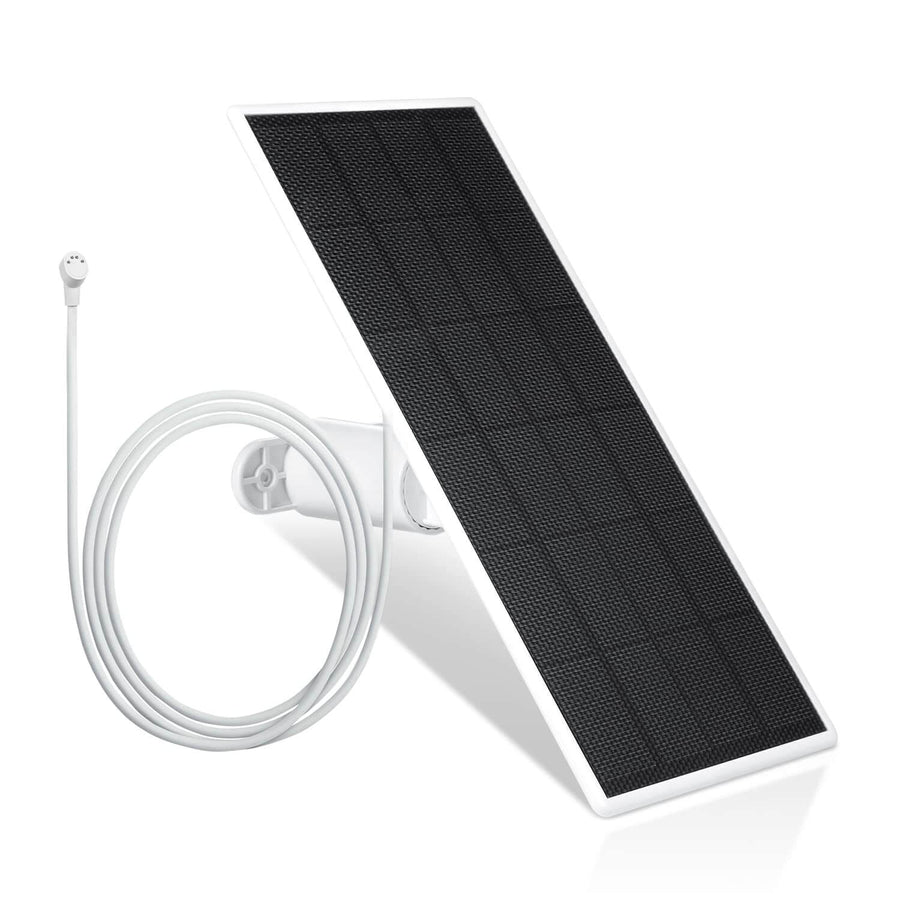
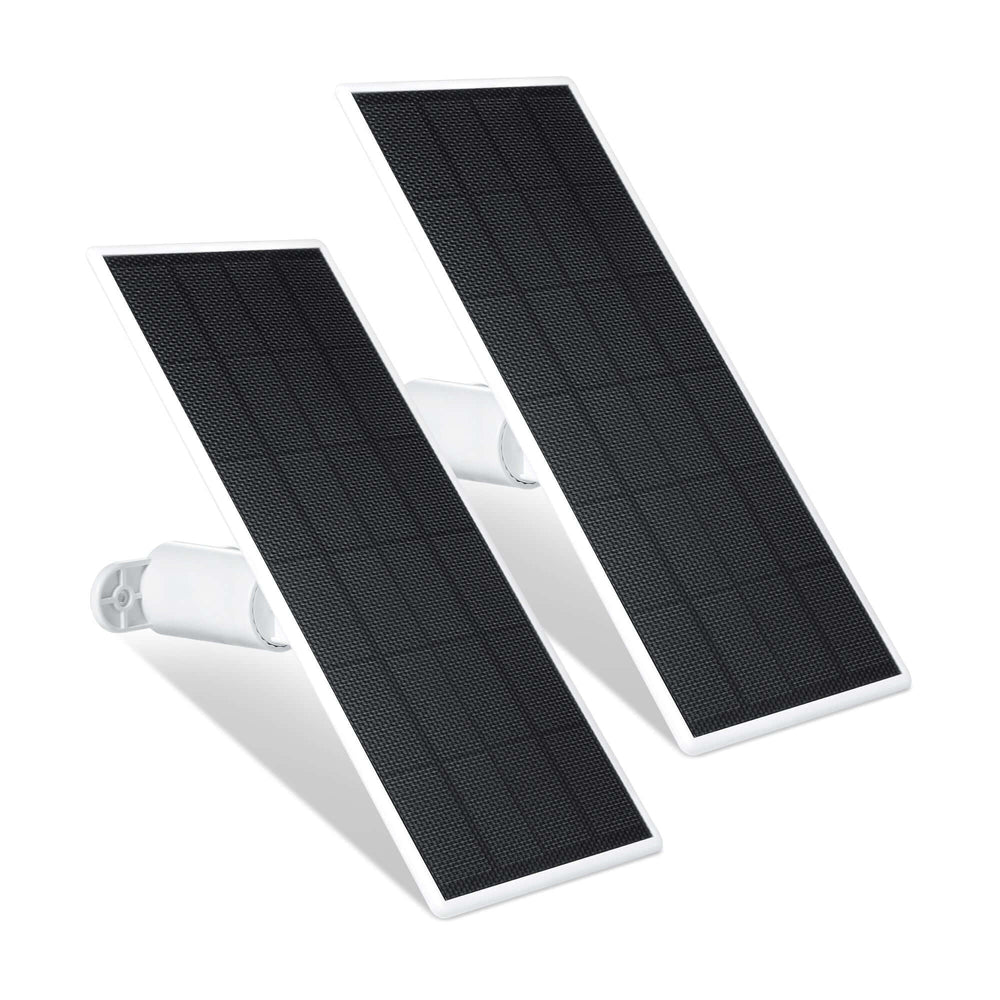
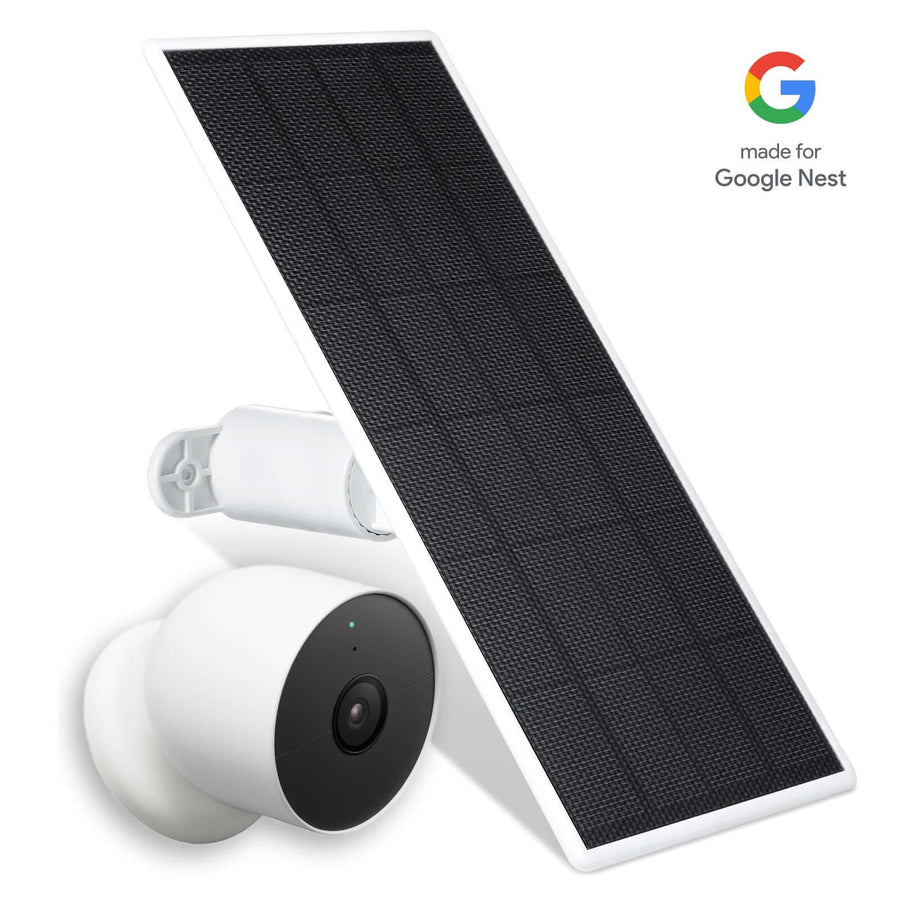
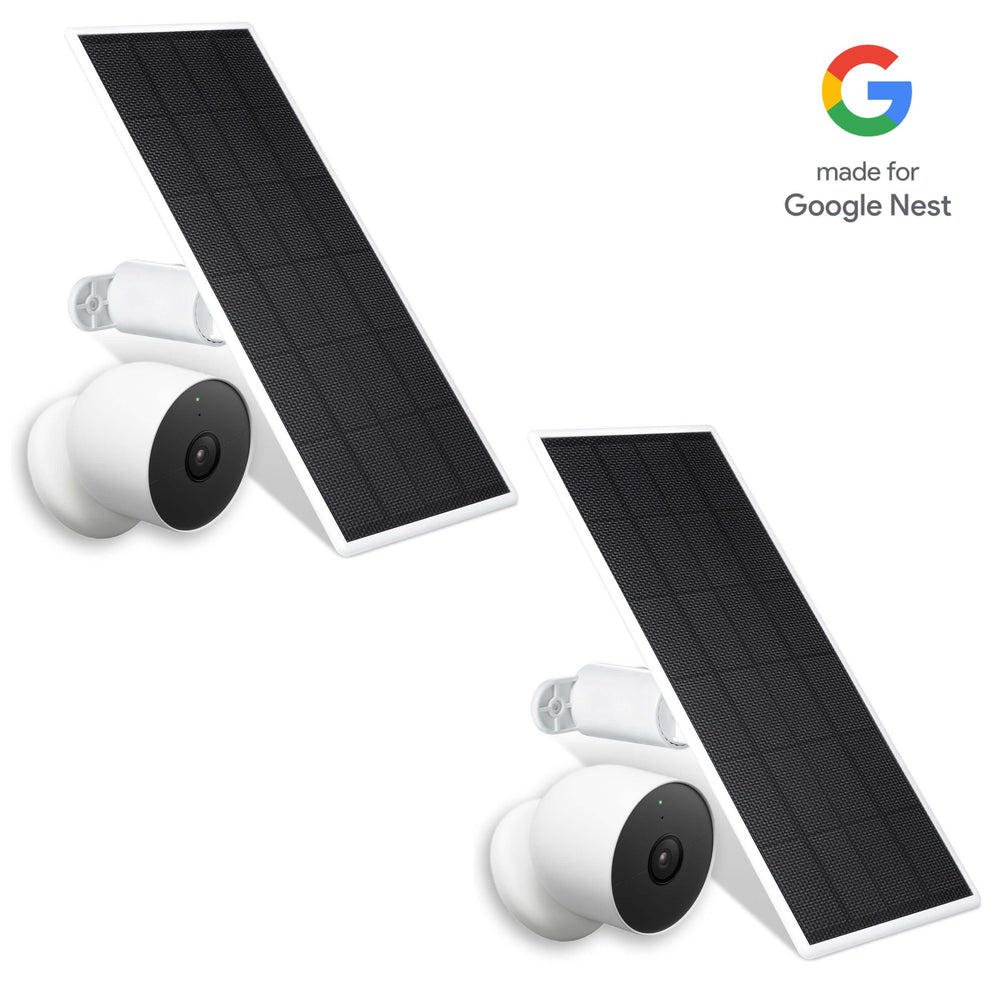
For off-grid setups, maintaining reliable power is just as important as connectivity. This is where Wasserstein solar panels for cameras become especially useful.

Wasserstein solar panels are designed to keep battery-powered cameras running continuously. With high-efficiency solar cells, they can generate energy even in low-light conditions, helping your camera continue recording without interruption, especially when paired with options like the SimpliSafe solar panel for outdoor cameras. Their long cable design also allows flexible placement, making it easier to position your camera for optimal coverage while still maintaining consistent power.
This combination is particularly effective for 4G LTE cameras installed in remote areas, where both electricity and Wi-Fi are limited and accessories like a dedicated Blink solar panel for your camera can further extend uptime.
Wi-Fi vs No-Wi-Fi Security Cameras: Pros and Cons
Wi-Fi Security Cameras

Best for: Active monitoring, urban homes, and tech-integrated lifestyles.
-
Pros:
-
Remote Access: View live footage and manage settings from your phone anywhere in the world.
-
Instant Alerts: Receive real-time push notifications the second motion is detected.
-
Smart Features: Often includes advanced AI (facial recognition, pet detection) and two-way audio.
-
Easy Setup: Generally "plug-and-play" with no complex wiring required.
-
-
Cons:
-
Bandwidth Heavy: Can slow down your home internet if multiple cameras are streaming at once.
-
Downtime Risk: If your internet or power goes out, the camera may stop recording or sending alerts.
-
No-Wi-Fi (Local/Wired) Security Cameras
Best for: Maximum privacy, remote locations, and "set-it-and-forget-it" reliability.
-
Pros:
-
Superior Reliability: Functions 24/7 regardless of internet outages or router glitches.
-
No Monthly Fees: Footage is stored locally (SD card or NVR), avoiding recurring cloud subscription costs.
-
Privacy & Security: Since data isn't transmitted over the web, it's significantly harder to hack remotely.
-
Zero Latency: No lag in recording quality or speed due to signal interference.
-
-
Cons:
-
No Remote Viewing: You usually cannot check the feed while away from home.
-
Physical Theft Risk: If an intruder steals the camera or the recorder, your footage goes with them.
-
The Middle Ground: Cellular Cameras
Best for: Construction sites, cabins, or large properties without Wi-Fi coverage.
-
Pros: Provides remote viewing and alerts without needing a router.
-
Cons: Requires a dedicated cellular data plan, leading to higher long-term costs.
When Should You Use Cameras Without Wi-Fi?
There are situations where using cameras without Wi-Fi is not just practical, but necessary. Remote properties without reliable internet access benefit from systems that rely on local storage or a cellular network. Construction sites are another common example, as they often require temporary setups that can be installed quickly without infrastructure.
Some homeowners also prefer offline systems for privacy reasons. By keeping footage stored locally instead of in the cloud, they maintain greater control over their data. Additionally, these systems serve as a valuable backup. Even in homes with Wi-Fi, having cameras that can continue recording during outages ensures uninterrupted security.
Motion Detection, Alerts, and Offline Functionality
One of the most important features of modern security cameras is motion detection, and fortunately, it does not always require an internet connection.
When motion is detected, the camera processes the event internally and triggers recording. This allows it to capture important activity even when offline. However, without the internet, the system cannot send push notifications or provide real-time alerts. As a result, you will need to review footage manually by accessing the camera or connecting to the local network. While this limits convenience, it does not affect the camera’s ability to capture events.
Installing Security Cameras Without Wi-Fi
The installation process varies depending on the type of system you choose. Wired systems require more planning, as they involve running cables and connecting to a network video recorder. These setups are best suited for permanent installations where reliability is critical.
Wireless and cellular cameras are much easier to install. In many cases, setup involves inserting a SIM card, powering the device, and mounting it in place. This simplicity makes them ideal for temporary or remote deployments. Proper placement is essential regardless of the system. Ensuring clear visibility, stable mounting, and reliable power will significantly improve performance.
Optimizing Placement with Wasserstein Mounts and Lighting
Getting the most out of your security cameras isn’t just about connectivity. It’s also about positioning and visibility.

Wasserstein mounting solutions are designed to improve both. Adjustable wall mounts allow you to fine-tune your camera’s angle for better coverage in line with best practices for security camera placement, while gutter mounts position cameras higher up to expand your field of view and reduce the risk of tampering. These mounts are built for durability and long-term outdoor use, making them a practical upgrade for both wired camera setups and wireless cameras.
In low-light conditions, Wasserstein floodlights can make a significant difference. By improving visibility at night, they enhance both video quality and motion detection accuracy. This ensures your camera can capture clear footage even in challenging environments, while also helping maintain consistent operation.
Buying Guide: Choosing the Right Security Camera
To find the perfect camera for your space, break your decision down into these three key categories:
-
Connectivity Options
-
Wi-Fi: Best for convenience if you have a reliable internet connection.
-
Local/4G LTE: Ideal for areas without stable Wi-Fi, utilizing cellular networks or direct connections.
-
-
Storage Preferences
-
Cloud Storage: Accessible from anywhere but often requires a subscription.
-
Local Storage: Uses SD cards or hard drives for one-time costs and privacy.
-
Hybrid Systems: Combines both cloud and local options for redundancy.
-
NVR (Network Video Recorder): Recommended for larger setups to manage multiple camera feeds effectively.
-
-
Essential Features
-
Interactive Tools: Consider if you need two-way audio or live streaming.
-
Advanced Tech: Evaluate the necessity of AI motion detection.
-
Practical Balance: Ensure the features align with your specific budget and internet bandwidth.
-
Conclusion
So, do security cameras need Wi-Fi? Not necessarily.
While Wi-Fi enhances convenience by enabling remote access, live streaming, and smart alerts, it is not required for basic recording and security. Systems that rely on local storage, wired connections, or 4G LTE can all function effectively without a traditional internet connection.
The best solution depends on your specific needs. If you prioritize accessibility and real-time monitoring, Wi-Fi or cellular options are ideal. If you value reliability and independence, offline systems may be the better choice.
With the right combination of security cameras, proper placement, and reliable power solutions like solar charging and mounts, along with following a thorough outdoor security camera installation guide, you can build a system that protects your property, whether connected to Wi-Fi or not.
FAQs
Do security cameras need Wi-Fi to function properly?
No, security cameras do not require Wi-Fi to function. They can record locally using local storage like a microSD card, memory card, or network video recorder. However, features like remote access, live streaming, and push notifications require an active internet connection.
Can security cameras work without internet access?
Yes, many home security cameras can operate without the internet. They store footage using local recording methods and continue capturing video during internet outages. However, you won’t be able to stream live video or access footage remotely without connectivity.
Do wireless security cameras still record when offline?
Yes, most wireless security cameras with onboard storage or a microSD card slot can continue recording even when offline. As long as the camera has power and available storage, it will capture and save footage locally without needing Wi-Fi.
What types of security cameras don’t require Wi-Fi?
Several types of cameras without Wi-Fi include:
-
Local storage cameras with SD or microSD support
-
Wired camera systems like CCTV cameras and IP cameras connected to a network video recorder
-
4G LTE cameras that use a cellular network and a SIM card
Each option works without traditional Wi-Fi.
Do 4G LTE security cameras need a SIM card?
Yes, 4G LTE security cameras require a SIM card and an active data plan. They use a cellular network and mobile data to send video, enable remote viewing, and deliver real-time alerts, making them ideal for off-grid locations.
Will motion detection work without Wi-Fi?
Yes, motion detection typically works without Wi-Fi because it runs directly on the camera. The device can detect movement and trigger recording locally. However, without the internet, it cannot send push notifications or smart alerts to your phone.
Can I access camera footage without internet?
Yes, you can access footage without internet through a local network, by removing the memory card, or accessing the local recorder. However, remote viewing from your phone requires an internet or cellular data connection.
What’s the difference between Wi-Fi cameras and non-Wi-Fi cameras?
Wi fi cameras rely on an internet connection for remote access, cloud storage, and advanced features. Cameras without Wi-Fi focus on local storage and reliability, allowing them to record locally and function during outages, but without live streaming or remote control.
Do security cameras stop recording when Wi-Fi goes out?
It depends on the system. Cameras that rely only on cloud storage will stop recording. However, local storage cameras and systems connected to a network video recorder will continue recording and store footage locally during internet outages.
Which security camera is best for no Wi-Fi setups?
The best option depends on your needs. Local storage cameras are ideal for simple setups, wired camera systems are best for reliability and continuous recording, and 4G LTE cameras are perfect for off-grid areas where internet access is unavailable.
Leave a comment