

The Best Indoor Security Camera Options for Your Home in 2025
Key Takeaways
-
Indoor security cameras now offer sharper video, smarter AI alerts, and better low-light performance.
-
Many models support local storage (microSD or hubs), helping users avoid subscription fees.
-
Intelligent alerts can detect people, pets, sound events, and baby crying, reducing false notifications.
-
Popular choices like TP-Link Tapo C120, Eufy Indoor Cam, Nest Cam, Arlo Pan & Tilt, and Blink Mini cover a wide range of budgets and needs.
-
Smart home compatibility with Alexa, Google Assistant, and Matter improves automation and control.
-
Consider room size, placement, and storage preferences to ensure the best performance.
Indoor home security cameras have become one of the most effective and accessible ways to protect your living space. Whether you want a safer home, better visibility of what’s happening indoors, or reliable monitoring when you’re away, today’s best indoor security camera options deliver a blend of sharp video, motion detection, night vision, and smart home integration that makes comprehensive home security easier than ever.
In 2025, camera companies continue pushing innovation: improved image quality, color night vision, smarter alerts that distinguish between pets and people, and free local video storage options that help you store recordings locally without a subscription. Many indoor cameras can integrate seamlessly with platforms like Google Assistant, Alexa, and other smart home ecosystems, allowing instant smartphone notifications whenever the camera detects motion or sound.
With such a wide range of models available, it’s important to choose a device that fits your needs, budget, and home layout. This guide explores the best home security camera options for 2025, the key features that matter, and accessories that can expand your system’s versatility.
Introduction to Home Security Cameras
Home security cameras have become a cornerstone of modern home security, offering homeowners peace of mind and real-time protection for their families and property. With so many options available, it’s important to understand the differences between indoor security cameras, outdoor models, and versatile security cameras that can be used in multiple locations. Indoor security cameras, such as the Eufy Indoor Cam, are designed specifically for monitoring the inside of your home, providing features like motion detection, night vision, and two-way audio so you can see, hear, and speak to anyone in the room.
When selecting a home security camera, consider the image quality—higher resolution cameras deliver sharper video, making it easier to identify faces and details. Local storage options, such as microSD card slots or built-in storage, allow you to store video recordings without relying on a cloud subscription, giving you more control over your data. Many of today’s best indoor security cameras also offer smart features like facial recognition and person detection, which help reduce false alerts and keep you informed about what matters most. Whether you’re looking for a camera to keep an eye on your pets, check in on family members, or deter intruders, the right indoor cam can make a significant difference in your overall home security system.
Key Features of Modern Indoor Security Cameras
Indoor security cameras have evolved significantly, making it easier to monitor your entire room with greater accuracy and intelligence. Before choosing the best indoor security camera for your home, it helps to understand the features that differentiate reliable models from basic options, such as field of view, which determines how much of the room the camera can capture.
Video Quality and Image Clarity
Today’s best indoor cameras offer 1080p, 2K, and even 4K video quality, allowing you to see more detail in your video feed. Another important factor is frame rate, which affects how smooth and clear the video appears. HDR improves contrast, while color night vision helps identify people, pets, and objects even in dim conditions. Good image quality is essential when reviewing motion events or zooming in to identify specific details.
Motion Detection and Intelligent Alerts
Most cameras can detect motion, but the best models include advanced AI-based detection:
-
Person detection
-
Pet detection
-
Vehicle detection (mainly in hybrid indoor/outdoor models)
-
Baby crying and sound detection
-
Activity zones so the camera detects motion only where it matters
When the camera detects motion, it can send instant smartphone notifications to your mobile device, letting you check video recordings or the live feed in real time. Intelligent detection helps reduce unnecessary alerts from shadows, lights, or general movement.
Night Vision and Color Night Vision
Indoor cameras typically include infrared night vision, but top-tier models now offer color night vision, which captures more visual detail in low-light situations. This makes it easier to recognize faces, clothing, and objects at night.
Two-Way Audio
With two-way audio or two-way talk, you can speak to family members, pets, or deter intruders. Most cameras have built-in microphones and speakers that allow conversations through your mobile device.
Local Storage vs. Cloud Storage
Many homeowners prefer local storage options because they allow you to store video without a subscription. Popular choices include:
-
microSD card slot (supports local recordings even if Wi-Fi loses power)
-
built-in storage (in select models)
-
Hub-based local storage solutions
Local video storage provides direct access to recordings and protects privacy by keeping data off external servers. Cloud storage offers convenience and a longer history, but often requires a paid cloud subscription.
Smart Home Integration
Smart home compatibility plays a major role in indoor security. Many models work with:
-
Google Assistant
-
Alexa
-
Apple Home (depending on model)
This allows voice control, live viewing, and integration into broader security system routines.
Privacy and Security
Reliable indoor home security cameras should support:
-
Two-factor authentication (2FA)
-
Encryption for video recordings
-
Privacy shutters or physical lens covers
-
Secure account access
These features help ensure your indoor security remains protected.
The Best Indoor Security Cameras for 2025
This list highlights top indoor cameras based on performance, local storage, smart features, and overall value. These models offer sharp video, reliable motion alerts, and many provide app notifications to keep users informed in real time, along with a combination of free and subscription-based storage options.
TP-Link Tapo C120 – Best Overall Indoor Security Camera

The TP-Link Tapo C120 is one of the most versatile security cameras available in 2025. It offers 2K video quality, excellent color night vision, and advanced AI detection for people, pets, and sound events. One standout feature is its free local video storage via microSD card, allowing you to store recordings locally without a subscription.
Other features include:
-
Affordable camera price
-
Two-way audio
-
Activity zones
-
Wide field of view
-
Reliable motion detection and sound detection
The TP-Link Tapo C120 does not include a privacy shutter, so privacy-conscious users may want to consider models with a privacy shutter for added peace of mind.
Its combination of advanced features and local storage options makes it one of the best indoor security camera choices for most homes.
Eufy Indoor Cam C120 / E220 – Best for Local Storage Flexibility

Image courtesy of Eufy
Eufy cameras are well-known for strong performance and a wide range of local storage options. The Eufy Indoor Cam series offers 2K resolution, optional pan and tilt functionality, and advanced alerts such as:
-
Person detection
-
Pet detection
-
Baby crying detection
The Eufy Indoor Cam supports continuous recording, allowing users to capture uninterrupted video history for complete peace of mind.
These indoor security cameras integrate easily with smart home platforms and support microSD card storage so you can record video without a subscription. The models with motorized pans can cover an entire room, reducing the need for multiple cameras.
Google Nest Cam Indoor (Wired, 3rd Gen) – Best Smart Home Integration

Image courtesy of Google Nest
The Google Nest Cam Indoor combines sleek design, excellent image quality, and top-tier facial recognition capabilities. It integrates deeply with Google Assistant and offers advanced alerts such as:
-
Person detection
-
Family member recognition
-
Activity-based zones
The Google Home app also provides an event history, allowing users to review past motion or sound events captured by the camera.
While some smart features require a Nest Aware subscription, the camera still offers sharp video, reliable notifications, and smooth remote access via the Google Home app. Nest’s refined software and usability make this one of the best home security cameras for smart home users.
Arlo Essential Indoor Pan & Tilt – Best for Room Coverage

Image courtesy of Arlo
The Arlo Essential Indoor Pan & Tilt camera offers wide-angle coverage with motorized pan and tilt, enabling you to monitor your entire room. This makes it a strong choice for large living spaces or rooms with multiple entry points.
Features include:
-
Smooth pan and tilt camera controls
-
Sharp video
-
Two-way audio
-
Activity zones for targeted detection
-
Optional local video storage through Arlo hubs (sold separately)
While the Arlo Essential Indoor Pan & Tilt does not include a dedicated privacy mode, some users may want to look for this feature for added control over their privacy.
TP-Link Tapo C110 – Best Low-Priced Indoor Camera

Image courtesy of TP-Link
For buyers who want a low-priced camera without sacrificing essential features, the Tapo C110 is a standout. It offers solid 1080p video, reliable motion alerts, local recording via microSD, and remote access through the Tapo mobile app. The Tapo C110 also supports motion tagging, which highlights detected motion in recorded footage to help users quickly identify important events.
It’s ideal for those who want basic indoor security without a high cost or ongoing cloud subscription.
Lorex Lightbulb Camera – Best Discreet Option

Image courtesy of PC World
The Lorex Lightbulb Camera is one of the most versatile security cameras for discreet indoor setups. Its design makes it perfect for discreet monitoring in indoor environments, as it blends into overhead fixtures and delivers panoramic coverage with sharp video. Ideal for hallways and high-traffic areas, it provides continuous surveillance without drawing attention.
Home Security Camera Systems
A home security camera system takes your indoor security to the next level by combining multiple cameras—both indoor and outdoor—to provide comprehensive coverage of your property. These systems are designed to work together, ensuring that every corner of your home is monitored, day and night. Key features like motion detection and night vision are standard across most systems, allowing you to receive instant alerts and view clear footage even in low-light conditions.
Leading camera companies, such as Ring, Nest, and TP-Link, offer a variety of home security camera systems with advanced capabilities. Many systems include pan and tilt functionality, enabling you to remotely adjust the camera’s view to cover an entire room or focus on specific areas. Two-way audio lets you communicate through the cameras, while smart home integration ensures seamless control with platforms like Google Assistant and Alexa.
When choosing a home security camera system, think about how many cameras you need to cover your space, the types of features that are most important to you, and whether you prefer local video storage or cloud-based solutions. Cameras like the TP-Link Tapo C120 offer free local video storage via microSD card, so you can store recordings without a cloud subscription. Look for systems that provide flexible local storage options, easy installation, and reliable performance to keep your home secure.
Battery-Powered and Compact Indoor Camera Alternatives
Many homeowners prefer simpler installation, flexible placement, or devices that don’t require permanent wiring. The two leading categories are battery-powered cameras and ultra-compact plug-in indoor cameras. Many of these alternatives are 'plug and play,' making setup fast and easy for homeowners.
Google Nest Cam (Battery) – Best Wireless Indoor/Outdoor Hybrid

Image courtesy of CNET
The battery version of the Google Nest Cam is a highly adaptable battery-powered camera suitable for both indoor and outdoor settings. It offers:
-
1080p HDR video
-
Person, animal, and vehicle detection
-
Two-way audio
-
Strong Google Home integration
-
Flexible placement without reliance on outlets
-
Includes a magnetic mount for flexible and secure placement of the camera
Because it’s wireless, it may require accessories to ensure continuous power, especially if used indoors for always-on monitoring.
Blink Mini – Best Compact Indoor Plug-In Camera

Image courtesy of Tech Gear Lab
The Blink Mini is a compact, plug-in indoor cam offering 1080p HD video, night vision, and reliable motion detection. It’s ideal for small spaces, pet monitoring, or supplemental coverage beside larger indoor cameras.
Key features:
-
Two-way audio
-
Works with Alexa
-
Customizable motion zones
-
Fast setup
-
Optional subscription or local storage via Sync Module 2 (sold separately)
-
Can act as a chime for the Blink Video Doorbell
-
Live view capability lets you watch real-time video from the Blink Mini through the app
Because the Blink Mini is so small, many homeowners prefer to integrate it into décor-friendly accessories for more discreet placement.
Accessory Spotlight
For those who want discreet indoor security, the Wasserstein Alarm Clock Case for Blink Mini combines functionality with concealment.

It offers EufyCam 2C accessories for maximum performance and security:
-
Hidden compartment for Blink Mini
-
Fully functional digital clock
-
Protection against drops and bumps
-
Maintains full camera visibility and audio
-
Stylish design compatible with modern décor
-
Easy installation
By disguising your device as a regular clock, this accessory can effectively turn the Blink Mini into a hidden camera for unobtrusive indoor surveillance.
This accessory helps you place the Blink Mini more creatively without compromising its ability to detect motion, record video, or send alerts.
If you use the battery-powered Nest Cam as an indoor camera, accessories can improve reliability and ensure continuous monitoring.
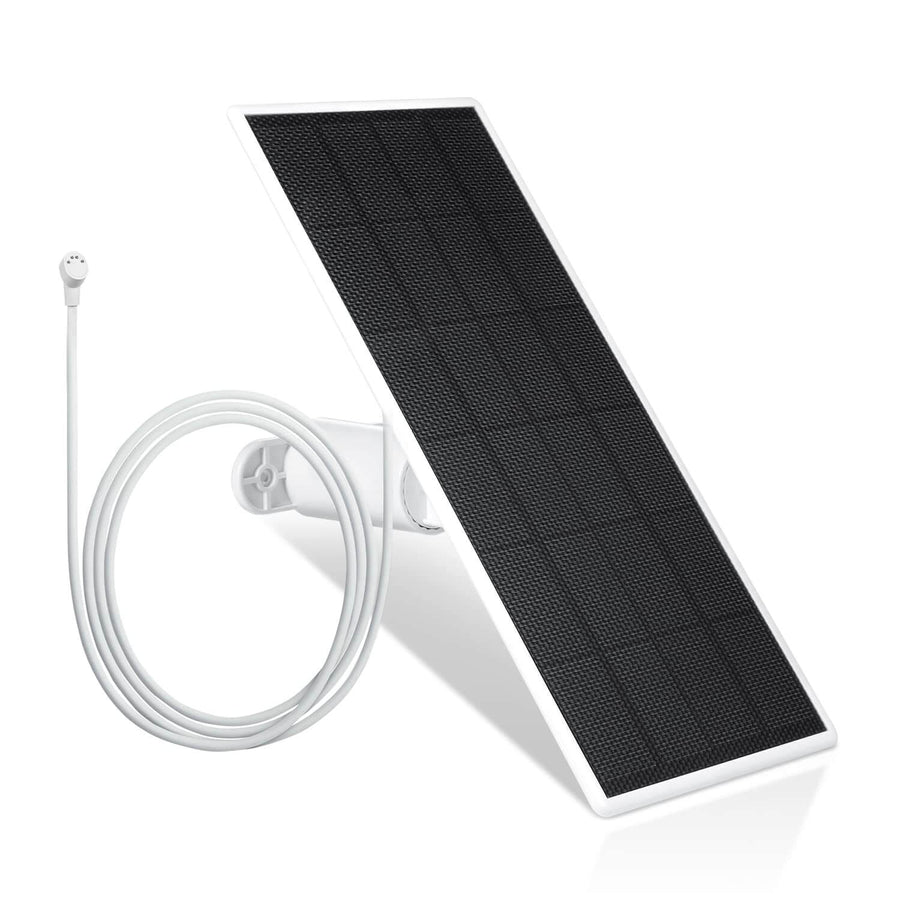
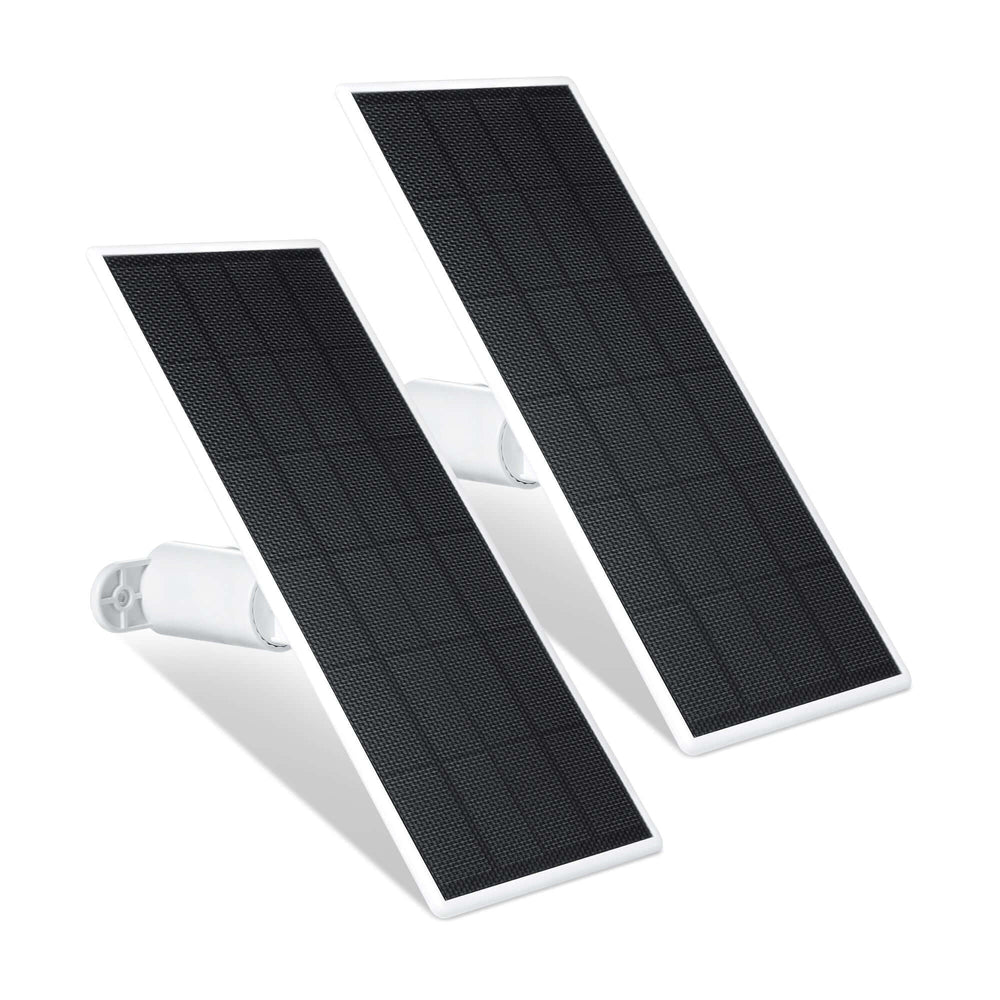
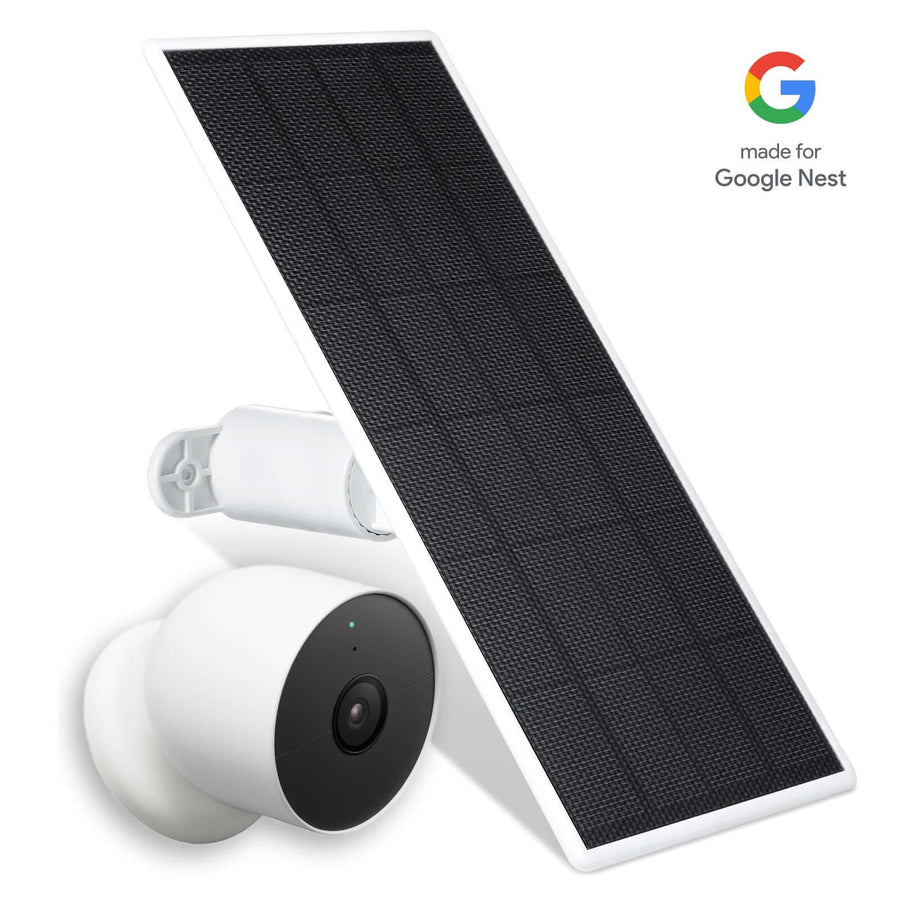
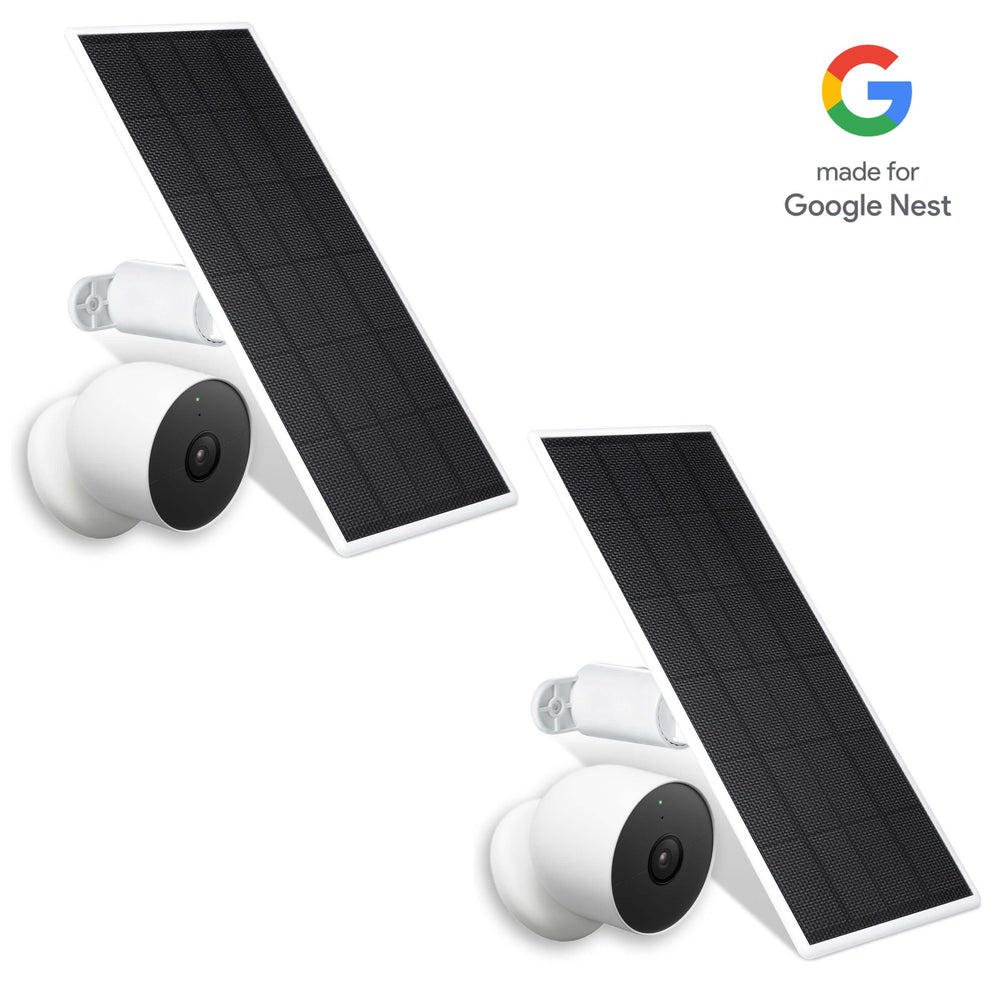
Wasserstein Solar Panel for Google Nest Cam Battery
-
Provides nonstop solar charging
-
Adjustable mount for maximum sunlight
-
Weather-resistant and flexible for indoor/outdoor setups
-
Ideal backup for homes where the camera loses power frequently
Wasserstein Anti-Theft Mount for Google Nest Cam Battery

-
Prevents theft and tampering
-
Anti-drop design recommended for high placements
-
Durable for long-term indoor or outdoor use
Wasserstein 26 ft Pogo Pin Cable & Adapter
-
Continuous wired charging
-
Extra-long reach for flexible placement
-
Rugged magnetic connector with safety protections
Wasserstein Dual Charging Station for Nest Cam (Battery)
-
Charges two cameras simultaneously
-
Fast 4-hour charging
-
Magnetic dock with LED indicators
These accessories support users who want indoor security with minimal downtime.
Advancements in Indoor Camera Technology for 2025
Indoor security cameras in 2025 are significantly more capable than models from just a few years ago. Improvements in processing power, sensor quality, wireless standards, and AI-driven intelligence have pushed the entire category forward. These technological advancements have resulted in more accurate smart alerts, allowing users to receive timely and relevant notifications about activity in their homes. These improvements also translate directly into better image quality, more accurate detection, stronger reliability, and wider smart home compatibility. Whether you want the best indoor security camera or a simple, affordable camera to monitor a single room, understanding these innovations makes it easier to choose the right device.
Connectivity
Modern indoor cameras rely on stable Wi-Fi, but the newest models are now adopting additional communication standards that enhance reliability, reduce latency, and improve smart home integration.
-
Wi-Fi Improvements
-
Many current indoor cameras use dual-band 2.4 GHz and 5 GHz networks.
-
2.4 GHz covers larger distances, while 5 GHz supports faster, clearer video feed transmission.
-
Better antennas and smart signal-switching reduce buffering during motion events.
-
Some models also include an ethernet port for users who prefer a wired connection for even greater stability.
-
Bluetooth Low Energy (BLE)
-
BLE simplifies first-time setup and device pairing.
-
Some cameras use BLE to maintain a connection even when Wi-Fi temporarily drops.
-
Thread
-
A low-power, self-healing mesh network used in modern smart home devices.
-
Perfect for camera accessories, sensors, or multi-device security system setups.
-
Helps maintain responsiveness when multiple devices are connected throughout the home.
-
Matter Smart Home Standards
-
Matter allows products from different camera companies to work more consistently across platforms.
-
It ensures smoother integration with Google Assistant, Alexa, and other smart home hubs.
-
As more indoor cameras adopt Matter support, homeowners gain more flexibility and better cross-brand compatibility.
AI-Powered Detection
Artificial intelligence is now one of the most valuable features in indoor home security cameras. Instead of simply alerting you every time the camera detects motion, AI enables more accurate classification.
-
Advanced Object Detection. Modern indoor cameras can identify and classify:
-
People
-
Pets
-
Packages
-
Package detection (as part of advanced AI features)
-
Vehicles (mainly in hybrid models)
-
This distinction helps you understand exactly what triggered the motion alert.
-
Sound Detection Enhancements. Beyond visual detection, 2025 indoor cameras can identify and notify you of specific sounds, including:
-
Baby crying
-
Barking dogs
-
Smoke alarms and CO detectors
-
Breaking glass
-
This makes indoor cameras doubly useful for families, pet owners, and anyone concerned about safety-related noises.
-
Smarter Notifications. AI now filters out irrelevant movement like shadows, ceiling fans, or light fluctuations. This leads to:
-
Fewer false alarms
-
Better categorized alerts
-
More relevant motion events in your timeline
-
AI continues improving through firmware updates, meaning your camera gets smarter over time, often without additional hardware.
Storage Innovations
Storage remains a major deciding factor for anyone choosing an indoor security camera. Many users want the ability to store video without paying for a cloud subscription, and camera companies have responded by expanding local storage options.
-
microSD and SD Card Recording. Most cameras now include a microSD card slot, allowing you to store recordings locally. Advantages include:
-
Direct control of your data
-
No subscription fees
-
Ability to keep video recordings even when the internet goes down
-
-
Hub-Based Storage. Some indoor systems use hubs that:
-
House SD cards or built-in drives
-
Store recordings from multiple cameras
-
Keep everything on your local network
This is ideal for those using multiple cameras or a whole-home security system.
-
-
Built-In Storage. A growing number of indoor cameras now come with:
-
Onboard storage
-
Encrypted local drive spaces
-
Emergency recording features
-
This ensures video recordings continue even if Wi-Fi or power is interrupted.
Improved Low-Light Performance
Lighting conditions inside a home can vary dramatically, and indoor cameras must handle everything from bright sunlight to near-complete darkness.
-
Infrared Enhancements. Improved infrared LEDs provide:
-
Clearer black-and-white night vision
-
Greater distance visibility
-
Less image noise
-
-
Color Night Vision. Many premium indoor cameras now include:
-
Starlight sensors
-
Low-light color processing
-
Enhanced HDR
This means scenes appear more lifelike and detailed even in dim rooms.
-
-
Smarter Image Processing. Newer processors reduce blur, improve clarity, and maintain detail during fast motion, important when reviewing security footage.
Factors to Consider When Choosing an Indoor Camera
Choosing the best indoor security camera means matching features to your home layout, security needs, and storage preferences. It's also important to consider the installation process, as a straightforward setup can save time and ensure your camera is positioned for optimal coverage. Here’s what to evaluate:
Room Size and Layout
Larger areas benefit from:
-
Pan and tilt models
-
Wide-angle lenses
-
Multi-camera setups
Smaller rooms may only require a single fixed-lens indoor camera.
Local Storage vs. Cloud Storage
If you want to save money and maintain privacy:
-
Choose a camera with local video storage via microSD or built-in storage.
If you prefer longer video history or easier remote access:
-
Cloud storage might be the better option.
Smart Home Integration
Make sure the indoor camera works with:
-
Google Assistant
-
Alexa
-
Matter
-
Your existing home security devices
Pan and Tilt Requirements
A pan and tilt camera is ideal for use with Blink Indoor Camera accessories:
-
Watching an entire room
-
Tracking movement
-
Reducing blind spots
Number of Cameras Needed
A studio may need only one camera; a larger home might benefit from:
-
Multiple cameras
-
A complete security system
Budget and Subscription Considerations
Factor in:
-
Hardware costs
-
Optional subscription fees
-
Costs for local storage options (microSD cards or hubs)
AI Features
If you have pets, kids, or busy entryways, prioritize security and convenience by considering a solar panel for your Google Nest Cam:
-
Person detection
-
Pet detection
-
Vehicle detection
-
Baby crying detection
Installing and Optimizing Indoor Cameras
Modern indoor cameras are designed for quick setup and intuitive use, but proper placement ensures the best performance. There are various mounting options available for indoor cameras, including wall mounts, ceiling mounts, and magnetic bases, allowing you to choose the best setup for your space.
Installation Best Practices
-
Install the camera at eye level or slightly higher.
-
Avoid pointing directly at windows to reduce glare.
-
Position cameras to cover your entire room or primary entry points.
Optimize Motion Detection
-
Customize activity zones so the camera detects motion only where needed.
-
Adjust sensitivity to reduce false alerts from pets or fans.
Test Video Quality
Always check:
-
Daytime and nighttime video feed
-
Audio clarity in two-way audio
-
Wi-Fi strength at the mounting location
For an enhanced Nest Cam (Battery) setup, you may consider the Wasserstein Charger, Floodlight, and Mount for Google Nest Cam (Battery).
Maintain Firmware Updates
Firmware updates improve:
-
AI accuracy
-
Low-light performance
-
Security features
-
Smart home compatibility
Mounting Flexibility
Many models offer:
-
Magnetic bases
-
Rotating mounts
-
Adhesive plates
This makes it easy to reposition cameras without drilling.
Troubleshooting Common Indoor Camera Issues
Even the best indoor security camera may encounter occasional issues. Understanding typical problems helps keep your system running smoothly. If persistent issues occur, try using the reset button on your camera as a common troubleshooting step.
Weak Wi-Fi Signal
Symptoms:
-
Delayed notifications
-
Buffering video feed
-
Missed motion events
Solutions:
-
Move your router closer
-
Use a Wi-Fi extender
-
Switch to 2.4 GHz for distance
False Motion Alerts
Causes:
-
Shadows
-
Lights
-
Ceiling fans
-
Pets in detection zones
Fixes:
-
Adjust detection zones
-
Lower sensitivity
-
Enable object-specific AI detection
Storage Problems
Issues include:
-
Full microSD card
-
Corrupted recordings
-
Slow read/write speeds
Solutions:
-
Reformat the SD card
-
Replace low-quality cards
-
Clear old video recordings
Cloud Sync Errors
-
Restart the camera
-
Verify your Wi-Fi login
-
Update the app or firmware
Battery Issues (For Wireless Cameras)
-
Low battery levels
-
Incorrect charging cables
-
Unreliable third-party chargers
Solutions:
-
Use compatible chargers
-
Check for battery health updates
-
Consider continuous power accessories
Camera Losing Power Unexpectedly
-
Faulty outlet
-
Loose cables
-
Overheating
-
Hardware issues
Fixes include testing other outlets, securing the plug, or resetting the device.
Frequently Asked Questions (FAQ)
How can I choose the best indoor security camera for my home in 2025
Choose based on room layout, privacy, and storage type. Look for good video, motion detection, remote access, and smart home compatibility. Pan-and-tilt cameras cover full rooms; compact models suit basic needs.
What are the most important features to look for in indoor security cameras?
Focus on video quality, night vision, two-way audio, and smart alerts. Storage options like local, microSD, or built-in avoid monthly fees.
What are the top indoor security camera brands and models available?
Top models include TP-Link Tapo C120, Eufy Indoor Cam, Nest Cam Indoor, Arlo Essential Pan & Tilt, and Blink Mini.
How do home security camera systems work compared to single cameras?
Single cameras cover one room; systems connect multiple cameras for wider coverage, shared storage, and synced alerts.
What technology do indoor cameras use to connect and transmit video?
Most use Wi-Fi; newer models may also support Bluetooth LE, Thread, or Matter for better integration.
How do I properly set up and install my indoor security cameras?
Place at or above eye level, face the room center, adjust motion zones, check Wi-Fi, and test day/night video.
What causes common issues with indoor cameras, and how do I fix them?
Issues include weak Wi-Fi, false alerts, full storage, or power loss. Fix by restarting, cleaning, adjusting settings, updating firmware, or charging batteries.
Should I use local storage or cloud storage for my camera recordings?
Local storage works offline without fees; cloud offers extended history and backup. Many cameras support both.
Can indoor cameras provide good coverage without multiple units?
Yes—pan-and-tilt or wide-angle cameras cover most rooms, though large homes may need multiple units.
Does smartphone compatibility affect indoor camera performance and usability?
Yes. Smooth smartphone integration ensures live feeds, alerts, and remote control with apps or voice assistants.
Leave a comment