

Do I Need an SD Card for Security Camera?
Quick summary
-
Most Wi-Fi security cameras work without an SD card, but local storage makes them more reliable.
-
A microSD card enables recording during internet outages and reduces reliance on cloud subscriptions.
-
Local vs cloud storage: SD cards avoid recurring fees and keep footage under your control; cloud storage adds off-site backup.
-
Recording mode matters: Continuous recording requires high-endurance, larger-capacity cards; motion recording needs less space.
-
Resolution impacts storage: 2K/4K cameras require larger, faster cards than 1080p models.
-
For most homes, 128GB–256GB offers the best balance; continuous recording often needs 256GB+.
-
Use a fine (high-quality), Class 10 / UHS-I (U3 for 2K/4K) high-endurance card from trusted brands to avoid data loss and ensure reliable performance.
-
Continuous recording benefits from reliable power, where solar panels, floodlights, and proper mounts help keep cameras running.
If you’re setting up a security camera for your home and wondering, “Do I need SD card for security camera?”, you’re not alone. With modern Wi-Fi security cameras offering cloud storage, smartphone apps, and remote access, it’s easy to assume physical storage is no longer necessary. However, for most users, adding an SD card, or more specifically, a micro SD card, still plays a critical role in creating a reliable and cost-effective security system.
An SD card gives your security camera a way to store footage locally, independent of the internet or subscription-based services. Whether you’re using a single camera or managing multiple cameras, understanding how local storage works and how it compares to cloud storage can help you make the right decision for your home security setup.
Introduction to Security Storage
Security storage is the backbone of any effective surveillance system. When you install a security camera, your primary goal is to capture and store footage of important events—whether it’s monitoring your front door, keeping an eye on your backyard, or safeguarding your business. The ability to record and store video locally ensures that you have access to critical footage when you need it most, especially during power or internet outages.
Continuous recording is a key feature for many cameras, allowing you to maintain a complete record of activity around your property. Without reliable storage, even the best security camera can miss crucial moments. That’s why choosing the right storage solution—whether it’s a micro SD card, SD card, or another form of local storage—is essential for keeping your security system running smoothly. With the right setup, you can store days or even weeks of footage, giving you peace of mind and control over your security data.
Understanding Memory Card Types
When selecting a memory card for your security camera, it’s important to understand the different types available and how they impact your system’s performance. The most common options for security cameras are SD cards and microSD cards, each offering various capacities, speeds, and durability levels.
The right memory card for your security setup depends on several factors, including the camera’s resolution, recording mode, and how often you need to access or overwrite footage. Some cards are designed for high-speed data transfer, which is crucial for high-definition or 4K cameras, while others are built for endurance, making them ideal for continuous recording. Durability is also a key consideration, as security cameras often operate in challenging environments and require cards that can withstand constant use.
By understanding the differences between memory card types, you can choose a card for your security camera that delivers reliable performance, long-lasting durability, and the storage capacity you need to keep your footage safe.
Do I Need an SD Card for a Security Camera?
Not every security camera strictly requires an SD card to function, but most security cameras work better with one installed. Many Wi-Fi security cameras can operate using cloud storage alone, uploading video data over the internet to remote servers. While this allows convenient access from your phone, it often comes with monthly fees and relies heavily on a stable network connection.

An SD card changes how the camera records and stores data. With a memory card installed, the camera can record continuously or save each motion-triggered event or power outage event directly onto the card. This means your camera can keep recording even if your internet goes down, and you still have access to footage stored locally. However, if a thief steals the camera, they also take the SD card containing all recorded evidence, which is a potential risk of relying solely on local storage. For users who value control, privacy, and reliability, an SD card quickly becomes essential rather than optional.
Local Storage vs Cloud Storage for Security Cameras
Choosing between local storage and cloud storage is one of the most important decisions when setting up a security camera system. Each option serves a different purpose and works best in different scenarios.

The Blink Sync Module allows Blink cameras to save clips directly to a USB drive or a MicroSD card.
Local storage uses an SD card inside the camera to save video files. This approach keeps your footage within your own devices and network, giving you direct control over your data. Cloud storage, on the other hand, sends recordings to remote servers, allowing access from anywhere but requiring a consistent internet connection and, in most cases, a paid subscription.
Many homeowners choose local storage because it avoids recurring costs and keeps sensitive footage off third-party servers. Others prefer cloud storage for its off-site backup benefits. Increasingly, modern systems combine both, using an SD card for primary recording and cloud storage as a secondary backup.
Why Most Security Cameras Benefit from an SD Card
Even when cloud storage is available, adding an SD card offers practical advantages that improve everyday reliability. A camera with local storage can continue recording during internet outages, which is especially important during storms or network disruptions when security risks may increase.
An SD card also gives you faster access to footage. Instead of waiting for video to load from the cloud, recordings stored locally can be accessed almost instantly through the camera app. For many users, this added convenience makes a noticeable difference when reviewing events or responding to alerts.
For setups with multiple cameras, SD cards help distribute storage across the system instead of relying on a single cloud account. This makes the entire home security system more resilient and easier to manage.
Continuous Recording vs Motion Detection Recording
How your security camera records video has a major impact on storage, battery life, and overall performance. Most cameras allow you to choose between continuous recording and motion detection recording, each with its own advantages.
Continuous recording means the camera records video nonstop, creating a complete timeline of activity. This approach is ideal for monitoring high-risk areas or locations where missing even a few seconds of footage is unacceptable. However, continuously recording uses more storage and requires a larger SD card with high endurance.
Motion detection recording, by contrast, saves footage only when movement is detected. This dramatically reduces storage usage and helps conserve battery power. The downside is that false alarms, such as passing cars, pets, or shadows, can still trigger recordings and fill up storage faster than expected if camera settings are not optimized.
How Camera Resolution Affects Storage Needs
A camera’s resolution directly determines how much data is recorded and stored. Higher resolution cameras capture more detail, but they also generate larger video files that consume more storage space due to the camera's resolution.
For example, a 1080p security camera records significantly more data than a 720p model, while 2K and 4K cameras require even more storage and faster write speeds. If you plan to record continuously or monitor busy areas, your camera’s resolution should guide your choice of SD card size and speed.
Matching the SD card’s capacity and speed to the camera’s resolution ensures smooth recording without dropped frames or corrupted files. A 4MP security camera recording at 15fps will produce approximately 64GB of footage in one day. A 128GB SD card can store approximately 72.8 hours of 4K footage from a security camera.
Choosing the Right Card for Your Security Camera
Selecting the right memory card is not as simple as choosing the largest capacity available. Security cameras place unique demands on storage due to constant writing and overwriting of data. For best results, stick with high-endurance, reputable microSD card classes or ratings specifically designed for security camera use. Choosing a high-endurance card is crucial for securing your footage and ensuring the integrity of your recorded video data.
Speed Requirements for Reliable Recording
Security cameras write video data continuously, so the SD card must support consistent write speeds to prevent recording issues. Choosing the correct speed class ensures smooth video capture and reliable footage storage.
Key speed requirements to keep in mind:
-
Class 10 – Minimum recommended speed for 1080p security cameras
-
UHS-I U1 – Suitable for higher-bitrate Full HD recording
-
UHS-I U3 – Recommended for 2K and 4K cameras or continuous recording
Using a slow or incompatible SD card can cause incomplete recordings, missing footage, dropped frames, or system errors. These are issues that directly compromise the effectiveness of your security camera system.
Why High Endurance Matters
Standard consumer SD cards are designed for occasional use, such as storing photos or transferring files. Security cameras, however, write data nonstop. This constant recording wears out low-quality cards quickly.

High-endurance cards are built specifically for devices that record continuously. They are rated for high TBW (terabytes written), meaning they can handle thousands of hours of recording without failure. For any camera that records frequently or continuously, a high-endurance card is essential.
Capacity and SD Card Size
When choosing an SD card for security cameras, capacity is a key factor that determines how much footage you can store before the card fills up or begins overwriting old recordings. Common SD card sizes include:
-
32GB – Suitable for short-term storage or cameras with motion-activated recording only. Not ideal for continuous recording.
-
64GB – Works for moderate use but may require frequent footage management.
-
128GB – A popular choice for most home security setups; balances storage and cost effectively.
-
256GB – Ideal for continuous recording or high-definition cameras, providing extended storage and fewer overwrites.
-
512GB and above – Best for high-resolution cameras, long-term storage, or commercial setups where constant recording is needed.
Why capacity matters:
-
More footage storage – Higher-capacity cards can hold days or even weeks of video, depending on resolution and recording settings.
-
Fewer overwrites – Larger cards reduce the frequency of automatic deletion, ensuring important footage isn’t lost prematurely.
-
Better support for continuous recording – Continuous or 24/7 recording requires higher storage to maintain uninterrupted video.
Recommended capacity for home security:
-
For most setups, 128GB–256GB strikes the right balance between cost and convenience.
-
Continuous recording often benefits from 256GB or higher, especially with Full HD (1080p) or 4K cameras, to avoid constant overwriting.
Micro SD Card Considerations
Micro SD cards have become the go-to choice for most modern security cameras thanks to their compact size and impressive storage capabilities. However, not all micro SD cards are created equal, and choosing the right one can make a big difference in your camera’s performance and reliability.
When selecting a micro SD card for your security camera, pay close attention to three main factors: capacity, speed, and durability. The card’s capacity determines how much footage you can store before older files are overwritten. Higher capacity cards are ideal for continuous recording or high-resolution cameras. Speed is equally important; a card with a high write speed ensures smooth, uninterrupted recording, especially for cameras capturing HD or 4K video. Durability is critical for security applications, as the card must withstand constant writing and overwriting without failing.
By focusing on these key considerations, you can ensure your micro SD card delivers the storage, speed, and reliability your security camera needs to keep your property protected.
Card Compatibility and Durability
Ensuring your memory card is compatible with your security camera is essential for seamless operation and reliable recording. Not all cameras support every type or size of memory card, so it’s important to check your camera’s specifications before making a purchase. Using an incompatible card can lead to recording errors, lost footage, or even damage to your device.
Durability is another crucial factor, especially for cameras set to continuous recording. Security cameras place heavy demands on memory cards, requiring them to write and overwrite data around the clock. High-endurance cards are specifically designed to handle this workload, offering greater reliability and a longer lifespan compared to standard cards. Investing in a durable, compatible memory card ensures your security system remains dependable, capturing every important moment without interruption.
Recommended SD Card Brands for Security Cameras
Reliability is critical when it comes to storing security footage, especially for cameras that record continuously or experience frequent motion events. Brands like Samsung, SanDisk, and Kingston dominate the market for high-quality SD cards, consistently outperforming generic alternatives in durability, speed, stability, and long-term reliability.
Investing in reputable brands offers better value for your money by reducing the risk of card failure and data loss, which can save you money in the long run.

A 1TB SanDisk Extreme Pro
The following brands are widely recommended for security camera use because they offer high-endurance microSD cards designed to handle constant data writing and overwriting:
-
Samsung – Known for Pro Endurance and EVO-series microSD cards with high TBW ratings and stable write speeds for continuous recording.
-
SanDisk – Offers High Endurance and Extreme lines built specifically for security cameras and dash cams.
-
Kingston – Provides reliable, security-grade microSD cards with consistent performance across various camera models.
-
Western Digital – Produces surveillance-focused microSD cards engineered for 24/7 recording environments.
For the best results, consider these specific models recommended for security camera use:
-
Samsung Pro Endurance 256GB microSD
-
SanDisk High Endurance 256GB microSD
-
Western Digital QD101 256GB microSD
Choosing a trusted brand significantly reduces the risk of corrupted files, dropped footage, and premature card failure, issues that can compromise your entire security system.
Storage Considerations for Multiple Cameras
When monitoring a home with multiple cameras, storage planning becomes more important than simply choosing a large SD card. Each camera generates its own stream of video data, and storage demands can vary depending on camera resolution, motion activity, and recording mode. Some security systems also allow you to connect cameras to a central hub or network storage device, which can provide expanded storage capacity and make it easier to manage footage from multiple devices.
For most setups, installing a separate SD card in each camera offers clear advantages:
-
Footage is stored locally at the point of recording, reducing dependence on network bandwidth.
-
The system avoids a single point of failure if one camera or connection goes offline.
-
Storage can be scaled more easily as additional cameras are added.
-
Each camera can be optimized with its own card size based on location and activity level.
This approach creates a more resilient and flexible home security system, especially for users managing multiple Wi-Fi security cameras across different areas of the property.
Keeping Cameras Powered with Wasserstein Solutions
To offset the increased power demands of continuous recording and frequent activity, supplemental power solutions can make a significant difference. Wasserstein accessories are designed to keep battery-operated outdoor security cameras running reliably without constant battery changes or manual recharging.
Wasserstein Solar Panels
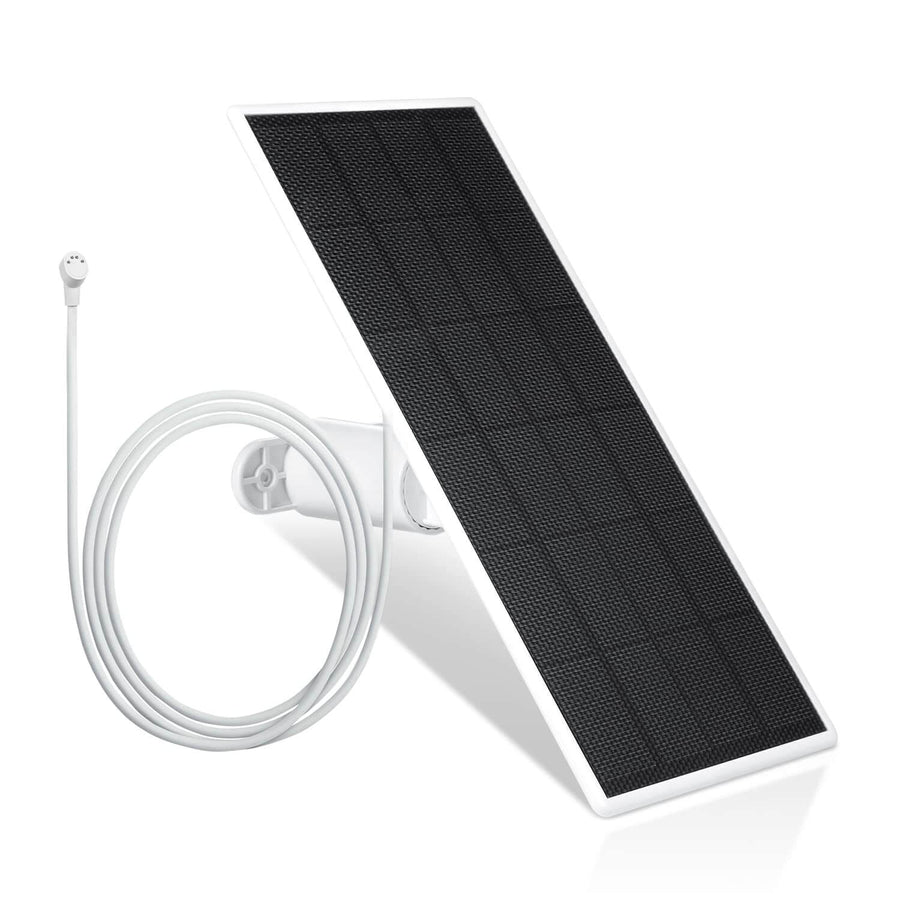
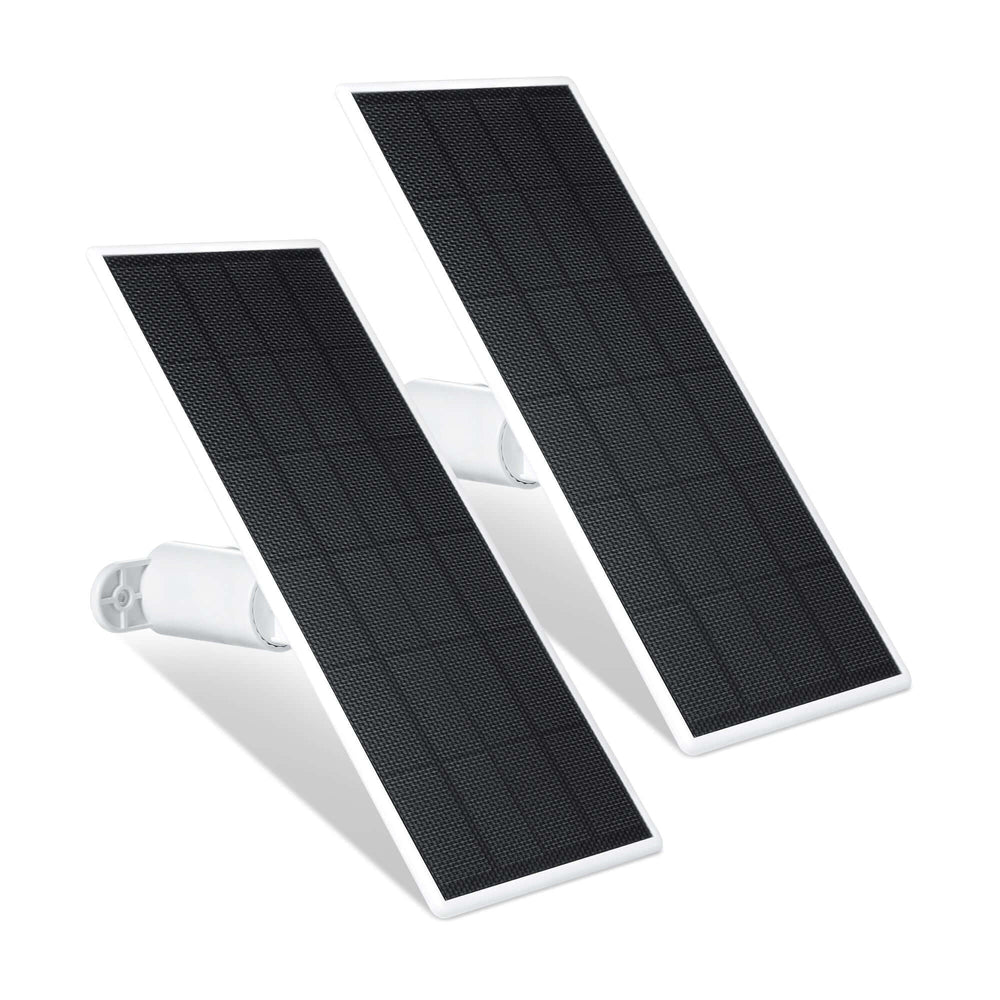
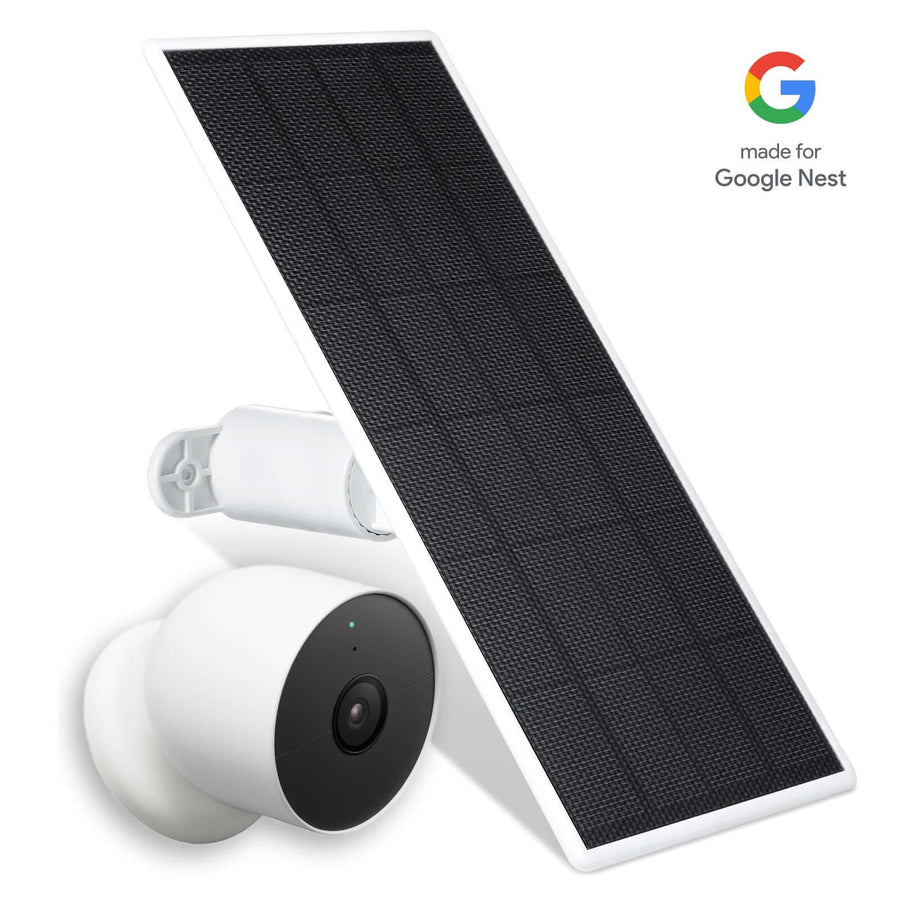
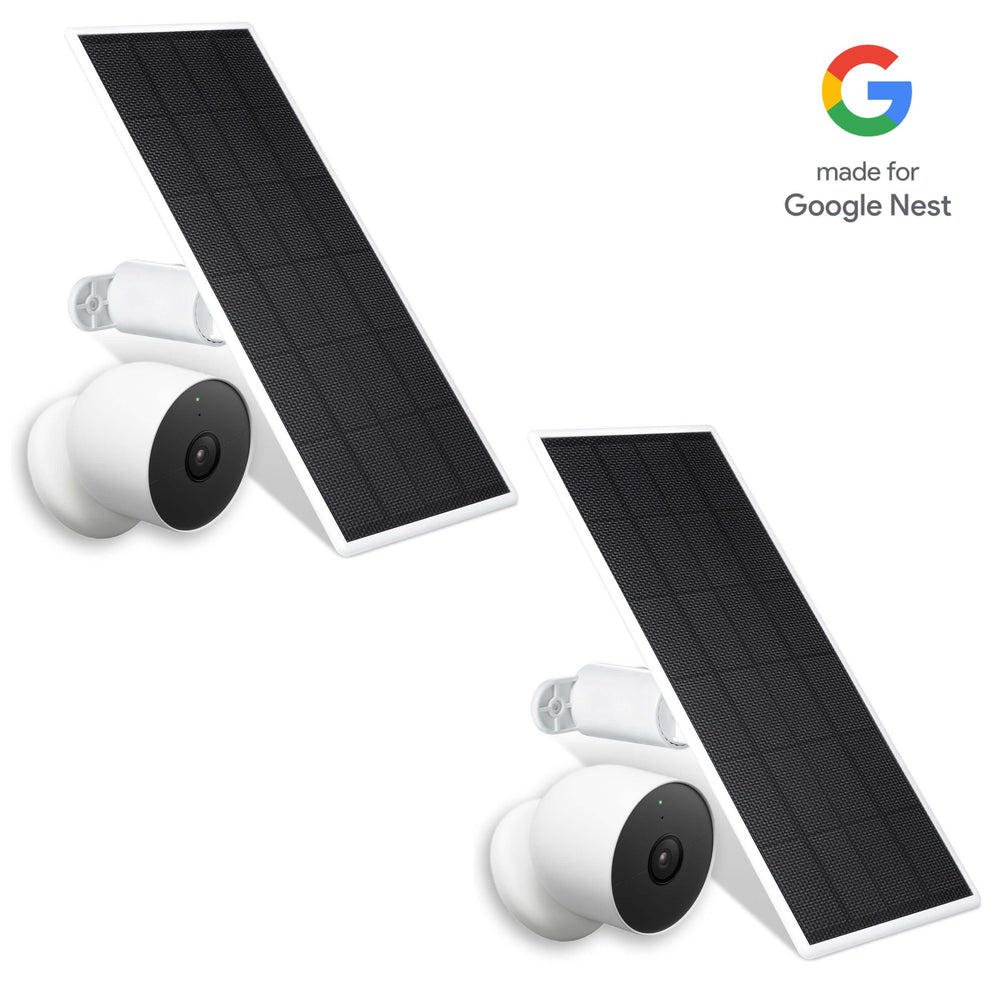
Wasserstein solar panels are built to keep battery-powered cameras continuously powered, even in environments with frequent recording or limited sunlight. They’re particularly useful for outdoor cameras using SD cards and motion-heavy or continuous recording modes.

Key benefits include:
-
High-efficiency solar cells that capture energy even with minimal sunlight
-
A 360-degree rotatable mount for optimal sun positioning
-
A 13.1 ft (4 m) cable for flexible placement
-
Reduced downtime caused by battery drain
These panels help ensure your camera stays powered so it can keep recording without interruption.
Wasserstein Floodlights
Wasserstein floodlights do more than simply illuminate dark areas. They actively improve camera performance and reliability. Better lighting enhances video quality and helps motion detection work more accurately.

-
Improve camera images in low-light conditions
-
Reduce false alarms triggered by shadows or poor visibility
-
Help keep cameras continuously charged
-
Eliminate the need for frequent battery replacements
With a secure, adjustable mount, floodlights ensure proper coverage while supporting consistent nighttime monitoring.
Mounting Accessories That Improve Security and Performance
How and where a camera is mounted affects not only what it records, but also how secure and effective it is. The right mounting accessories can improve viewing angles, reduce tampering, and support better motion detection.
Gutter Mounts
Gutter mounts allow cameras to be positioned higher without drilling, offering several advantages:
-
Wider viewing angles
-
Reduced risk of tampering
-
Improved motion detection accuracy
Anti-Theft Mounts
Anti-theft mounts add an extra layer of physical security, which is especially important when using local storage:
-
Prevent cameras from being twisted or removed
-
Help protect footage stored on SD cards
-
Reduce the risk of losing recorded evidence if a camera is targeted
Managing Storage Efficiently
Choosing the right SD card is only part of the equation. Proper storage management helps extend card lifespan and ensures your security camera system continues to perform reliably over time.
To optimize storage and reduce unnecessary wear:
-
Adjust motion sensitivity to minimize false alarms
-
Define activity zones carefully to focus on relevant areas
-
Choose the appropriate recording mode for each camera
-
Format the SD card periodically to prevent corruption
-
Replace SD cards every 1–2 years for high-use or continuously recording cameras
These steps help maintain consistent recording quality while protecting your data.
Home Security and Storage
Home security is about more than just installing cameras—it’s about ensuring your footage is safely stored and easily accessible when you need it. The right memory card for your security camera plays a vital role in this process, providing a reliable way to capture and retain important video evidence.
When choosing a card for your security setup, consider your specific needs: the camera’s resolution, how often you want to record, and how long you need to keep footage before it’s overwritten. A high-quality, high-endurance memory card offers peace of mind, knowing your home security system is always ready to record and store critical events. Whether you’re upgrading an existing system or installing new cameras, investing in the right memory card ensures your footage is secure, your storage is reliable, and your home remains protected.
Common SD Card Problems and How to Fix Them
Even with a high-quality memory card, occasional issues can occur. Understanding common problems makes troubleshooting faster and easier.
-
Camera not detecting the SD card: Check card compatibility, reformat the card using the camera or manufacturer guidelines, and confirm the SD card size is supported.
-
Missing footage: Inspect overwrite settings, verify the recording mode, and check the card’s health to ensure it hasn’t reached its write limit.
-
Slow or unstable performance: Upgrade to a faster, high-endurance card and avoid low-quality or counterfeit SD cards that may not meet speed or durability requirements.
FAQs
Do I need an SD card for a WiFi security camera?
Most Wi-Fi security cameras can operate without an SD card by using cloud storage, but an SD card is strongly recommended. It enables local storage, continuous or motion-based recording, and protects footage during internet outages without requiring a monthly subscription.
What size SD card should I use for a security camera?
The right SD card size depends on camera resolution, recording mode, and activity level. For most home security cameras, 128GB to 256GB provides sufficient storage. Continuous recording or high-resolution cameras benefit from larger cards to reduce frequent overwriting.
What is a high-endurance microSD card, and why is it important?
High endurance microSD cards are designed for continuous recording and frequent data overwrites. They have higher terabytes-written (TBW) ratings, making them more durable than standard cards and better suited for security cameras that record daily or operate 24/7.
Can a security camera record without internet if it has an SD card?
Yes. With an SD card installed, a security camera can record footage locally even without internet access. While remote access may be unavailable temporarily, video data is safely stored on the card and can be reviewed once connectivity is restored.
What happens when the SD card becomes full?
Most security cameras use loop recording. When the SD card reaches its storage limit, the camera automatically overwrites the oldest footage with new recordings. Using a larger capacity card increases how long footage is retained before overwriting occurs.
Which SD card brands are best for security cameras?
Reliable brands like Samsung, SanDisk, Kingston, and Western Digital are recommended for security cameras. Their high-endurance microSD cards are built for continuous recording, offer stable write speeds, and reduce the risk of corrupted or missing footage.
Leave a comment