

Best SimpliSafe Accessories for Your Security System (Top Camera Upgrades Included)
Quick Summary
-
Uninterrupted Power: Adding a Solar Panel to the SimpliSafe Outdoor Camera ensures 24/7 monitoring in high-traffic areas by eliminating battery downtime and the need for manual recharging.
-
Active Deterrence & Clarity: Integrating a Floodlight Mount provides a dual-threat benefit by physically discouraging intruders with bright LEDs while significantly enhancing nighttime video quality.
-
Comprehensive Hazard Detection: A complete security strategy uses layered sensors to cover gaps—such as Glass Break Sensors for silent entry and Water Sensors to prevent costly environmental damage.
A SimpliSafe system is one of the easiest ways to set up a reliable security system at home. It’s designed to be simple, flexible, and accessible even if you’ve never installed a security device before.
But while the core system works well out of the box, most homeowners quickly realize that adding the best SimpliSafe accessories makes a significant difference. The right upgrades improve detection, strengthen deterrence, and make your setup more practical for everyday use.
If you’re using a SimpliSafe Outdoor Camera or planning to expand your setup, this guide will walk you through the most useful accessories, starting with the ones that solve the biggest real-world problems.
Why Accessories Matter for Your SimpliSafe System
Every SimpliSafe starter kit comes with four essential security components: a base station, keypad, motion detector, and entry sensor. While this basic SimpliSafe system has only four devices, it provides a rock-solid foundation that you can build upon. These components form a solid foundation, but they don’t cover every scenario.

For example, entry sensors only detect doors and windows opening. They won’t help if glass is broken. Motion sensors can detect movement, but they won’t prevent damage from water leaks or fire hazards. Cameras provide visibility, but without proper power or lighting, their effectiveness drops significantly.
This is where accessories come in. They extend your security system beyond the basics and help eliminate blind spots. In many cases, adding just one or two devices can dramatically improve how your system performs. It really comes down to a simple principle: better safe than sorry.
SimpliSafe System Basics You Should Know
Before upgrading, it helps to understand how your system works.
The base station acts as the central hub, connecting every device and sending alerts when something is triggered. The keypad allows you to arm and disarm the system without using your phone, which is especially useful for shared households.
The entry sensor monitors doors and windows and can even function as a door chime. Meanwhile, motion sensors detect movement inside your home and are designed to reduce false alarms by distinguishing between people and pets.
One of the biggest advantages of SimpliSafe is how easy it is to install. Most devices use adhesive backing, so you don’t need tools or professional help. Installing SimpliSafe equipment shouldn't take you more than 30 minutes depending on the amount of sensors you purchase, making it one of the fastest DIY setups on the market.
Core Camera Upgrades with Wasserstein Accessories
When comparing brands, SimpliSafe offers a huge selection of proprietary security devices compared to DIY competitors like Ring Alarm. This focus on specialized hardware is why SimpliSafe consistently ranks highly among monitored and self-monitored home security systems due to its affordable monitoring and no contracts, making it a top choice for long-term value.
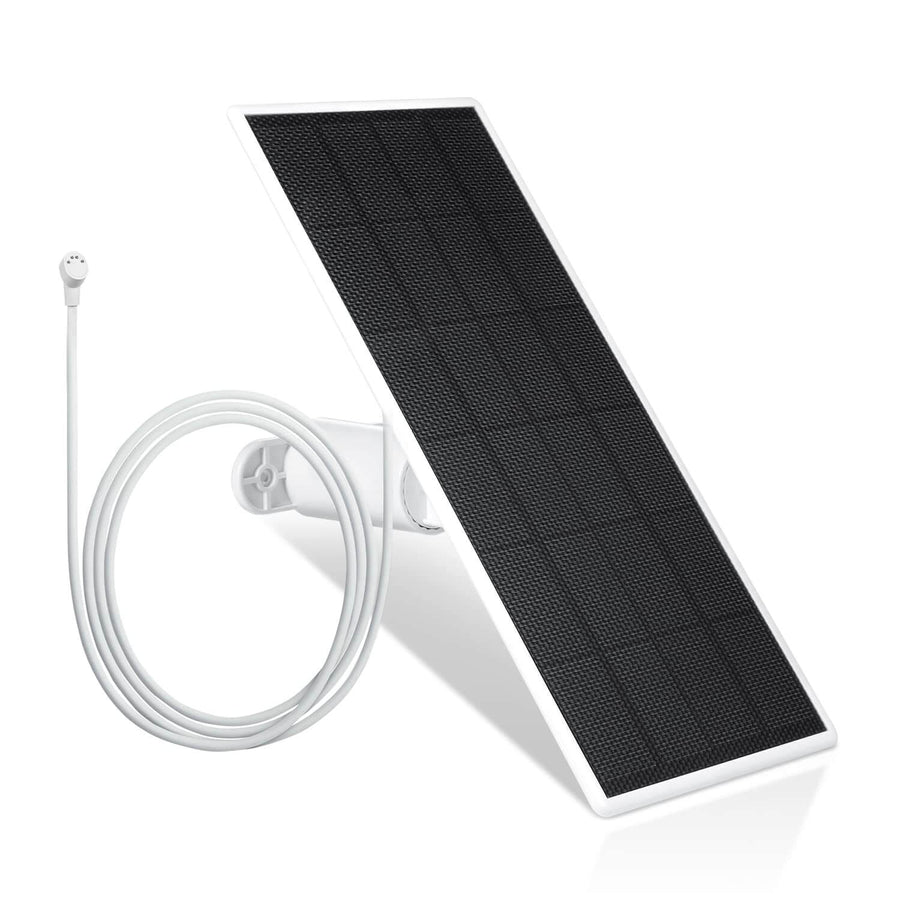
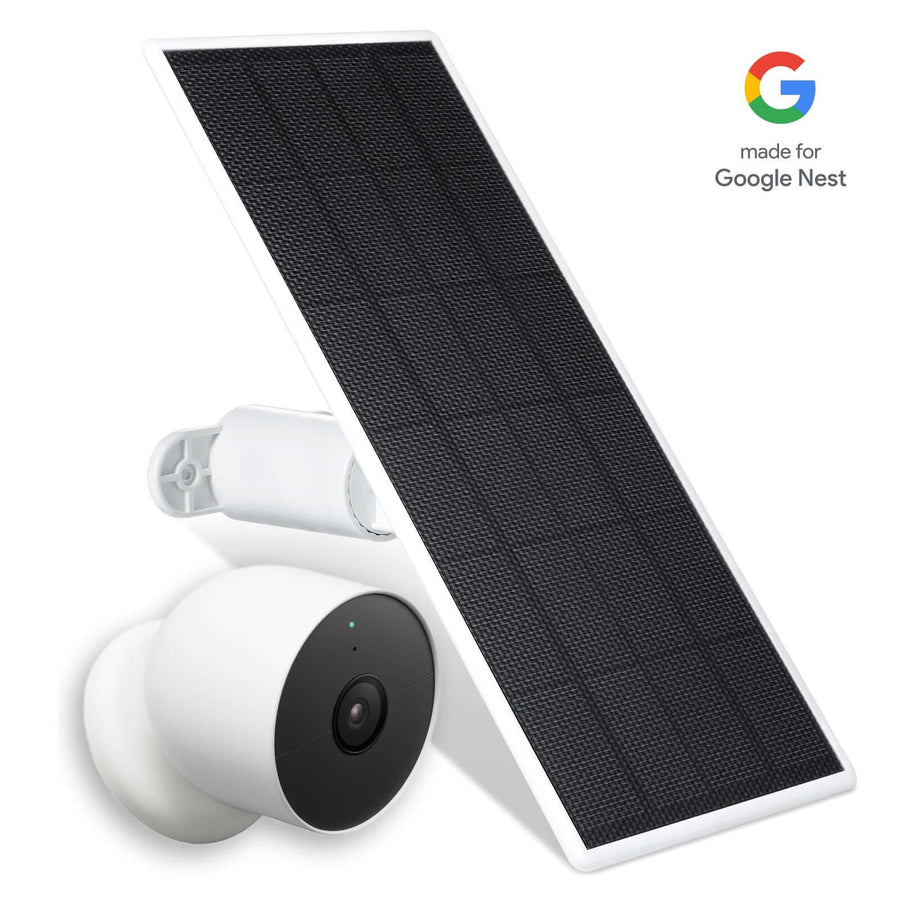
Solar Power for the SimpliSafe Outdoor Camera
The SimpliSafe Outdoor Camera is a powerful addition to any setup, offering clear video, two-way audio, and flexible placement. However, like most wireless cameras, it relies on battery power, and that can become inconvenient over time.

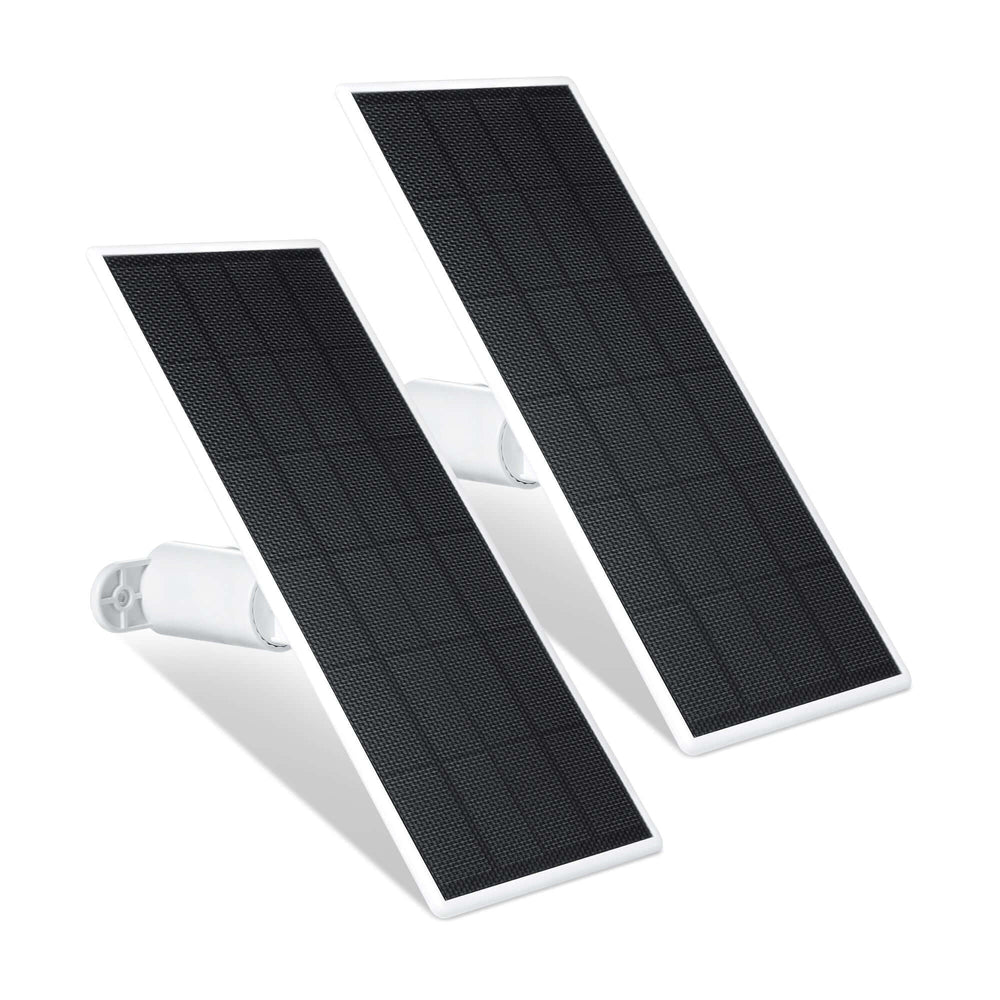
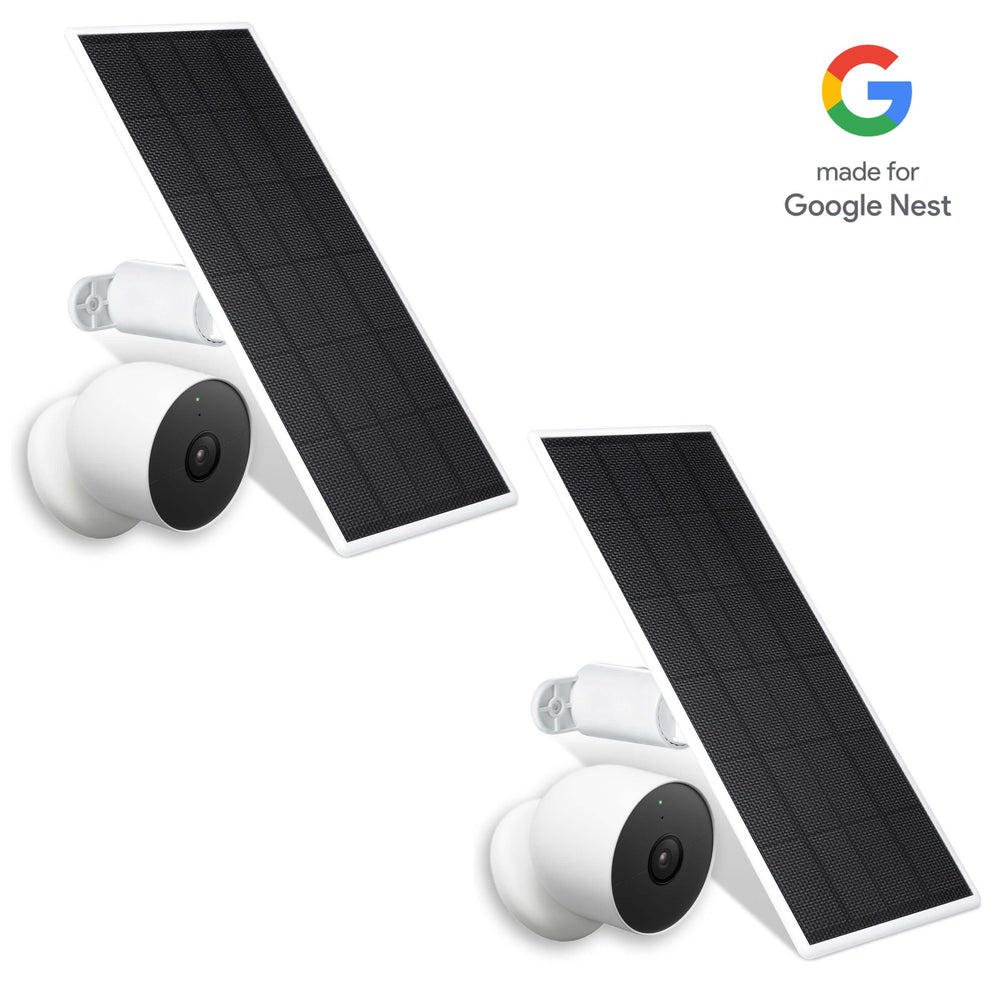
If your camera is mounted outside, especially in a high or hard-to-reach location, removing it frequently to recharge quickly becomes frustrating. A solar panel solves this problem by providing continuous power. Instead of worrying about battery levels every few weeks, your camera stays charged throughout the day as long as it receives enough sunlight.
This upgrade is particularly useful for areas like driveways, backyards, and entrances where constant monitoring is important. It also reduces maintenance, making your security system more reliable overall.
Floodlight Mount for Better Visibility and Security
Lighting plays a crucial role in how effective your camera is, especially at night. Even high-quality cameras struggle in low-light conditions, which can result in unclear footage.

A floodlight mount or other outdoor security floodlights improves both visibility and security. When motion is detected, the lights turn on automatically, illuminating the area and making it easier to capture clear video. At the same time, the sudden light acts as a deterrent, often discouraging unwanted activity.
This type of setup works best near entry points such as front doors, garages, and side paths.
Essential SimpliSafe Accessories for Complete Coverage
Entry Sensors and Motion Sensors

Image courtesy of SimpliSafe
The entry sensor and motion sensors are the backbone of any SimpliSafe setup. Entry sensors monitor access points like doors and windows, while motion sensors track movement inside your home.
Together, they provide layered protection. If someone enters through a door, the entry sensor triggers immediately. For added versatility, the Extra Entry Sensors can be set to 'secret alert' mode to notify you of activity without triggering the full alarm, which is perfect for liquor cabinets or cleaning closets. If they move through the house, motion sensors continue tracking their presence. This combination reduces the chances of missed alerts and improves response time.
Glass Break Sensor for Window Protection
A glass break sensor fills an important gap that entry sensors cannot cover. Instead of detecting openings, it listens for the specific sound of breaking glass.
This makes it ideal for rooms with large windows or sliding doors. Even if a window is shattered without being opened, the sensor can still trigger an alert. It’s a small addition, but one that significantly improves your overall security.
Environmental Protection: Water and Smoke Detection
Not all threats come from intruders. A complete security system should also protect against environmental risks.
Environmental sensors such as water sensors help prevent property damage from hazards like leaks or freezing temperatures, detecting issues early to save you from expensive plumbing repairs. A smoke detector adds another layer of safety by alerting you to fire hazards. These devices operate quietly in the background but can make a major difference when something goes wrong.
Extra Siren and Panic Button
Adding an Auxiliary Siren increases the overall effectiveness of your alarm system. It has a volume of 105dB and can be placed indoors or in sheltered outdoor areas to increase alarm noise, ensuring the neighborhood is alerted if an incident occurs. A louder alarm not only alerts you but also draws attention from neighbors, which can discourage intruders.
A panic button, on the other hand, gives you immediate control in emergencies. With a single press, you can trigger the alarm without navigating through menus or apps. This is especially useful in bedrooms or areas where quick access matters.
Keypad and Access Control

Image courtesy of SimpliSafe
An additional keypad can improve how you interact with your system, especially in larger homes. Placing one near a secondary entrance allows for easier access without relying solely on a smartphone. It also makes the system more convenient for family members or guests who may not have app access.
Installation and Setup Tips
One of the biggest advantages of SimpliSafe is how simple it is to install. Most devices are designed for DIY setup, with guidance built directly into the system.
-
Guided setup through the keypad: The keypad walks you through the entire process step by step, so you don’t have to guess where each device goes or how to connect it.
-
Adhesive-backed sensors: Devices like the entry sensor and motion sensors use peel-and-stick adhesive, allowing you to mount them quickly without drilling holes.
-
Minimal tools required: Most components are ready to use out of the box, making the setup process fast and beginner-friendly.
-
Cameras may take extra effort: Installing a camera or mounting accessories can require positioning and adjustments, but it’s still manageable for most users.
-
Optional professional installation: If you’re not comfortable installing your security system, SimpliSafe offers professional help—but most users won’t need it.
Mounting and Placement Optimization

Proper placement is just as important as choosing the right device. Even the best accessories won’t perform well if installed incorrectly.
-
Position cameras strategically: Place each camera where it can clearly monitor entry points, driveways, or open spaces to maximize visibility, following best practices for security camera placement.
-
Angle motion sensors correctly: Motion sensors work best when placed in corners, capturing movement across a room instead of directly facing a doorway.
-
Avoid interference sources: Keep sensors away from windows, vents, or heat sources to reduce false alerts and improve accuracy.
-
Use mounting accessories for better angles: Mounts can help adjust positioning when walls, ceilings, or layouts make installation difficult, and pairing them with camera solar panels can further reduce maintenance.
-
Solve visibility challenges with custom mounts: In tricky setups, mounts help ensure your camera has a clear and unobstructed field of view, which is especially important if you’re using solar-powered security cameras.
Compatibility and Smart Home Integration
SimpliSafe integrates with popular platforms like Alexa and Google Assistant, but SimpliSafe's smart home compatibility is limited compared to competitors like ADT and Vivint. Because the system only works with other SimpliSafe devices, it reduces its integration with a broader range of third-party smart home products, prioritizing a closed, secure loop over open-source flexibility.
-
Basic voice control support: You can use voice assistants to arm your security system or check its status, adding convenience to your setup.
-
Limited smart home integration: Compared to the competition, SimpliSafe doesn’t connect with as many third-party smart home devices.
-
Proprietary system design: The system works primarily with its own devices, which improves reliability but limits customization.
-
Trade-off between simplicity and flexibility: This approach reduces compatibility issues, but may not suit users who want a fully integrated smart home.
How to Choose the Best SimpliSafe Accessories
Choosing the right accessories depends on how you use your system and where your vulnerabilities are.
-
Prioritize camera performance: If you rely on your camera, start with upgrades like better power and lights to improve reliability and visibility.
-
Secure entry points first: Add an entry sensor or glass break sensor to protect doors and windows, which are the most common access points.
-
Expand with motion detection: Motion sensors add a second layer of protection by tracking movement inside your home.
-
Protect against environmental risks: Devices like a water sensor or smoke detector help prevent damage from leaks or fire hazards.
-
Build your system gradually: Instead of buying everything at once, expand your setup over time based on your needs and budget.
Troubleshooting Access and App Issues
Occasionally, you may run into issues while trying to access your account or shop for accessories online. These problems are usually browser-related, not system-related.
-
Common verification messages: You might see prompts like “pardon the interruption” or “please take 2 seconds to confirm” that you’re a real person.
-
Browser settings may be at fault: Errors often occur when javascript or cookies are disabled, preventing pages from loading properly.
-
Extensions can interfere: A plugin or extension may block scripts or content, which can trigger verification errors.
-
Repeated warnings: Messages such as “cookies are disabled” or notices that “occasionally a plugin may be at fault” can appear during login or checkout.
-
Simple fixes usually work: Enable cookies, disable extensions temporarily, and refresh the page to restore normal access.
FAQs
Are Wasserstein accessories compatible with all SimpliSafe cameras?
Wasserstein accessories are designed primarily for the SimpliSafe Outdoor Camera, so compatibility depends on the specific model. Always check product details before you shop to ensure the accessory will fit your camera and mounting setup.
Do I need a subscription for SimpliSafe accessories to work?
Most accessories like sensors and mounts work without a subscription. However, features like professional monitoring and recorded footage for your camera may require a monthly plan, depending on how you use your security system.
What are the best SimpliSafe accessories to start with?
If you’re building from the ground up, start with essentials like an entry sensor, motion sensors, and a camera. From there, add upgrades like lighting or a glass break sensor to improve detection and overall security coverage.
Can I install SimpliSafe devices on my own?
Yes, most devices are designed to be easy to install without professional help. The keypad provides step-by-step instructions, and many components use adhesive backing, so you can set up your system quickly.
Will adding accessories affect my system’s performance?
Adding accessories generally improves your SimpliSafe system by expanding coverage and detection. However, placing too many devices too close together or in poor locations may affect performance, so proper placement is important.
Do accessories like floodlights and sensors drain battery faster?
Some accessories, especially those with lights or constant activity, can increase power usage. That’s why pairing your SimpliSafe Outdoor Camera with a solar panel is a smart way to maintain consistent performance.
What should I do if I’m having trouble accessing my account?
If you’re getting this message when trying to log in, such as “pardon the interruption” or prompts to confirm you’re a real person, your browser settings may be at fault. Make sure javascript or cookies are enabled, since a plugin or extension may be blocking access.
Leave a comment