

Smart Home Security: DIY Systems vs. Professional Monitoring — And How Wasserstein Accessories Improve Integration
Quick Summary
-
The choice hinges on control versus convenience — DIY systems offer lower upfront costs, contract-free flexibility, and rapid 30-minute to 3-hour setups. Professional services counter with expert installation, cellular backups, and automated 24/7 emergency dispatch.
-
True safety requires an integrated ecosystem — Operating disconnected security gadgets creates dangerous blind spots. True integration links cameras, smart locks, and sensors into a centralized platform so that a triggered driveway sensor can instantly activate outdoor floodlights and stream real-time alerts.
-
Power and placement are major DIY vulnerabilities — Battery-powered cameras simplify installation but introduce charging downtime. When a battery drains, video analytics, motion alerts, and real-time surveillance vanish entirely.
-
Elevated mounting eliminates tampering and blind spots — Positioning outdoor cameras high on gutters or via adjustable wall mounts keeps expensive hardware out of an intruder's reach while widening the camera's field of view over driveways and side entrances.
-
Accessories maximize your existing hardware — You don't need a costly system overhaul to upgrade your security. Adding high-efficiency solar panels eliminates battery swaps, 3-in-1 floodlights restore crystal-clear nighttime visibility, and angled doorbell wedges preserve crucial package-detection zones.
Smart home security has changed dramatically over the last few years. What once required expensive professional installation can now be built using wireless cameras, smart locks, video doorbells, environmental sensors, and mobile apps. Today, homeowners comparing DIY smart home security vs professional services have more options than ever before.
Modern security systems are no longer limited to a single alarm panel. Many homeowners now build connected ecosystems using security cameras, access control systems, surveillance cameras, and smart devices that communicate through one integrated system. Instead of relying on separate systems, users can create integrated security solutions that improve monitoring, automation, and overall protection.
At the same time, many homeowners still debate whether a DIY option or professional monitoring offers the best balance between cost, flexibility, and maximum protection.
Wasserstein accessories help bridge this gap by improving camera placement, reducing blind spots, strengthening security integration, and streamlining security operations across multiple security systems.
DIY Smart Home Security vs Professional Monitoring
DIY smart home security systems offer flexibility, lower upfront cost, and contract-free installation. Most companies now design systems with built-in Wi-Fi connectivity, smartphone apps, and wireless sensors that homeowners can install themselves.
DIY systems typically take 30 minutes to two hours to install via an app. In many cases, the entire system can be operational in less than three hours. DIY is better for cost-conscious, tech-savvy users who want flexibility and control over their own home security setup.
Professional systems, however, focus on centralized monitoring, expert installation, and rapid response. Professional services provide expert installation, 24/7 monitoring, higher-quality equipment, and faster emergency dispatch. These systems often include tamper-resistant sensors, cellular backup, and stronger network security features.
The choice between DIY smart home security vs professional monitoring often depends on budget, property size, desired features, monitoring preferences, comfort with technology, and long-term maintenance expectations.
Both approaches offer valuable benefits, but integrated security has become increasingly important regardless of which model homeowners choose.
What Is an Integrated Security System?
An integrated security system combines multiple systems on a single platform. Instead of managing cameras, sensors, alarms, and smart locks separately, users can control everything through a centralized system, with advanced technology enabling seamless data exchange among other security systems.

Integrated security systems can include:
-
Security cameras
-
Video doorbells
-
Motion sensors
-
Environmental sensors
-
Fire alarms
-
Smart locks
-
Access control systems
-
Video surveillance platforms
-
Smart lighting
-
Mobile monitoring apps
Integration also improves data management by consolidating information from these features into a single database.
Security system integration allows these devices to communicate and automate responses in real time. For example, if motion sensors detect activity near a driveway, floodlights can activate, surveillance cameras begin recording, and real-time alerts are sent to the homeowner.
Integrated systems improve operational efficiency while simplifying security management across multiple security systems, and centralized monitoring provides a comprehensive view of all security components.
Why Security Integration Matters
Without proper integration, homeowners often end up managing disparate systems across several apps and dashboards. This can slow response times and create blind spots in coverage.
Integrated security solutions improve real-time monitoring by connecting devices through one platform. Homeowners can monitor suspicious activities, manage access control, and receive synchronized alerts without constantly switching between separate systems.
Integration also improves:
-
Video monitoring
-
Automation
-
Real time alerts
-
Access control visibility
-
Video analytics performance
-
Security operations efficiency
Integrated systems enable seamless control over multiple devices with a single action, enhancing security and operational efficiency.
For example, a video doorbell can trigger:
-
Floodlights
-
Surveillance cameras
-
Indoor smart displays
-
Alarm notifications
-
Amazon Alexa announcements
This creates a more secure environment while helping homeowners mitigate risks faster.
Common DIY Security Challenges
DIY systems offer convenience and flexibility, but they also introduce challenges that can affect protection and monitoring quality.
Common DIY limitations include:
-
Blind spots
-
Weak Wi-Fi coverage
-
Battery maintenance
-
Difficult system integration
-
Managing many third-party devices
-
Inconsistent video monitoring
-
Network security vulnerabilities
DIY systems rely on users to see notifications, whereas professional services offer 24/7 monitoring and can contact emergency services immediately. For homeowners managing multiple systems, keeping devices updated and functioning properly can become time-consuming.
Blind Spots and Camera Placement
One of the most common security problems involves poor camera positioning. Security cameras mounted too low may miss important activity or become easy targets for tampering. Improper placement can also reduce video surveillance quality and limit video analytics accuracy. Blind spots commonly appear around garages, driveways, side entrances, backyards, front porches, and restricted areas.
Video doorbells can serve as the first line of defense against property theft and home invasion, but poor viewing angles may reduce visibility for packages or visitors. Proper mounting and positioning are essential for effective real-time monitoring and rapid response.
Charging Downtime and Battery Maintenance
Battery-powered cameras are popular because they simplify installation, but charging interruptions can weaken protection. Integrating solar panels for your camera and doorbell can significantly reduce manual charging and keep key devices online longer.
When cameras lose power, homeowners temporarily lose:
-
Video surveillance
-
Motion alerts
-
Real-time monitoring
-
Access control visibility
-
Video analytics functions
DIY systems typically depend on home Wi-Fi and battery health for consistent performance. Outdoor devices may also drain faster during colder weather or periods of heavy activity.
Reducing charging downtime is critical for maintaining continuous monitoring and minimizing potential threats.
Managing Multiple Security Systems

Many homeowners combine devices from several brands. While this increases flexibility, it can also create fragmented security operations.
Different devices may use:
-
Separate apps
-
Different automation systems
-
Inconsistent notifications
-
Conflicting integrations
Managing multiple security systems separately can reduce operational efficiency and make monitoring more difficult. Integrated security systems solve this problem by consolidating cameras, sensors, alarms, and smart devices into one platform.
Network Security and Smart Devices
Most smart home security systems connect through built-in Wi-Fi networks and cloud-based apps. While this improves convenience, it also increases the importance of network security. Unsecured smart devices may become vulnerable to cyberattacks or unauthorized access.
Homeowners should:
-
Use strong passwords
-
Enable two-factor authentication
-
Update firmware regularly
-
Monitor suspicious activities
-
Secure third-party devices
-
Separate smart devices from sensitive networks
Strong network security helps create a secure environment while protecting connected systems from potential threats.
How Wasserstein Accessories Improve DIY Security
Wasserstein accessories help strengthen security integration by improving placement, charging reliability, and visibility. The broader ecosystem of smart home security accessories is compatible with brands like Ring, Arlo, Blink, Google Nest, SimpliSafe, Wyze, and Eufy to help simplify operations while improving overall protection.
Rather than replacing existing systems, Wasserstein products enhance the performance of integrated security systems homeowners already use.
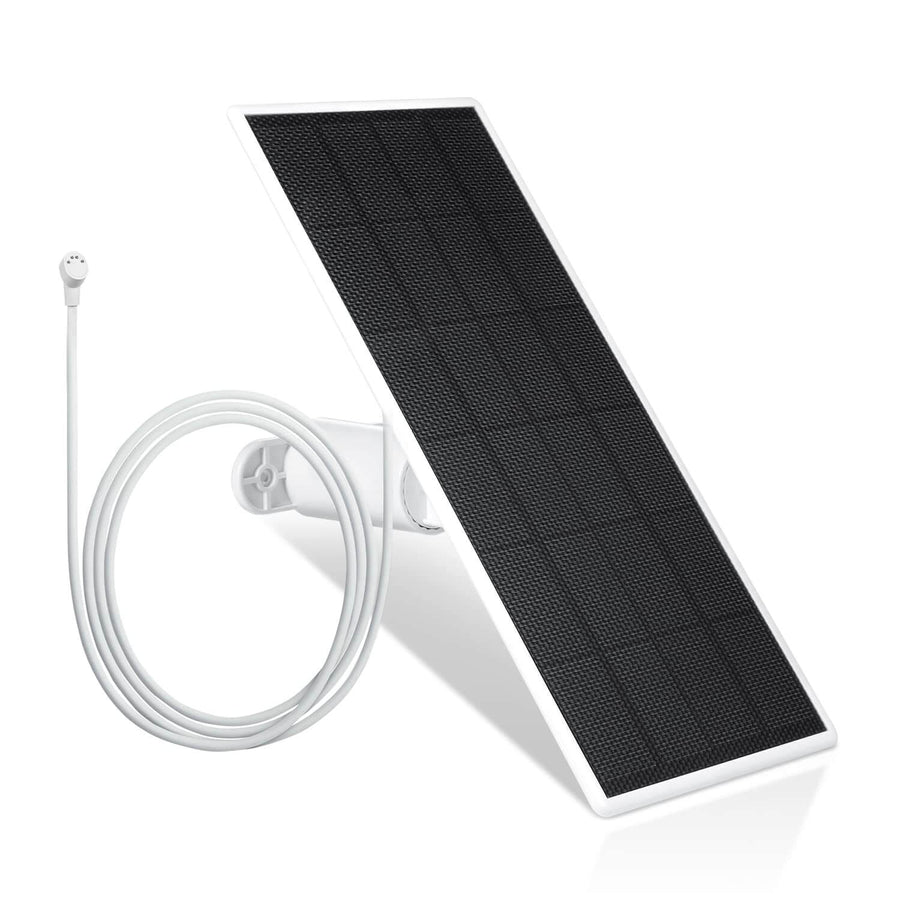
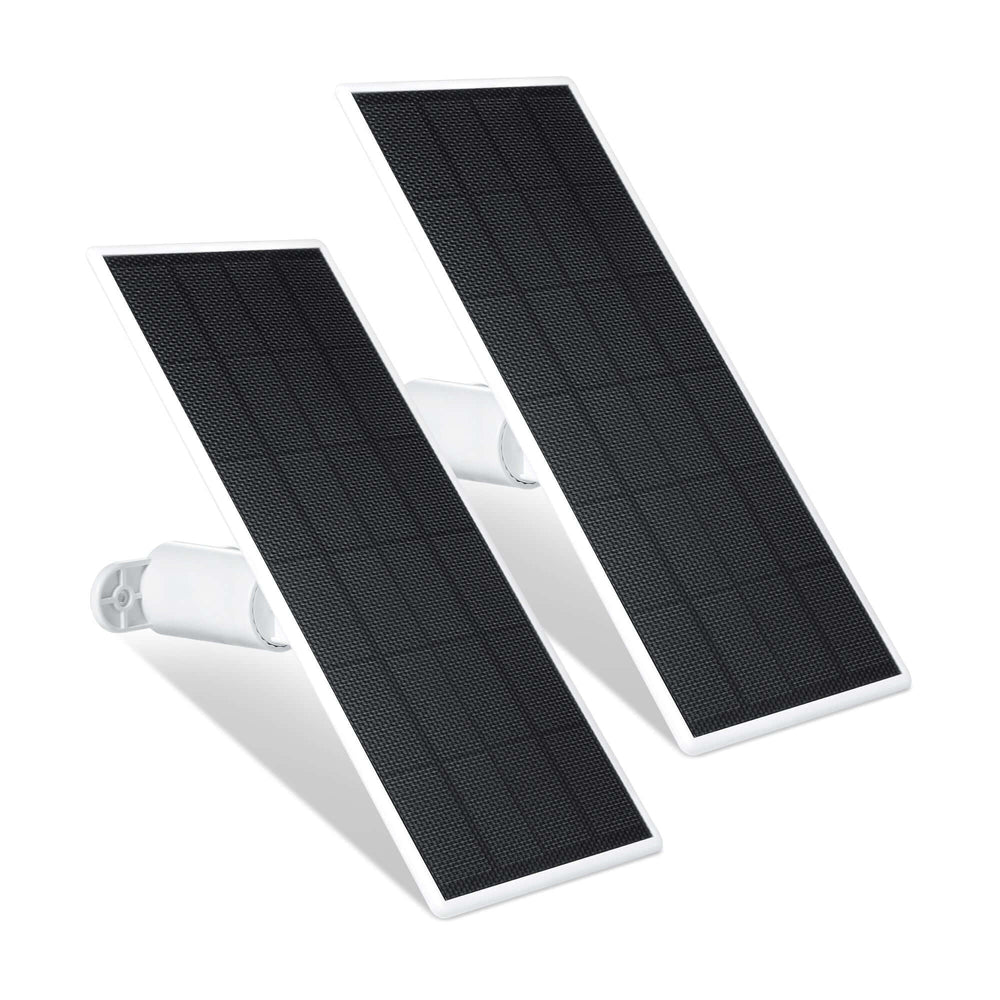
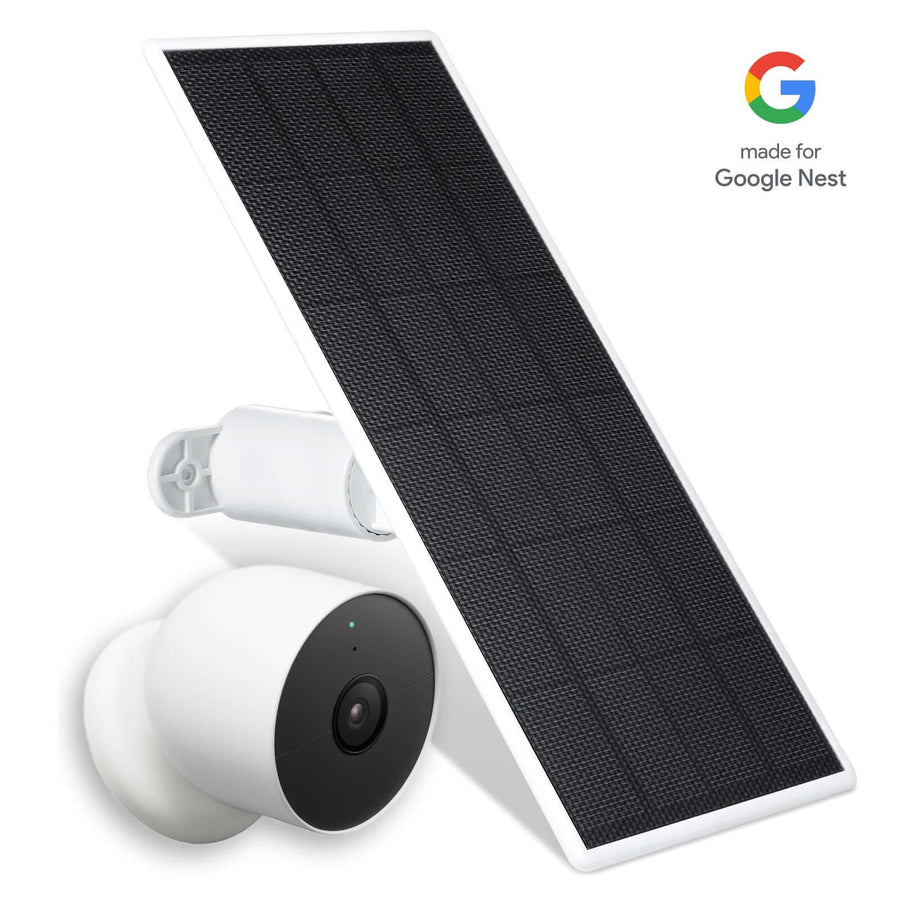
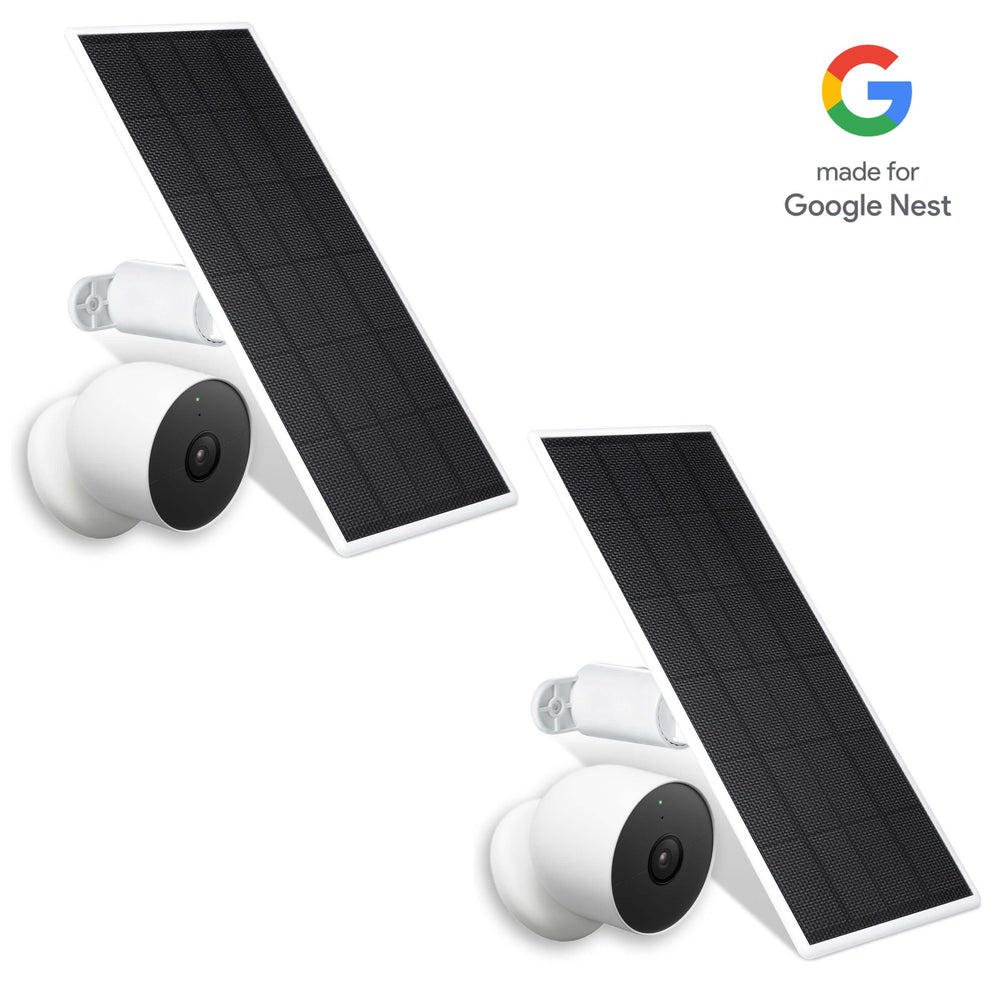
Solar Panels for Continuous Power

Wasserstein solar panels help keep security cameras charged continuously, reducing downtime and improving monitoring consistency.
Features include:
-
High-efficiency solar cells
-
Flexible 13.1ft cable
-
Adjustable mounts
-
Flexible sunlight positioning
-
Weather-resistant construction
Solar charging improves operational efficiency by minimizing battery replacement and reducing maintenance demands. For homeowners using battery-powered cameras, dedicated options like the SimpliSafe solar panel for your outdoor camera help maintain uninterrupted video surveillance and real-time monitoring.
Floodlights for Better Night Visibility
Low-light conditions can reduce the effectiveness of surveillance cameras and video analytics.

Wasserstein 3-in-1 floodlights improve nighttime monitoring by combining:
-
Floodlighting
-
Camera mounting
-
Continuous charging
These floodlights help:
-
Reduce blind spots
-
Improve visibility
-
Deter suspicious activities
-
Support rapid response
-
Improve artificial intelligence detection accuracy
Better lighting also improves the effectiveness of integrated security solutions that rely on video monitoring and motion detection.
Gutter Mounts for Wider Coverage
Wasserstein gutter mounts position cameras and solar panels higher for improved visibility and wider viewing angles.

Elevated placement helps:
-
Improve video surveillance coverage.
-
Reduce tampering risks
-
Increase sunlight exposure
-
Improve monitoring around restricted areas.
-
Expand driveway visibility
No-drill installation also makes gutter mounts attractive for renters or homeowners seeking flexible installation.
Wall Mounts for Flexible Positioning

Wall mounts help homeowners optimize camera placement both indoors and outdoors.
Adjustable positioning improves:
-
Motion detection
-
Video analytics
-
Access control visibility
-
Real-time monitoring
-
Overall security operations
Better positioning also reduces blind spots that could otherwise limit protection.
Anti-Theft Mounts for Added Protection

Outdoor cameras are vulnerable to tampering and theft if installed improperly. Anti-theft mounts provide stronger security for smart devices installed in exposed areas. This helps homeowners maintain reliable monitoring while protecting valuable equipment.
Doorbell Accessories and Viewing Angles

Video doorbells remain one of the most popular smart home security upgrades. Whether using wireless or wired video doorbells and accessories, angled mounts improve viewing angles by adjusting horizontal and vertical positioning. This helps homeowners capture packages, visitors, entryways, and suspicious activities. Better positioning improves video surveillance coverage while reducing blind spots near front doors.
No-Drill Mounts for Renters
No-drill mounts provide flexible installation without damaging walls, doors, or exterior surfaces. This DIY option works especially well for apartments, condos, rental properties, and temporary installations. Homeowners can install and reposition devices without making permanent modifications, and pair them with a solar panel for SimpliSafe outdoor camera for low-maintenance, continuous power.
Doorbell Chimes and Real-Time Alerts

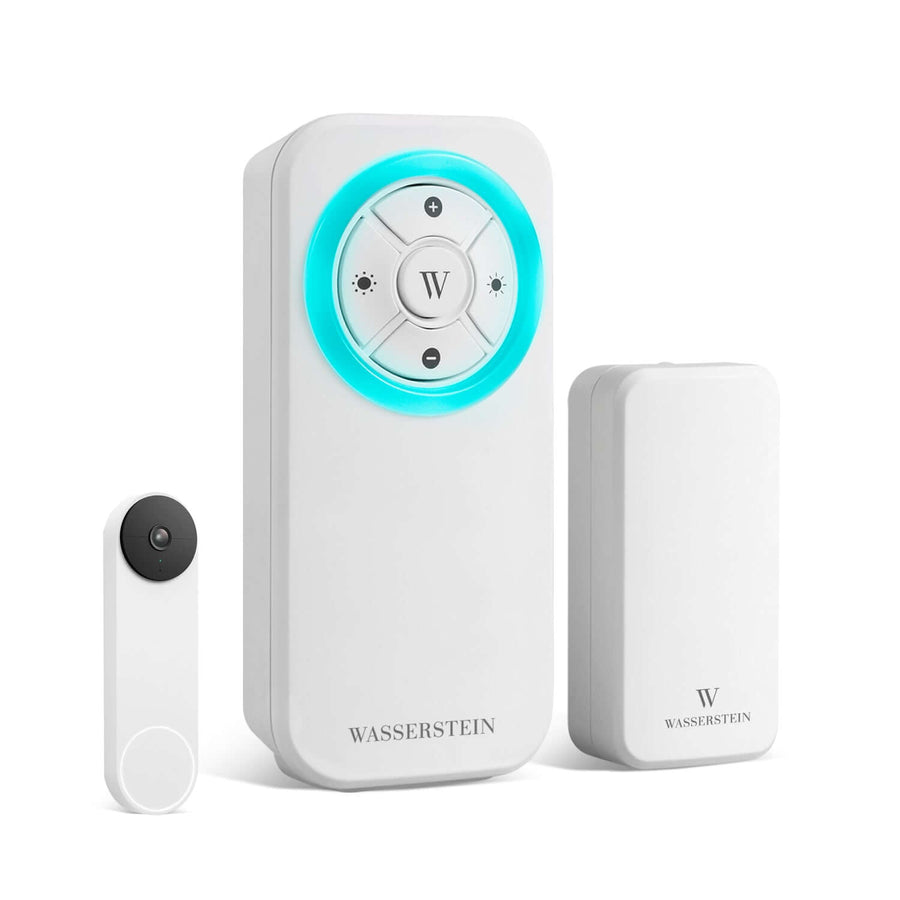
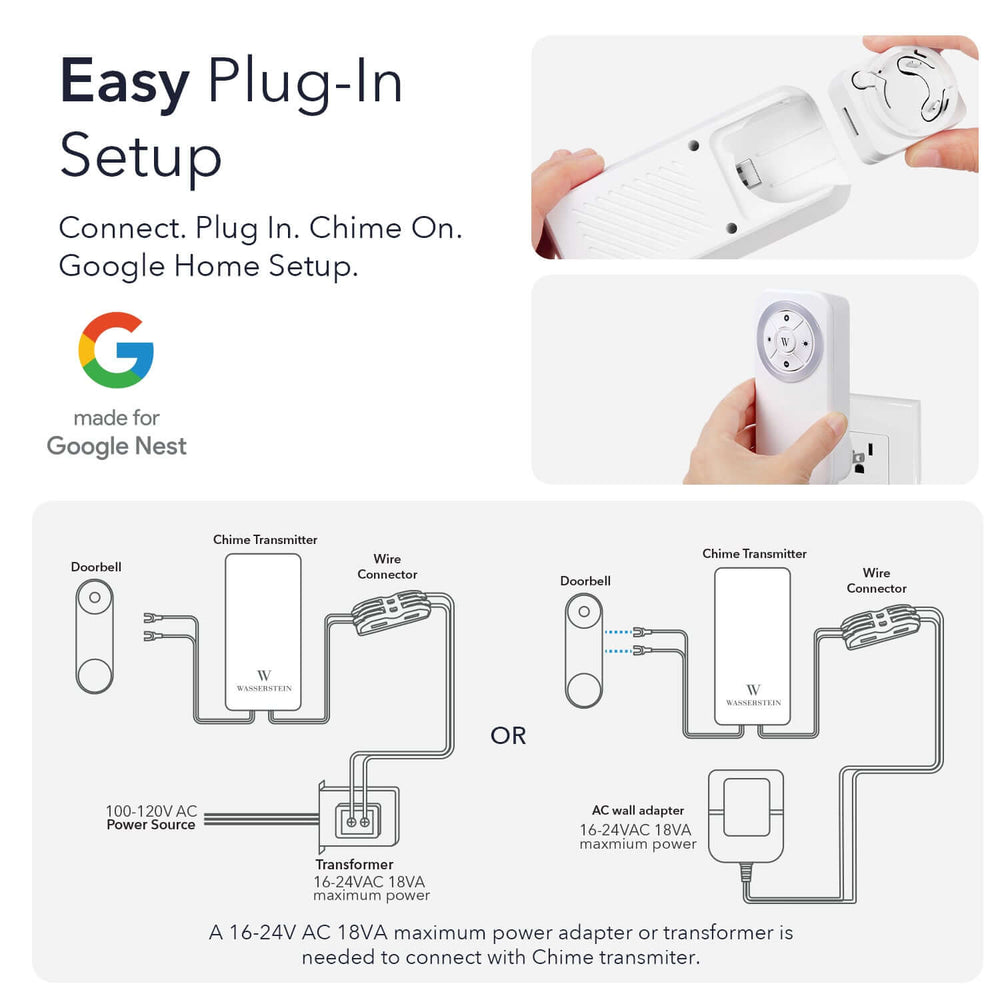
Many homeowners rely entirely on mobile notifications, but alerts may be missed during busy schedules. Wasserstein devices like the Blink doorbell chime improve monitoring by providing audible notifications, adjustable volume levels, LED lighting, and multiple ringtone options. These accessories improve awareness throughout the house and strengthen real-time alerts.
Smart Home Ecosystems and Compatibility
Wasserstein accessories support many third-party devices and smart home ecosystems. Homeowners using Amazon Alexa can integrate cameras, sensors, floodlights, video doorbells, and smart displays into one integrated system that simplifies monitoring and security management. This compatibility helps reduce friction when managing multiple systems across a smart home.
Hybrid Security Systems
Many homeowners now combine DIY smart devices with professional monitoring services. Hybrid systems balance flexibility, cost savings, real-time monitoring, professional rapid response, and improved security integration
For example, a homeowner may use DIY surveillance cameras alongside professionally monitored alarms and access control systems. This approach allows homeowners to save money while still benefiting from stronger protection and monitoring support.
Cost Comparison: DIY vs Professional
DIY systems generally have lower upfront costs and no long-term contracts.
Professional systems usually include:
-
Installation fees
-
Monthly monitoring costs
-
Maintenance services
-
Advanced monitoring features
However, accessories can improve existing systems without requiring homeowners to replace everything entirely. Adding solar panels, floodlights, mounts, and charging accessories can improve operational efficiency and simplify operations while extending the usefulness of current devices.
When DIY Security Is Enough
DIY smart home security works well for apartments, smaller homes, budget-conscious users, and tech-savvy homeowners who want flexible setups. DIY systems also allow homeowners to customize devices according to their own needs while maintaining control over installation and monitoring.
When Professional Security Makes More Sense
Professional systems may be better for:
-
Larger properties
-
High-value homes
-
Complex access control needs
-
Continuous monitoring requirements
-
Users seeking maximum protection
Professional systems often include advanced features such as integration with other security services and devices, improving overall security effectiveness.
Final Thoughts
Modern integrated security systems improve protection by connecting cameras, sensors, access control systems, alarms, and smart devices into one platform.
Whether choosing DIY smart home security vs professional monitoring, homeowners should prioritize integration, operational efficiency, real-time monitoring, network security, flexibility, and long-term reliability.
Wasserstein accessories help improve security system integration by reducing blind spots, improving placement, strengthening monitoring, and minimizing charging downtime.
With the right devices, accessories, and monitoring strategy, homeowners can create a smarter, safer, and more responsive smart home security system tailored to their needs.
FAQs
How long does DIY smart home security installation usually take?
Most DIY systems take between 30 minutes and three hours, depending on the number of devices installed.
Do solar panels work with battery-powered security cameras?
Yes. Solar panels continuously charge compatible cameras and help reduce downtime.
Are no-drill mounts suitable for renters?
Yes. No-drill mounts allow flexible installation without permanent damage to walls or doors.
How do floodlights improve security systems?
Floodlights improve nighttime visibility, reduce blind spots, and strengthen video monitoring quality.
Can integrated security systems reduce false claims and false alarms?
Yes. Integrated systems improve monitoring accuracy by combining sensors, cameras, and video analytics.
Do DIY systems work with Amazon Alexa?
Many smart home security systems support Amazon Alexa integration for voice control and monitoring.
Can homeowners combine DIY devices with professional monitoring?
Yes. Hybrid systems combine DIY flexibility with professional rapid response and monitoring services.
Leave a comment