

Smart Home on a Budget: 8 Affordable Wasserstein Accessories Under $50 That Save Money Long-Term
Quick summary
-
Upgrade Existing Tech: Focus on enhancing current devices with affordable accessories rather than buying expensive new hardware.
-
Boost Performance for Under $50: Low-cost items like mounts, solar panels, and chimes solve common issues like poor coverage or dead batteries.
-
Maximize Power Efficiency: Solar chargers and power accessories reduce downtime, eliminate frequent battery swaps, and lower energy waste.
-
Enhance Security & Reliability: Protective covers and strategic mounts improve camera angles, reduce false alerts, and prevent theft or weather damage.
-
Seamless Ecosystem Integration: Brands like Wasserstein offer budget-friendly tools compatible with Google Home and Alexa for a more cohesive setup.
Building a smart home doesn’t have to mean filling your house with expensive smart gadgets or replacing every appliance you own. For most people, the smartest upgrade isn’t buying more smart devices. It’s choosing affordable smart home accessories that make existing devices work better, last longer, and save money over time that is tricky.
Affordable smart home accessories rely on internet connectivity to enable remote control, automation, and seamless integration with other smart devices, making your home smarter and more convenient.
That’s where Wasserstein comes in.
Wasserstein focuses on practical, budget-friendly accessories that improve power management, security, and everyday convenience across popular smart home ecosystems like Google Home, Amazon Alexa, and devices that support Apple HomeKit. Instead of buying entirely new products, these accessories upgrade what you already own.
Why Affordable Smart Home Accessories Matter More Than New Devices
Smart home marketing tends to spotlight the latest smart speakers, smart lights, and connected devices, but accessories quietly determine how well those products perform day to day. Without the right mounts, power solutions, and charging systems, even the best smart home devices can fall short of their potential.
Some smart home accessories can also help track energy usage or device status, providing valuable insights that help users optimize their smart home setup. Accessories often solve problems users didn’t realize they had, from poor camera angles to constant battery charging and wasted energy. For anyone trying to build a smart home on a budget, accessories frequently deliver more value per dollar than buying brand-new smart gadgets.
Accessories vs Smart Devices: Where You Really Save Money
Accessories stretch your budget because they improve performance without replacing hardware. Instead of buying another connected device, you make the ones you own smarter and more efficient.
Smart home accessories help you:
-
Extend battery life on cameras and sensors
-
Reduce energy waste from always-on devices
-
Improve security coverage without adding more cameras
-
Automate dumb appliances instead of replacing them
-
Avoid paying for professional installation
For budget-focused households, accessories often deliver better long-term value than upgrading devices every year.
How Wasserstein Fits Into a Budget Smart Home Setup
Wasserstein accessories are built to work seamlessly with existing ecosystems, so you don’t need to rebuild your setup from scratch. They integrate smoothly with Google Assistant, Amazon Alexa, and Google Home-compatible devices.
These accessories are designed to:
-
Improve wi-fi connectivity through better device placement
-
Support rechargeable battery-powered devices
-
Reduce long-term maintenance and replacement costs
Instead of buying new smart gadgets for every room, you can upgrade your living room, front door, outdoor security, and charging setup at a fraction of the cost.
Improve Camera Coverage With Affordable Mounts
Smart cameras are one of the most common smart home devices, but their effectiveness depends heavily on where and how they’re installed. Poor placement can lead to blind spots, false motion alerts, and missed activity.
Affordable mounts fix these issues by giving you more control over camera angles, height, and stability.
Better Placement Is a Standout Feature for Smart Security
Camera placement affects everything from motion detection accuracy to night vision clarity. A camera mounted too low may constantly trigger from pets, while one placed too high or at the wrong angle may miss important details.
Adjustable mounts help you:
-
Aim cameras precisely at doors and entry points
-
Reduce false alerts from passing cars or trees
-
Improve night vision by minimizing glare
Better placement means better security, without buying additional cameras. Optimal camera placement can also support integration with alarm systems, providing immediate alerts in case of security breaches.
Wasserstein Adjustable Metal Wall Mount for Blink Cameras

Price: $9.99 (3-Pack)
The Wasserstein Adjustable Metal Wall Mount for Blink Cameras is a simple upgrade that delivers noticeable performance improvements. Available in two-pack and three-pack options, it’s an affordable way to improve coverage across multiple locations.
Key benefits include:
-
360° swivel and tilt for precise coverage
-
Rust-resistant metal for indoor and outdoor use
-
Improved use of motion sensors and alerts
-
Reduced blind spots around doors and driveways
For Blink users, better placement alone can significantly improve security reliability.
Wasserstein Cam Gutter Mount for Arlo Cameras

Price: $11.99
For renters or homeowners who want a non-permanent installation, gutter mounts are a practical alternative to wall drilling. The Wasserstein Cam Gutter Mount for Arlo Cameras attaches securely without damaging your home.
Its advantages include:
-
No drilling or permanent hardware
-
Higher placement for wider viewing angles
-
Cameras that are harder to reach or tamper with
-
Improved night vision due to elevated angles
A higher camera position can also reduce theft risk and improve overall coverage.
Anti-Theft Protection That Saves Money Over Time
Outdoor smart cameras are valuable, and without protection, they’re vulnerable to theft or accidental falls. Replacing a camera costs far more than securing it properly from the start.
Anti-theft accessories are a small investment that protects your larger one.
Protecting Your Camera Is Cheaper Than Replacing It
Beyond the cost of replacement, losing a camera creates security gaps and requires a time-consuming setup. Anti-theft mounts reduce these risks and help maintain consistent coverage.
They’re especially useful for cameras installed near the front door, backyard, or side entrances.
Wasserstein Anti-Theft Mount for Google Nest Cam (Battery)

$14.99 (1-Pack)
This Made for Google accessory secures the Google Nest Cam (Battery) while preserving camera performance. It’s recommended for installations above six feet, where cameras are most effective.
Key advantages include:
-
Prevention of camera removal or tampering
-
Secure fit for elevated installations
-
Protection from sun glare and rain
-
Simple installation with included tools
It’s an easy way to protect your investment and avoid unnecessary replacements.
Solar Panels That Help Save Energy and Battery Costs
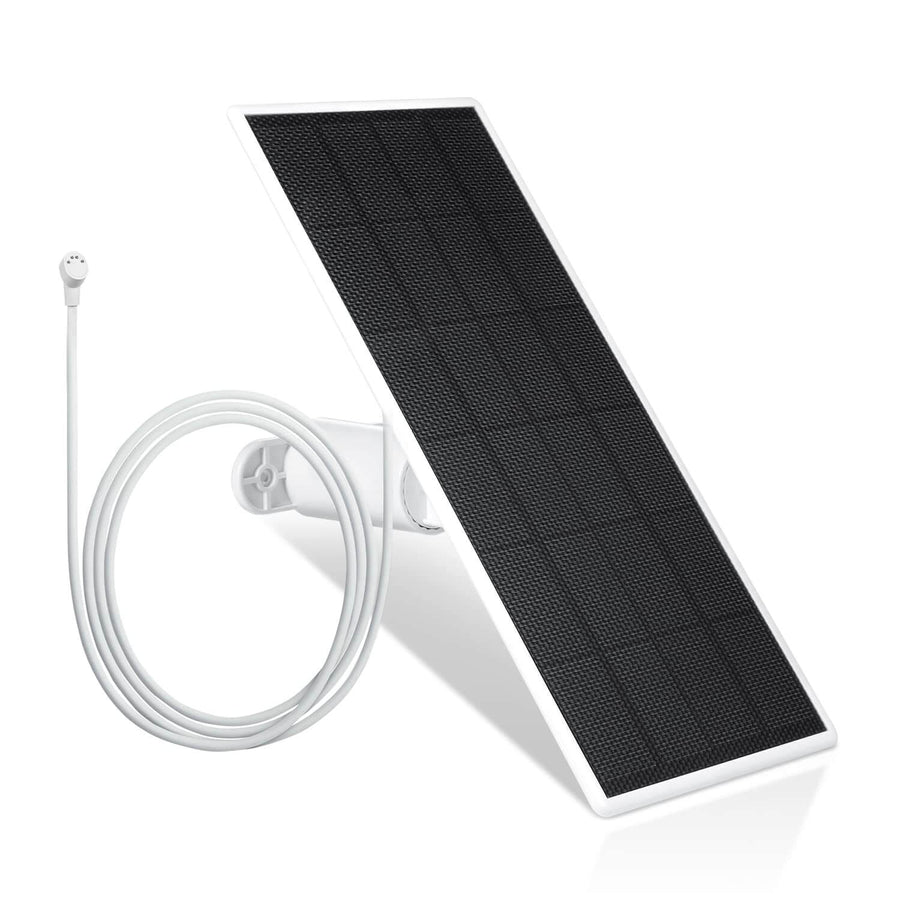
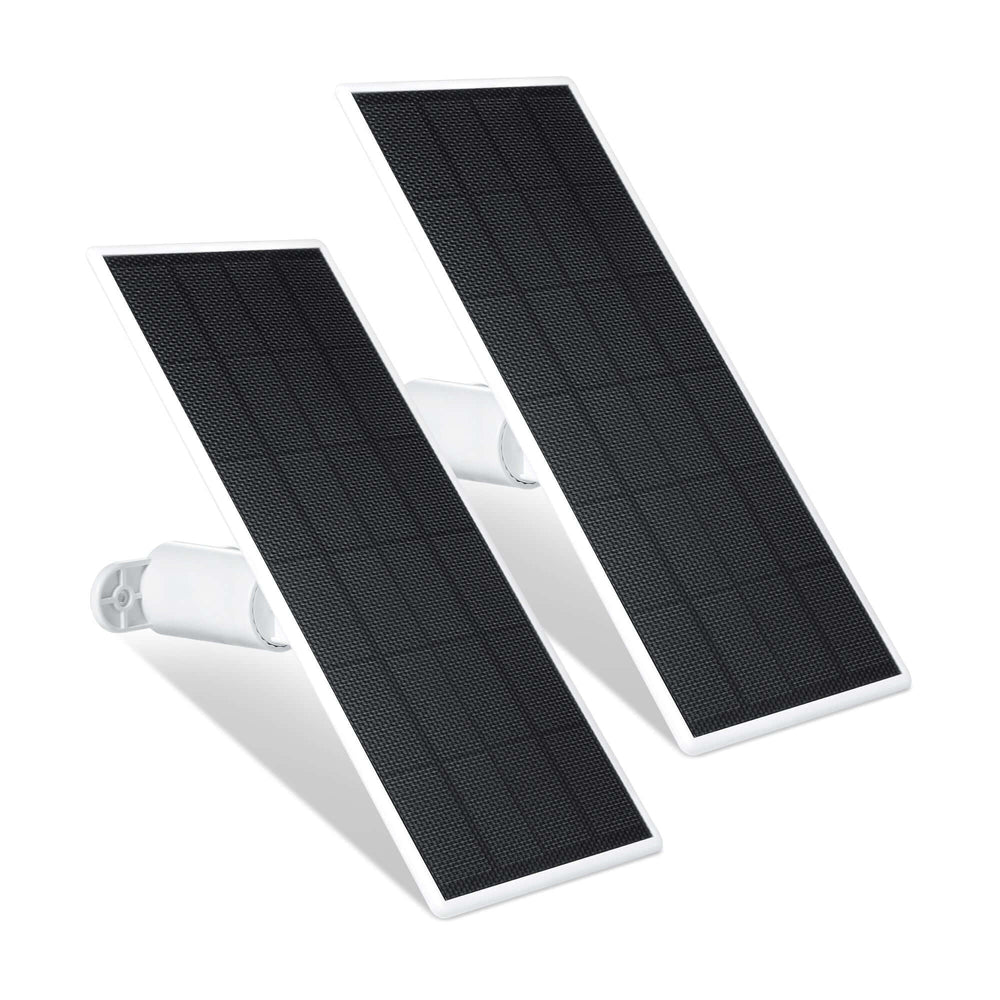
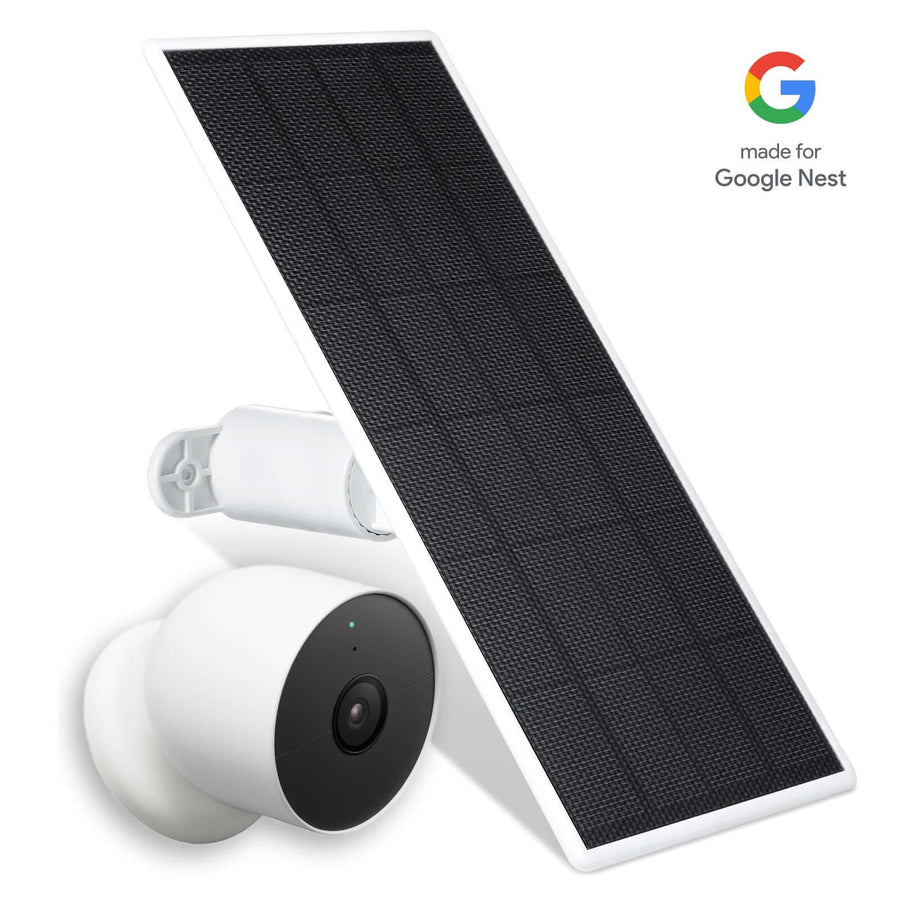
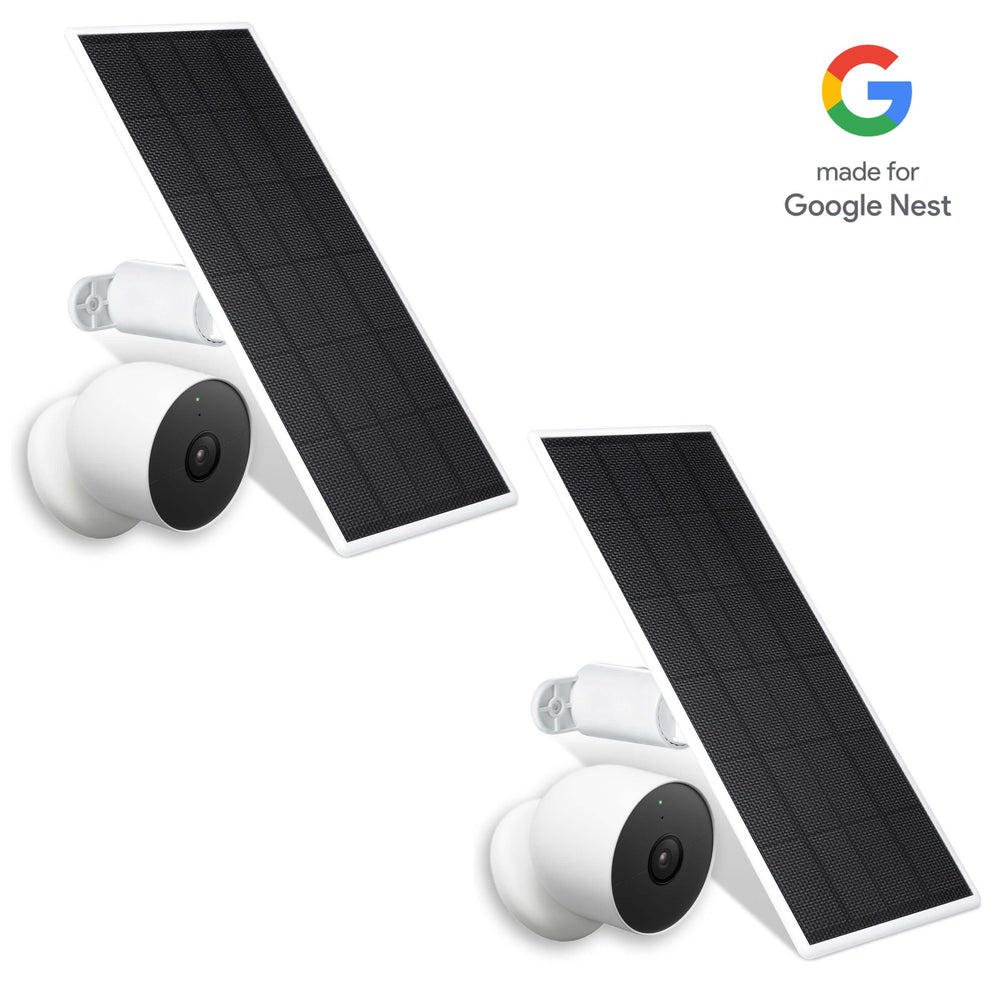
Battery-powered cameras offer flexibility, but frequent recharging quickly becomes inconvenient. Solar panels eliminate this issue by keeping devices powered automatically using renewable energy.
They’re one of the most effective ways to save energy in a smart home.
Why Power Management Is Critical in Smart Homes
Power issues are among the most common smart home frustrations. Dead batteries mean downtime, missed alerts, and more manual maintenance.
Over half of U.S. households' energy consumption is spent on managing indoor temperatures, making energy-efficient solutions essential for reducing costs and saving energy. Smart thermostats can help reduce energy costs by adjusting heating and cooling based on user habits.
Solar panels help by:
-
Maintaining battery levels throughout the day
-
Reducing reliance on indoor charging
-
Minimizing energy waste from wall outlets
Once installed, they deliver ongoing savings with minimal effort.
Wasserstein Solar Panel for Ring Cameras

Price: $30.99
The Wasserstein Solar Panel for Ring Cameras keeps compatible outdoor cameras and video doorbells powered continuously.
It helps you save money by:
-
Reducing battery replacements
-
Minimizing camera downtime
-
Supporting continuous monitoring
-
Eliminating frequent indoor charging
This makes solar power a practical upgrade for long-term security reliability.
Wasserstein Arlo Solar Panel Charger

Price: $32.99 (1-Pack)
Designed for Arlo Ultra and Pro series cameras, this charger provides dependable outdoor power in a weather-resistant design.
Standout features include:
-
Adjustable mount for optimal sun exposure
-
Long cable for flexible installation
-
Reliable performance during peak activity hours
Solar charging ensures cameras stay online when you need them most.
Doorbell Chimes That Fix a Common Smart Home Problem
Video doorbells are only useful if you actually hear them. Relying solely on phone notifications isn’t always reliable, especially when your phone is muted or left in another room.
Doorbell chimes add a critical layer of redundancy.
Missing Alerts Is a Smart Home Failure
Missed alerts can mean missed deliveries, visitors, or security events. Indoor chimes ensure notifications reach you no matter where your phone is.
They’re especially useful in larger homes or busy households.
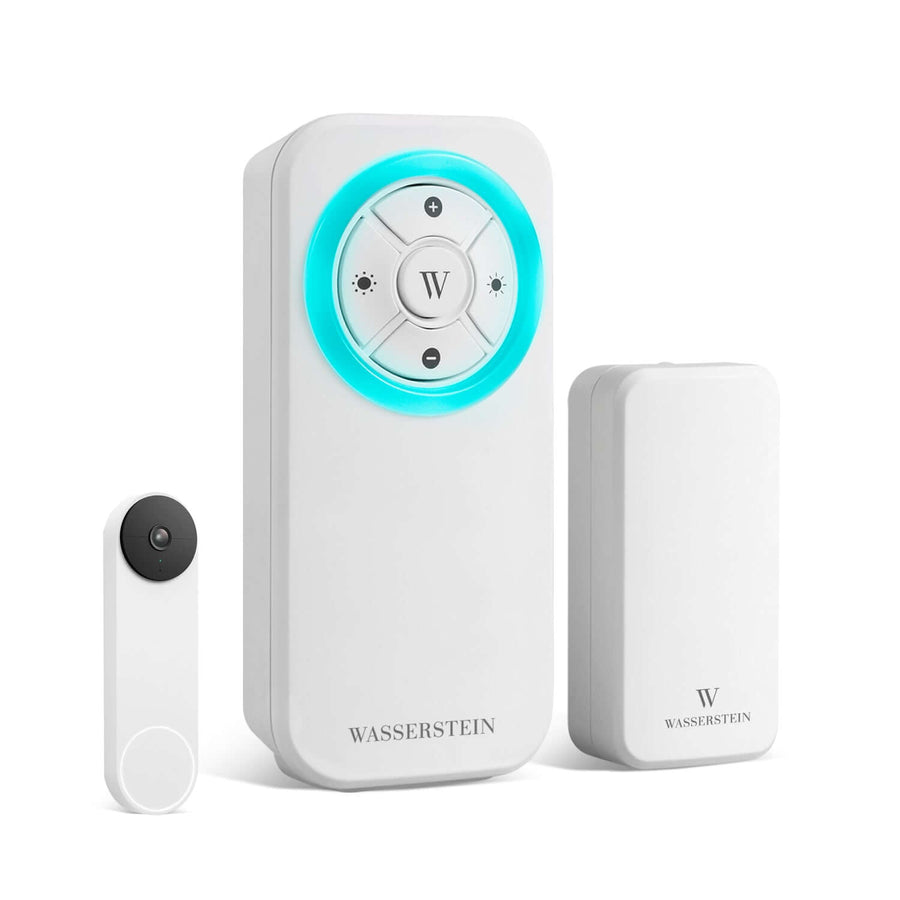
Wasserstein Google Nest Doorbell Chime

Price: $49.99
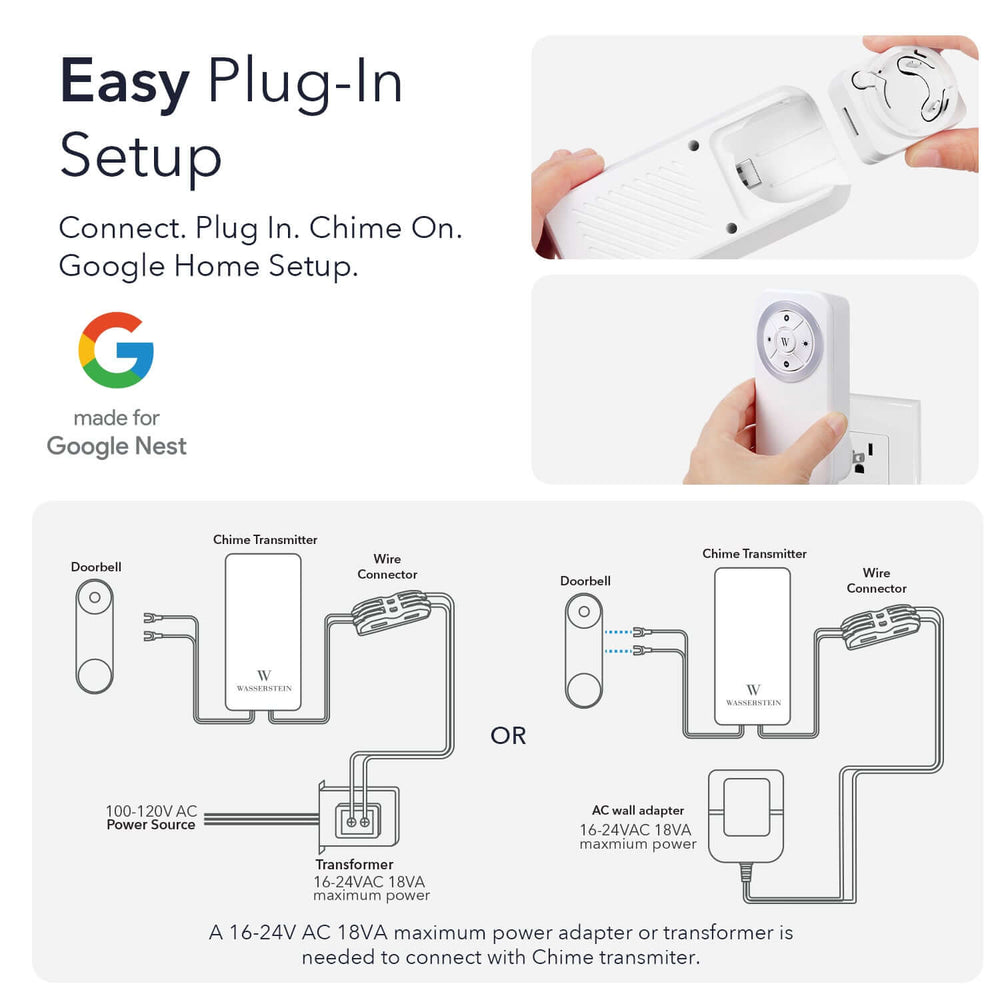
This plug-in chime works seamlessly with Google Nest Doorbells and Google Assistant, providing loud, customizable alerts.
Key features include:
-
Multiple alert tones
-
LED visual notifications
-
Strong indoor range
-
Setup through the companion app
No additional hub is required, making it a simple upgrade.
Wasserstein Doorbell Chime for Blink Video Doorbell

Price: $45.99
Blink users can add reliability with a dedicated doorbell chime that integrates directly through the Blink app.
Benefits include:
-
Adjustable volume levels
-
Multiple chime sounds
-
Long-range signal for larger homes
It ensures you never miss someone at the front door.
Charging Stations That Reduce Clutter and Power Waste
As smart homes grow, charging clutter often follows. Multiple adapters plugged in all day can quietly waste energy and crowd outlets.
Centralized charging stations offer a cleaner, more efficient solution.
Too Many Chargers Waste Energy
Many chargers draw power even when devices aren’t actively charging. Over time, this standby energy adds up.
Reducing the number of plugged-in adapters helps:
-
Lower overall energy use
-
Free up outlets
-
Simplify daily charging routines
Wasserstein 3-in-1 Charging Station Made for Google

Price: $49.99
This charging station replaces multiple adapters with one compact solution.
Why it’s a smart upgrade:
-
Charges Pixel phone, Pixel Buds, Pixel Watch, and Fitbit
-
Reduces cable clutter
-
Minimizes standby energy use
-
Fits neatly on desks or nightstands
A cleaner charging setup supports a more efficient smart home.
Battery Charging That Keeps Cameras Online
Smart cameras only protect your home when they’re powered on. Dead batteries create gaps in coverage that can leave your house vulnerable.
Battery charging stations help eliminate downtime.
Downtime Is a Security Risk
Waiting for a battery to recharge can leave your smart home blind for hours. Having charged spares ready prevents this issue.
Wasserstein Battery Charging Station for Ring and Wyze
This compact station keeps spare batteries ready to go.
Key benefits include:
-
Charges two batteries simultaneously
-
Reduces camera downtime
-
Supports rechargeable battery devices
-
Simple plug-and-play operation
It’s a practical solution for maintaining continuous security.
Why Accessories Are the Best Smart Home Investment
Accessories don’t grab attention like new gadgets, but they deliver the improvements that matter most: reliability, efficiency, and savings.
For example, the Echo Dot is an affordable smart speaker that acts as a voice-controlled hub, allowing you to control lights, thermostats, and other smart home devices with Alexa integration.
Accessories Stretch Your Smart Home Budget Further
One of the biggest advantages of smart home accessories is how much value they unlock from devices you already own. Instead of replacing a perfectly functional camera, speaker, or light, accessories allow you to fine-tune how those devices work in real-world conditions. That means better performance without the cost of buying new tech.
Instead of replacing devices, accessories help you:
-
Upgrade performance by improving placement, power stability, and usability
-
Improve reliability so devices stay online, charged, and responsive
-
Reduce maintenance costs by cutting down on battery replacements and repairs
-
Extend device lifespan by protecting hardware from damage and wear
This approach delivers better ROI for most people because you’re paying once to improve something you already use every day, rather than constantly chasing the next device upgrade.
Beginner Smart Home Setup Using Accessories First
For beginners, jumping straight into buying multiple smart devices can get expensive fast, especially when they are sold separately. Starting with accessories makes it easier to build confidence, understand how smart home systems work, and avoid unnecessary purchases. Accessories also reduce frustration by solving common issues early, like dead batteries, missed alerts, or poor coverage.
By improving how devices function instead of how many you own, accessories let beginners enjoy smart home benefits without overspending.
Build a Smart Home Without Overspending
Simple combinations of devices and accessories can deliver meaningful automation and security at a manageable cost. These setups focus on solving real problems instead of adding features for the sake of it.
Beginner-friendly combinations include:
-
Camera + mount + solar panel for reliable outdoor security with minimal maintenance
-
Video doorbell + chime so alerts are heard throughout the house, not just on a phone
-
Battery camera + charging station to avoid downtime and constant recharging
-
Phone + smart speaker + charging hub for voice control, music, and organized power management
These setups provide everyday convenience and peace of mind without overwhelming costs or complicated installations.
How Accessories Fit Into Popular Smart Home Ecosystems
Smart home accessories are most effective when they work seamlessly with the platforms you already use. Wasserstein designs its products to complement existing ecosystems, so accessories enhance functionality without adding friction or requiring extra hubs.
This ecosystem-first approach helps keep your smart home simple, flexible, and scalable.
Google Home and Google Assistant
Wasserstein accessories integrate naturally into Google-powered smart homes, making them easy to manage through a single interface.
They work seamlessly with:
-
Google Nest Hub for centralized control and monitoring
-
Google Assistant voice control for hands-free commands
-
Google Home app for setup, automation, and device management
This makes it easy to control cameras, doorbells, and charging solutions using voice or your phone.
Amazon Alexa Support
Many supported smart devices paired with Wasserstein accessories also work smoothly within the Alexa ecosystem.
These setups typically:
-
Support Amazon Alexa voice commands
-
Operate through the Alexa app for routines and automation
-
Respond to voice control for lights, alarms, and daily tasks
This flexibility is ideal for households that already rely on Echo devices or Alexa-based routines.
Apple HomeKit Compatibility
While Wasserstein focuses primarily on hardware accessories rather than software platforms, many compatible smart devices integrate into Apple HomeKit. This allows users to manage supported cameras, lights, and sensors through a unified Apple ecosystem without sacrificing accessory compatibility.
Smart Home Hubs: The Heart of a Connected Budget Home
A truly smart home isn’t just about having the latest smart gadgets. It’s about how well your devices work together. That’s where smart home hubs come in. Acting as the central command center, a smart home hub connects all your smart devices, from cameras and lights to plugs and sensors, allowing them to communicate and work in harmony. With a hub at the core, you can create a seamless, unified smart home experience that’s easy to control and customize, even on a budget.
Smart home hubs make it possible to manage everything from one place, whether you’re turning off lights, checking your front door camera, or setting up routines that automatically turn on your living room lights when you get home. By bringing all your devices together, a hub helps you get the most out of your smart gadgets and accessories, making your home more efficient, secure, and convenient.
Why Hubs Matter for Accessory Integration
When you start adding accessories to your smart home, having a hub becomes even more important. A smart home hub acts as the brain of your setup, giving you a single platform to control, monitor, and automate all your smart devices. Instead of juggling multiple apps or remotes, you can use your hub to create routines, adjust settings, and check device status—all from one place.
Hubs also make it easy to expand your system. Want to add a new Wasserstein accessory or another smart device? With a hub, you can quickly connect and configure new gadgets without hassle. Plus, most hubs support popular platforms like Google Assistant, Amazon Alexa, and Apple HomeKit, so you can use voice control and integrate devices from different brands. This flexibility means you can build a smart home that fits your needs and budget, without being locked into a single ecosystem.
Whether you’re using Google Assistant to control your lights, Amazon Alexa to check your cameras, or Apple HomeKit to automate your routines, a hub ensures all your devices and accessories work together smoothly—making your smart home truly smart.
Affordable Hub Options That Work with Wasserstein Accessories
You don’t have to spend a fortune to get a reliable smart home hub that works with Wasserstein accessories. There are several affordable options that offer robust features and wide compatibility, making it easy to create a connected home on a budget.
-
Samsung SmartThings Hub: One such option, the SmartThings Hub, supports a huge range of smart devices and protocols, including Zigbee, Z-Wave, and Wi-Fi. It’s known for its flexibility and ability to bring together devices from different brands, making it a great match for Wasserstein accessories.
-
Wink Hub: Another budget-friendly choice, the Wink Hub, offers a simple interface and supports a variety of smart home devices. It’s ideal for users who want straightforward control without a steep learning curve.
-
Google Nest Hub: For those who prefer voice control and a visual interface, the Google Nest Hub is a standout feature in any smart home. It works seamlessly with Google Assistant, allowing you to control smart home devices, view camera feeds, and manage routines—all from a single screen. With strong wi fi connectivity and support for a wide range of smart home devices, it’s an affordable way to centralize your setup and save money in the long run.
By choosing an affordable hub that supports your favorite smart devices and Wasserstein accessories, you can create a powerful, energy-efficient smart home system without overspending. These hubs make it easy to control your devices, automate daily routines, and enjoy the full benefits of smart home technology—while keeping your budget in check.
Energy Monitoring, Smart Lights, and Accessories
Smart bulbs and switches are popular because they help save energy, but accessories play a key role in maximizing those savings. Without proper placement, power management, or automation support, even smart lights can waste energy.
Accessories help close that gap.
Accessories Help Smart Lights Work Better
When paired with the right accessories, smart lights become more efficient and easier to manage.
They benefit from:
-
Better charging and power management, reducing standby energy waste
-
Smarter placement, which can reduce the number of bulbs or switches needed
-
Timers and schedules that automatically turn lights off when rooms aren’t in use
This combination reduces wasted energy while making lighting automation feel effortless.
Real-World Smart Home Scenarios
Accessories make the biggest difference when they’re applied to everyday routines. Instead of thinking in terms of devices, it helps to think in terms of rooms and habits.
Living Room Automation
In the living room, accessories support comfort and convenience without clutter.
-
Smart speaker playing music with improved sound quality
-
Voice control for lights using Google Assistant or Alexa instead of using manual light switches
-
Charging station keeping phones and wearables powered
This setup supports entertainment, relaxation, and daily use without constant manual adjustments.
Kitchen Convenience
The kitchen is full of dumb appliances that benefit from simple automation.
-
Smart plug controlling a coffee maker
-
Automatically turning devices off after use
-
Reduced energy waste from appliances left on
Accessories make automation practical without replacing existing kitchen gear.
Front Door Security
The front door is one of the most important areas in any smart home.
-
Video doorbell with two-way talk
-
Indoor chime alerts so notifications aren’t missed
-
Camera positioned for optimal view using mounts
Together, these accessories create a reliable and responsive security setup.
Final Tips to Build a Smart Home on a Budget
A budget-friendly smart home is about smart decisions, not cutting corners.
-
Start with accessories before buying other smart devices
-
Focus on power management and placement first
-
Choose products that support your existing ecosystem
-
Avoid replacing devices unless absolutely necessary
-
Prioritize upgrades that save money long-term
Small upgrades, chosen carefully, make the biggest difference.
Conclusion: Small Accessories, Big Smart Home Wins
You don’t need the most expensive tech on the market to build a smart, efficient home. Affordable smart home accessories from Wasserstein help improve security, reduce energy waste, and enhance everyday convenience, all while keeping costs under control.
Accessories may not be flashy, but they deliver what matters most in the real world: control, reliability, and long-term savings.
FAQs
What are the best affordable smart home accessories for beginners?
Smart home accessories like camera mounts, solar panels, doorbell chimes, and charging stations are ideal for beginners. They improve performance and reliability without replacing devices, making them one of the most affordable ways to start building a smart home.
Can smart home accessories really help save money long-term?
Yes. Accessories reduce battery replacements, prevent device damage, lower energy waste, and extend device lifespan. Over time, these savings often cost less than buying new smart devices or paying for professional installation.
Do Wasserstein accessories work with Google Assistant and Amazon Alexa?
Wasserstein accessories are designed to support devices that work with Google Assistant, Google Home, and Amazon Alexa. While the accessories themselves are hardware-based, they enhance compatibility and performance within these ecosystems.
Are smart home accessories better than buying new smart devices?
For most people, yes. Accessories improve placement, power management, and reliability of existing devices, often delivering better ROI than upgrading to newer models with similar features.
What’s the easiest smart home upgrade that makes an immediate difference?
Adding a camera mount, doorbell chime, or battery charging station provides instant improvement. These accessories fix common issues like poor coverage, missed alerts, and dead batteries without complex setup or high cost.
Leave a comment