

Security Camera Overheating: How to Protect Cameras in Summer Heat
Quick Summary
-
Thermal Overload Dynamics: Every security camera naturally generates internal heat from its processor and image sensor; however, intense summer ambient temperatures and direct sunlight can push these devices past their threshold, causing system crashes and hardware degradation.
-
Early Warning Indicators: Before experiencing a complete thermal shutdown, overheating cameras typically exhibit distinct performance symptoms, including dropped Wi-Fi connections, pixelated or blurry video artifacts, and frozen live streams.
-
The Overhang Protection Advantage: Simply mounting an outdoor camera underneath an architectural overhang, roof eave, or soffit provides critical passive shade that significantly lowers internal operating temperatures compared to direct wall exposure.
-
Workload-Induced Heat: High-intensity software configurations—such as continuous 4K video recording, high framerates, and active onboard AI analytics—increase processor strain and trap extra heat inside the housing.
-
Battery Charging Safeguards: Battery-powered cameras and video doorbells feature built-in safety sensors that automatically halt battery charging when the unit gets too hot, leaving the device vulnerable to losing power during peak daylight hours.
Summer can be tough on outdoor electronics, and security cameras are no exception. In many parts of the world, rising temperatures, intense sunlight, and prolonged heat waves create conditions that can push a camera beyond its intended operating range. While most outdoor security cameras are designed to withstand challenging environments, excessive heat can still affect performance, image quality, and long-term reliability.
Security camera overheating is more than a seasonal inconvenience. High internal temperatures can cause cameras to disconnect, produce blurry footage, stop charging, or shut down entirely. In severe cases, overheating may even damage internal components and shorten the life of your outdoor security system.
The good news is that most overheating issues can be prevented through proper placement, ventilation, routine maintenance, and selecting equipment designed for hot weather conditions. Here's what you need to know to protect outdoor security cameras during the hottest months of the year.
Why Security Cameras Overheat in Hot Weather and Extreme Heat
Every security camera generates heat during normal operation. Processors, image sensors, wireless radios, batteries, IR LEDs, and recording functions all create thermal load. Under normal conditions, the camera body dissipates this heat into the surrounding air.

Problems begin when summer heat adds additional heat to the equation.
Common causes of camera overheating include:
-
Direct sunlight strikes the camera body for several hours each day.
-
High ambient temperatures during summer afternoons
-
Poor ventilation around the camera
-
Enclosed mounting locations that trap hot air
-
Continuous high-resolution recording
-
Extended use of IR LEDs and floodlights
-
Faulty power accessories or incorrect voltage supplies
A camera mounted in direct sunlight may experience internal temperatures significantly higher than the surrounding air temperature. Dark-colored surfaces can make matters worse by absorbing and radiating heat back toward the device.
As temperatures rise, the camera must work harder to maintain normal operation, increasing the likelihood of overheating.
Common Signs of Camera Overheating
Many modern security cameras include thermal protection features that help prevent permanent damage. However, cameras often show warning signs before they shut down.
Common symptoms include:
-
Temperature warning notifications
-
"Device too hot" alerts
-
Live view freezing
-
Delayed video feeds
-
Random restarts
-
Temporary shutdowns
-
Wi-Fi disconnections
-
Recording interruptions
-
Charging pauses on battery-powered devices
Some cameras may stop functioning until their internal temperatures return to a safe level. This protective behavior helps prevent damage to sensitive internal components but can leave parts of your security system temporarily offline.
How Excessive Heat Affects Image Quality and Camera Performance
One of the earliest signs of camera overheating is a decline in image quality.
As heat builds inside the camera, users may notice:
-
Blurry footage
-
Grainy video noise
-
Hot pixels
-
Color distortion
-
Washed-out images
-
Reduced sharpness
-
Sensor errors
-
Lens fogging
These issues occur because excessive heat can interfere with normal sensor operation. Prolonged exposure to high temperatures may also degrade image processing performance and reduce overall reliability.
Heat can affect more than just video quality. Wireless cameras may experience connectivity issues, dropped frames, delayed notifications, and inconsistent motion detection. If overheating becomes severe, internal components may sustain permanent damage.
How To Protect Outdoor Security Cameras From Summer Heat
The most effective solution is preventing heat buildup before it starts.
When installing outdoor security cameras, prioritize locations that minimize direct sun exposure while maintaining clear visibility.
Best practices include:
-
Mount cameras under eaves or soffits
-
Use covered entryways when possible.
-
Choose naturally shaded areas.
-
Avoid south-facing walls with no overhead cover.
-
Leave space around the camera for airflow.
-
Keep cameras away from metal roofs and reflective surfaces.
-
Use passive sun shields when necessary
Placement can make a significant difference. A camera installed under a shaded overhang may operate much cooler than an identical camera mounted in direct sunlight.
When purchasing new equipment, consider models rated for operating temperatures of 60°C (140°F) or higher. Cameras designed for harsh outdoor environments, such as the Blink Outdoor wireless security camera, generally offer better protection against extreme heat.
Use Adjustable Mounts and Better Placement to Reduce Heat Exposure
Proper mounting can help reduce the risk of overheating while improving camera coverage. An adjustable Blink camera wall mount allows homeowners to reposition cameras more easily and avoid direct sun exposure during peak afternoon hours. Flexible mounting options also make it easier to maintain ideal viewing angles while taking advantage of available shade.

For example, a camera mounted under an overhang using an adjustable mount can often remain protected from direct sunlight without sacrificing visibility. Similarly, cameras using Blink camera gutter mounts can provide greater placement flexibility and improved airflow compared to mounting directly against a wall that absorbs heat throughout the day.
Mounting, Ventilation, and UV-Resistant Housings
Environmental protection plays an important role in long-term camera performance.
UV-Resistant Housings
UV-resistant housings help protect cameras from prolonged sun exposure. Over time, ultraviolet radiation can cause plastic materials to crack, warp, fade, and become brittle. UV-resistant enclosures help prevent damage while preserving lens clarity and overall appearance.
Ventilation Matters
Ventilation is equally important. Cameras installed in enclosed spaces often struggle to dissipate heat effectively.
To improve cooling:
-
Maintain clearance around the housing.
-
Avoid sealing cameras inside unventilated boxes.
-
Keep vents unobstructed
-
Ensure airflow can circulate naturally
In especially hot environments, active cooling solutions may be required.
Specialized Housings
Commercial and industrial installations sometimes use:
-
Fan-assisted housings
-
Heater-control housings
-
Explosion-proof housings
These solutions often need to be a specific purchase for challenging environments, helping equipment withstand operating conditions where temperatures regularly exceed normal limits.
Power, PoE, NVR, and Charging Risks That Cause Overheating
Not all overheating originates inside the camera itself. Power-related issues can also lead to excessive heat.
Potential causes include:
-
Incorrect power adapters
-
Poor-quality chargers
-
Damaged cables
-
Inferior batteries
-
Faulty connectors
Using the wrong voltage can increase heat buildup and place additional stress on camera electronics. For compatible wireless cameras, a dummy battery with an external AC adapter can reduce internal heat. PoE systems deserve attention as well. Overheated switches, injectors, or network equipment can affect multiple devices simultaneously.

For optimal performance:
-
Keep NVRs and DVRs in cool rooms.
-
Ensure adequate ventilation around switches.
-
Avoid cramped cabinets
-
Protect equipment from dust buildup.
-
Monitor equipment temperatures during summer
Surge protection or a UPS can also help cameras stay online during storm-related outages. A hot networking cabinet can affect an entire outdoor security system, even when individual cameras appear healthy.
Camera Settings and IR LEDs That Increase Heat Buildup
Camera settings influence internal temperatures more than many users realize.

Features that increase processor workload include:
-
Continuous 4K recording
-
High frame rates
-
Maximum bitrate settings
-
AI-powered analytics
-
Constant live streaming
IR LEDs also generate heat during operation. While essential for night vision, prolonged infrared use adds to the camera's thermal load.
If overheating becomes a recurring issue, consider:
-
Lowering resolution from 4K to 1080p
-
Reducing frame rates
-
Switching to event-based recording
-
Updating firmware for improved efficiency
-
Recalibrate motion detection zones and sensitivity to account for seasonal lighting changes.
These adjustments can reduce heat generation without significantly affecting security coverage.
Battery Cameras and Doorbells: Charging Pauses and Thermal Protection
Battery-powered devices face unique challenges during summer. Lithium-ion batteries operate safely within specific temperature ranges. When internal temperatures become too high, charging systems may pause automatically to prevent damage.
Common symptoms include:
-
Charging interruptions
-
Reduced battery capacity
-
Thermal shutdowns
-
Delayed charging cycles
Dark-colored mounting surfaces often accelerate heat absorption. Metal surfaces can become especially hot during summer afternoons, increasing the likelihood of overheating.

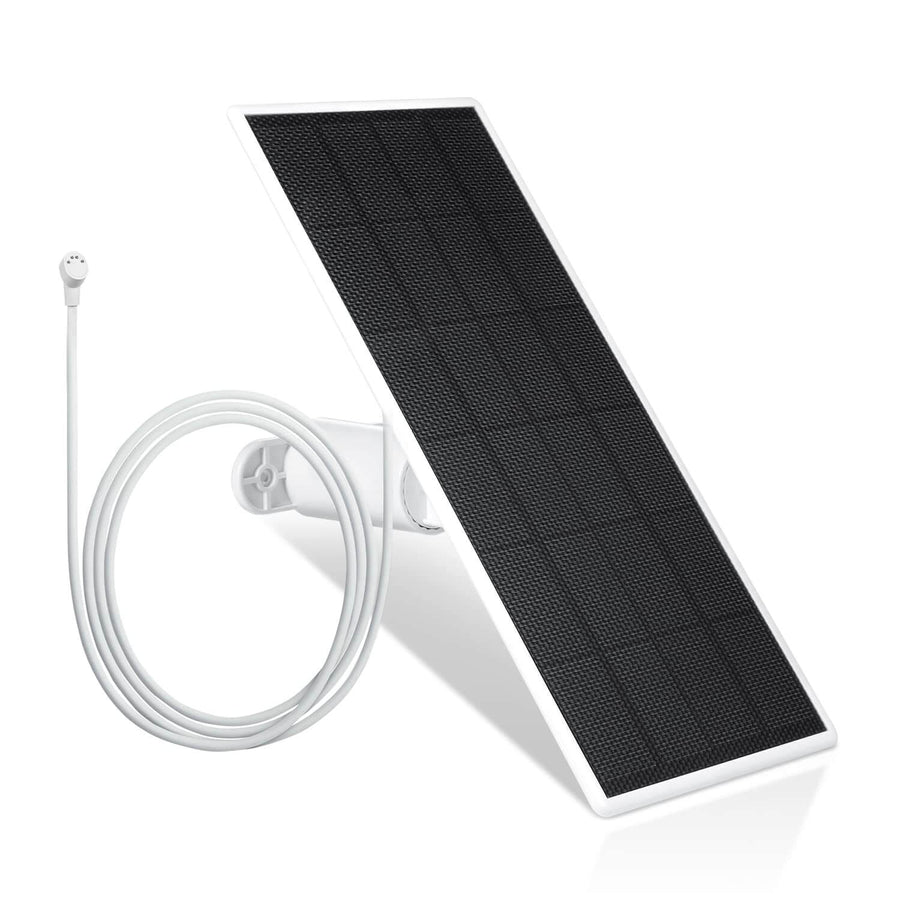
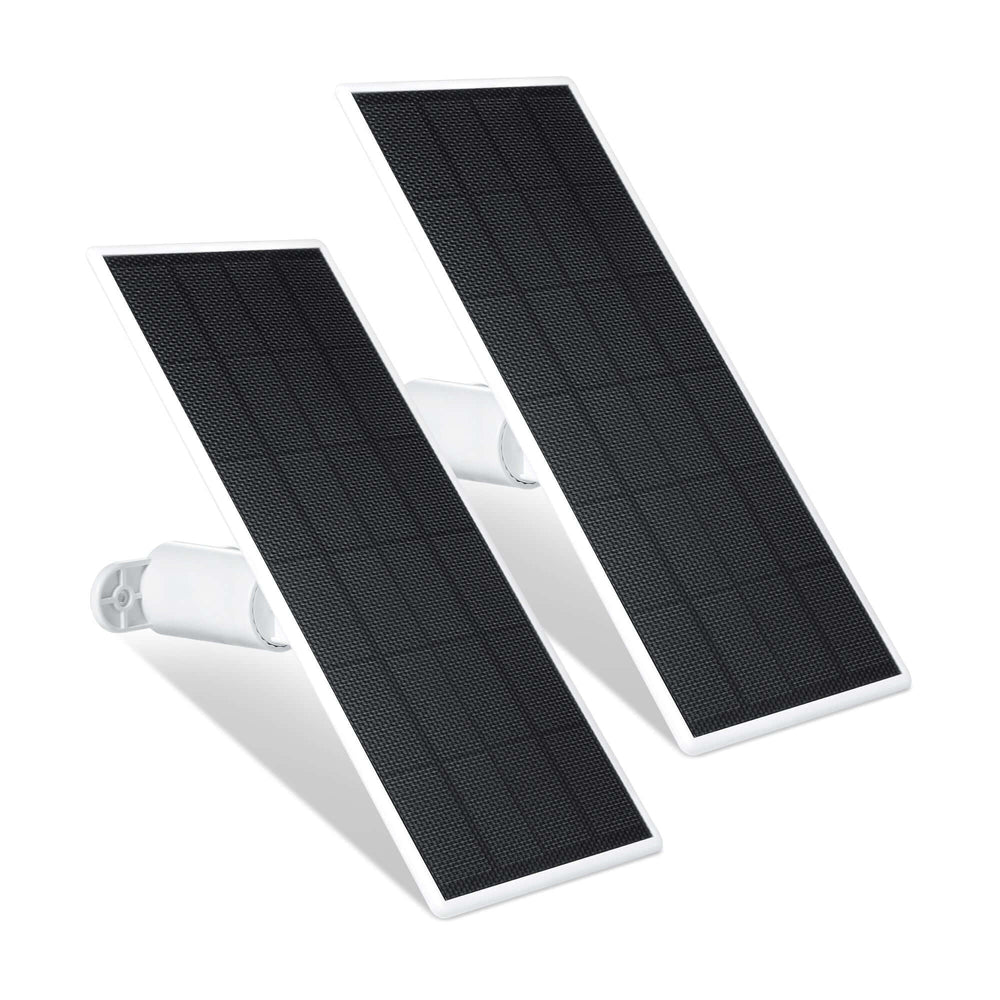
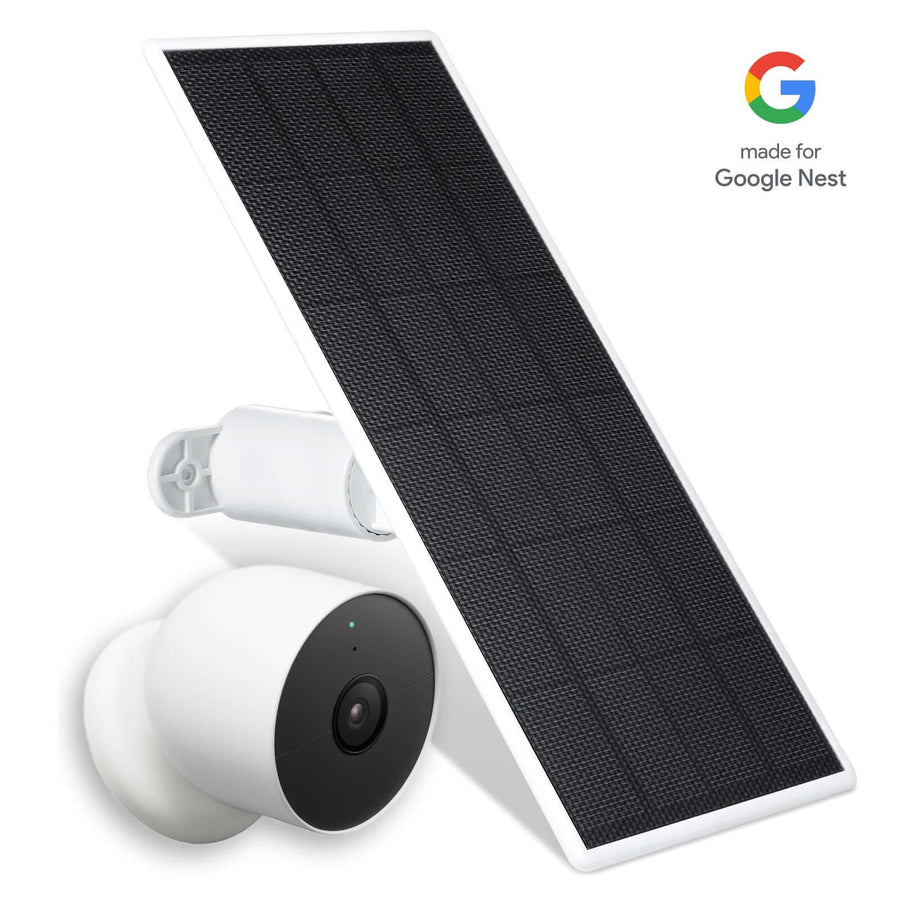
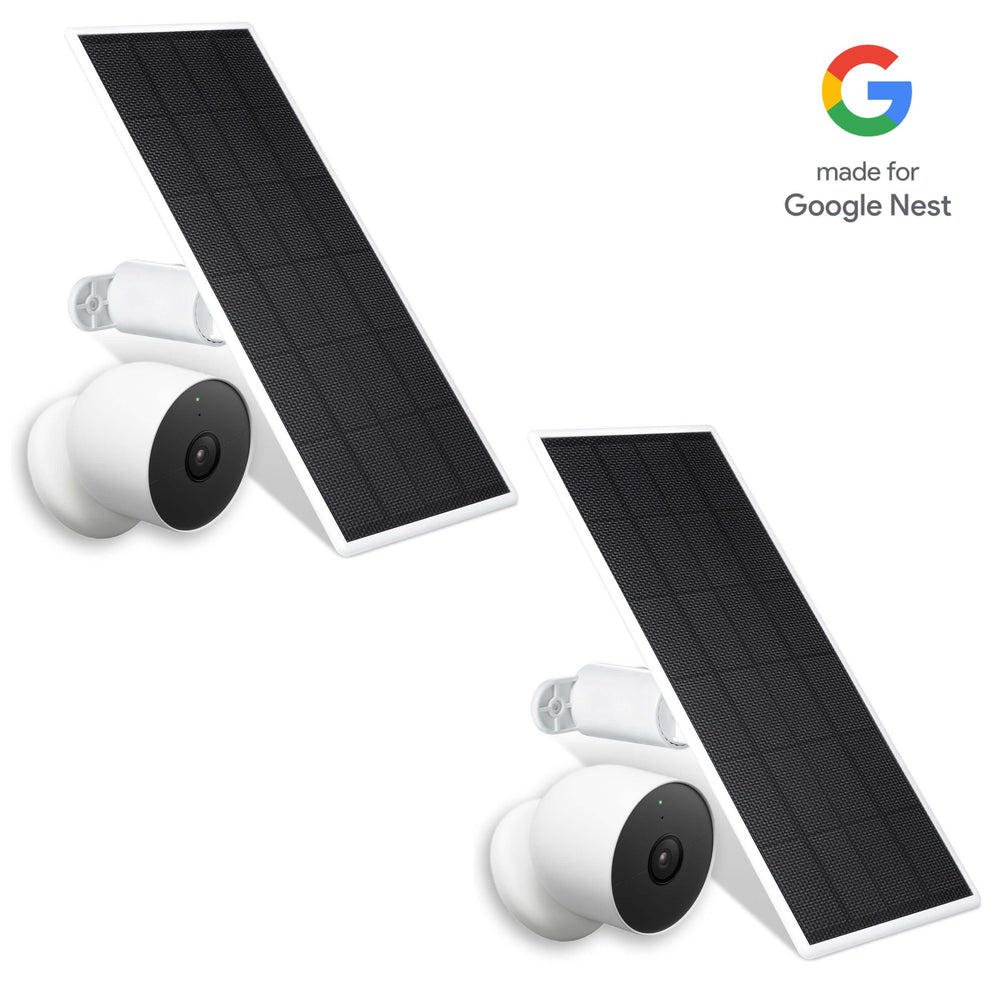
For battery-powered cameras, solar panels can help maintain power levels while reducing reliance on frequent manual charging. Proper placement remains critical, however, since solar accessories should maximize sunlight exposure without increasing heat stress on the camera itself.
Wireless Cameras and Connectivity Problems During Extreme Heat
Heat can affect wireless performance in unexpected ways.
Overheated cameras may experience:
-
Random Wi-Fi disconnects
-
Delayed notifications
-
Increased latency
-
Dropped video frames
-
Inconsistent cloud uploads
Because wireless radios generate heat during operation, elevated temperatures can compound existing thermal stress. If connectivity problems consistently occur during the hottest hours of the day, overheating may be contributing to the issue.
Testing and Troubleshooting an Overheating Camera
After making changes, perform testing during peak afternoon temperatures.
A simple process includes:
-
Run live view or recording for at least 30 minutes.
-
Monitor app notifications for temperature warnings.
-
Check image quality for signs of degradation.
-
Verify charging behavior on battery-powered devices.
-
Observe network stability.
-
Inspect the camera housing for excessive heat.
If problems persist, isolate potential causes by testing the camera, power source, network equipment, and recording devices separately. Monitoring device health information can help track improvements and confirm that corrective actions are working as expected.
Seasonal Maintenance Checklist for Hot Weather
Regular maintenance helps protect outdoor security cameras throughout the summer.
Important tasks include:
-
Cleaning lenses with a non-abrasive cloth
-
Removing dust from vents
-
Checking mounting hardware
-
Inspecting housings for cracks or warping
-
Verifying fan operation where applicable
-
Testing motion detection accuracy
-
Confirming stable network connections
-
Reviewing footage for image quality issues
Dust accumulation can reduce airflow and impair cooling performance, making routine cleaning an important part of seasonal maintenance.
Long-Term Heat-Proofing Strategies for Outdoor Security Systems
Protecting outdoor security cameras from overheating requires a combination of smart installation practices, quality equipment, and ongoing maintenance.

Installing outdoor security cameras in shaded locations is a simple way to protect them from overheating.
For long-term reliability:
-
Choose models rated for higher temperatures.
-
Use UV-resistant housings when appropriate.
-
Install cameras in shaded locations.
-
Improve ventilation and airflow.
-
Monitor equipment health regularly.
-
Keep networking equipment cool.
-
Perform seasonal inspections
FAQs
Why is my outdoor security camera getting hot to the touch?
It is normal for a security camera to feel warm during operation, especially in summer. However, if the camera becomes excessively hot, direct sunlight, poor ventilation, high recording workloads, or prolonged use of IR LEDs may be causing overheating.
Does direct sunlight damage security camera image sensors?
Direct sunlight can increase internal temperatures and accelerate wear on camera components. Over time, prolonged exposure may contribute to blurry footage, color distortion, reduced image quality, and damage to sensitive internal components.
What is the maximum operating temperature for common outdoor security cameras?
The operating temperature varies by model. Many outdoor security cameras are designed to operate between -20°C and 60°C (-4°F to 140°F). For hot climates, look for models rated for 60°C (140°F) or higher.
How can you cool down an overheating security camera quickly?
Move the camera out of direct sunlight if possible and improve airflow around the housing. Turn off non-essential features, reduce recording workloads, and allow the device to cool naturally before resuming normal operation.
Do metal vs. plastic security camera housings dissipate heat differently?
Yes. Metal housings generally dissipate heat more effectively than plastic housings. However, metal surfaces can also absorb significant heat when exposed to direct sunlight, making proper placement equally important.
Does PoE power delivery increase a security camera's internal temperature?
Power over Ethernet can contribute a small amount of additional heat during operation. In most installations, this is not a problem, but overheated PoE switches, injectors, or poorly ventilated network cabinets can affect overall system performance.
How do you prevent security camera overheating for small business installations?
Small businesses should focus on proper placement, adequate ventilation, routine maintenance, and equipment rated for high temperatures. Keeping NVRs, switches, and power equipment in cool rooms can also reduce overheating risks across the entire security system.
Can firmware updates fix security camera overheating issues?
In some cases, yes. Firmware updates may improve processor efficiency, optimize power usage, and reduce unnecessary workloads. While updates cannot solve placement or ventilation problems, they can improve thermal performance and overall stability.
Leave a comment