

Ring vs. Nest Doorbell: Which Smart Video Doorbell Is Better in 2026?
Choosing between a Ring vs. Nest doorbell is not as simple as comparing resolution or lens specs. Both brands deliver dependable video doorbells, smart notifications, cloud storage options, and straightforward DIY installation. However, they follow fundamentally different home security philosophies.
Amazon-owned Ring emphasizes an extensive catalog of video doorbell models and Ring security cameras, low initial price points, and seamless integration into complete security systems. Google Nest prioritizes refined artificial intelligence, head-to-toe camera framing, sleek industrial design, and deep integration with Google Assistant and Google Home App ecosystems.
This guide breaks down all the details—including hardware variations, motion detection capabilities, Ring Protect and Google Home Premium Subscription tiers, installation requirements, and smart home security features—to help you determine which doorbell camera fits your home.
Quick Take: Ring vs. Nest Doorbell
-
Choose Google Nest if: You rely on Google Assistant and the Google Home App, value facial recognition, prefer a tall head-to-toe field of view for packages at your front door, and want generous features without immediately subscribing.
-
Choose Ring if: You use Alexa devices, want a wide selection of Ring model choices ranging from $49.99 to $299.99, prefer lower starting video storage fees for single devices, or plan to offer complete security systems with 24/7 professional monitoring.
Which is Right for You?
| Google Nest | Ring Alarm |
| • Google Assistant integration | • Amazon Alexa integration |
| • 3:4 Head-to-Toe field of view | • 16:9 Widescreen field of view |
| • Facial Recognition capabilities | • Complete Systems ecosystem |
| • 3-Hour Event Buffer (free storage) | • Low Starter Costs |
Ring vs. Nest at a Glance
Both brands rank among the top choices for smart home devices and home security equipment, but key differences emerge across video aspect ratio, subscription tiers, and ecosystem support.
|
Feature |
Google Nest Doorbell |
Ring Video Doorbell |
|
Primary Ecosystem |
Google Home / Google Assistant |
Amazon Alexa (Amazon-owned Ring) |
|
Video Resolution |
Up to 1600p |
1080p, 2K, or 4K on advanced cameras |
|
Aspect Ratio |
3:4 (Tall, head-to-toe) |
16:9 (Widescreen format) |
|
Hardware Selection |
Streamlined, compact lineup |
Extensive lineup ($49.99 to $299.99) |
|
Free Cloud Storage |
3 hours of event video history |
None (Live view and basic alerts only) |
|
Local Video Storage |
1 hr backup buffer (select models) |
MicroSD support via Sync Module |
|
Starter Subscription |
Google Home Premium Subscription: $10/mo |
Ring Protect Solo: $4.99/mo |
|
Professional Monitoring |
Available through ADT System (~$39.99/mo) |
Ring Protect Pro ($19.99/mo) |
|
Facial Recognition |
Yes (via Nest Aware Subscription tier) |
Limited / Beta |
Current Models & Hardware Lineups
The size of the product portfolio represents a major operational difference between these two brands. Google keeps its Google Nest products streamlined, whereas Ring offers a massive catalog catering to almost any power type or budget.
Google Nest Lineup

-
Google Nest Doorbell (Battery): Wireless installation designed for renters or locations without existing wires.
-
Google Nest Doorbell (Wired, 2nd Gen): Continuous power via standard transformer wires, managed through the Google Home App or legacy Nest App.
-
Google Nest Doorbell (Wired, 3rd Gen): Features updated AI processing capabilities, improved HDR, and expanded field of view.
Ring Video Doorbell Lineup

Image courtesy of Ring.
-
Ring Video Doorbell Wired: Entry-level hardwired unit offering 1080p video at an affordable price point.
-
Ring Battery Doorbell / Plus / Pro: Wireless options offering varying resolutions, quick-release battery packs, and enhanced radar detection.
-
Ring Video Doorbell Pro 2 / Elite: Premium wired options with Power-over-Ethernet (PoE) capabilities and 3D Motion Detection.
Installation & Power Configurations
Both Ring and Google Nest design their smart devices for straightforward DIY installation, allowing homeowners to set up their hardware without hiring professional technicians.
Setup Process
The setup workflow for wired cameras and battery models follows three steps:
-
Download the respective mobile application (Google Home App or Ring App).
-
Scan the device QR code to pair the video doorbell with your Wi-Fi network.
-
Secure the mounting bracket using the provided screws, plug in power adapters where needed, or use non-damaging adhesive options.
Installation Timeline
| Model Type | Estimated Time |
| Battery-Powered Models | [=== 5 Minutes ===] |
| Wired Cameras / Units | [====== 15 to 30 Minutes ======] |
Battery Life and Accessories
-
Battery Performance: A battery doorbell installs in roughly five minutes. Real-world battery life varies based on traffic and weather, with Nest lasting 1–3 months and a battery-powered Ring model reaching 1–6 months per charge. When charging is needed, tools like the Wasserstein Dual Battery Charging Station or the Wasserstein Dual Slot Charging Station for Nest Cam help recharge spare batteries in hours, eliminating downtime.
-
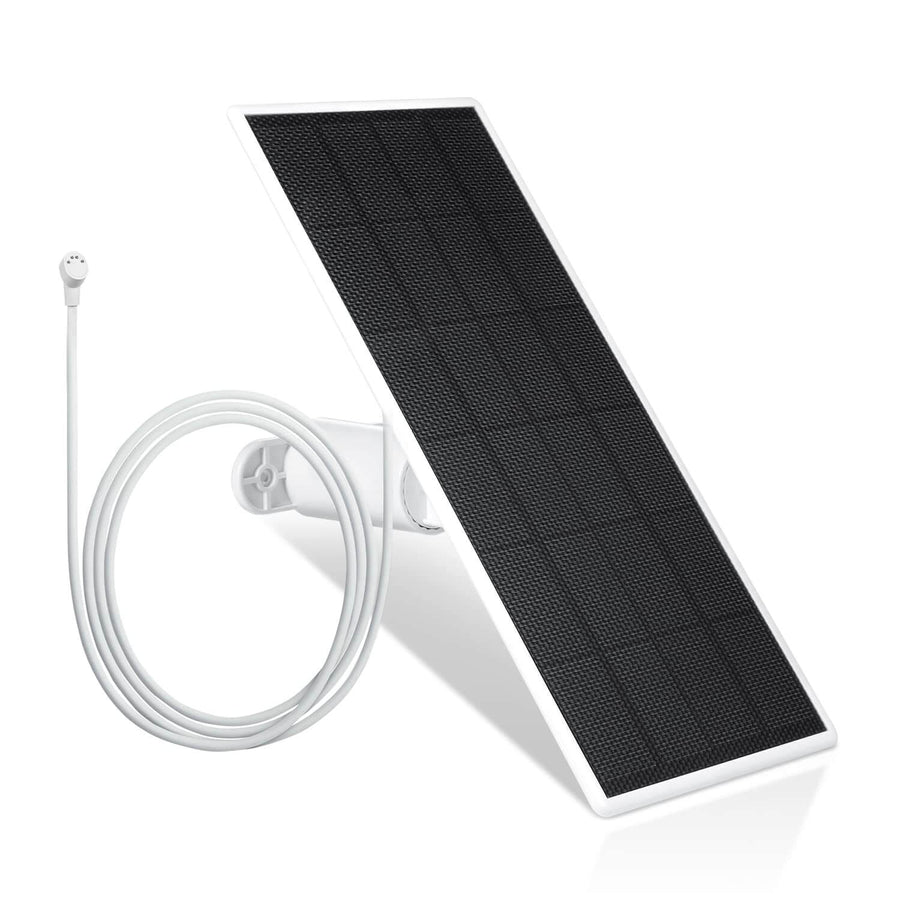
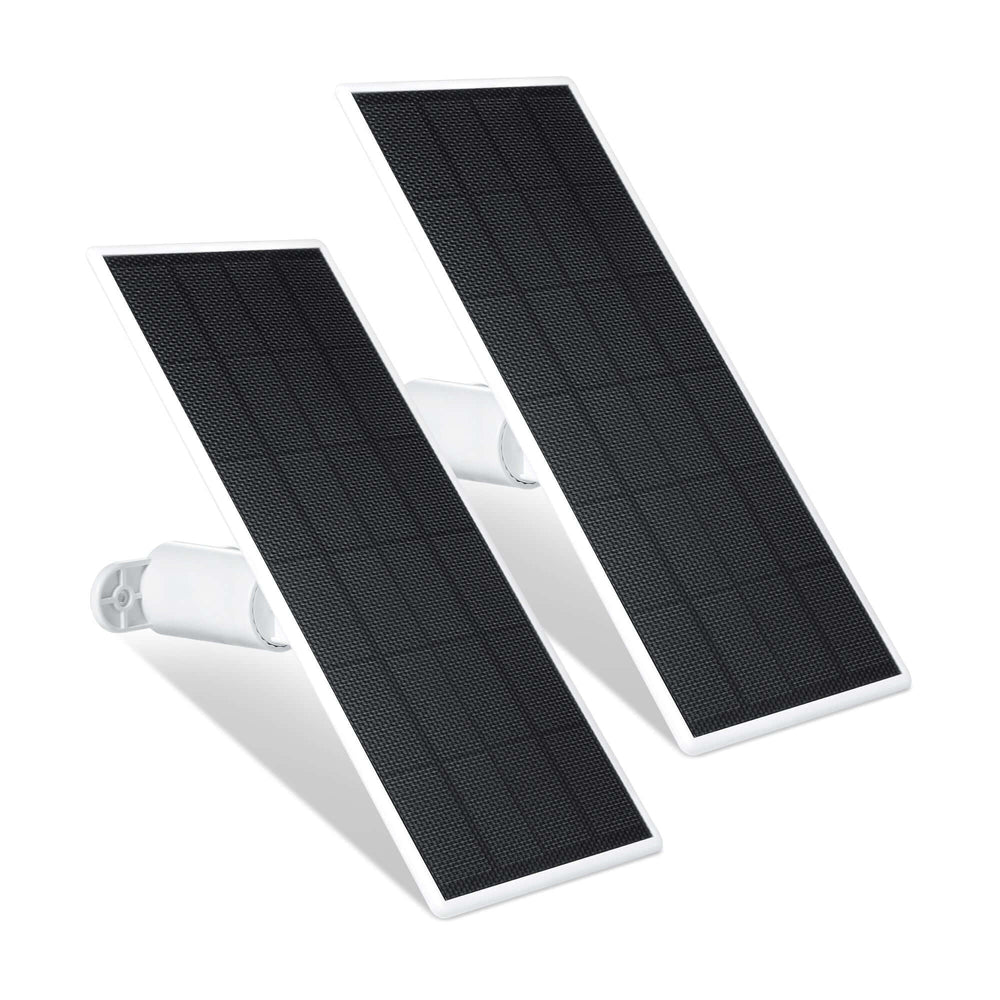
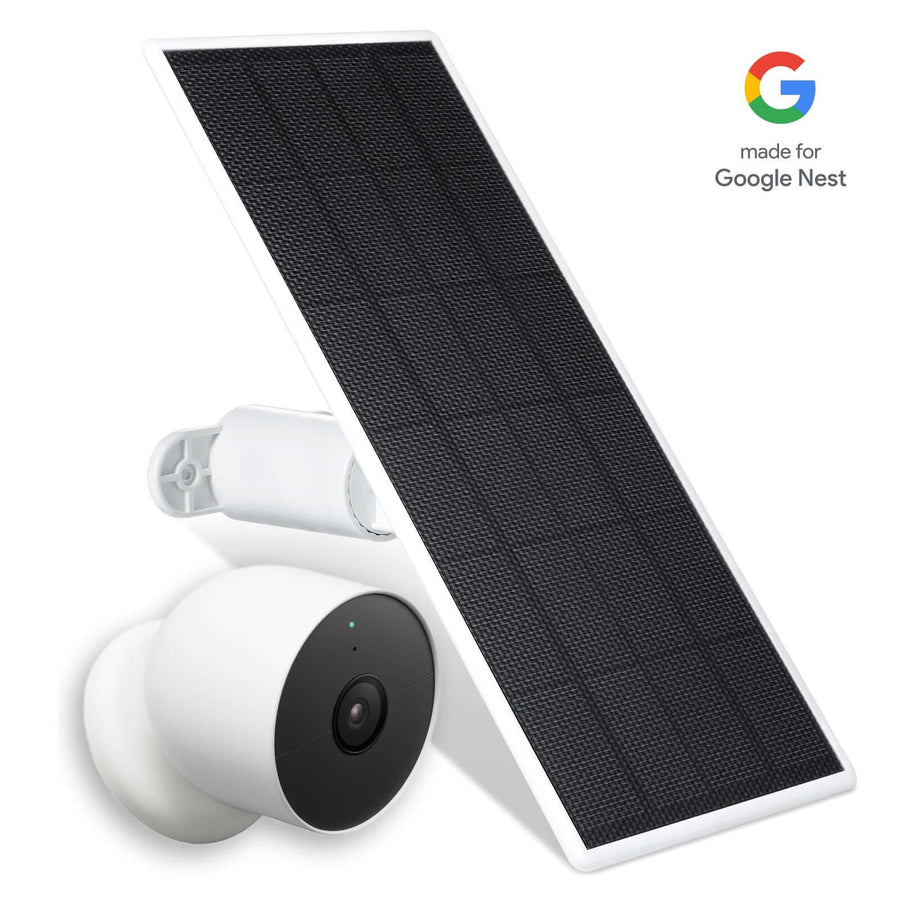
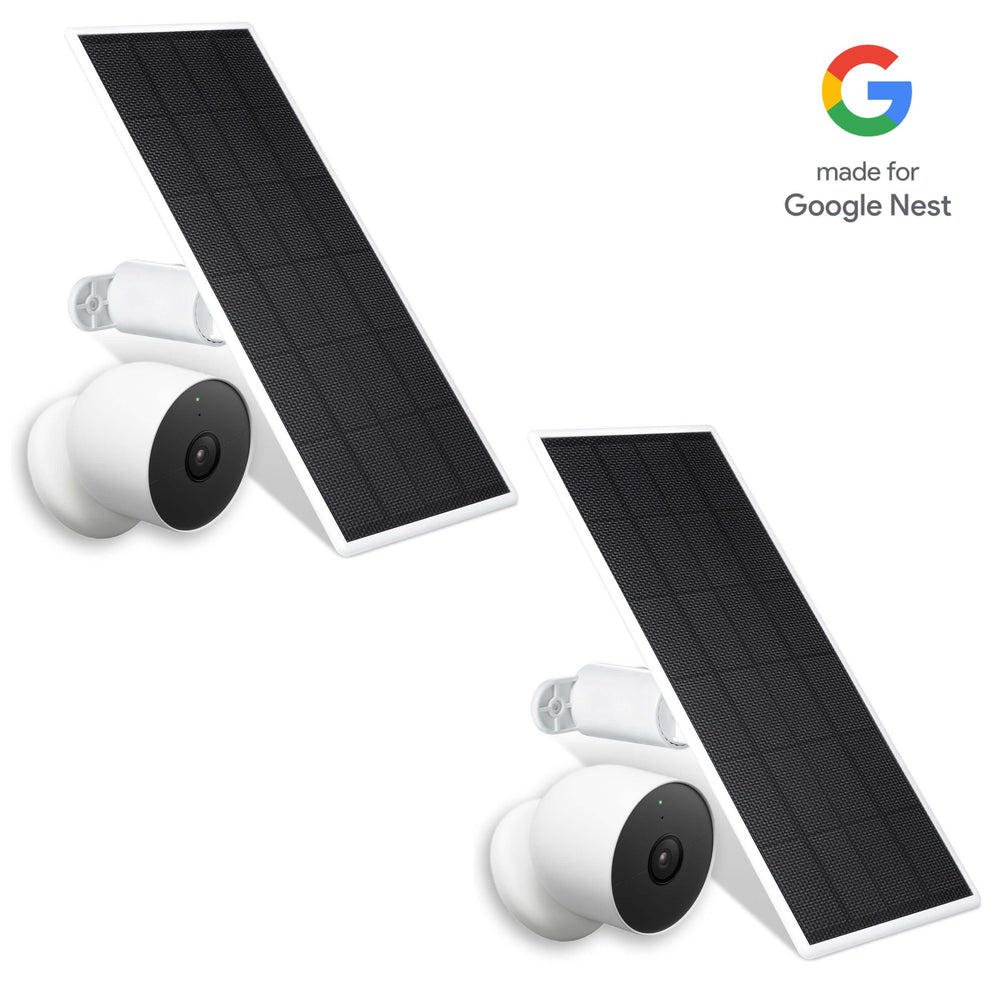
Continuous Solar Power: To avoid manual recharges altogether, you can pair your Ring doorbells with the Wasserstein Universal Solar Charger, the dedicated Wasserstein Solar Charger for Ring Video Doorbell 3/3 Plus/4/Pro/Plus, or the Wasserstein Solar Charger for Ring 2nd Gen. For Google Nest setups, the Made for Google certified Wasserstein 2.5W Solar Panel and 3.5W Premium Solar Panel deliver non-stop trickle charging.
-
No-Drill & Renter-Friendly Mounts: Apartment dwellers who can’t drill into exterior walls can opt for the adhesive Wasserstein No-Drill Mount for Nest Doorbell or the clamp-style Wasserstein Anti-Theft Door Mount for Nest Doorbell to keep their front door unit secure without damaging property.
Design and Aesthetic Integration
Google Nest Cams and doorbells receive frequent praise for being compact, modern, and aesthetically pleasing compared to Ring's offerings, which can sometimes appear bulkier. Featuring soft matte finishes and rounded corners, Google Nest Doorbell hardware blends naturally into modern entryways. Ring doorbells maintain a larger, more industrial appearance, serving as a visible visual deterrent at your front door.
Video Quality, Aspect Ratio, and Field of View
While camera sensor resolutions appear similar on paper, image framing differs between these two ecosystems.
Framing Comparison

Image courtesy of Google Nest
-
Google Nest Framing (3:4 Aspect Ratio): Google Nest records using a taller 3:4 vertical aspect ratio at up to 1600p resolution. This allows you to see visitors from head to toe while simultaneously monitoring packages placed on the ground.
-
Ring Widescreen Framing (16:9 Aspect Ratio): Most Ring Video Doorbell models capture a widescreen 16:9 format in 1080p, 2K, or 4K resolution. This wide perspective is ideal for monitoring long driveways and lateral approach paths.
Optimizing Angles and Coverage
Even the best video resolution won't help if your doorbell is pointing at a brick wall. If your existing wiring is placed in an awkward entryway corner:
-
Ring Setups: The Wasserstein Horizontal Adjustable Mount & Wall Plate for Ring Video Doorbell Wired lets you pivot your view between 35° and 55° while covering up old screw holes.
-
Nest Setups: You can refine your coverage using the Wasserstein Horizontal Adjustable Mount for Nest Doorbell Wired or the Wasserstein Vertical Adjustable Mount for Nest Doorbell Battery. To maintain a clean visual look over older junction marks, pair your device with the sleek Wasserstein Wall Plate for Nest Doorbell Wired.
Motion Detection, Intelligent Alerts, and AI Features
Both brands have invested heavily in AI capabilities to deliver meaningful intelligent alerts rather than constant false alarms.
AI Feature Availability
| Feature | Google Nest | Ring |
| Person Detection | Included | Included |
| Package Detection | Included | Included |
| Vehicle Detection | Included | Included |
| Facial Recognition | Yes (Subscription) | Yes — Familiar Faces |
| Safety Alarm Listening | Smoke / CO Alarms | Via Ring Alarm |
| Bird's Eye Map View | No | Select Models |
-
Google Nest Intelligence: Google Nest wins on software refinement. With a Nest Aware Subscription or Google Home Premium, Nest cameras utilize facial recognition to identify familiar faces and send alerts for lost pets or animals. Nest hardware can also listen for active smoke and carbon monoxide alarms.
-
Ring Motion Customization: Known for exceptional motion detection, Ring lets users customize exact motion zones in the app. Premium units like the Ring Spotlight Cam and Pro models incorporate radar-based 3D Motion Detection to map an intruder's path across your property.
Ecosystems: Google Assistant vs. Amazon Alexa
Your preferred voice assistant often dictates the winner in the Nest Ring debate.
Google Assistant & Google Home
The Google Nest Doorbell integrates seamlessly with Google Assistant, Nest Hub displays, and Google Nest products. When someone rings the doorbell, a smart speaker can chime throughout the home while live video streams directly to your display.
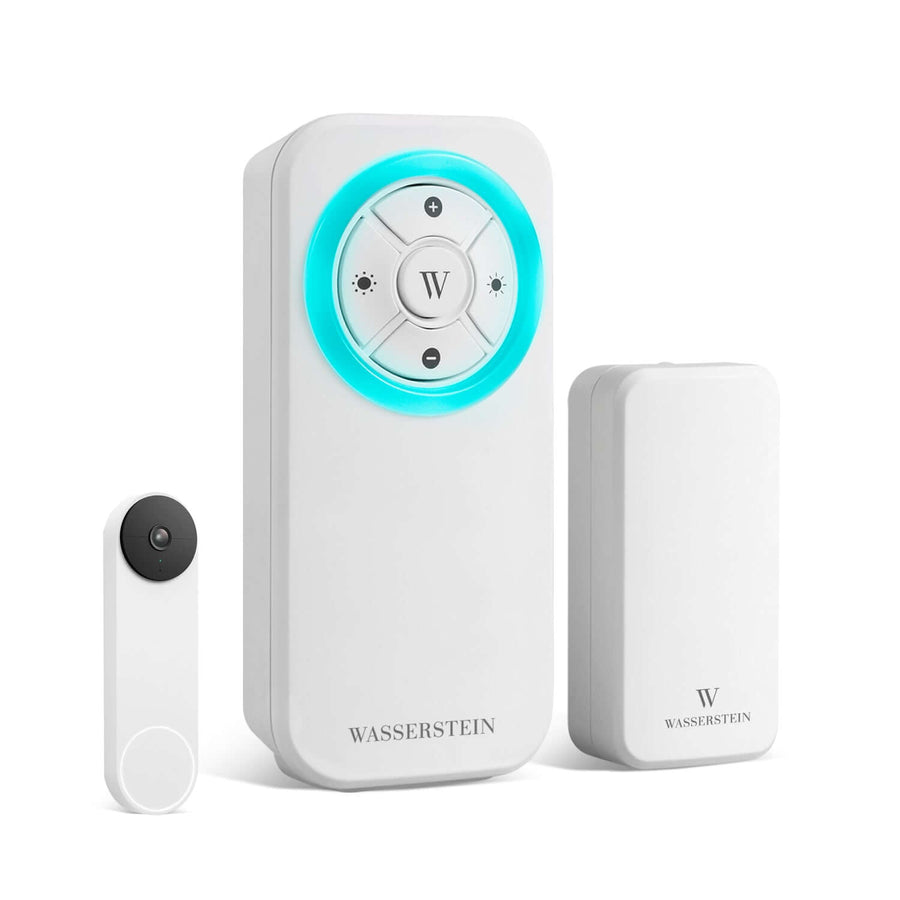
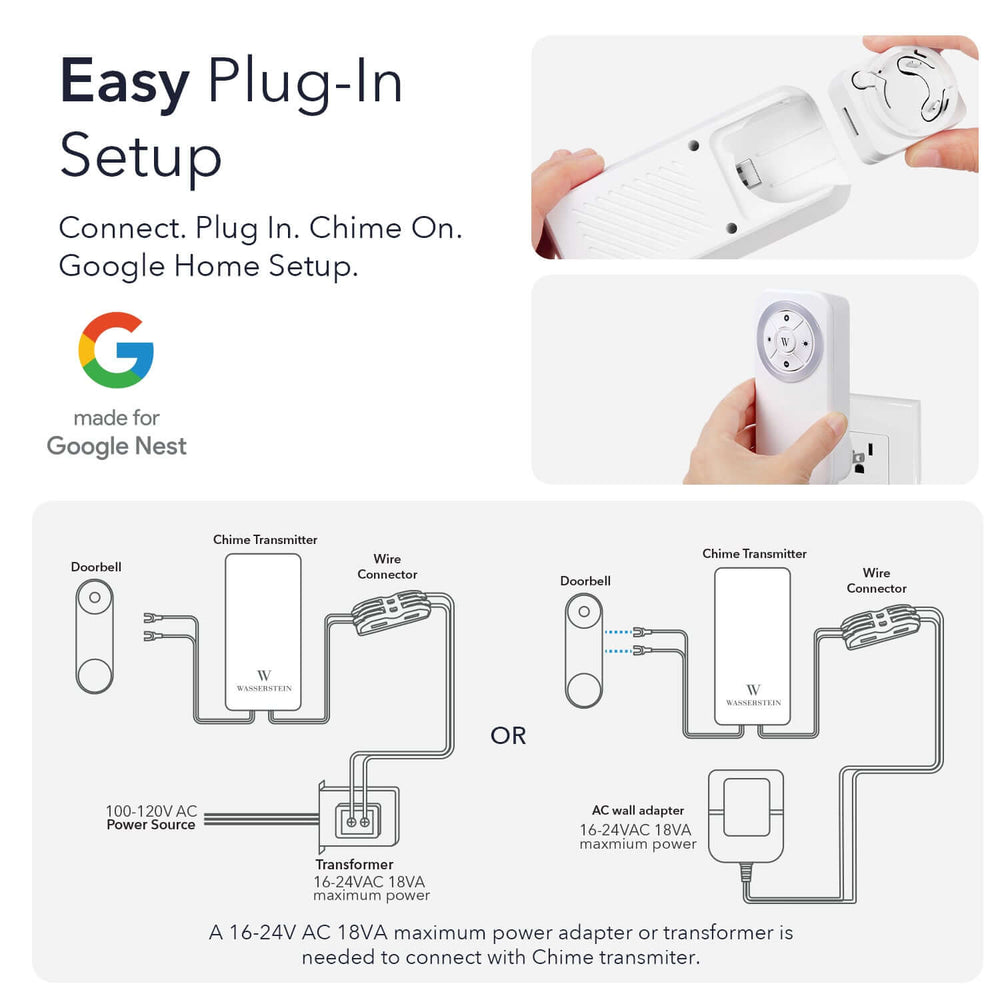
For households without Google Nest Hub smart displays in every room, indoor audio notifications can be easily expanded with the dedicated plug-in Wasserstein Google Nest Doorbell Chime, which features a 650-ft range, customizable LED lights, and 7 distinct ringtones.
Amazon Alexa & Echo Devices
As an Amazon-owned Ring product, Ring is deeply optimized for Alexa devices. Visitors trigger alerts across Echo speakers, and live video feeds pop up on Echo Show smart displays with simple voice commands.
Cross-Platform Note: Neither platform offers native Apple HomeKit support, though third-party bridges can enable basic integration.
Cloud Storage & Subscription Plans
Both brands utilize cloud video storage accessed through their mobile apps. Neither brand provides native local video storage on the doorbell itself, and neither requires long-term contracts.
| Plan | Monthly Cost | Annual Cost |
| Ring Solo Plan (1 Camera) | $4.99/mo | $49.99/yr |
| Ring Multi Plan (Unlimited Cams) | $9.99/mo | $99.99/yr |
| Google Home Premium (Standard) | $10.00/mo | $100.00/yr |
| Ring Protect Pro (With Monitoring) | $19.99/mo | $199.99/yr |
| Google Home Premium (Advanced) | $20.00/mo | $200.00/yr |
Google Home Premium Subscription
Google structures its plans across all Google Nest Cams in one home:
-
Standard ($10/mo or $100/yr): 30 days of event video history, person detection, package alerts, and familiar face recognition.
-
Advanced ($20/mo or $200/yr): 60 days of event history plus 10 days of continuous 24/7 cloud storage for compatible wired cameras.
-
Free Tier: Google Nest provides 3 hours of free cloud storage event history out of the box without requiring a subscription.
Ring Protect Plans
Ring's plans offer flexibility whether you have one camera or a full security system:
-
Ring Solo ($4.99/mo or $49.99/yr): Covers one camera or doorbell, unlocking 180 days of event video history and object recognition.
-
Ring Multi ($9.99/mo or $99.99/yr): Unlocks 180 days of cloud video storage for unlimited security cameras at one home.
-
Ring Pro ($19.99/mo or $199.99/yr): Adds 24/7 professional monitoring for Ring Alarm, cellular backup, and SOS emergency response.
Security Ecosystem & Professional Monitoring
If you plan to expand beyond a single doorbell into complete home security systems, device ecosystem scope is critical.
Security Platform Scope
Ring Security Ecosystem: [Video Doorbell] + [Spotlight Cams] + [Alarm Base] + [Security Sensors] + [Motion Sensors] + [24/7 Professional Mon.]
Google Nest Ecosystem: [Video Doorbell] + [Nest Cams] + [Nest Thermostats] + [Nest Speakers] + [Third-Party ADT System Integration]
Ring's Integrated Platform
Ring takes the lead for whole-home hardware integration. Through one app, you can manage video doorbells, outdoor cameras, keypads, contact sensors, and motion sensors. Choosing Ring Protect Pro unlocks 24/7 professional monitoring for a full security system at a budget-friendly rate.
Google Nest & ADT System
Following the sunset of the original Nest Secure hardware, Google partnered with ADT for professional security monitoring. While Google produces standalone security cameras and smart displays, overall alarm monitoring relies on an integrated ADT System, which generally carries higher monthly costs (~$39.99/month).
Beyond doorbells, expanding your perimeter security often involves adding specialized power and mounting hardware for your outdoor cameras:
-
For Google Nest Security Cams: You can add 2,400 lumens of motion-activated lighting with the Wasserstein 3-in-1 Floodlight, Charger, and Mount, secure your camera against drops or tampering with the Wasserstein Anti-Theft Mount, or mount cameras directly to roof gutters using the Wasserstein 2-in-1 Gutter Mount.
-
Hardwired Power Options: For long-distance outdoor power runs, Nest users can rely on the Wasserstein 26 ft. Pogo Pin Cable & Adapter or power their camera over Ethernet using the Wasserstein PoE Adapter for Google Nest Cam.
Customer Support Experience
Customer support access is comparable across both brands. Both maintain multiple channels for assistance:
-
Online Resources: Help centers, setup guides, and active community forums where users troubleshoot hardware issues.
-
Support Channels: Direct customer service via live chat, phone assistance, and ticket submission.
-
App Tools: Built-in network diagnostic utilities within the Nest App / Google Home App and Ring App to analyze Wi-Fi signal strength.
Price and Long-Term Value Comparison
Evaluating overall value requires balancing upfront equipment costs against ongoing subscription fees.
Cost Breakdown
-
Upfront Hardware: Ring offers lower entry pricing ($49.99–$299.99) across its wide range of video doorbells and security cameras. Google Nest hardware starts at higher price points ($99.99+) but includes more built-in features without an immediate subscription.
-
Ongoing Subscriptions: For a single camera, Ring's $4.99/mo plan is cheaper. For homes with multiple smart devices, Google Home Premium Subscription ($10/mo) and Ring Multi ($9.99/mo) deliver comparable long-term value.
Final Verdict: Which Doorbell Should You Choose?
Both Ring and Nest manufacture top-tier video doorbells, but they serve different priorities.
Buy Google Nest If:
-
You use Google Assistant
-
You want 3:4 package view
-
You want facial recognition
-
You want free 3-hr video clip history without paying
Buy Ring If:
-
You rely on Amazon Alexa
-
You want a $4.99 start plan
-
You want full alarm setups
-
You want $19.99/mo monitoring for all home sensors
-
Google Nest wins if you prioritize superior AI features, 3:4 video framing for packages, modern design, and seamless integration with the Google Home App.
-
Ring takes the lead if you want lower entry hardware costs, flexible subscription plans, Alexa compatibility, or the ability to build complete security systems with security sensors and affordable professional monitoring.
Frequently Asked Questions (FAQs)
Which doorbell is better for a small business storefront?
Ring is generally the better choice for small businesses because it offers a wider range of outdoor security cameras, floodlights, and affordable complete security systems. Google Nest remains a strong option if your storefront already relies on Google Workspace and Google Assistant smart displays.
Do Ring and Nest doorbells work with Apple HomeKit?
Neither platform offers native Apple HomeKit support. Both products perform best within their native ecosystems (Alexa for Ring, Google Assistant for Nest).
What happens if my Wi-Fi goes out?
Without Wi-Fi, cloud recording and live viewing won't work. However, select Google Nest models can store up to one hour of video locally during outages, uploading the footage once connectivity returns.
Can I use Ring or Nest without a subscription?
Yes. Both brands allow live video viewing and real-time motion alerts without a paid plan. However, saving or reviewing recorded video clips requires an active Ring Protect or Google Home Premium Subscription.
How does facial recognition work on Google Nest?
With a Nest Aware Subscription or Google Home Premium plan, Google Nest cameras analyze face structure to identify frequent visitors. Once labeled in the app, notifications will specify who is at the door rather than sending a generic alert.
Can I install a battery doorbell using existing chime wires?
Yes. Battery-powered models from both brands can connect to existing low-voltage doorbell wiring. This slowly trickle-charges the internal battery while allowing the doorbell to trigger your home's internal chime.
Leave a comment