

Ring Spotlight Cam 2K Accessories: What to Know Before Installation
Upgrading your home security setup with the right ring spotlight cam 2k accessories—including quick-release rechargeable batteries, weatherproof USB-C cables, and compatible solar panels like the Wasserstein Solar Charger—makes installation, powering, and daily upkeep far easier. Whether you already own this 2K device or are planning a new purchase, verifying your exact camera generation, mounting surface, and available power source helps you avoid compatibility issues and unnecessary returns.
This comprehensive guide breaks down every essential add-on for your 2nd Gen unit, compares battery, cam wired USB-C, and solar charging setups, outlines hardware differences across Ring’s lineup, and gives you a step-by-step pre-installation checklist to keep your security system operating without downtime.
What’s New With the 2nd Gen 2K Camera?

The 2nd Gen Ring camera builds on earlier releases with sharper video resolution and upgraded hardware engineered for reliable outdoor monitoring. Its 2K sensor captures crisp footage at 2,560 × 1,440 pixels, paired with a wide 140-degree horizontal field of view to cover driveways, front yards, and side entryways without blind spots.
Core Hardware & Smart Features
-
2K Video & Color Night Vision: High-definition 2,560 × 1,440 resolution combined with infrared night vision and motion-activated LED spotlights for clear nighttime identification.
-
Active Deterrents & Two-Way Talk: Built-in microphone and speaker with noise cancellation, plus a remote-activated 85dB security siren.
-
IP65 Weatherproof Housing: Sealed exterior casing designed to withstand heavy rain, dust, snow, and year-round outdoor temperature swings.
-
Dual-Bay Power Architecture: The camera ships with one rechargeable battery pack, includes a secondary slot for an extra battery, and features a rear USB-C port for optional continuous power or external solar panels.
Planning your power configuration before drilling into brick, stucco, or wood siding helps minimize ladder trips for manual recharging and ensures uninterrupted recording.
Comparing Power Setups: Battery, Cam Wired USB-C, or Solar?
Your mounting height and proximity to exterior outlets determine which power setup works best. This 2nd Gen device supports three distinct charging configurations:
|
Power Method |
Best Mounting Locations |
Maintenance Level |
Key Accessory Needed |
|
Rechargeable Battery |
Fences, trees, and walls far from outlets or direct sun |
Moderate (manual swap every 2–4 months) |
Extra quick-release battery pack |
|
Cam Wired (USB-C) |
Exterior walls near a covered GFCI outlet |
Low (24/7 continuous power) |
Weather-resistant USB-C adapter & cord |
|
Solar Charging |
Sun-exposed walls, roof eaves, and pergolas |
Very Low (automated daily trickle charge) |
Compatible charger with USB-C connector |
1. Rechargeable Battery Power
Wire-free battery operation gives you complete placement flexibility anywhere within your router's Wi-Fi range. Because the 2nd Gen chassis holds two batteries simultaneously, adding a second pack lets the device automatically switch over when the primary battery drains—giving you time to recharge the depleted cell indoors without losing coverage.
2. Cam Wired (USB-C) Continuous Power
If you have an exterior weatherproof outlet within reach, running a cam wired USB-C power adapter eliminates battery swaps entirely. Before purchasing third-party cords, verify that the plug includes a weather-tight rubber gasket designed to seal flush against the rear USB-C port.
3. Solar-Assisted Charging
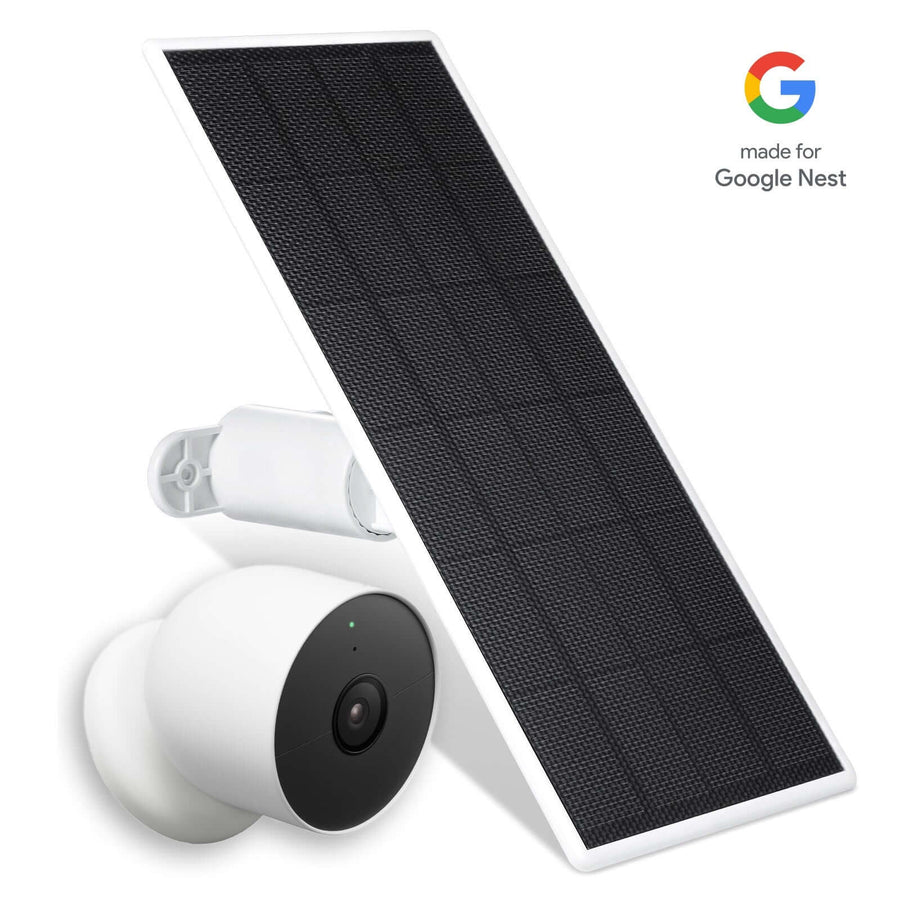
For walls that receive consistent sunlight, connecting compatible solar panels provides a hands-free trickle charge that keeps the internal battery topped up year-round. Keep in mind that daily charging output depends on regional sunlight hours, seasonal sun angles, and shading from trees or roof overhangs.
Choosing Compatible Solar Panels for Your Setup
Not every solar charger works with every Ring generation—older barrel-plug chargers will not fit newer USB-C ports without an adapter. Always confirm exact model compatibility and connector specs before adding items to your cart.

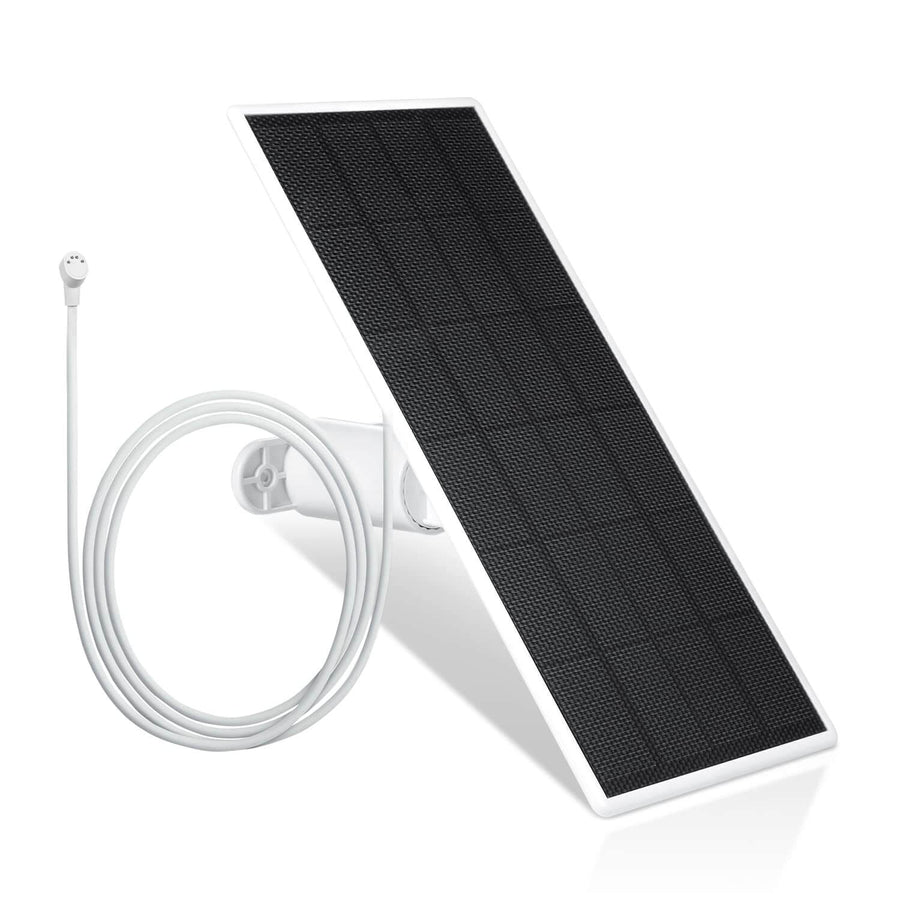
The Wasserstein Solar Charger for Ring Battery-Powered Security Cameras is engineered to deliver steady trickle charging across multiple battery-powered generations, including:
-
Ring Spotlight Cam (2nd Gen 2K), Spotlight Cam Plus, and Spotlight Cam Pro (Battery models)
-
Ring Stick Up Cam and Stick Up Cam Pro (Battery models)
-
Ring Outdoor Cam Plus (Battery model)
Built with high-efficiency photovoltaic cells and an included USB-C adapter cable, this accessory maintains battery levels without requiring you to modify your existing camera mount. For shoppers comparing seasonal deals on Ring add-ons, always verify that the product listing explicitly names your exact device generation before checking out.
Standalone Add-Ons vs. Camera Bundles
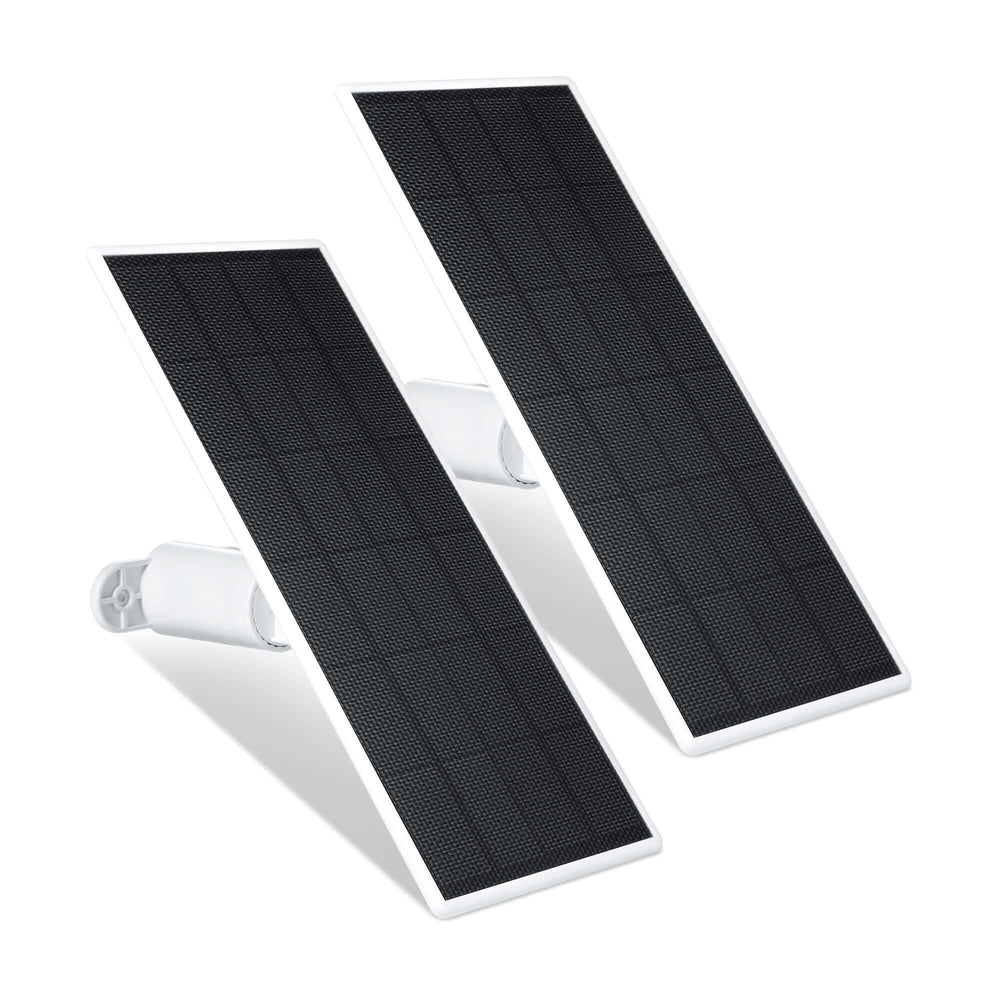
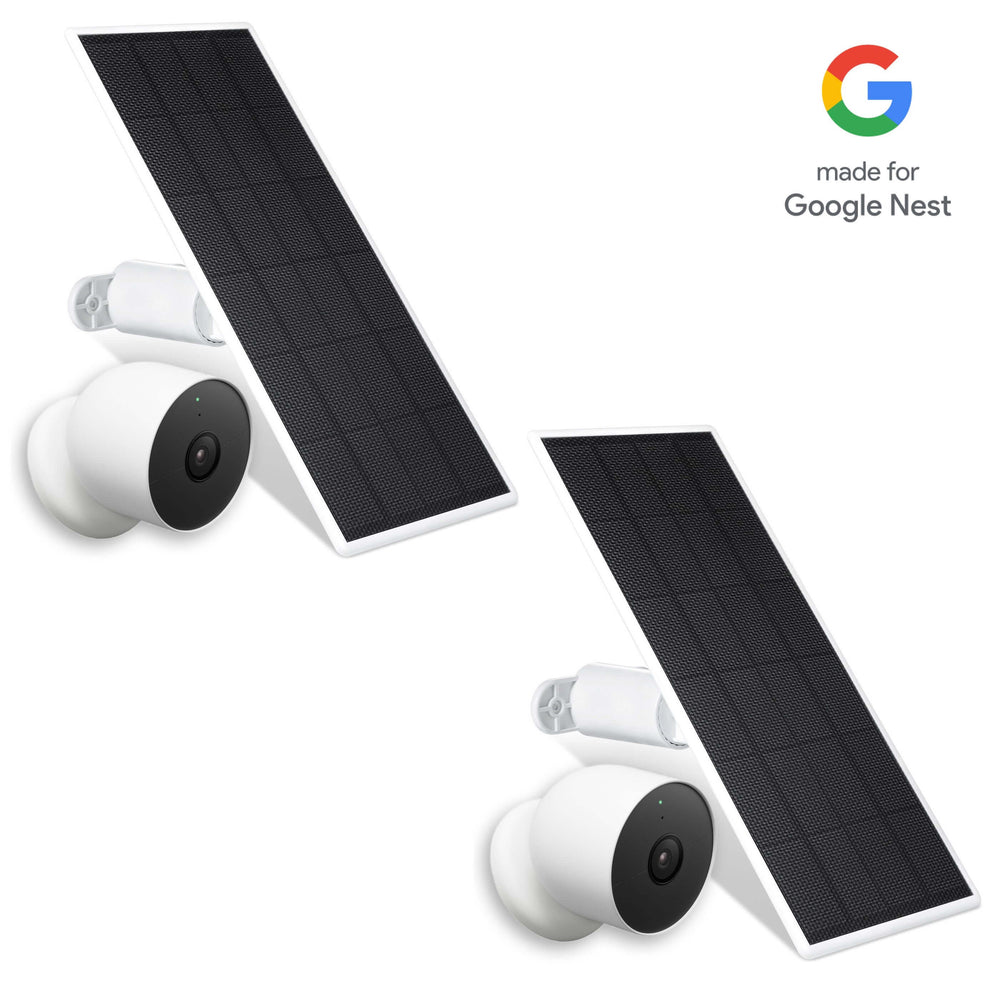
Because outdoor home security setups rarely stop at a single entryway, the Wasserstein Solar Charger is available in 1-pack, 2-pack, and 3-pack configurations—offered in both black and white finishes to match your exterior trim and camera housing.
-
1-Pack: Ideal if you are outfitting a single high-traffic camera, such as one overlooking your front driveway or main porch.
-
2-Pack: A practical choice for covering both front and back entryways while lowering your per-unit cost.
-
3-Pack: Best for full-perimeter coverage across a security system with multiple battery-powered cameras—such as pairing a Spotlight Cam on the garage with a Stick Up Cam or Outdoor Cam Plus along side yards.
If you are starting from scratch without existing cameras, Wasserstein also offers camera-plus-solar bundles (including kits paired with the 2K 2nd Gen, Plus, or Pro battery cameras). Comparing multi-pack deals against individual units before ordering helps you outfit every sun-exposed camera at once without paying for redundant mounting hardware.
Quick Ordering Tip: Before checking out on the Wasserstein store, verify that you have selected the right pack count and color finish (Black or White). If an empty cart icon still displays, re-select your variant first. You can also use the arrow icon to toggle between pack photos or click the close icon on the quick-view drawer to compare other Ring accessories.
Matching Charger Placement to Your Camera Location

Where you mount your charging unit matters just as much as which brand you choose. Avoid installing the collector under deep roof eaves or shaded foliage simply to keep it close to the camera housing.
The Wasserstein charger includes a 360-degree adjustable wall mount so you can tilt the photovoltaic surface directly toward the sun's path. Its 4m (13.1ft) weatherproof cable gives you ample slack to mount your camera under a covered porch while positioning the charger in full sunlight around the corner or higher along the roofline.
Best Practices for Weather-Tight Cabling
-
Mount the Bracket Securely: Use masonry anchors for brick or stucco, and pilot-drilled wood screws for siding or trim.
-
Eliminate Cable Slack: Route the 13.1ft cord along trim lines using UV-resistant cable clips so wind cannot tug on the port.
-
Seal the Connection: Press the USB-C connector firmly into the rear housing until the weather gasket sits completely flush against the camera body.
Comparing Ring Outdoor & Indoor Cameras: Matching Gear to Your Home Security Setup

Ring’s product lineup covers very different property layouts, and mounting brackets or power cables rarely swap cleanly across product families:
-
Spotlight Cam vs. Floodlight Cam: A Spotlight Cam uses compact, integrated LED light strips suited for walkways, patios, and side yards, whereas a Floodlight Cam is a hardwired junction-box fixture engineered to illuminate wide driveways and backyards.
-
Stick Up Cam & Outdoor Cam Plus: Both the Stick Up Cam and Outdoor Cam Plus offer compact, versatile shelf, wall, or ceiling placement for smaller coverage zones.
-
Pro Models & Indoor Units: The Spotlight Cam Plus, Spotlight Cam Pro, Outdoor Cam Pro, and Stick Up Cam Pro feature upgraded radar detection and model-specific mounting hardware, while the Indoor Cam is designed strictly for interior plug-in monitoring.
-
Pan Tilt Cameras: Motorized pan tilt bases are exclusive to dedicated pan-tilt models—do not assume standard stationary outdoor cameras support motorized rotation.
Most importantly, verify compatibility by exact model and power architecture. Accessories built for battery-powered solar panels are not compatible with hardwired junction-box fixtures.
Essential Floodlight Cam Accessories Checklist Before You Buy
Gathering the right installation hardware upfront prevents mid-project hardware store runs and return hassles:
-
Compatible Solar Charger: Provides continuous daytime trickle charging in sunny outdoor locations.
-
Spare Rechargeable Battery: Eliminates surveillance blind spots while one battery recharges indoors.
-
USB-C Power Adapter & Cord: Necessary if running a wired setup from an exterior GFCI outlet.
-
Surface-Specific Mounting Hardware: Appropriate anchors and screws rated for brick, concrete, vinyl siding, or wood.
-
UV-Resistant Cable Clips: Keeps excess cord tidy and prevents accidental pulling.
Some components may already come in the box. For example, the Wasserstein bundle includes the charging unit, DC cable, USB-C cable adapter, 360-degree mounting bracket, screws, wall anchors, and an instruction manual. If you need replacement spare parts, confirm exact dimensions and connector types rather than assuming hardware from another Ring device will fit.
Pre-Installation & Setup Checklist
Follow this step-by-step workflow to ensure a smooth, weather-tight setup:
Before Mounting
-
Confirm all add-ons match the 2nd Gen 2K (Battery) specification.
-
Fully charge the included rechargeable battery indoors before testing.
-
Verify strong Wi-Fi signal strength at the exact outdoor mounting height.
-
Map out the 140-degree viewing angle and confirm unobstructed daily sun exposure if installing solar panels.
During & After Mounting
-
Secure the camera bracket first, then attach the charger mount separately.
-
Route the 13.1ft cord neatly without sharp kinks or tension.
-
Press the connector firmly into place to maintain the IP65 moisture seal.
-
Complete device pairing in the Ring app, install pending firmware updates, and test live 2K video, spotlights, and two-way audio.
Complete Your Outdoor Setup With Wasserstein
Adding reliable solar panels is one of the easiest ways to enjoy low-maintenance performance from your Spotlight Cam. With its 360-degree adjustable bracket, 4m (13.1ft) cable, and cross-generation compatibility, the Wasserstein Solar Charger keeps your home security running smoothly through every season. Verify your camera's exact generation and mounting requirements, then explore the Wasserstein collection to finish your setup.
Frequently Asked Questions
Is the 2nd Gen 2K model compatible with solar panels?
Yes. The Ring Spotlight Cam 2K (2nd Gen) Battery version supports solar-assisted charging via its rear USB-C port. Just ensure your charger includes a compatible USB-C adapter.
Which Wasserstein charger works with the 2nd Gen 2K camera?
The Wasserstein Solar Charger for Ring Battery-Powered Security Cameras works with the 2nd Gen 2K model, alongside battery versions of the Spotlight Cam Plus, Spotlight Cam Pro, Stick Up Cam, and Outdoor Cam Plus.
How long is the Wasserstein charger cable?
It includes a 4m (13.1ft) weatherproof cable, giving you plenty of flexibility to mount your Spotlight Cam in a shaded spot while placing the charging surface in direct sunlight.
Can I use a USB-C cable for continuous power?
Yes. The 2nd Gen camera features a rear USB-C port for optional cam wired power. Check the device's voltage requirements and use a weather-rated outdoor adapter and cord.
Does the camera come with two batteries included?
No. It includes one rechargeable battery and an empty second bay so you can add a spare battery separately to extend runtime between manual recharges.
Leave a comment