

Ring Camera Solar Panel Guide: Reliable Power for Outdoor Security
Battery-powered outdoor security cameras offer flexible installation, but keeping the camera's battery charged can become a recurring task. A Ring camera solar panel can help reduce how frequently you need to remove and recharge a battery by providing solar power during daylight hours.
A properly installed Ring solar panel needs sufficient direct sunlight, a compatible connection, and an installed battery to work as intended. For reliable charging, aim for four to six hours of direct sunlight each day, while proper positioning can help maximize exposure.
How Does a Ring Camera Solar Panel Keep Your Camera Charged?
A solar panel uses photovoltaic cells to capture sunlight and generate direct-current electricity. When connected to a compatible Ring device, this power can help recharge the camera's battery during daylight hours.

The solar charger does not replace the battery. A compatible battery must remain inserted because the panel is designed to help keep the camera charged longer, rather than power the device by itself. Even with strong sunlight, solar charging may be managed to avoid exceeding a certain battery level and help extend battery lifetime.
Solar panels also do not store power for nighttime use. Charging depends on available sunlight, so performance can decline during heavy cloud cover, shade, or other conditions that reduce solar exposure.
The Main Benefits for Everyday Outdoor Security
Adding a solar panel to a compatible security camera can make outdoor monitoring easier to maintain.
-
Reduced Battery Interruptions: Solar charging can reduce how frequently you need to remove the camera battery and recharge it manually.
-
Consistent Outdoor Monitoring: Regular solar exposure can help replenish power consumed by the camera during normal operation.
-
Cleaner Setup Without Wires: A solar setup can avoid the need to run a conventional power cable from an indoor outlet.
-
Better for Hard-to-Reach Cameras: A panel can be useful when a camera is mounted high on a wall, near a roof, or in another difficult-to-access location.
-
Less Routine Maintenance: Instead of frequently taking down a camera to recharge its battery, solar power can help maintain its charge between manual charging sessions.
Some users have reported that solar panels kept their cameras around 98% to 100% charged, while others noted that they no longer needed to regularly climb a ladder to remove batteries for charging.
Choosing the Right Solar Panel for Your Ring Camera
Compatibility should be the first consideration before you purchase a Ring solar panel. Different Ring devices can use different connection types, including USB-C and barrel plug connections.
Check that the plug from the solar panel matches the plug socket on the Ring device. If the connections do not match, an appropriate adapter may be required. You should also confirm that the camera is compatible with the particular solar panel, that the battery is installed, and that the selected mounting location provides enough direct sunlight.
Why Consider the Wasserstein Solar Panel for Ring Cameras?
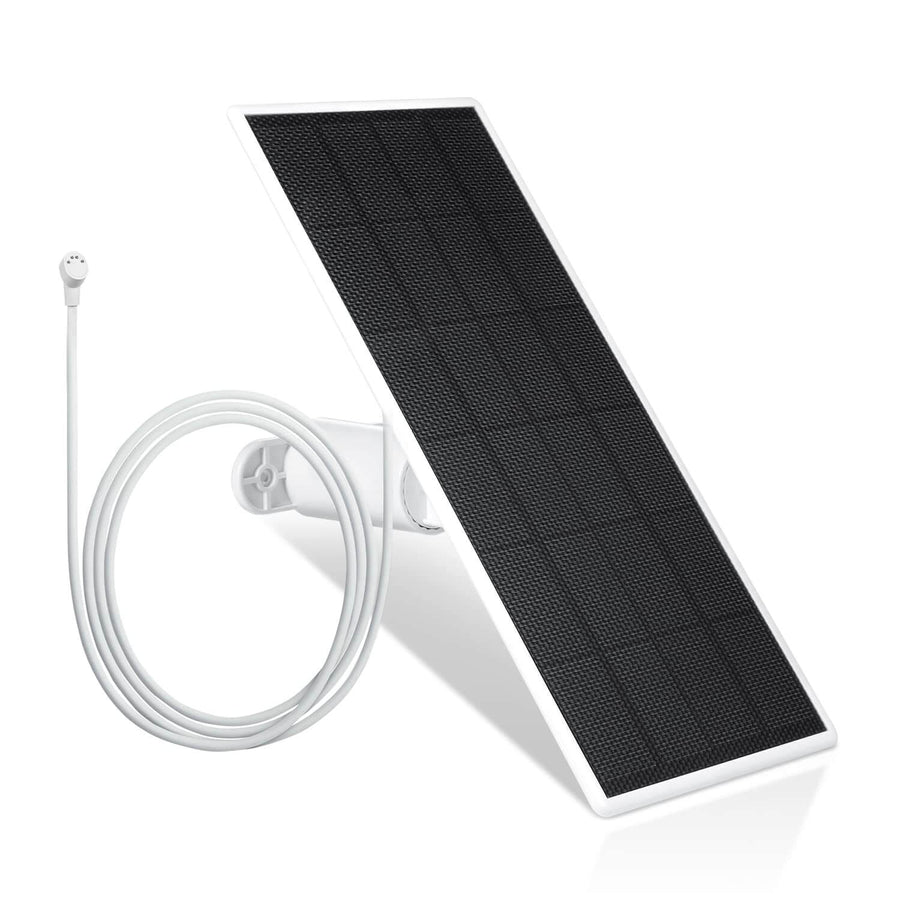
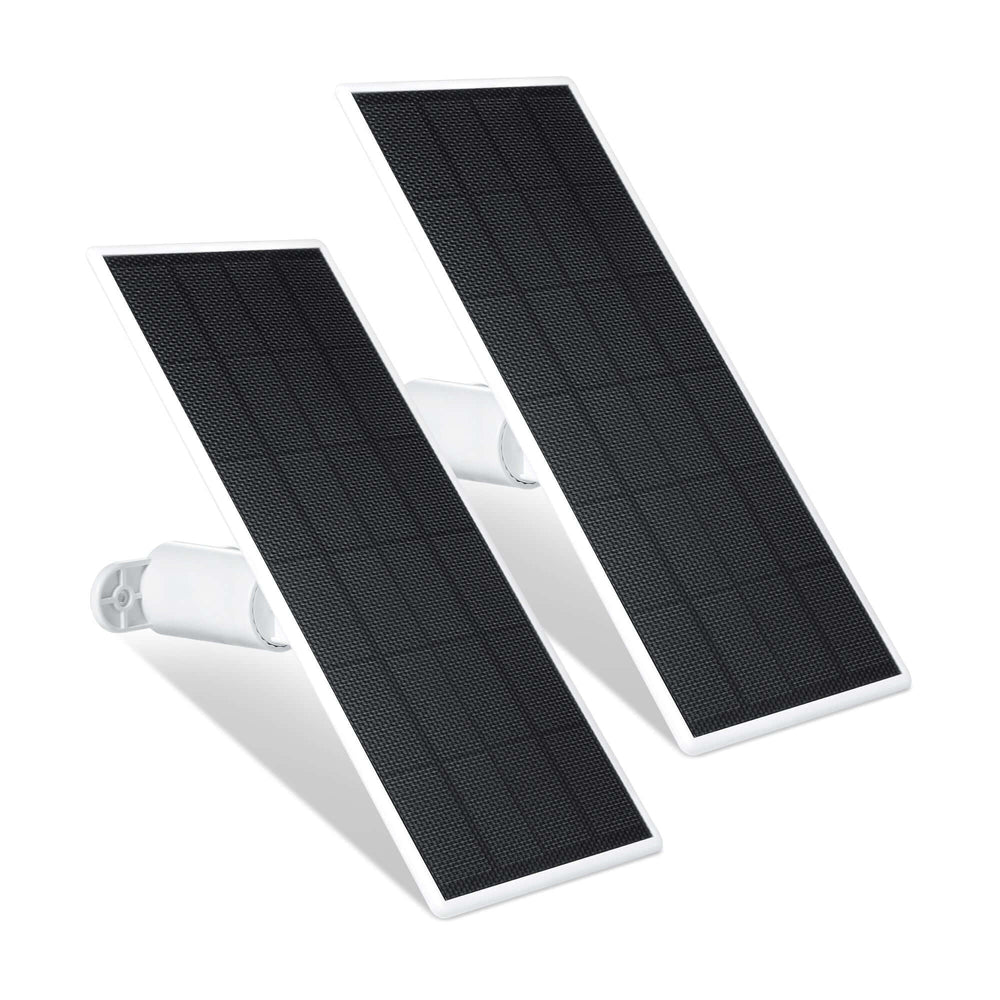
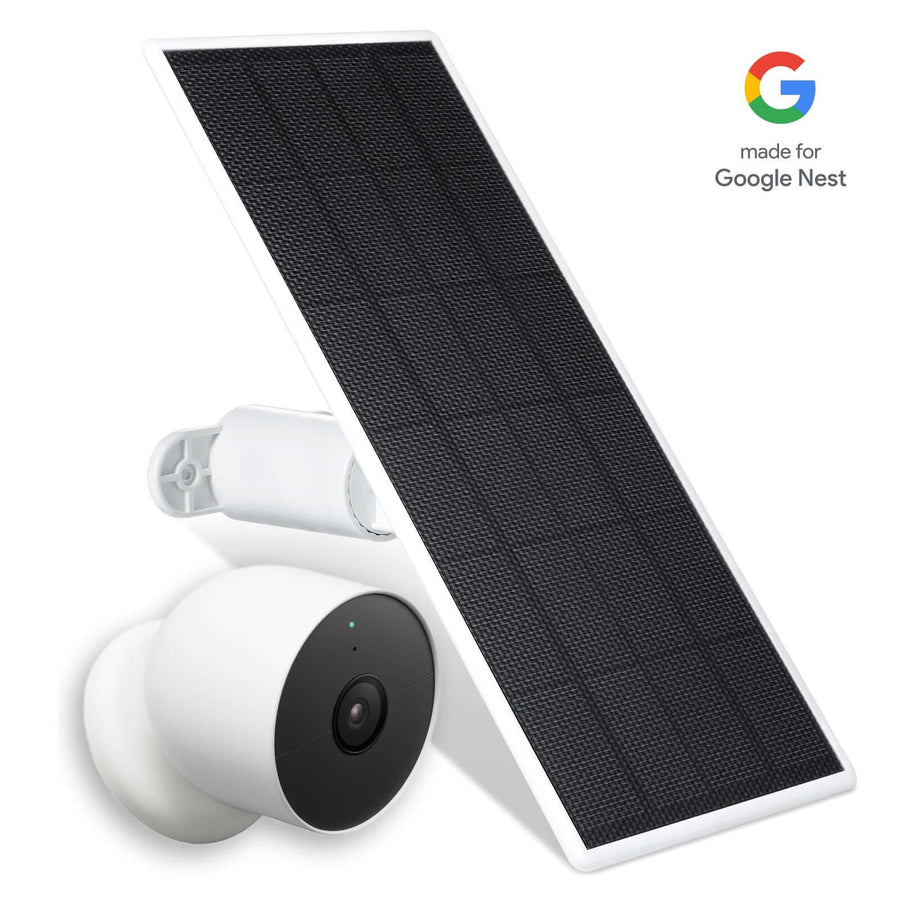
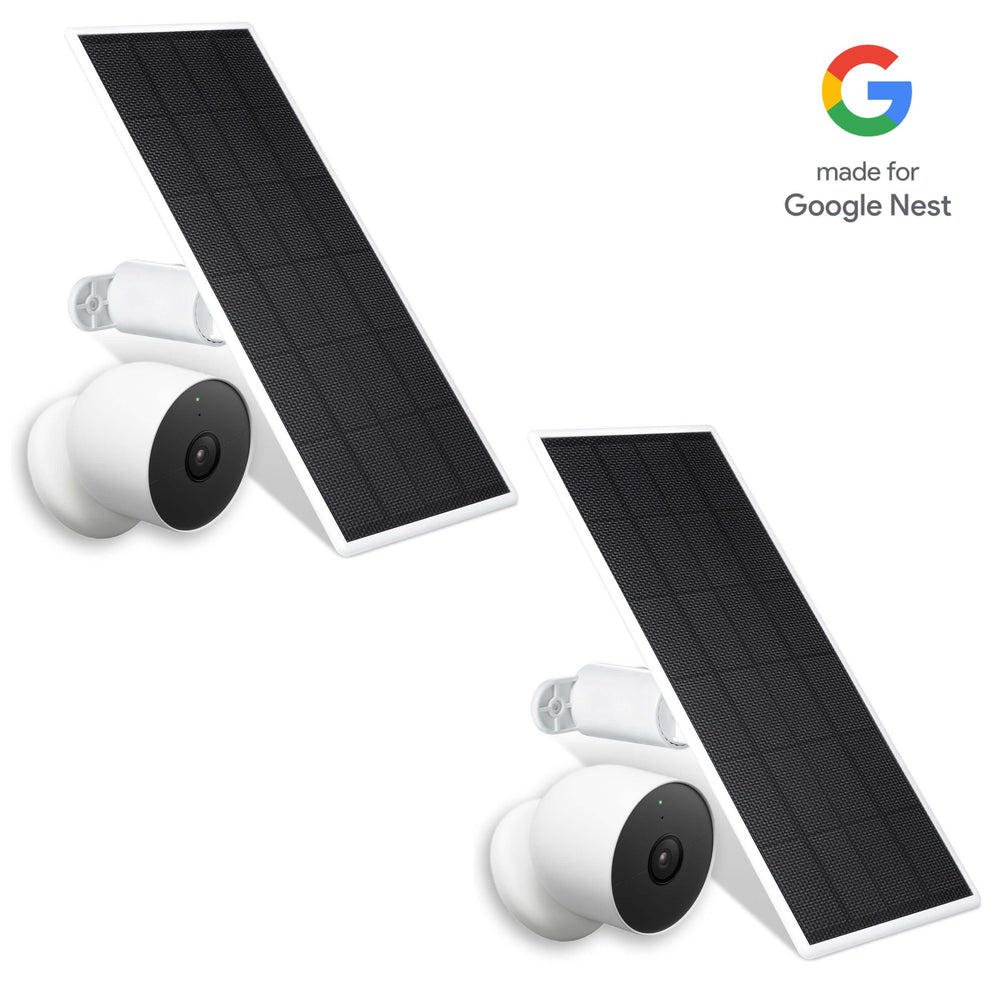
The Wasserstein Solar Panel is designed for several battery-powered Ring cameras, including the Ring Spotlight Cam 2K (2nd Gen)/Plus/Pro Battery, Ring Outdoor Cam 2K (2nd Gen)/Plus Battery, and Ring Stick Up Cam/Pro Battery.

Its 360-degree mounting bracket provides flexibility when choosing the panel's position. The 4 m/13.1 ft cable also makes it easier to place the panel where it can receive better sunlight while keeping the camera at its existing location. This makes it useful for compatible Spotlight Cam, Spotlight Cam Pro, Stick Up Cam, and Stick Up Cam Pro installations where panel placement needs some flexibility.
Official vs. Third-Party Ring Solar Panels
An official Ring solar panel is designed for the Ring ecosystem and provides model-specific compatibility and installation guidance. Third-party solar panels can provide another option, sometimes at a lower purchase price, but compatibility needs to be checked carefully.
The most important considerations are the camera model, connector, battery requirement, mounting method, and weather exposure. A lower-cost panel is not necessarily the right choice if its connector does not match the Ring device or its installation does not suit the intended location.
The Wasserstein panel is designed specifically for the compatible Ring battery cameras listed above rather than as a universal solution for every Ring device.
How Much Sunlight Does a Ring Solar Setup Really Need?
Sunlight is one of the biggest factors affecting solar charging performance. A practical target is four to six hours of direct sunlight every day. The amount of available solar energy can vary considerably. Heavy cloud cover can impede solar panel efficiency, while trees, walls, roof sections, and other objects can reduce direct sunlight exposure.
Seasonal changes and geographic location can also affect sunlight strength. Camera activity matters as well. A camera monitoring a busy gate, driveway, or other high-traffic area may consume more power than one covering a quieter location.
Ideal Hours of Direct Sunlight
For strong charging performance, aim for four to six hours of direct sunlight each day. Some general solar guidance cites shorter exposure periods, but four to six hours is the more useful target for this setup. Actual charging results can vary depending on:
-
Cloud cover and weather
-
Seasonal sunlight
-
Shade and surrounding structures
-
Panel orientation
-
Camera activity
-
Battery condition
A panel may continue receiving some light during overcast conditions, but heavy clouds can reduce the amount of power available for charging.
Why Proper Placement and Angle Matter
Obstructions can reduce the panel's exposure to direct sunlight. Trees, walls, roof sections, and other structures can cast shadows over the panel during part of the day. For maximum sunlight exposure, position the solar panel at approximately a 45-degree angle toward the sun.
In the Northern Hemisphere, positioning the panel toward the south can provide better exposure. In the Southern Hemisphere, positioning it toward the north can be more suitable.
Installation Tips for Maximum Charging Performance
Once you have confirmed that the panel is compatible with your Ring device, installation is mainly about choosing a secure location and maximizing sunlight exposure.
Aim the Solar Panel for Best Sun Exposure

Choose a flat surface or suitable wall location with a clear view of the sky. Position the panel where it can receive direct sunlight for the recommended four to six hours.
A 45-degree angle toward the sun can help maximize exposure. The Wasserstein panel's 360-degree mounting bracket provides additional flexibility when adjusting the panel's position.
Before drilling, check how the sun reaches the proposed location throughout the day. This can help prevent installing the panel in a location that becomes shaded for several hours.
Avoid Shade and Other Obstructions
Keep trees, roof overhangs, walls, and other objects from blocking the panel. A location that appears sunny in the morning may become shaded later as the sun moves across the sky.
Rain and cloudy weather can also affect solar charging performance. Choosing a location with the clearest possible exposure helps the panel make better use of available sunlight.
Secure the Panel and Manage the Cable
Mount the panel securely to a suitable wall or flat surface. Depending on the surface, you may need a Phillips screwdriver, drill, screws, and anchors.
After mounting, avoid leaving excess cable loose or hanging. Cable clips or a cable holder can help keep the cable secure and reduce the chance of the cable being pulled or damaged.
The Wasserstein panel's 13.1-foot cable provides additional flexibility when the best sunlight location is some distance from the camera.
Connect the Solar Panel to Your Ring Camera
Before making the connection, charge and insert the battery into the camera. Some Ring devices may require the weatherproofing plug at the rear of the device to be removed before connecting the solar cable.

Then:
-
Connect the appropriate plug or adapter.
-
Make sure the connection is secure.
-
Secure any excess cable.
-
Adjust the panel for maximum sunlight.
-
Check the camera's battery level after installation.
The connection may use a direct plug or an adapter depending on the camera and solar panel configuration.
How Much Maintenance Does a Ring Solar Panel Need?
One of the main reasons to install a solar panel is to reduce how frequently you need to recharge the cam battery manually. However, the panel still needs occasional attention.
Check the panel periodically for dirt, leaves, dust, or other debris that could reduce sunlight exposure. Also inspect the cable, connector, bracket, and mounting hardware to make sure everything remains secure.
It is useful to monitor the battery level through the Ring app or your normal device controls. If the battery begins to drain more quickly than expected, check whether a new obstruction is blocking sunlight or whether weather conditions have reduced solar exposure.
Cold temperatures can also affect lithium-ion battery performance, which may cause the battery to drain more quickly during colder conditions.
Conclusion
A Ring camera solar panel can help reduce the routine work of removing and recharging batteries while supporting longer outdoor monitoring. The key is choosing a compatible panel, keeping the battery installed, and placing the panel where it receives enough direct sunlight.
For reliable charging, aim for four to six hours of direct sunlight each day and position the panel toward the sun at an appropriate angle.
For compatible Ring Spotlight Cam, Outdoor Cam, and Stick Up Cam models, the Wasserstein Solar Panel adds a 360-degree mounting bracket, a 13.1-foot cable, and included connection and mounting accessories for flexible installation.
FAQs
Is this solar panel compatible with my specific Ring camera model?
The Wasserstein panel is designed for the Ring Spotlight Cam 2K (2nd Gen)/Plus/Pro Battery, Ring Outdoor Cam 2K (2nd Gen)/Plus Battery, and Ring Stick Up Cam/Pro Battery. Check your exact model before purchasing.
What type of connector does my Ring camera use?
Ring devices can use USB-C or barrel plug connections. Check that the solar panel's connector matches your camera. If necessary, an appropriate adapter can connect different plug types.
How much sunlight does a Ring solar panel need?
Aim for four to six hours of direct sunlight daily for reliable charging. Shade, heavy cloud cover, seasonal changes, and other weather conditions can reduce the amount of solar power available.
Can I install the solar panel myself?
Yes. A suitable mounting surface, screws, anchors, and basic tools are generally sufficient for installation. Some surfaces may require a drill and appropriate drill bit for the mounting holes.
How long does it take to install the solar panel?
Installation depends on the mounting location and surface. The Wasserstein panel is designed for straightforward setup and includes the mounting bracket, screws, anchors, cables, adapter, and user manual.
Does a solar panel work without a battery in the camera?
No. A compatible battery must remain inserted. The solar panel helps maintain the camera's battery and does not operate the camera independently without the battery.
How long does a Ring camera solar panel last?
Lifespan can vary based on environmental exposure, installation conditions, and product quality. Check the specific manufacturer's warranty and product documentation for applicable coverage.
Leave a comment