

Does a Solar Panel Work with Arlo Cameras? A Comprehensive Guide
A solar panel can help keep a compatible Arlo camera charged without requiring frequent manual battery recharging. However, not every solar panel works with every camera. Connector type, camera model, sunlight exposure, and recording activity all affect charging performance.
This guide will help users understand how solar charging works, how to install a panel, and how to troubleshoot common charging issues. It also highlights three Wasserstein solar charging options for compatible Arlo cameras and video doorbells.
Quick Answer: Do Solar Panels Work with Arlo Cameras?
Yes, a compatible third-party solar panel can help maintain an Arlo camera's battery charge. The key is choosing a panel designed for your specific camera model and charging port.
Before purchasing, check these three things:
-
Camera compatibility: Confirm that the solar panel supports your exact camera model and generation.
-
Connector type: Make sure the included charging cable fits the camera's charging port.
-
Sunlight requirements: Choose a location that receives sufficient direct sunlight throughout the day.
A solar panel primarily provides trickle charging, which helps maintain the battery rather than recharge a nearly depleted battery from low to full. For the best results, fully charge the camera battery before connecting the panel.
Which Solar Panels Are Compatible with Arlo Cameras?

Compatibility depends on the user's camera model, generation, and charging connection. A panel designed for one camera family may not work with another, even when both devices carry the Arlo name.
Check the Camera's Charging Port
Before buying a solar panel, identify the charging connection used by your camera. Depending on the model, this may be a magnetic connector, Micro-USB, or USB-C.
Use the following checklist:
-
Find your camera's exact model name and generation.
-
Check the solar panel's official compatibility list.
-
Confirm that the cable and connector are supported.
-
Review the installation instructions and any required adapters.
Do not assume that a panel compatible with an Arlo Pro camera will also work with an Arlo Essential camera.
Consider a Third-Party Solar Charging Option
Third-party solar panels provide another way to maintain compatible wireless cameras. For example, Wasserstein offers dedicated panels for selected Arlo Ultra, Pro, and Essential models. Some solar chargers also include a built-in battery to store energy for later use. These products can be useful when sunlight is inconsistent, although stored energy and charging performance depend on the product and conditions.
How Does a Solar Panel Charge an Arlo Camera?
Solar panels use photovoltaic cells to absorb sunlight and convert it into direct current (DC) electricity. A compatible charging cable connects the panel to the camera, allowing solar energy to supplement its rechargeable battery.

Compatibility depends on the user's camera model, generation, and charging connection. A panel designed for one camera family may not work with another, even when both devices carry the Arlo name.
Check the Camera's Charging Port
Before buying a solar panel, identify the charging connection used by your camera. Depending on the model, this may be a magnetic connector, Micro-USB, or USB-C.
Use the following checklist:
-
Find your camera's exact model name and generation.
-
Check the solar panel's official compatibility list.
-
Confirm that the cable and connector are supported.
-
Review the installation instructions and any required adapters.
Do not assume that a panel compatible with an Arlo Pro camera will also work with an Arlo Essential camera.
Consider a Third-Party Solar Charging Option
Third-party solar panels provide another way to maintain compatible wireless cameras. For example, Wasserstein offers dedicated panels for selected Arlo Ultra, Pro, and Essential models. Some solar chargers also include a built-in battery to store energy for later use. These products can be useful when sunlight is inconsistent, although stored energy and charging performance depend on the product and conditions.
How Does a Solar Panel Charge an Arlo Camera?
Solar panels use photovoltaic cells to absorb sunlight and convert it into direct current (DC) electricity. A compatible charging cable connects the panel to the camera, allowing solar energy to supplement its rechargeable battery.

Aim for at least 3 to 4 hours of direct sunlight per day as a practical starting point for this type of camera solar charging setup.
For better results:
-
Avoid shadows from trees, buildings, and roof overhangs.
-
Observe the location at different times of the day.
-
Consider seasonal changes, since a spot that receives plenty of sunlight in summer may be shaded during other months.
-
Position the panel so its surface faces the strongest available sunlight.
Cloudless skies and unobstructed exposure generally provide favorable conditions. Cloudy weather can reduce output, so the panel may not replenish as much battery power on overcast days.
2. Mount and Connect the Solar Panel

Follow the mounting instructions supplied with your selected panel. Many models include an adjustable bracket and a cable long enough to provide flexibility when positioning the camera and panel separately.
-
Once you're happy with your selected location, attach the mounting bracket to a suitable outdoor surface.
-
Adjust the panel toward the available sunlight.
-
Route the cable toward the camera without stretching or pinching it.
-
Connect the cable to the compatible charging port.
-
Check the camera's battery status to confirm that charging is working.
Keep the cable secure and protect the connection from unnecessary strain. Although outdoor solar panels are designed to withstand the elements, proper mounting and cable routing remain important.
What Affects Solar Panel Charging Performance?
Several factors determine whether a solar panel can keep up with an Arlo camera's battery consumption.
Sunlight and Seasonal Changes
Direct sunlight generally provides better charging conditions than shade or heavy cloud cover. The available sunlight also changes throughout the year, which can affect how much energy the panel generates.
If the battery begins losing charge after several months of reliable performance, check whether the panel's exposure has changed. Repositioning it may help improve sunlight access.
Camera Activity and Video Recording
Frequent motion alerts and long video recordings can consume more battery power. If the camera records many videos throughout the day, the solar panel may not replenish the battery as quickly as the camera uses energy.
To address this issue:
-
Review how often the camera records.
-
Reduce unnecessary motion-triggered activity where appropriate.
-
Observe battery levels over the next day or two.
-
Check whether improved sunlight exposure helps maintain the charge.
Dust and Temperature
Dust, pollen, and debris can reduce the sunlight reaching the panel's surface. Clean the panel periodically with a soft cloth, especially if it is mounted near a road, garden, or dusty outdoor area.
Temperature also matters. Camera batteries may stop charging when they become too hot or too cold. For the Arlo camera models covered by the relevant charging guidance, the stated limits are below 32°F (0°C) and above 113°F (45°C).
Solar charging can reduce routine battery maintenance, but it does not eliminate the need to clean the panel, monitor the battery, or troubleshoot occasional charging problems.
How to Troubleshoot Solar Panel Charging Issues
If your Arlo camera is not charging as expected, check the following items before replacing the panel.
-
Check the battery status: Open the camera app and look for charging or solar status indicators.
-
Inspect sunlight exposure: Make sure the panel is not obstructed by trees, buildings, or other objects.
-
Examine the cable: Look for damaged wires, loose connections, or a connector that is not fully seated.
-
Check the battery: Ensure the rechargeable battery is correctly installed and initially charged.
-
Consider temperature: Charging may stop when the battery is too hot or too cold.
-
Reduce camera activity: Heavy recording can drain the battery faster than the panel replenishes it. Reduce activity temporarily and monitor the results.
-
Clean the panel: Remove dust and debris from its surface.
If the battery continues losing charge, test the camera with its appropriate AC charging adapter if available and follow the manufacturer's instructions. Contact the relevant support team if the problem persists. Include the camera model, solar panel model, and a description of the charging issue in your support email.
Wasserstein Solar Panels for Arlo Cameras and Doorbells
If you want a convenient way to reduce manual recharging, Wasserstein offers dedicated solar panels for selected Arlo cameras, plus a separate solar charger for compatible battery-powered video doorbells.
Wasserstein Solar Panel Charger for Arlo Ultra and Pro Cameras
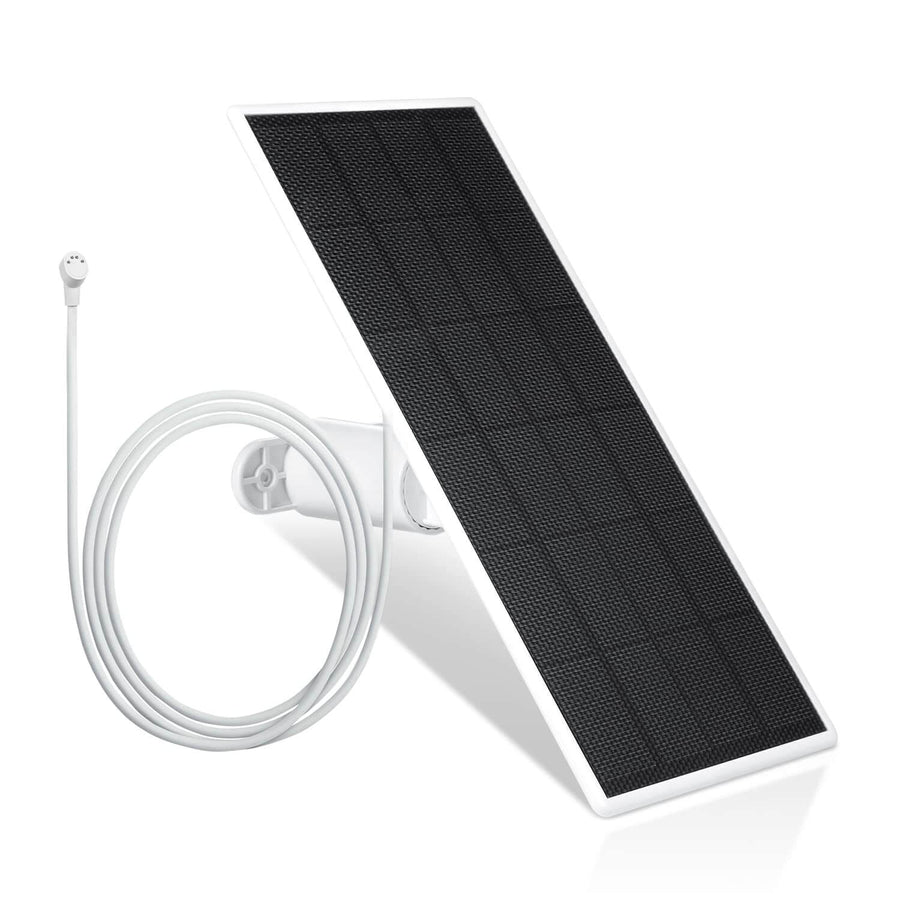
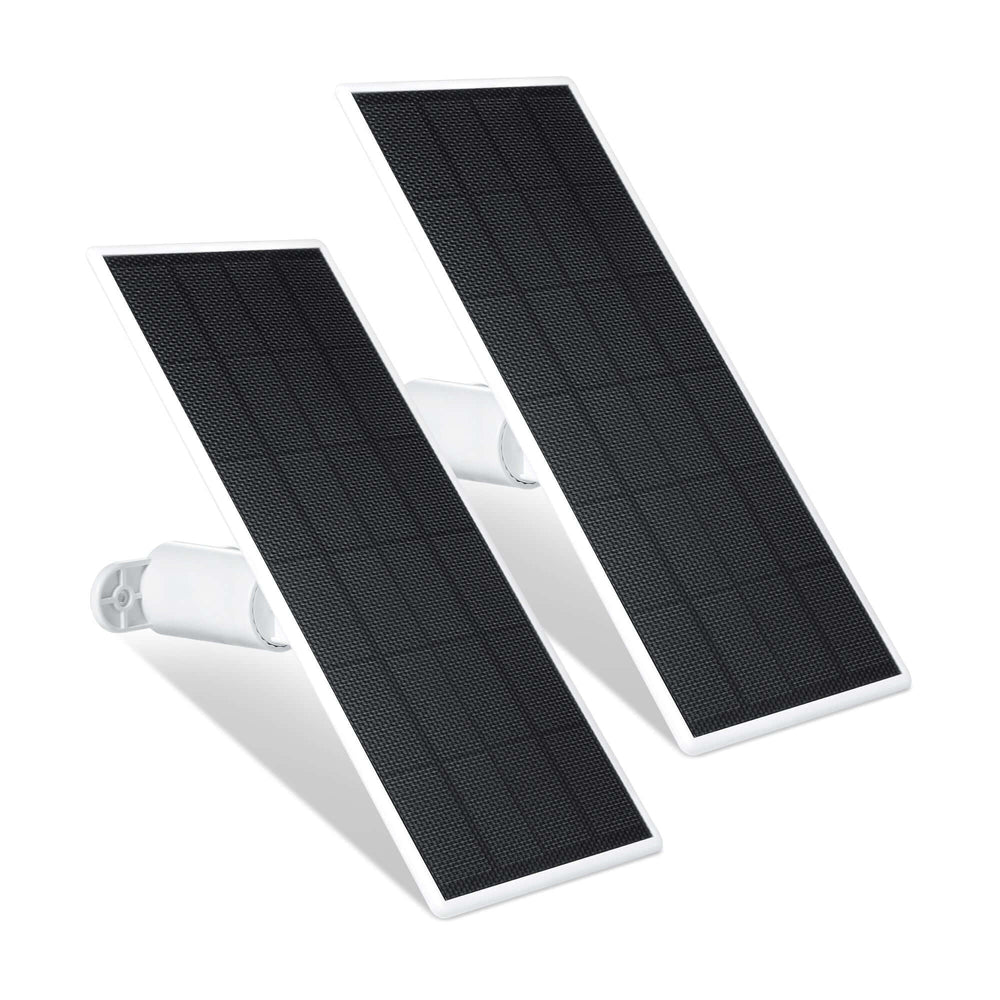
The Wasserstein Arlo Solar Panel Charger is designed for Arlo Ultra, Ultra 2, Pro 3, Pro 4, and Pro 5S cameras.

Key features include:
-
2W, 6V solar panel: Designed to provide supplemental solar charging.
-
360-degree adjustable mount: Helps you position the panel for better sunlight exposure.
-
13.1 ft (4 m) magnetic charging cable: Offers flexibility when choosing a mounting location.
-
Weather-resistant construction: Suitable for outdoor installation when installed as directed.
This option is useful for compatible Ultra and Pro camera owners who want to reduce the need to remove and recharge their batteries manually.
Compatibility note: This model is not compatible with Arlo Pro or Pro 2 cameras. Check your camera's exact model before purchasing.
Wasserstein Solar Panel for Arlo Essential Cameras

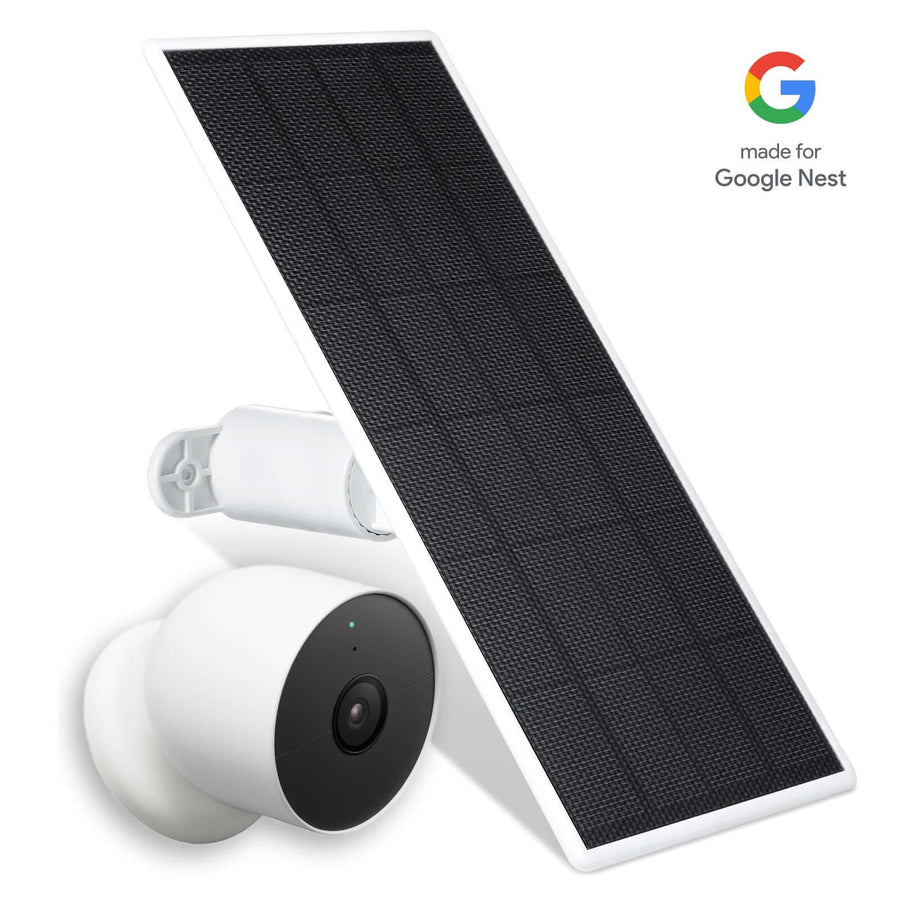
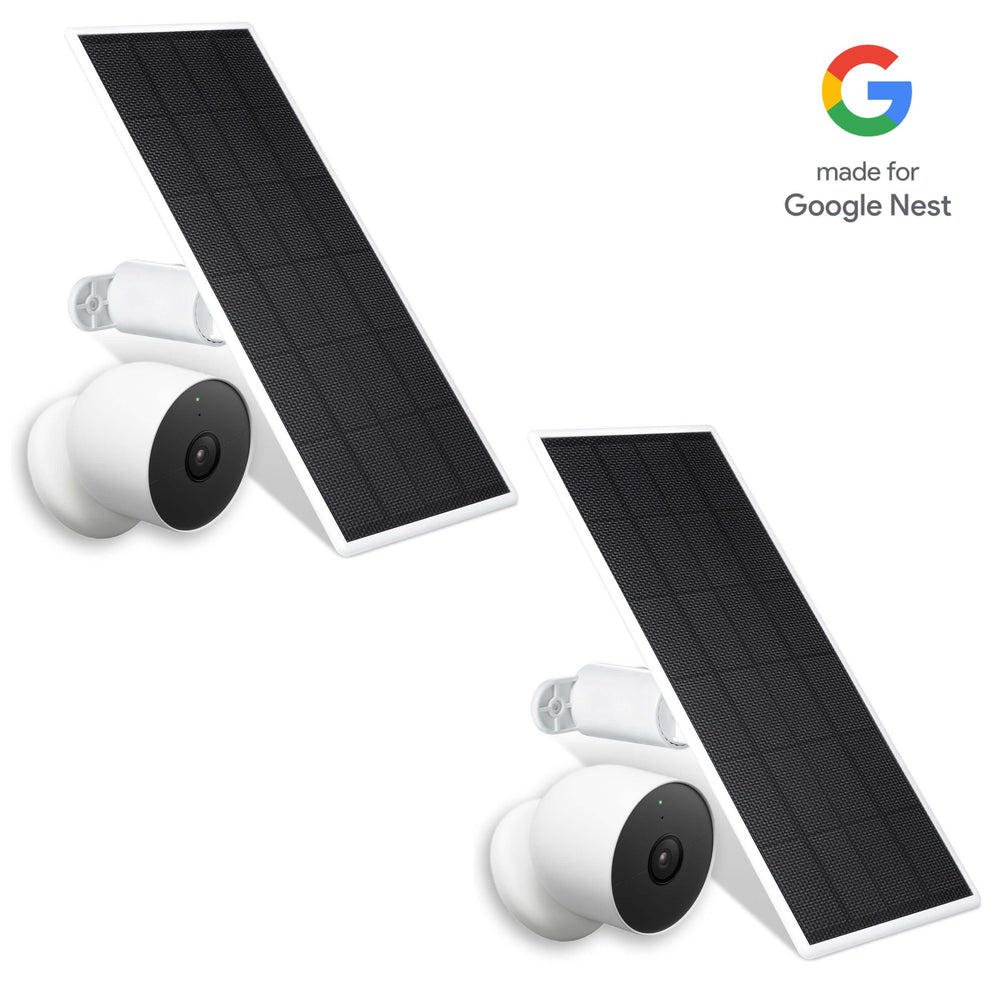
For selected Essential models, Wasserstein offers a dedicated solar panel compatible with:
-
Arlo Essential 2K Outdoor Security Camera (2nd Gen)
-
Arlo Essential 2K Outdoor Security Camera XL (2nd Gen)
-
Arlo Essential Spotlight
The panel features a 360-degree adjustable wall mount and a 13.1 ft (4 m) cable, making it easier to position the panel where sunlight is available.
Its weather-resistant design makes it suitable for outdoor use. For homeowners who want to maintain power to a compatible Essential camera without frequent manual charging, this is a model-specific option worth considering.
Wasserstein Universal Solar Charger with Built-in Battery for Compatible Video Doorbells
For compatible battery-powered video doorbells, the Wasserstein Universal Solar Charger uses a different design. It combines solar panels with a built-in battery that stores energy during the day for charging later.

Its features include:
-
2.5W monocrystalline solar panels for collecting solar energy.
-
Built-in battery storage to reduce dependence on continuous direct sunlight.
-
Three adjustable solar panels, including a top panel that tilts up to 120 degrees.
-
Weather-resistant construction for outdoor installation.
-
Brand-specific connectors and backplates for a more secure fit.
This product is compatible with the Arlo Video Battery Doorbell 2K (2nd Gen), Wyze Wireless Duo Cam Doorbell, and eufy E340/C30/C31 doorbells.
It is designed for compatible battery doorbells, not wired doorbells or standard Arlo security cameras. Confirm your doorbell model before ordering.
FAQs
How do I install a solar panel for optimal charging?
Mount the panel in an unobstructed location that receives at least 3 to 4 hours of direct sunlight daily. Secure the bracket, route the cable safely, and connect it to the compatible camera. Check the battery status in the camera app after installation.
Can a solar panel fully charge an Arlo camera on cloudy days?
Not necessarily. Cloud cover reduces the sunlight available for charging, and the panel may not generate enough energy to offset camera usage. Solar panels are primarily designed to maintain battery charge, so fully charge the camera before connecting the panel.
How often should I clean and maintain a solar panel?
Inspect the panel regularly and clean it when dust, pollen, or debris accumulates. Check the cable and connections for damage or looseness as well. Cleaning frequency depends on the environment and how quickly the panel gets dirty.
What weather conditions affect solar panel performance?
Cloud cover, shade, and seasonal sunlight changes can reduce charging output. High or low temperatures may also prevent a camera battery from charging. Use the panel according to its outdoor installation instructions and monitor the camera's battery level during extended periods of poor weather.
What should I do if my camera is not charging with a solar panel?
Check sunlight exposure, battery status, cable connections, battery installation, and temperature. Clean the panel and temporarily reduce camera activity to see whether the battery level improves. If charging problems continue, contact the appropriate manufacturer's support team.
Leave a comment