

Before You Buy a Solar Panel for Blink Camera, Check These 5 Things
If you own a Blink outdoor camera, adding a solar panel for Blink camera setups can extend Blink camera battery life significantly, deliver continuous power to cameras, and reduce manual battery changes with less maintenance. But choosing the right solar panel for Blink outdoor cameras requires more than checking the price.
1. Check Compatibility With Your Blink Camera

Compatibility should be the first thing you check before buying a solar panel. Blink has several outdoor camera models across generations, and the required power connection varies:
-
Blink Outdoor 4: Uses a USB-C power connection.
-
Blink Outdoor 3rd Gen, XT2, & XT: Require a weatherproof micro USB cable connection.
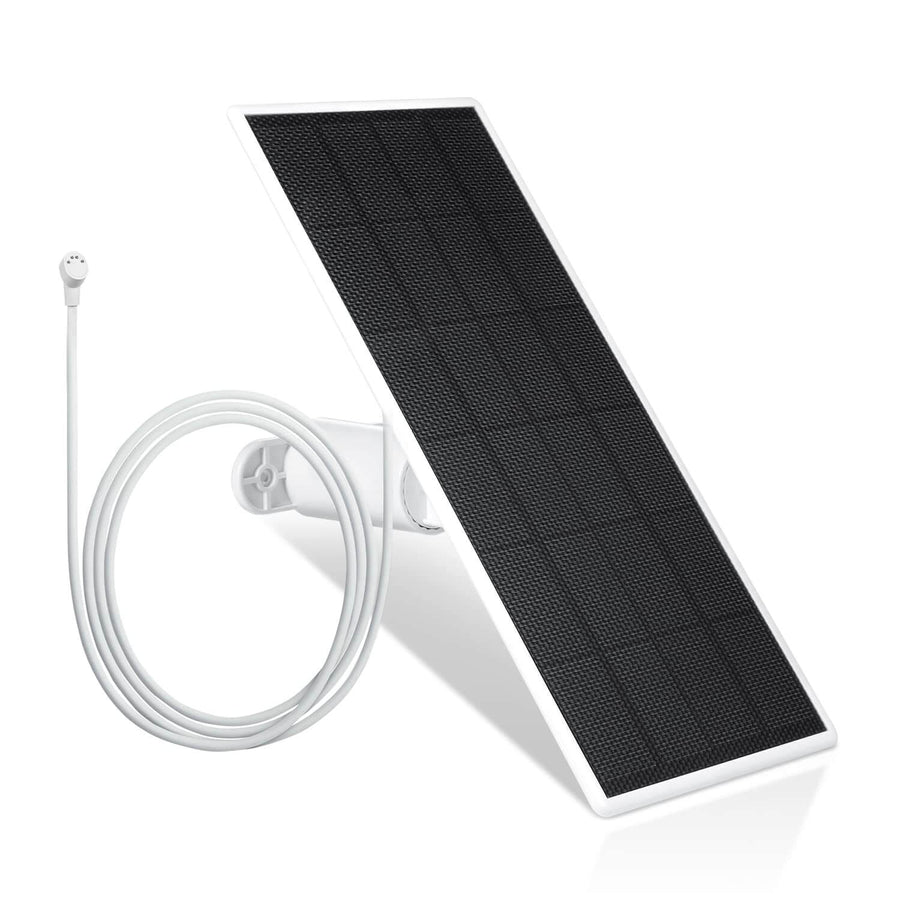
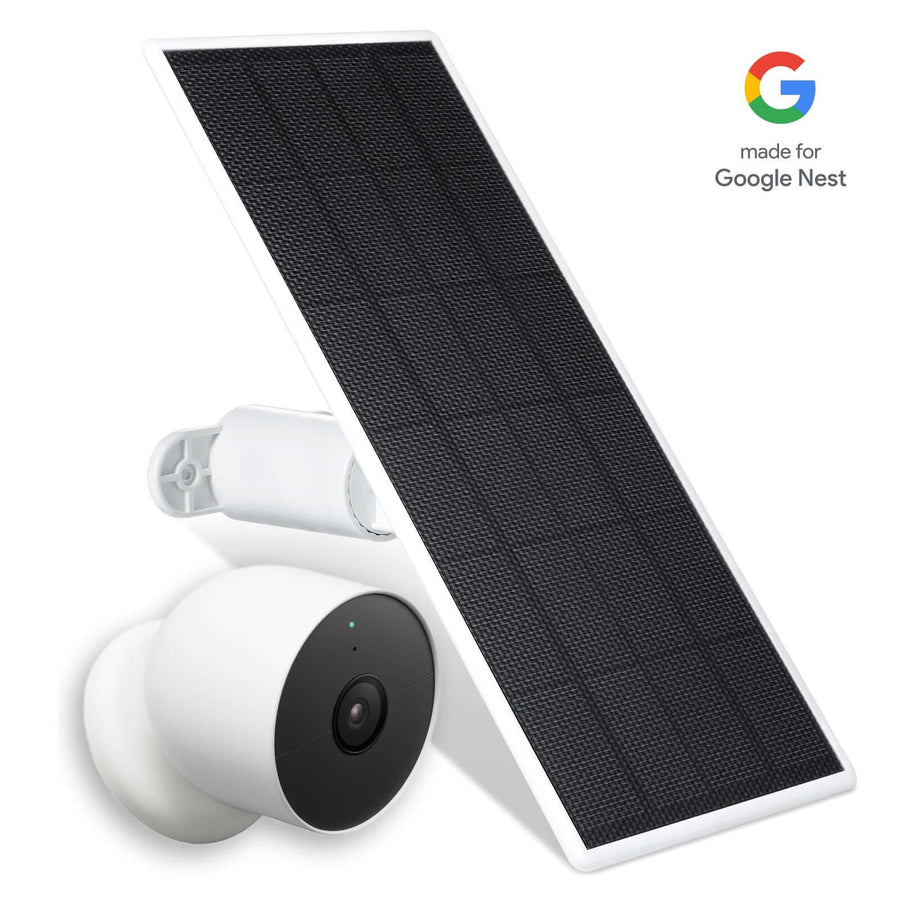
Third-party solutions like the Wasserstein Solar Panel stand out as a top choice for versatility. It connects directly via micro USB and includes a USB-C converter, making it fully compatible with:
-
Blink Outdoor 4
-
Blink Outdoor 3 (3rd Gen)
-
Blink XT2
-
Blink XT
Before you add a solar panel to your setup, check your camera model and charging port to ensure the needed cable or converter is included with the products.
2. Key Features to Look For in a Solar Panel
When choosing a solar panel setup for your Blink outdoor setup, focus on hardware specs and installation flexibility rather than relying on discontinued proprietary mounts:
|
Feature |
Preferred Spec / Wasserstein Standard |
|
Camera Support |
Outdoor 4, Outdoor 3rd Gen, XT2, XT |
|
Connector Type |
Micro USB + USB-C Converter |
|
Internal Battery |
Built-in rechargeable backup |
|
Cable Length |
13.1 ft (4 m) weatherproof cable |
|
Mounting |
360-degree adjustable wall mount |
|
Packaging Option |
1-pack, 2-pack, or 3-pack bundle options |
Opting for a feature-packed option like the Wasserstein panel gives you the flexibility to connect different camera models using a single panel type across your home.
3. Consider Solar Power and Battery Backup
A solar panel converts sunlight into power for the connected camera system. When there is sufficient sunlight, Blink solar panels provide continuous power to cameras, keeping them operational and reducing reliance on manual battery swaps.
Why an Internal Battery Matters
Sunlight is not available continuously—nighttime, clouds, and temporary shade can reduce solar generation. Quality solar panels, including the top-rated Wasserstein unit, house an internal rechargeable battery to store energy generated by the panel. Once the panel has adequate charge, it provides external power to maintain camera operation even when direct sunlight is absent.
Pro-Tip Before Installation: Before connecting the panel directly to your camera, let it sit under direct sunlight for a day or two. Pre-charging the internal storage guarantees your setup starts with a full reservoir of power right out of the box.
Actual performance depends on:
-
Solar exposure at your house
-
Panel mount position and angle
-
Internal battery health
-
Camera recording activity and trigger frequency
4. Check Weather Resistance and Cable Protection
A solar panel installed outside your house needs to handle regular outdoor exposure. But the panel itself is only part of the setup—the cable and connection at the camera also require protection.
Protect the Cable Connection

The Wasserstein Solar Panel includes a 13.1 ft / 4 m weatherproof micro USB cable. The extra length lets you mount the camera in a location that captures the best view while placing the panel several feet away in direct sunlight.
When installing:
-
Route the micro USB cable or USB-C connection securely along the house or mounting surface.
-
Open the rubber protective port on the bottom or back of your camera, press the connector firmly in place, and ensure a snug, weather-resistant seal.
-
Avoid leaving loose or hanging cable where it can snag or collect pooling water.
5. Look for Flexible Mounting Options

The position of your solar panel directly affects how much sunlight it can receive. Even a high-efficiency panel will perform poorly if placed in consistent shade.
Best Practices for Solar Panel Placement
To get maximum charging performance throughout the entire year:
-
Orientation: Point your solar panel south toward the equator. South-facing angles receive the highest intensity of natural light, especially during shorter winter days.
-
360-Degree Adjustability: Choose a mount with full swivel and tilt range. This makes it easy to fine-tune the angle as sun positions change across seasons.
-
Secure Hardware: Included screws and wall anchors keep the unit firmly attached to exterior wood, brick, concrete, or eaves.
-
No-Drill Mounting: If you prefer not to drill into your siding, consider gutter mounts or vinyl siding hooks designed for quick, non-destructive panel installation.
Observe your house at different times of the day to identify shade patterns caused by roof overhangs, trees, or nearby buildings before installing.
Price and Overall Value: Why Wasserstein Is a Top Choice

Price matters, especially if you have multiple Blink outdoor cameras protecting your home.
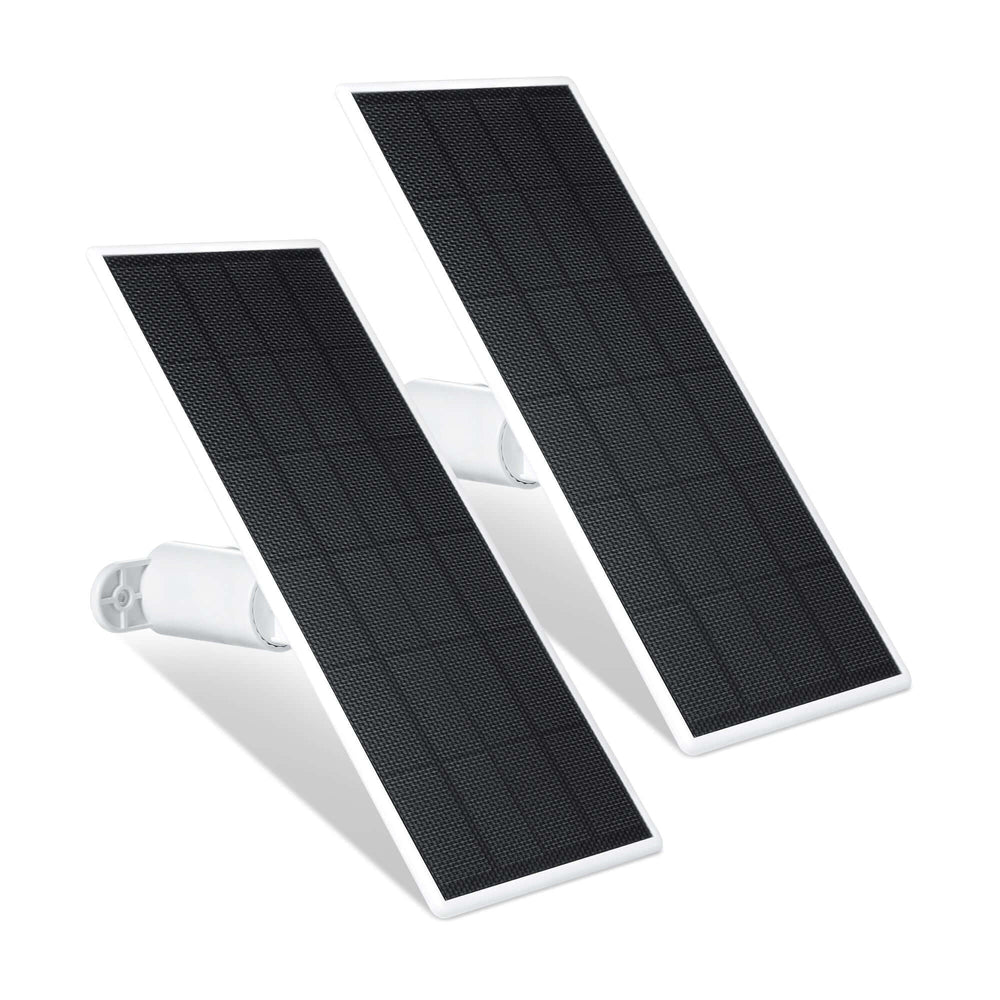
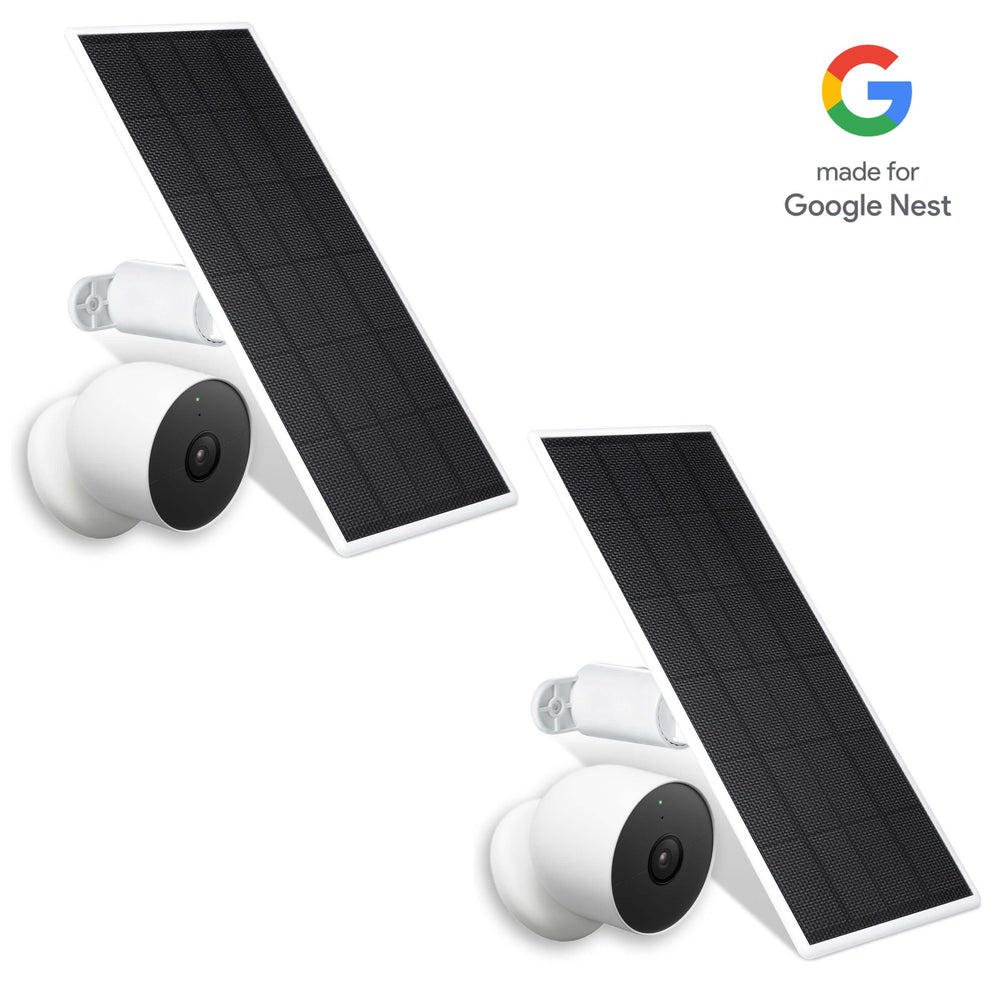
The Wasserstein solar panel set is sold in versatile 1-pack up to 3-pack bundles starting at $36.99. This scaling options system makes it easy whether you want to power a single doorstep camera or outfit an entire perimeter array. Plus, flexible checkout options allow interest-free installment payments along with 30-day free return policies for maximum peace of mind.
Package Inclusions
Each individual Wasserstein package contains:
-
1 solar panel with internal battery
-
1 13.1 ft / 4 m weatherproof micro USB cable
-
1 USB-C converter
-
1 360-degree mounting bracket
-
3 screws and wall anchors
-
1 user manual
Maintenance Tips for Long-Term Operation
Keeping your solar setup running smoothly requires very little effort, but a few simple checks go a long way:
-
Clean the Panel Surface: Dust, pollen, bird droppings, and fallen leaves can block sunlight and reduce energy absorption. Wipe down the panel with a soft, damp cloth every few months.
-
Inspect Weather Seals: Periodically verify that the cable connection at the base of the camera remains firmly plugged in and sealed.
-
Check the Blink App: Monitor the power status indicator in your camera settings to verify that external power is recognized.
FAQs
Can Blink cameras work with a solar panel?
Yes. Compatible Blink outdoor cameras can use a solar panel to receive continuous power and significantly extend battery life. The right panel depends on whether your camera uses micro USB or USB-C, making versatile options like the Wasserstein solar panel ideal.
Is the Wasserstein Solar Panel compatible with Blink Outdoor 4?
Yes. The Wasserstein solar panel is fully compatible with Blink Outdoor 4 cameras because it includes a dedicated USB-C converter along with its weatherproof micro USB cable.
How much does the Wasserstein solar panel cost?
The Wasserstein solar panel set is sold in a 1-pack up to a 3-pack starting at $36.99. Flexible payment plans and 30-day return policies are available.
Do I need to keep AA lithium batteries inside my Blink camera when using a solar panel?
It depends on the panel configuration, but keeping fresh AA batteries inside your Blink camera acts as a seamless power backup. If the solar panel's internal battery is drained during extended overcast periods, the camera automatically switches to its AA batteries so your camera never goes offline.
Leave a comment